

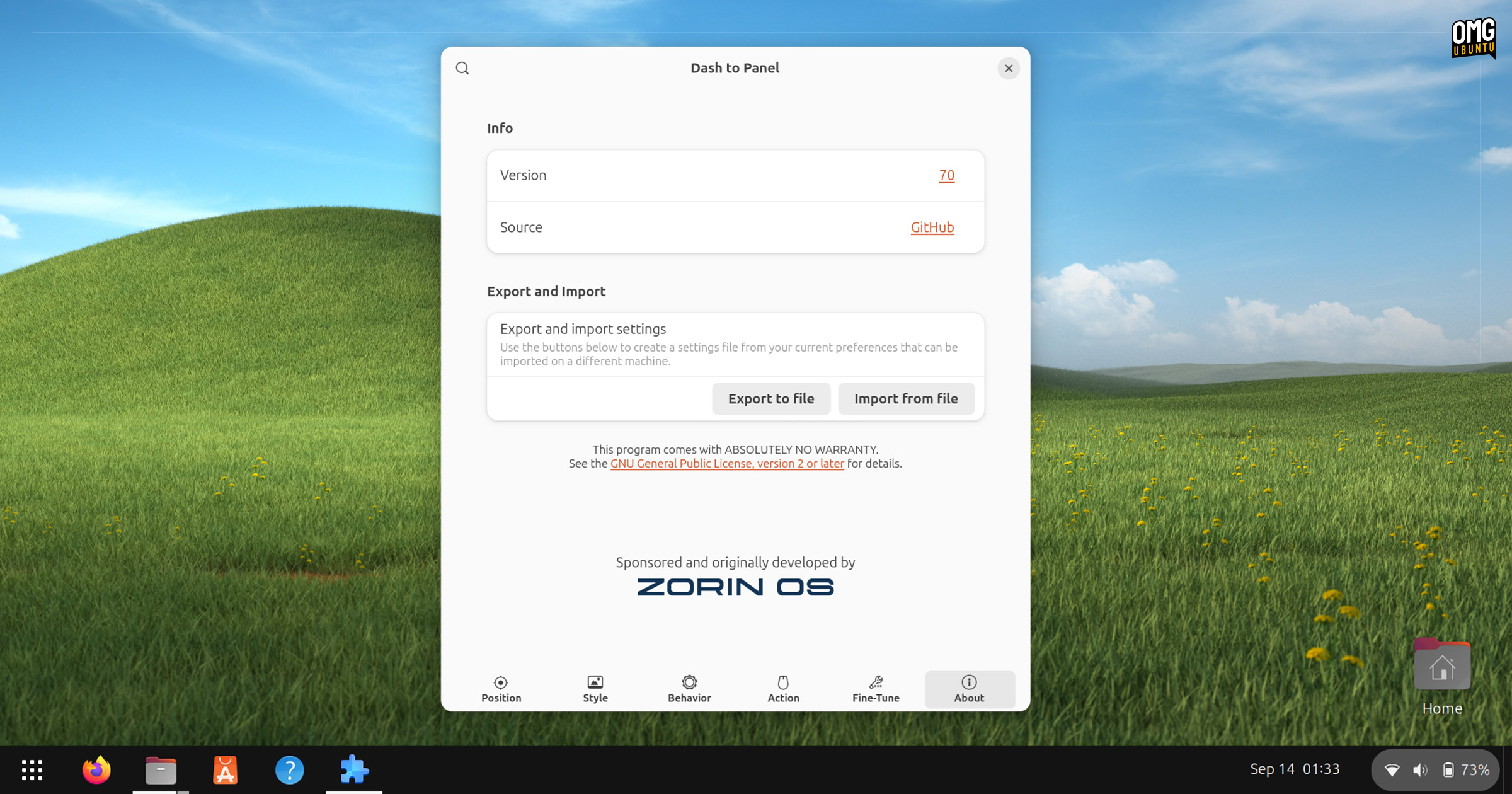
For those of you who preferring a unified dock and panel on Ubuntu, a new version of Dash to Panel is available — and it adds a couple of new settings.
Dash to Panel v70 also adds (I imagine this will be on people’s mind: GNOME 49 compatibility. If you have it installed, and you upgrade to Ubuntu 25.10 next month, the extension will keep working – no interruptions or workarounds needed.
Intellihide is a popular setting that makes the panel slide off screen, out of view if an app window touches it (e.g., maximise). You simply push your mouse against the screen edge for it to slide back into view — at least, that’s how it works by default.
There are plenty of ways to customise intellihide in Dash to Panel, and this update adds extra options.
You can now adjust the delay before revealing the panel (in ms), an option to only hide from windows on a monitor, and an option to disable panel reveal with the pointer.
If you prefer to use Dash to Panel with “ungrouped” mode enabled (for a more traditional ask bar style) there’s a handy option to ‘Quit all’ windows of that app type. E.g., you have multiple Nautilus windows open, you can right-click on any of them and select ‘Quit all’.
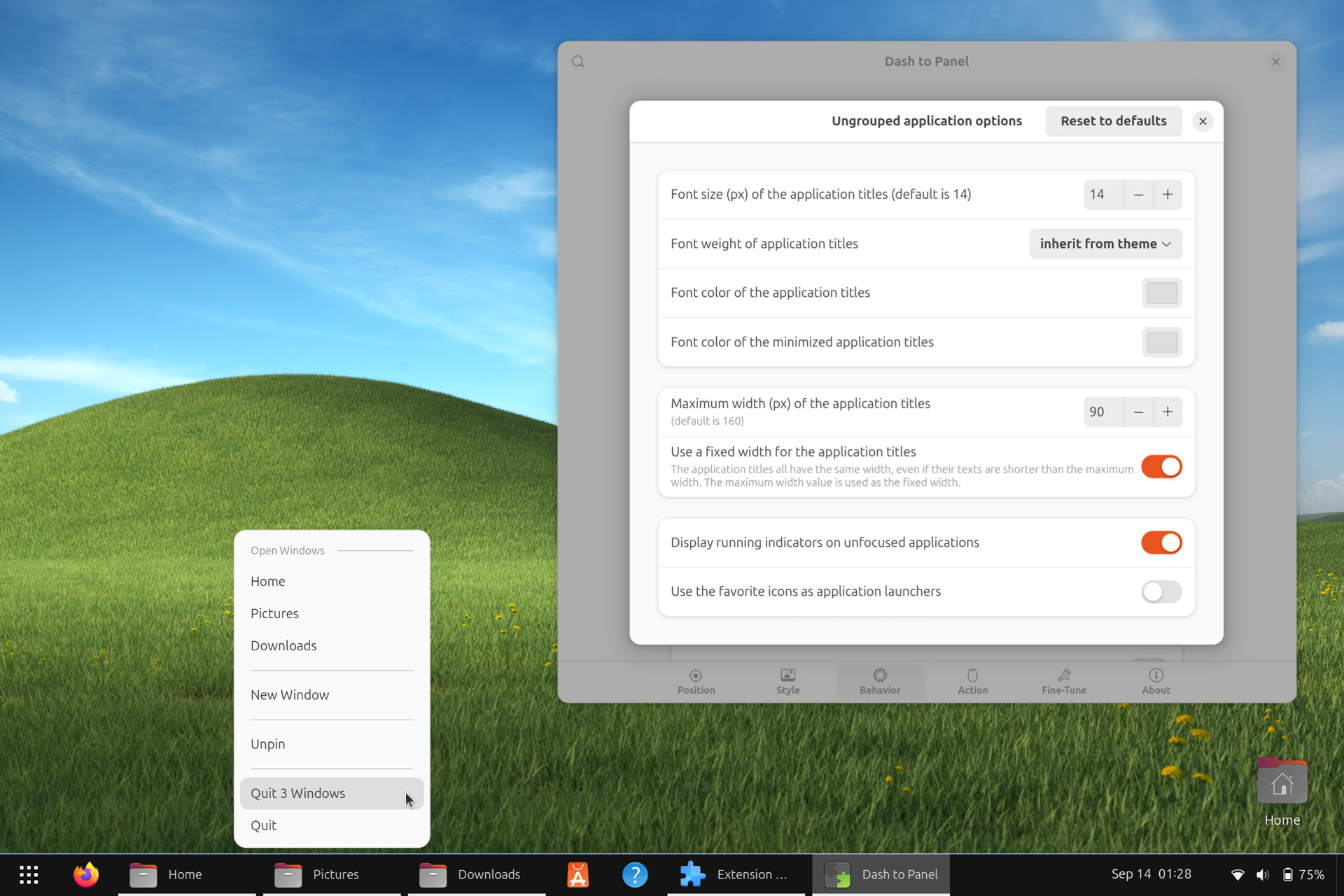
On the visual side (as this is an eye candy essential, and the last update expanded theming controls), you can finally add a border to the panel to act as a visual separator (there’s one in the screenshot above). Colour and size of the panel border is controllable.
Other changes in Dash to Panel v77:
- Alt-tab menu synced with workspace isolation setting
- Window preview workspace numbers are displayed dynamically
- Zorin OS sponsorship not in the About tab
- super + v / s shortcuts now work when panel is hidden
- Primary monitor changes when monitor unplugged
- Clock separator fixed for panel in vertical mode
- Tweaks to window preview scrolling
Like the sound of all of that?
Dash to Panel v70 is available to install from the GNOME Extensions website (or use the Extension Manager desktop app). This version works with GNOME 46 and above, so if you use Ubuntu 24.04 LTS or later, you’re good to go.
If you’re on an older version of Ubuntu (and can’t or don’t wish to upgrade to a newer release) you can still install the extension but you won’t get the changes mentioned in this post.