


Terminal emulator apps: ten-a-penny on Linux, right? All major Linux distributions (Ubuntu included) preinstall one, and most command line aficionados are loyal to their preferred client.
Because yes, every terminal emulator runs commands and displays output.
At first blush, they all do the same thing. That can make the suggestion of switching or swapping to a new one feel less …worth it. Yet, implementation choices, be it programming language or toolkit or OS integrations, can still make a difference.
I often cover new or updated terminal apps, like Pytxis (the new terminal app in Ubuntu 25.10), speed demon Ghostty, and AI-infused agentic terminal-cum-IDE Warp.
Rio is yet-another terminal emulator that Linux (as well as Windows and macOS) users make kick the tyres on. Although not new—first release was in 2023—Rio was updated recently, and an even bigger update on the way.
Since I plan to cover that release when it lands, I ought to spotlight the who, what and why first.
What Makes Rio Different?
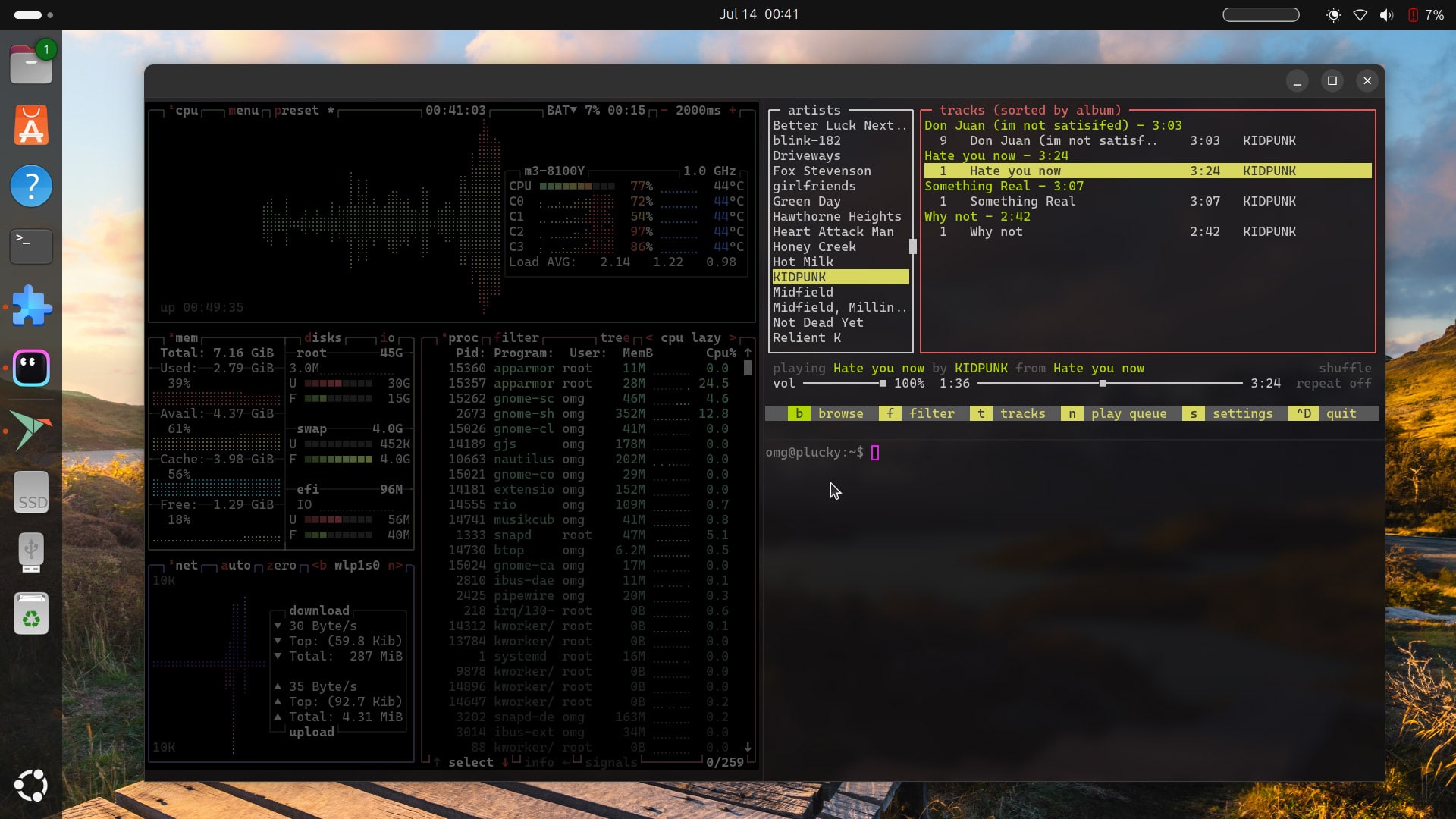
Rio is described as a Rust-built, hardware-accelerated terminal emulator powered by WebGPU (itself, notable) with a focus on being “fast and efficient“. On Linux, it works with both Wayland and X11, and offers native ARM64 builds for Pi users.
It’s the use of WebGPU that makes Rio a little different. WebGPU is a new web standard and JavaScript API that lets web developers build apps which can use the underlying system GPU for computational tasks, as well as fancy graphics.
Of course, Linux isn’t short on hardware accelerated terminal apps these days either.
Rio carries a crop of features more advanced users will appreciate such as font ligatures (where characters like -> are combined into a single glyph →), terminal splits (multiple panes in one window), and iTerm2 and Kitty image protocol support.
Rio also reuses code from the legendary Alacritty for its ANSI parser, events, and grid system, plus borrows a few features, like a toggleable Vi mode.
Much like the carnival, the Rio terminal brighter look will be pleased to hear the terminal emulator supports themes and transparency (with or without background blur. On Ubuntu you need to install the Blur My Shell extension to see blur in action).
It also has a couple of novel (or gimmicky, depending on your viewpoint) features like being able to apply RetroArch shaders, if you fancy CRT-style aesthetics, and it handles the Sixel protocol for in-terminal bitmap images.
Rio Relies on Keyboard Shortcuts
Rio is a cross-platform app so there is a hit to cohesiveness (a USP of the Ghostty terminal is that it uses native tool, despite also being cross-platform) versus native terminal tools.
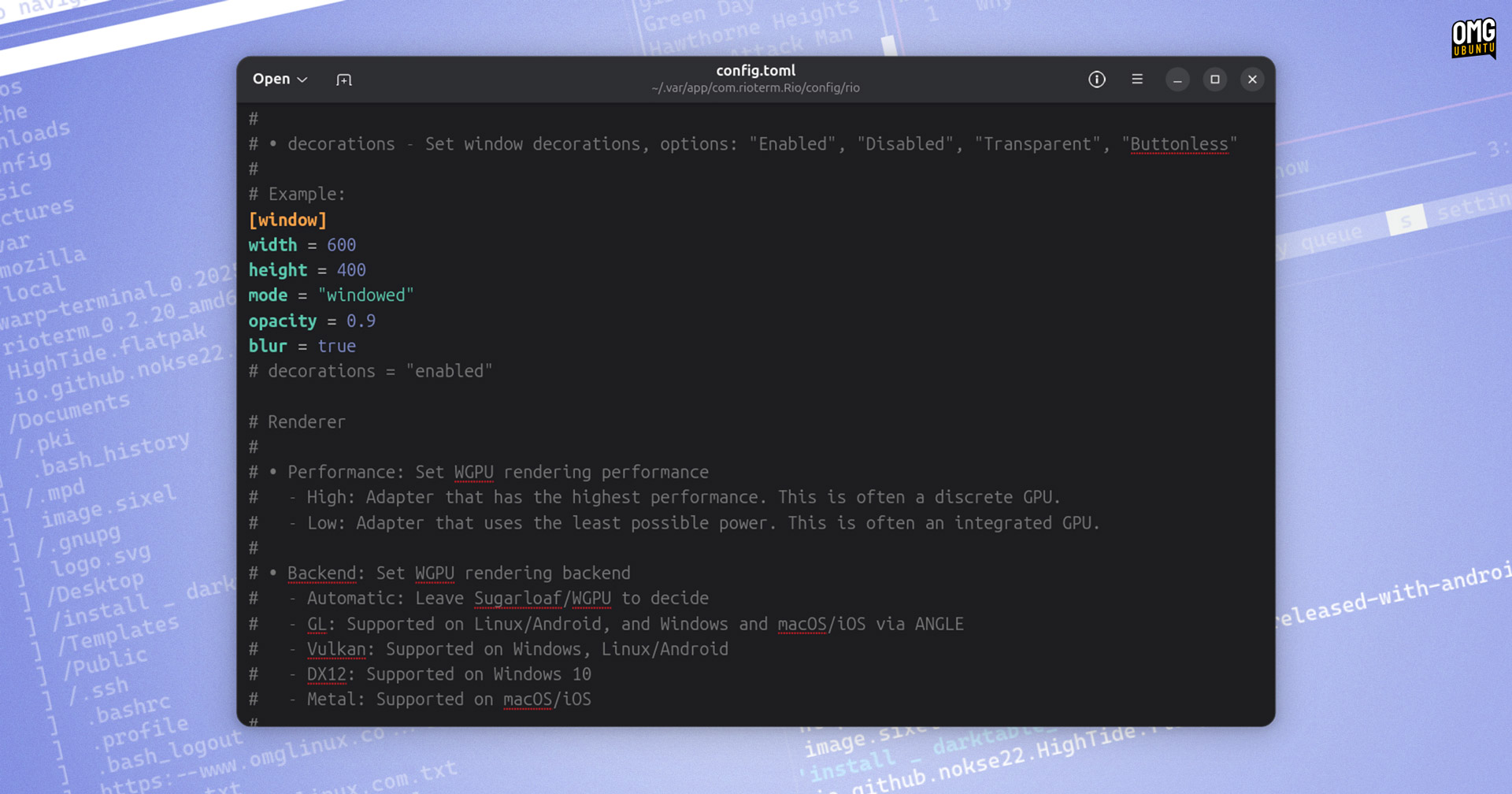
Designed to be used with a keyboard, you also won’t find (m)any right-click menus in Rio and to customise the app (e.g., theme, behaviour, keybindings, default directory, etc) you need to edit the configuration file in a text editor as there’s no in-app preferences dialog.
Thus, using Rio requires learning a (fair) few keyboard shortcuts to get the most from it. The full list of key bindings on the Rioterm website is worth checking out, but here are few handy ones to swot up on off-the-bat (for Ubuntu):
- Shift and Ctrl and R – creates a right split
- Shift and Ctrl and D – creates a bottom split
- Ctrl and D – closes the focused split
- Shift and Ctrl and T – opens a new tab
- Shift and Ctrl and ] or [ – switches left/right tab
- Ctrl and - or + keys – change font size
Is it possible to resize splits in Rio? Per the list of keyboard shortcuts, no — for now, anyway!
How to Install Rio on Ubuntu
The purpose of this app spotlight is not to convince you to switch wholesale from what already works for you, but make you aware of choices – if not for you directly, so you can recommend and share the knowledge on with others.
While raw CLI utility can be had from a TTY, extra bells and whistles are appreciated by many. And for those whose command-line heavy workloads may benefit from the WebGPU speed, Rio is worth checking out.
Rio is open source software available for Windows, macOS, and Linux. Its cross-platform nature should make it appealing to developers who routinely move between different operating systems.
As Rio is on Flathub, it’s easy to install on a wide range of Linux distributions. Ubuntu users may prefer to download a DEB installer from the Rio GitHub. The DEB will not add an APT repository, so you will not receive automatic updates.
Have you tried Rio? Share your experience with it — or any of its rivals — down in the comments!