
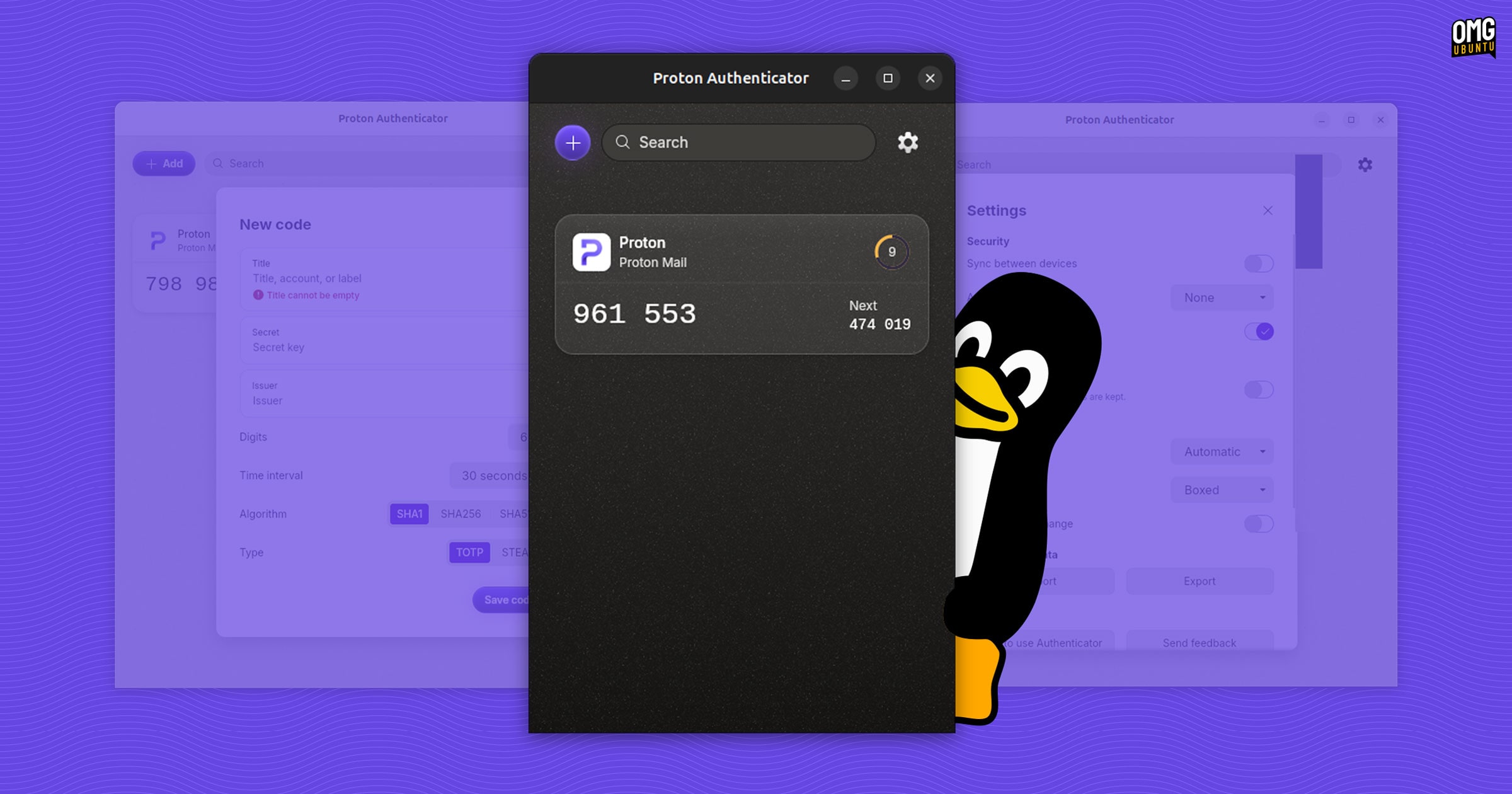

If you hate grabbing your phone each time you need a two-factor authentication (2FA) code to log into a website, Swiss privacy company Proton has heard you: it’s launched a cross-platform, open source authenticator app you can install on Ubuntu.
The new app, Proton Authenticator, is available for all major mobile and desktop operating systems, and adds to Proton’s growing range of privacy-focused security tools, from its VPN service to its e-mail, cloud storage and password manager offerings.
I don’t imagine 2FA needs an explanation, as it’s something most people should be using (in lieu of more secure methods, like passkeys) for their critical accounts. After you enter your usual login details, you are asked to enter a one-time code generated through an authenticator app.
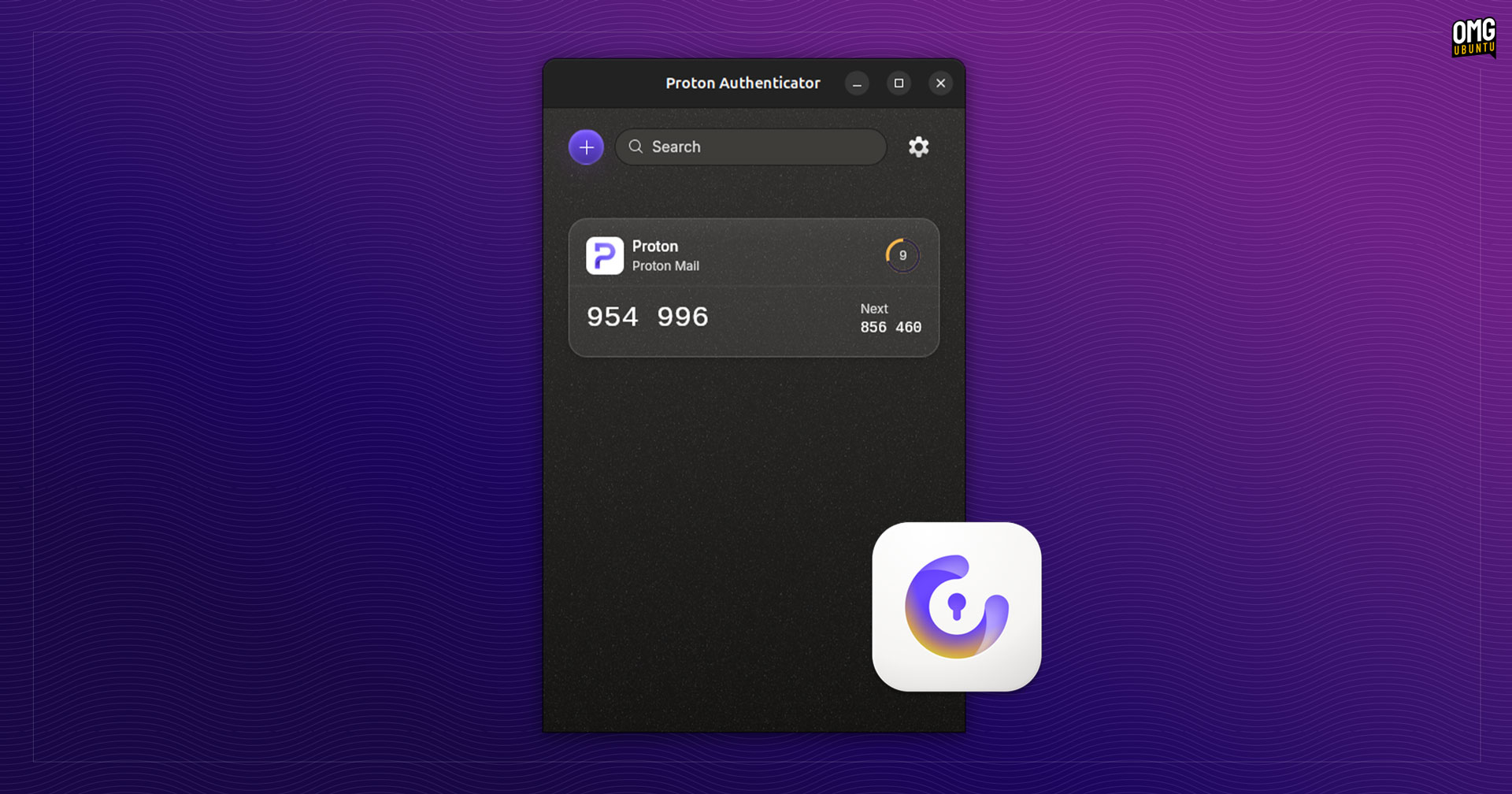
These 2FA codes change every 30 or 60 seconds, making them more secure than static codes or codes sent by SMS or email (since in a worst-case scenario those could be intercepted and compromised). You can access codes offline, ofc.
Proton Authenticator Features
While many password managers (including Proton Pass) integrate 2FA code generation, standalone desktop 2FA apps are uncommon (I’ve previously covered Authenticator, a GTK4/libadwaita app).
Mobile 2FA apps are arguably more convenient since you often need to scan a QR code to add a service. But that is also a rub in that you’re then tied to your phone for every login. If your phone is on charge, downstairs or—gah!—gets lost or stolen, it causes headaches.
Proton Authenticator has a compelling lure: it syncs between your mobile and desktop devices via your Proton account, with full end-to-end encryption, so that you can always access your codes, regardless of which device you’re on.
“Use Proton Authenticator on mobile and desktop. Sync your codes securely across devices with your Proton account for easy access. Or back them up locally or in the cloud for safe keeping. It’s your choice,” the company says of its new tool.
It doesn’t require a Proton account to use (although you won’t be able to sync) and it is entirely free. As you’d expect from Proton, the app has no ads and does not track you. As a privacy-focused alternative to 2FA apps from Google and Microsoft, that’s a plus.
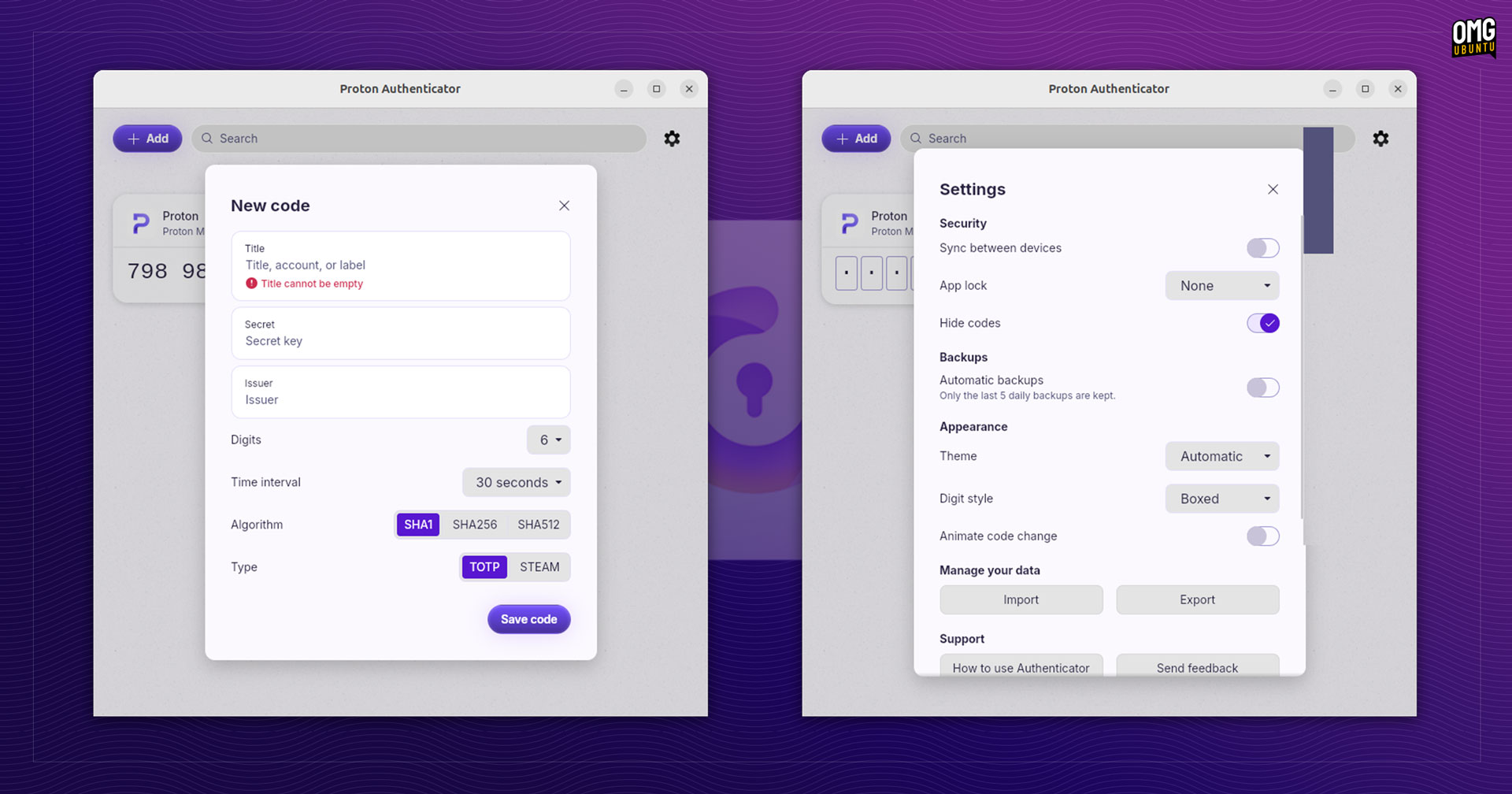
When adding a service using a secret you can dial in any specifics, such as number of digits, refresh interval encryption algorithm (SHA1, etc) and type (TOTP or STEAM). There are some minor UI options, like whether changing animates or codes appear boxed or plain.
Copying codes is one-click easy and a preview of the next code is shown. The app also supports biometric or PIN code protection (on mobile) or using a password (on desktop) which adds an extra layer of security to prevent people accessing code.
Worth using?
If you currently use another authenticator app, like Google Authenticator, Aegis Authenticator, Bitwarden Authenticator, LastPass Authenticator or similar, you can import your codes into Proton’s tool — and vice versa; you can export codes from it, too.
You can download Proton Authenticator for Linux (.deb or .rpm – the DEB adds the Proton APT repo for future updates) and Windows from the official Proton website. The macOS, Android and iOS apps are available on the respective stores.
For more details, head to the announcement post on Proton’s blog.