

GNOME Shell extensions make it easy to remould the standard desktop layout in a myriad of ways, and free up screen estate in the process.
This week, a new add-on arrived on to the scene to aid in those seeking minimalism: Floating Mini Panel.
Floating Mini Panel does what it says: it turns the GNOME Shell Top Bar (the panel across the top of the display) into a compact, movable and always-on-top panel that can be activated as and when needed using a toggle in the Quick Settings menu.
This may be handy if you who want to retain access to settings and see the time whilst also giving more space over to apps without entering full-screen mode.

When activated, Mini Floating Panel only displays the clock/date applet and the Quick Settings menu, alongside with a grab handle button that lets you move the mini panel to your preferred location on screen.
You won’t see any other extension icons, tray indicators or other applets in the floating panel. Rather like a media player mini-mode, it’s essentials only.
Click the grab handle to open the applications picker & workspaces overview. From there, the regular full-width top bar is shown, giving you access any other applets, add-ons or tray icons you need (without needing to toggle out of mini panel mode).
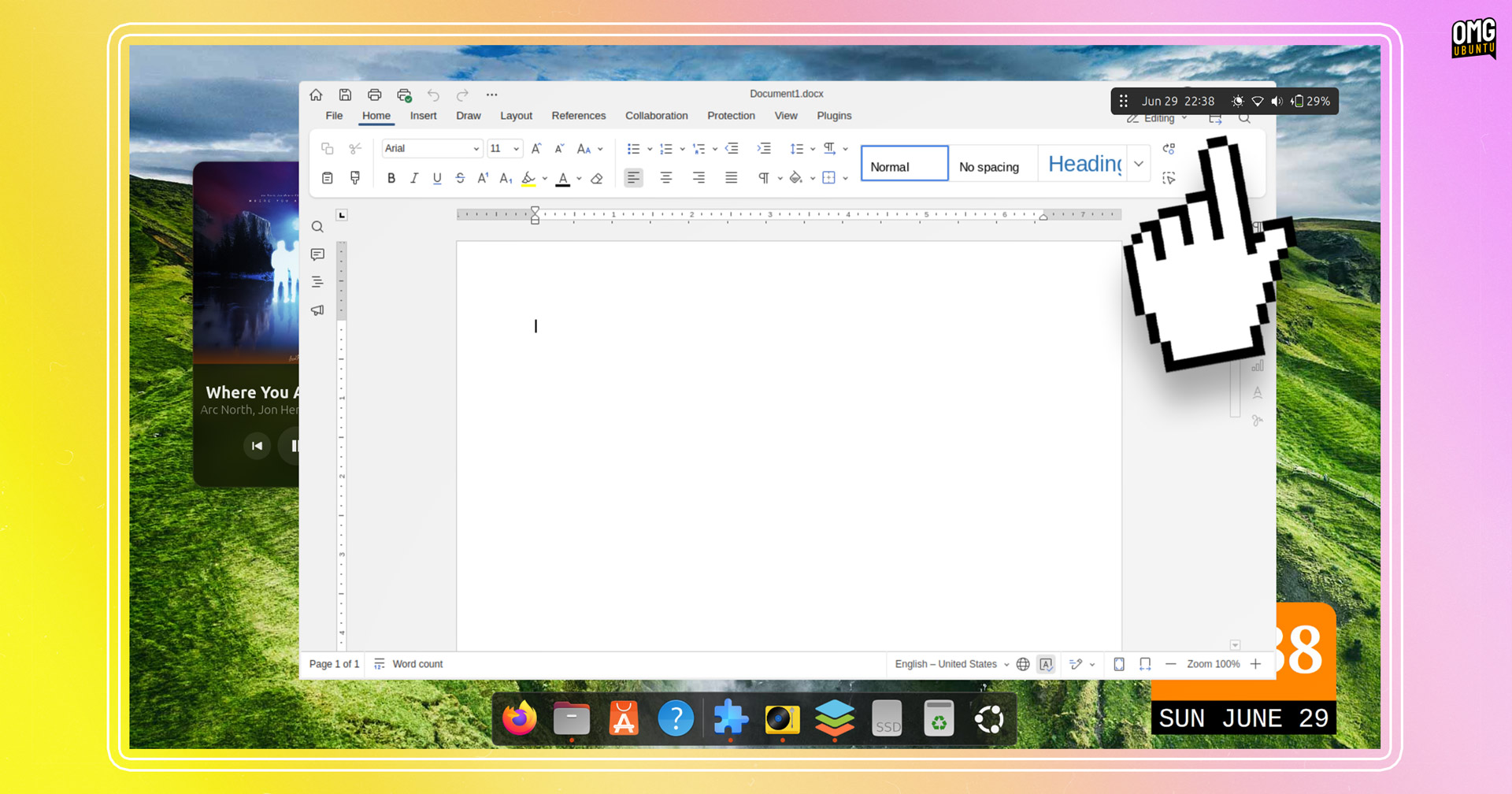
As it is ‘always on top’, the mini panel may get in the way of something else on screen at times. You don’t need to exit mini panel mode or move the panel to access them: right-click the handle to hide the mini panel for 5 seconds.
The author of this neat little tool, ~ghi59, explains the reasoning behind its creation:
“Working most of the time with Laptops, every inch of display space is important. Hiding the Main Panel or going into Fullscreen are ways to gain space. But then Intelli-Hide-Features may disturb or Fullscreen has to be toggled.”
“With the Mini Panel nothing of this is needed for working maximized, staying informed about time and system status and having important functions available.”
- Supports dark/light mode*
- Compatability with multi-monitor setups
- Adapts (if necessary) to monitor changes
- Works on X11 and Wayland
- Quick Settings menu toggle
- Auto mode
*This doesn’t use the standard panel background colour. You’ll see a light panel under light mode, and a dark panel under dark mode.
Who is this extension for? Those looking for to give more apps more room to breathe without having to switching between full-screen and windowed modes, as well as those looking to create a minimalist desktop setup.
Who is it not for? Anyone happy with the way the regular desktop layout functions, or those after an all-the-more dramatic desktop rejig of the kind only Dash to Panel, OpenBar and Task Up can offer.
Floating Mini Panel is free, open-source software. You can get the extension source code on GitHub, or install the extension from the GNOME Extensions website (via a browser or using the terrific Extensions Manager app available in the Ubuntu repos).
It works with GNOME 47 & GNOME 48 (i.e., Ubuntu 24.10 & Ubuntu 25.04).
• Get Floating Mini Panel on GNOME Extensions
Thanks Geri!