

You’ve decked the halls, put up the lights, and thrown handful upon handful of garish, glass baubles at the nearest tree — next xmas task: decorating your Ubuntu desktop?
There’s no reason your desktop should escape the decorative blitz — the rest of us can’t!
December is (we’re told) the most wonderful time of the year so there’s no reason why your Linux desktop should escape the seasonal decorative blitz.
Superfluous desktop eye-candy is a sure-fire way to fuel those festive feels besides watching Home Alone for the hundredth time.
Pick a Christmas wallpaper, open VLC to acknowledge its yearly xmas easter-egg, hit play on a music playlist and then top things off by, er…
Adding falling snow on your desktop?
Snow GNOME Extensions
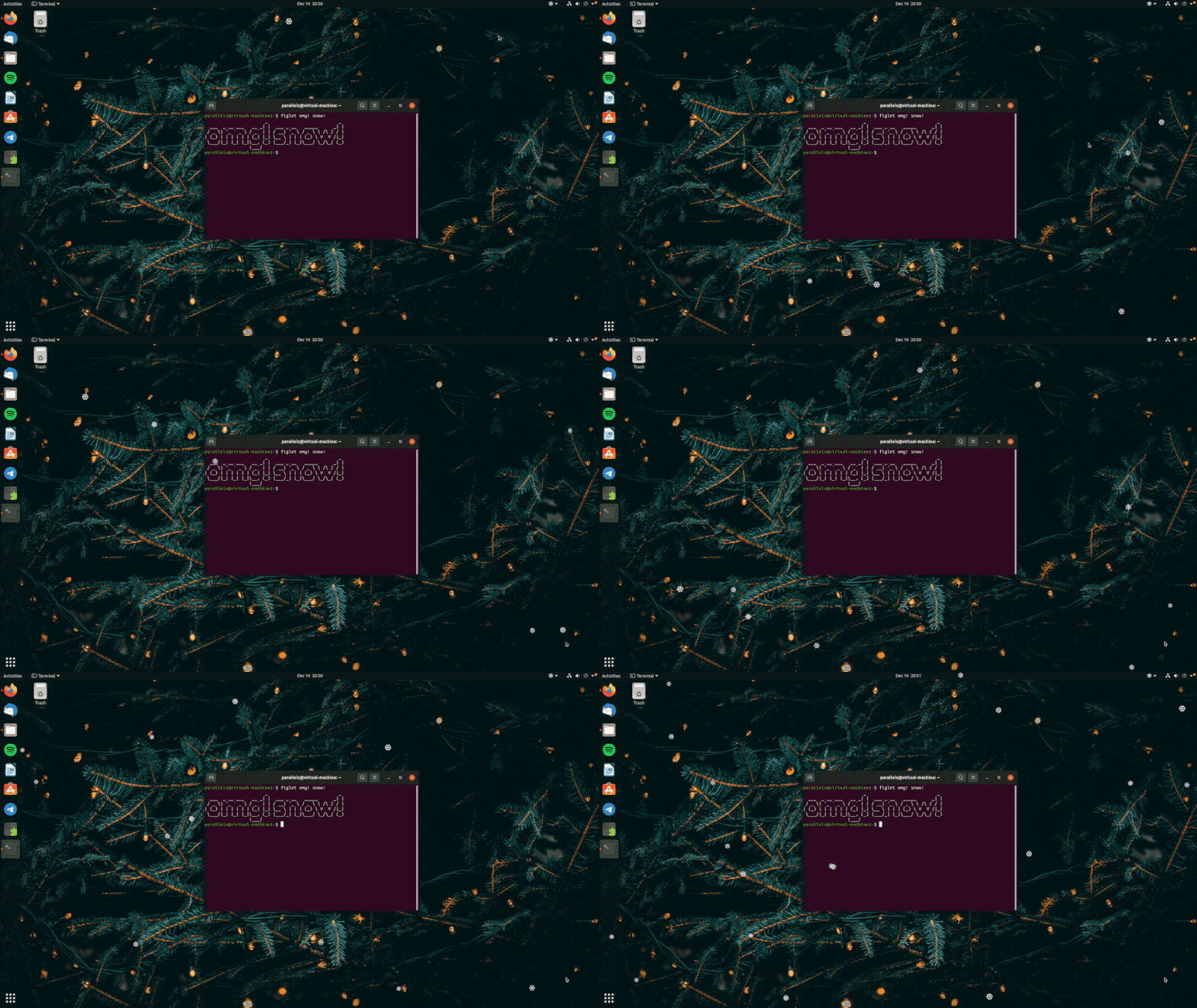
Falling snow desktop apps have been around for as long as desktops themselves have. They’re popular seasonable gimmicks on Windows and macOS, as well as Linux.
To add falling snow to the Ubuntu desktop install the Let it Snow GNOME Shell extension (Ubuntu 22.04 LTS) or Snowy (Ubuntu 24.04 LTS – 25.10). Both produce a continuous flurry of snow emoji that rains down over your screen.
Both extensions support multiple-monitor setups. This means no screen need miss out on the holly jolly-ness. Settings let you adjust how much and how fast the white stuff rains down, giving you the power to control just how white your Christmas is!
Pair with an evocative winter-y background to create the ultimate Ubuntu Xmas desktop.
xSnow Desktop App

Not using GNOME Shell? Or maybe you do but you don’t want to use an extension.
The best alternative is xSnow, though as you may guess from the ‘x’ in the name, it’s designed for X11 – but don’t worry: xSnow works on Wayland via XWayland.
xSnow is a free, open source tool whose codebase has an impressive lineage, being based on a similar Linux tool made by developer Rick Jansen back in the early 2000s.
Unlike GNOME Shell snow extensions, xSnow doesn’t render a unicode snowflake emoji but a more feathery/indistinct snow shape (arguably more realistic). It’s also a lot more powerful; xSnow is an entire animation suite!
When xSnow is running snow falls down from the top of your screen. Snow can land on the tops of app windows (all windows in X11, or apps running in xWayland under Wayland). When you close an app window any snow on top of it falls to the bottom.
The longer you leave xSnow running the deeper the snow gets at the bottom of your display, where it settles and builds.
As mention, this is an animation suite. A variety of additional xmas-themed animations are available, and they can all be used on their own or together. You can see Santa’s sleigh pulled by reindeer across your desktop, display twinkling stars, flying birds, and more.
Sadly, xSnow is very CPU intensive. You get settings to control how intensive, but the more animated elements you put on screen, the greater the load is. On a desktop PC this may not be an issue, but on a portable device it will run your battery down.
Install xSnow in Ubuntu from the archives:
sudo apt install xsnow
Open the xSnow app to control what appears on screen, update frequency, colours, and so on.
You can download a .deb installer for xSnow from Sourceforge (warnings about downloading and installing random files apply), or build it from source.
xShow should run on any Ubuntu-based Linux distro from 18.04 LTS and above. I tested it on 22.04 LTS and 23.10 and it worked fine, though as I say: it is CPU intensive. If you’re on a low-power laptop, maybe work outside to keep things cool.
Festive fun
Adding a falling snow effect to Ubuntu is easier than I expected. If you fancy being staring out at a flurry of the white stuff (without getting a cold nose), you can enable a cool, animated, and superbly season effect with minimal effort.
Give it a go!