

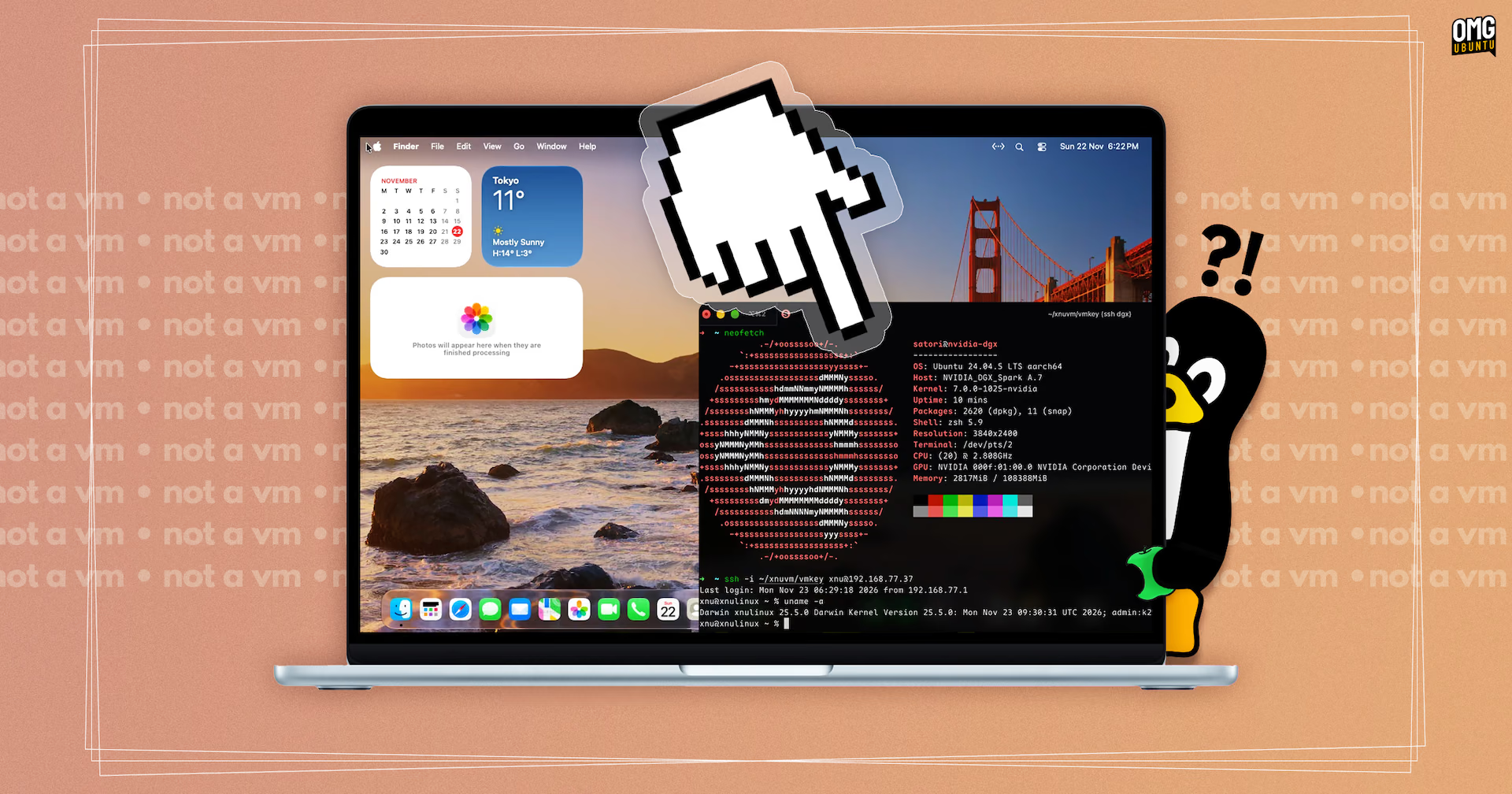
A new open-source project loads Apple’s XNU kernel as a module inside the Linux kernel, allowing the macOS desktop to run natively – no virtual machine required.
The XNULinux project is open source, highly experimental and likely not-something Apple bods will be thrilled to see. Not that they’ll be swearing as it’s not something users can easily download and run themselves – not yet, at least.
On its Github, XNULinux’s developer, Heyang Zhou, shows screenshots of the macOS 27 Golden Gate desktop running on an NVIDIA DGX Spark (whose default OS is based on Ubuntu 24.04 LTS).
Core Mac apps and components like Finder and Safari work, as does networking, but GPU support isn’t fleshed out so graphics are rendered on the CPU. It runs macOS processes next to Linux ones on the same CPU.

How? It builds Apple’s XNU kernel source code as a module, xnu.ko, which is loaded in an unmodified ARM64 Linux kernel. A second module, fki.ko, serves as the go-between, giving Apple’s kernel the memory, CPU time and network access it needs from Linux.
This is not a compatibility layer, and there’s no hint of app integration between the systems. It won’t add Mac software to the GNOME app picker or show Linux apps in Finder’s context menus. You can SSH into the Linux host from within macOS though.
While you can already run macOS on Linux in a virtual machine, XNULinux doesn’t rely on virtualisation or hypervisors1 which makes the feature more impressive.
Whether it’ll ever become something usable, maybe reviving the hackintosh scene, is doubtful. The project has had to patch or relax some of macOS’s security features to work, and though the dev describes them as a ‘stopgap’.
Trying XNULinux isn’t easy…
Trying this project out isn’t for the faint-hearted as there’s no simple download-and-double-click-to-installer or bash script.
You’ll also need an ARM64 device, at least 16GB of RAM and a Linux kernel using 4KB memory pages. Plus, you own macOS 27 install, access to a Mac with Xcode installed and patience. Actually, a lot of patience.
The latest macOS is Apple Silicon (ARM64) only, so this effort won’t work on Intel/AMD hardware. It’d be more interesting it it did, and macOS 26, the last version to support x86-64 hardware, is still supported by Apple – here’s hoping.
If you’re undeterred, the XNULinux Github has reams of (LLM-written) detail on how it all works, which bits don’t and and details on getting it running. If you try it out, be sure to pop back and let me know what you think of it.
(via OS X Daily)
- If have an M1 Mac or newer you can also try this out by installing a suitable Linux distro in a VM, and then going through the effort to set this up. In that sense, it does use a virtual machine, just indirectly. ↩︎