


Ubuntu 26.10’s new Add-ons page in App Center can now install restricted media codecs as well as hardware drivers.
The new flow should make things simpler for those who don’t select the opt-in to “install restricted codecs” in the Ubuntu OS installer (not everyone thinks they need it) and for those who install without an active internet connection, as that box is greyed out.
While apt makes it easy to get the relevant codecs if you know the right gstreamer-* , App Center doesn’t show system or library packages in search results (and “media codecs” is a bit of a generic term).
Adding a GUI install flow where people go to look makes post-install media set-up a smidgen easier.
I should mention that Rhythmbox does trigger an install dialog for missing codecs if a user attempts to play a file that needs them. Useful, but flawed: the UI for that isn’t very elegant or informative, and it doesn’t encompass all missing codecs.
App Center is expanding
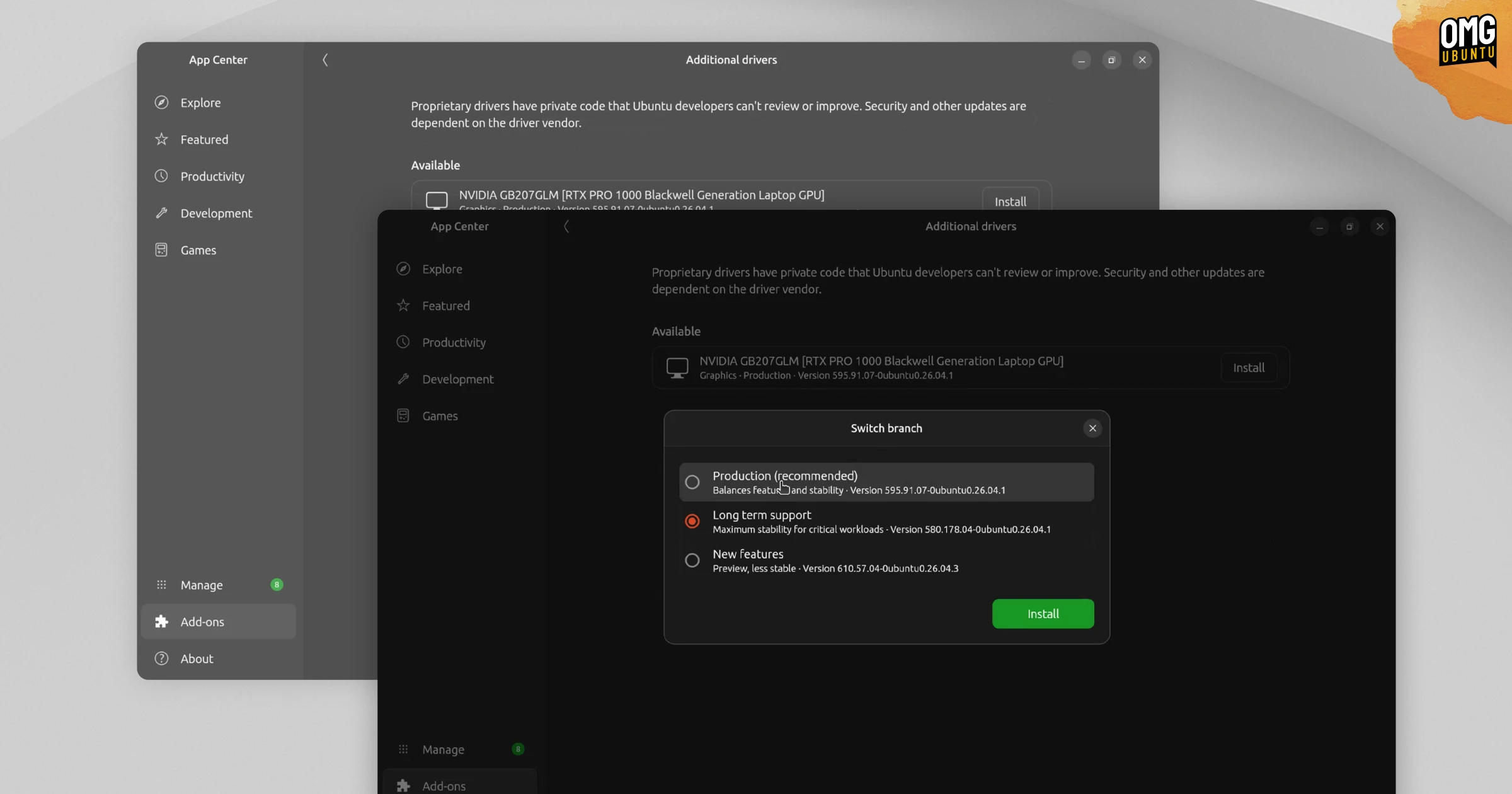
App Center’s new Add-ons page is also where, on selected hardware, the new Additional Drivers page appears in 26.10. This is designed to make installing and managing proprietary drivers for NVIDIA GPUs, certain wi-fi cards/dongles and other select hardware easier.
Ubuntu 26.04 LTS dropped the Software & Updates tool from its default software lineup, which was previously used as a way for users to check for and enable/disable closed-source hardware drivers (it had its own app shortcut in the past).
Could we see Ubuntu add more options to the Add-ons page in future releases?
Perhaps – let me know what you think would be a good fit down the comments.