

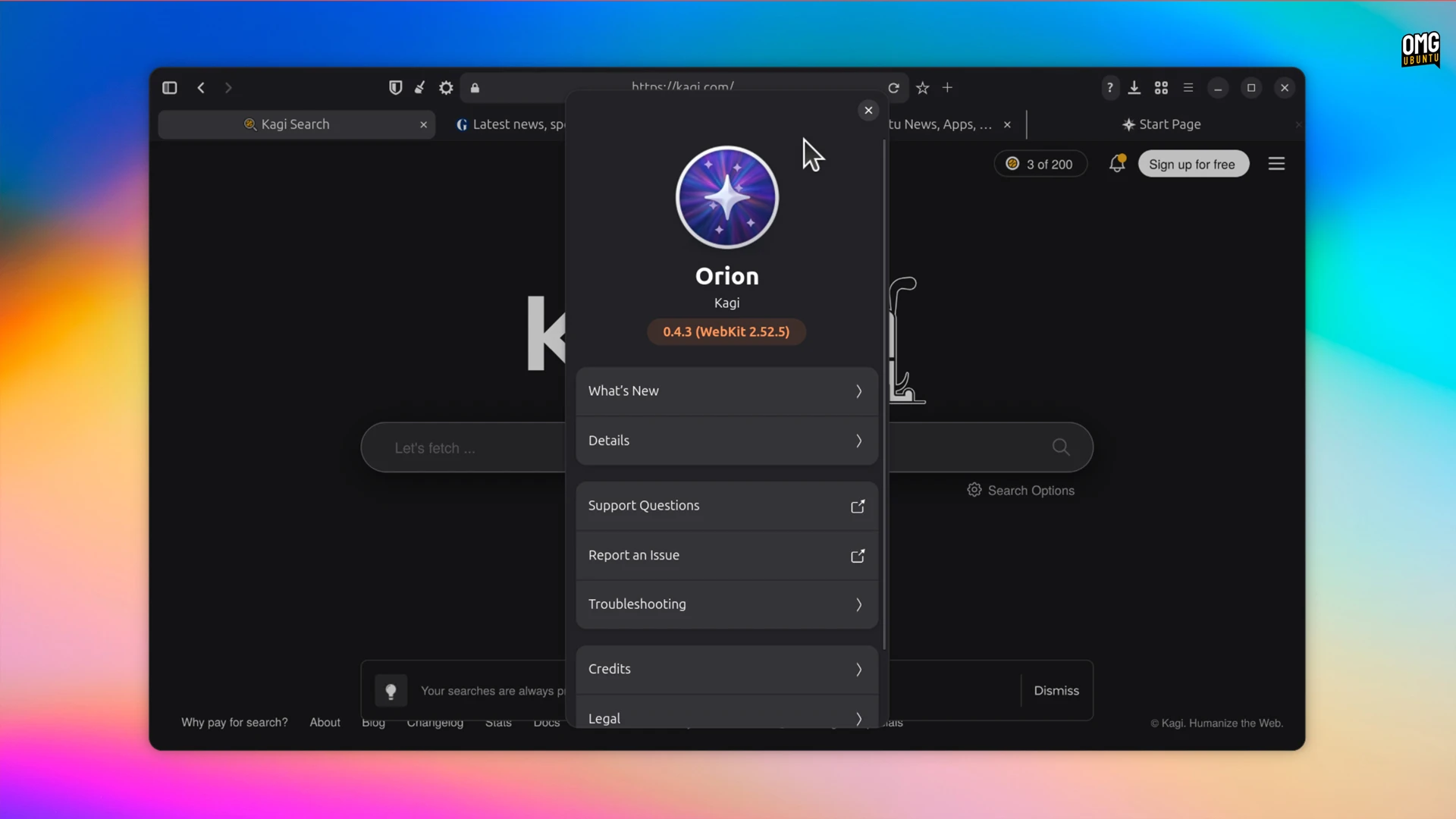
A new beta of Orion for Linux, the native WebKitGTK port of Kagi’s iOS and Mac web browser, is out.
Orion Beta v0.4.3 continues to flesh out the browser’s feature set to reach parity with its Apple kin. You can now customise the toolbar. A context menu option was present in earlier beta builds but opened a button picker that wasn’t functional – now it is.
Drag items out of the ‘current toolbar’ area on the palette to remove them, or drag ones from the palette to the top block to add them. You can re-order buttons by dragging too. And if you need to, reset back to the stock toolbar arrangement:
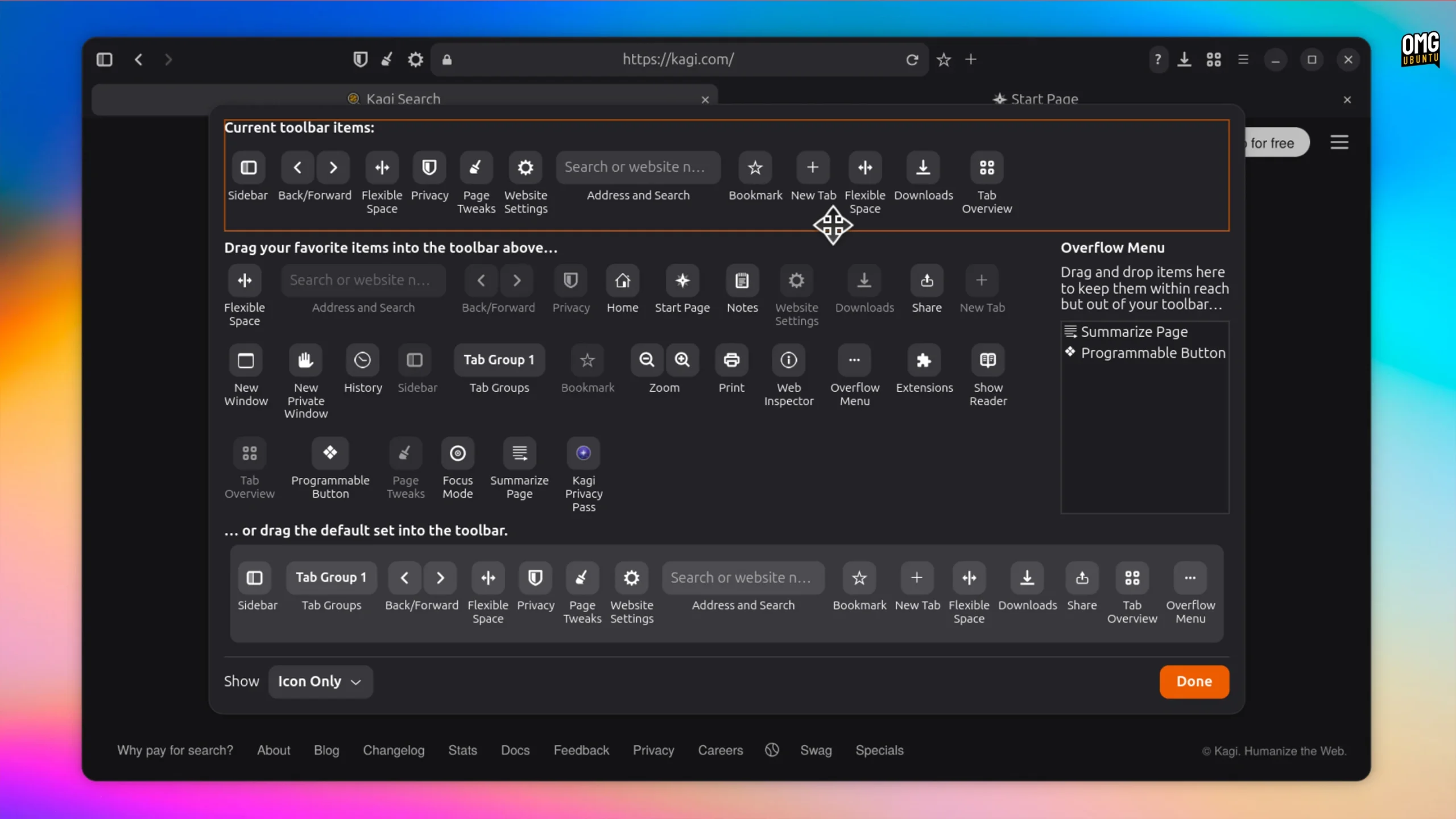
I find the stock toolbar too cluttered for my tastes, so I’ve been awaiting this.
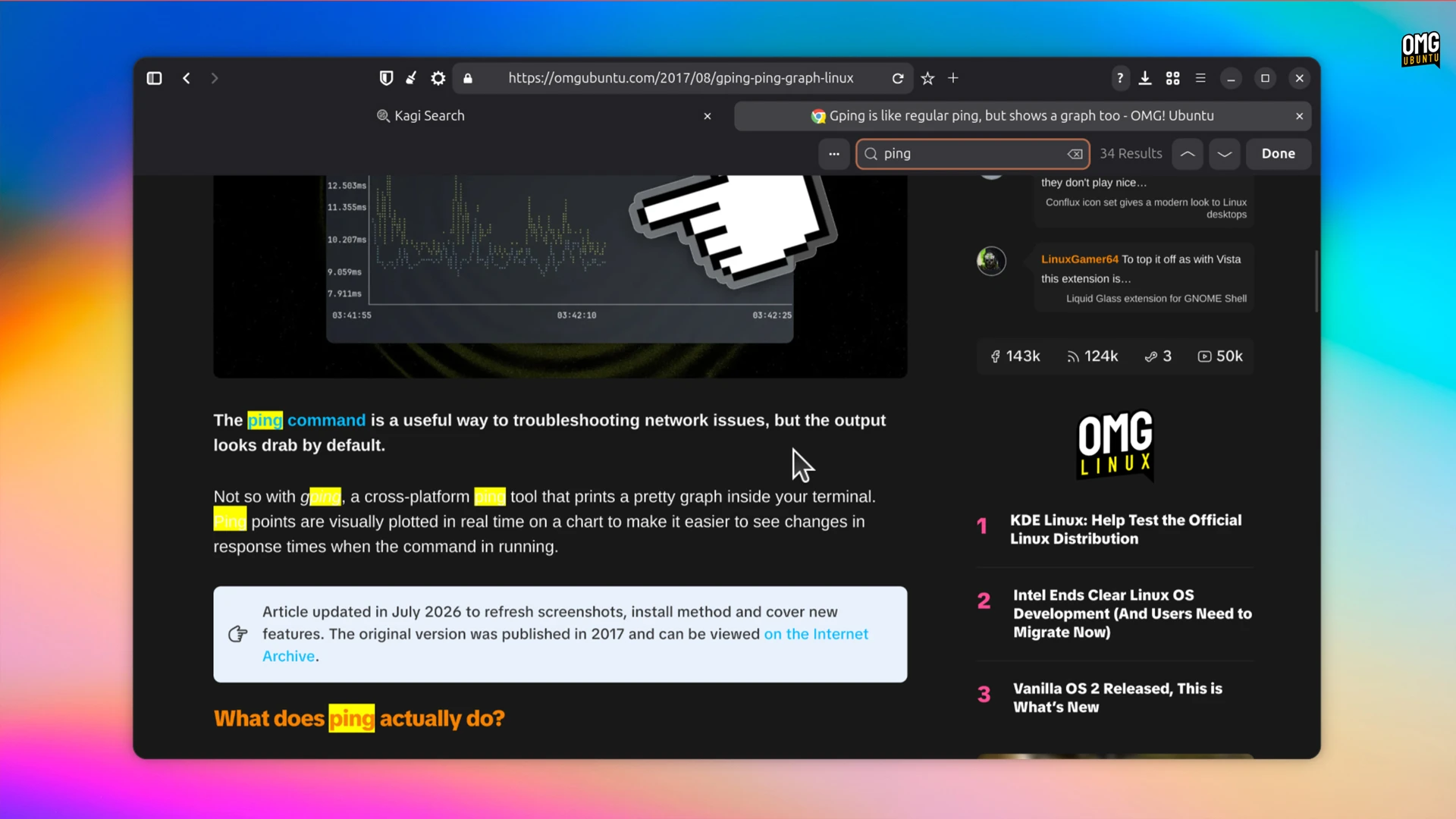
Also new in v0.4.3 beta, is a functional Find in Page (ctrl + f) to quickly jump to specific text on a website, learning what’s new in each update is easier as release notes were added to Orion’s About dialog. More ‘website settings’ options added too.
Page Tweaks were added in v0.4.2 beta (which I didn’t get around to covering). You can force dark mode on a per-site basis, adjust font size, disable sticky headers and persistently nuke page elements using the ‘Erase elements’ feature – super handy.
The rest of this update is, as you’d expect, mainly bug fixes. Lots of them. Kagi’s team resolved a swathe of issues, including quirks in fullscreen mode where the the sidebar and toolbars didn’t hide and the lock icon vanishing from the address bar.
Further refinements to the GTK4/libadwaita UI are mentioned, if not detailed, by Kagi. Alas, taming that jumbo-sized hamburger menu isn’t among them yet, grr.
As ever, Orion for Linux is still in beta. It will be buggy, it will crash and it won’t make you breakfast in bed. I recommend using it as an adjunct to a stable browser – Firefox 156 landed this week – rather than relying on it solely.
Installing the Orion Beta on Ubuntu
Orio for Beta is available exclusively as a Flatpak app. Updates come from a dedicated Orion Beta Flatpak repo hosted by Kagi – Orion Browser is not on Flathub.
Note: Orion shares the GNOME 50 runtime. If this is the only Flatpak app you will install you need to add Flathub first so that the runtime can be pulled in.
sudo apt install flatpak
flatpak remote-add --if-not-exists flathub https://dl.flathub.org/repo/flathub.flatpakrepo
flatpak remote-add --if-not-exists orion-beta https://flatpak.orionbrowser.com/orion-beta.flatpakrepo
flatpak install orion-beta com.kagi.Orion
Once installed, open Orion Beta from the application grid (or equivalent that you use).