

The OpenShot video editor is now available on the Canonical Snap Store.
An official snap package of the Qt-based editing tool went live today (22 September). The new snap is already available to install via App Center on all supported Ubuntu releases, though a Deb package is carried in the Ubuntu archives so two results appear in search:
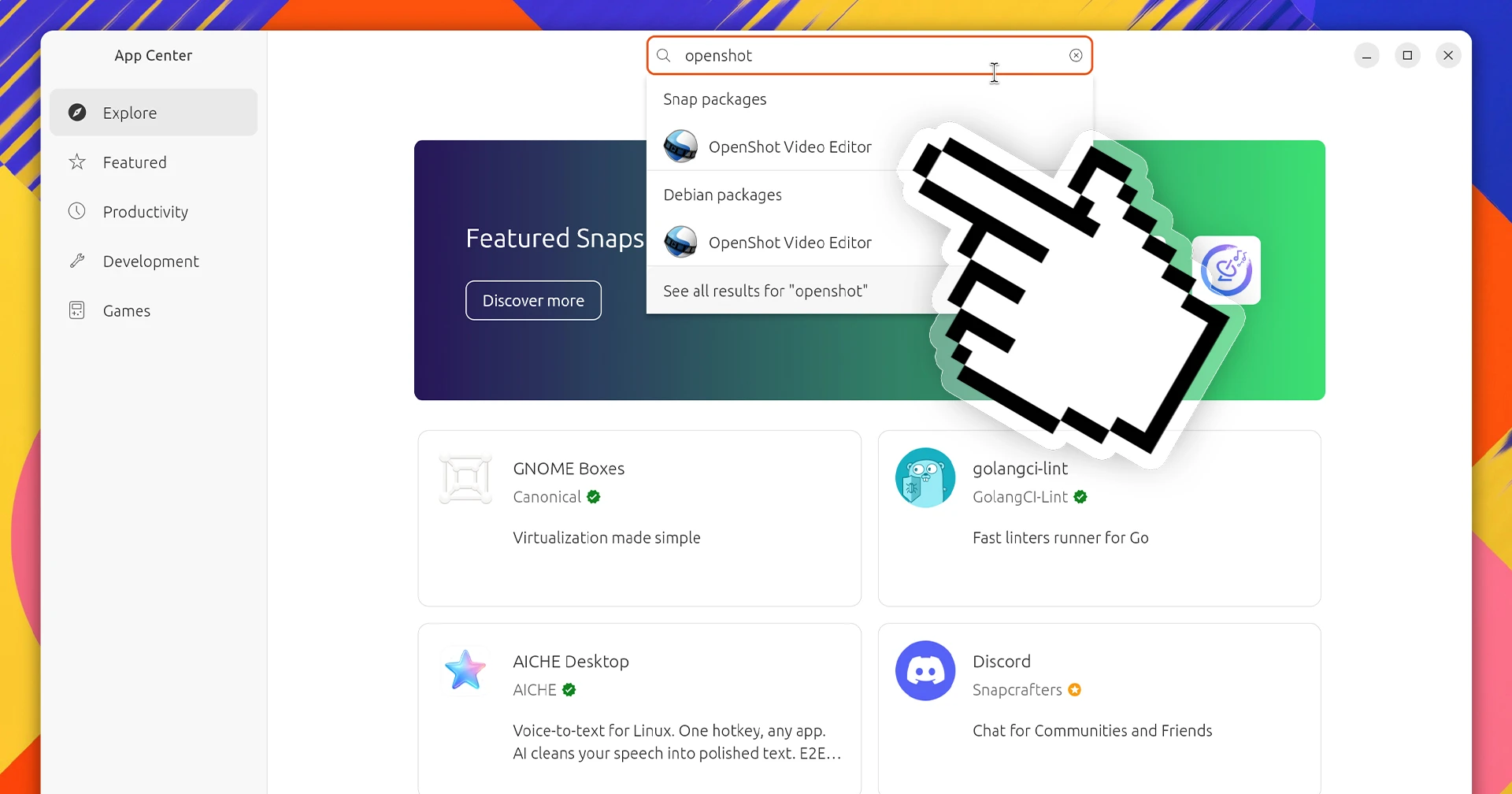
Adding a snap package will make it easier for Ubuntu users to install the video editor. It also makes newer versions available to users on older Ubuntu LTS releases, whose Qt versions may prevent them from using the official PPA packages.
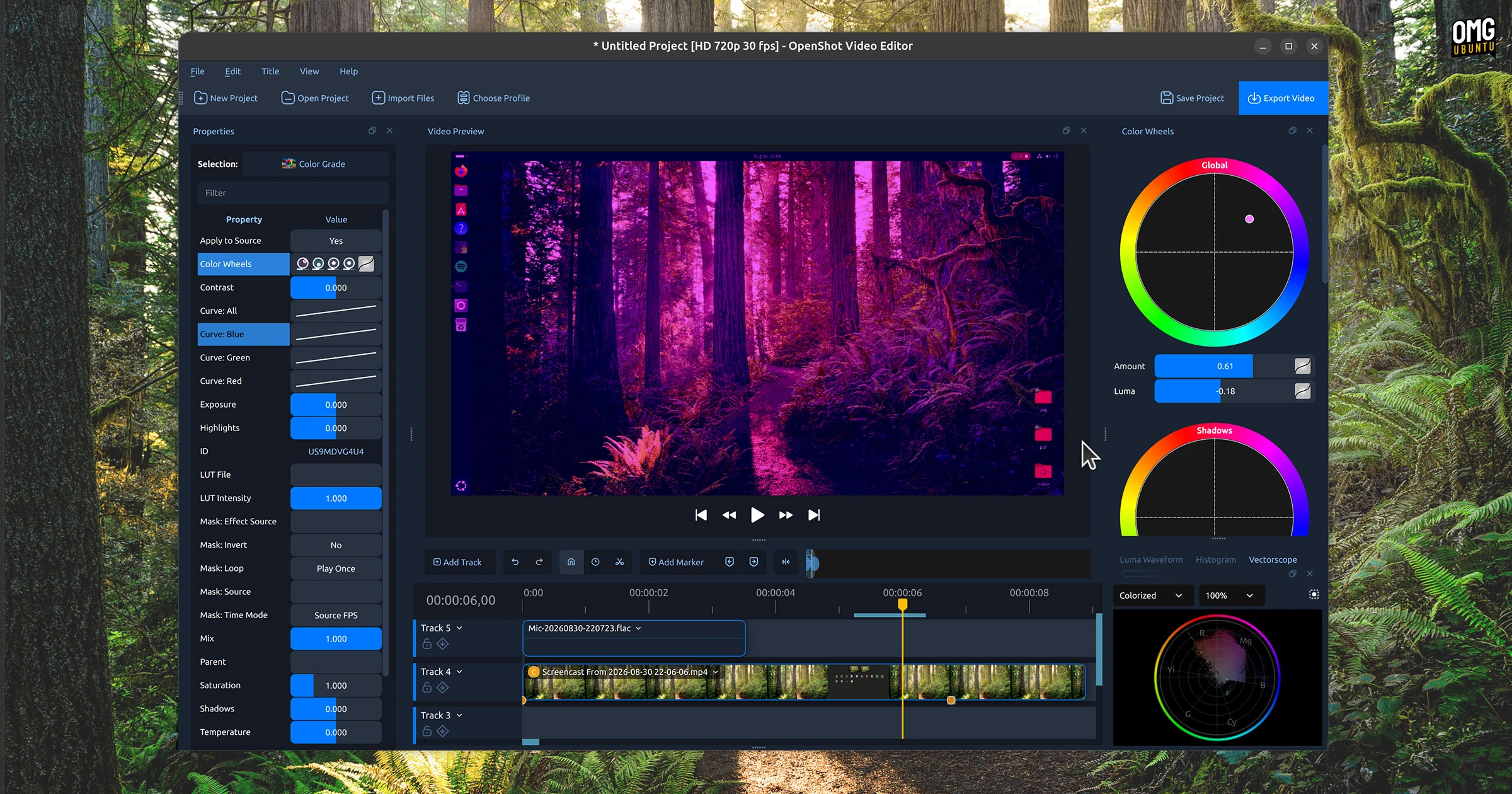
The OpenShot 4.0 release in August added a swathe of notable improvements, including long-awaited colour grading tools, better multitrack recording and deeper integration with the cloud-based ComfyUI AI service.
How to install OpenShot snap package
To install the OpenShot snap from the command-line:
sudo snap install openshot-qt
The sandboxed version of OpenShot isn’t quite “install and go”. It does require explicit permissions before it can use the microphone, webcam or open/save files on removable/external drives.
Grant permission via Settings > Apps > OpenShot, or do it from the command line:
sudo snap connect openshot-qt:audio-record
sudo snap connect openshot-qt:camera
sudo snap connect openshot-qt:removable-media
What does this mean for the OpenShot PPA?
Probably not much.
OpenShot’s PPA has been around for a long time, and gives those who don’t want to use snaps (or the official AppImage) a means to install the app and receive ongoing updates.
While OpenShot is on Flathub, it’s an unverified package that has not, as of writing this post, been updated to the latest version (4.0) – with its Snap store debut checked off, perhaps a formal Flathub release is next?
Let’s hope!