

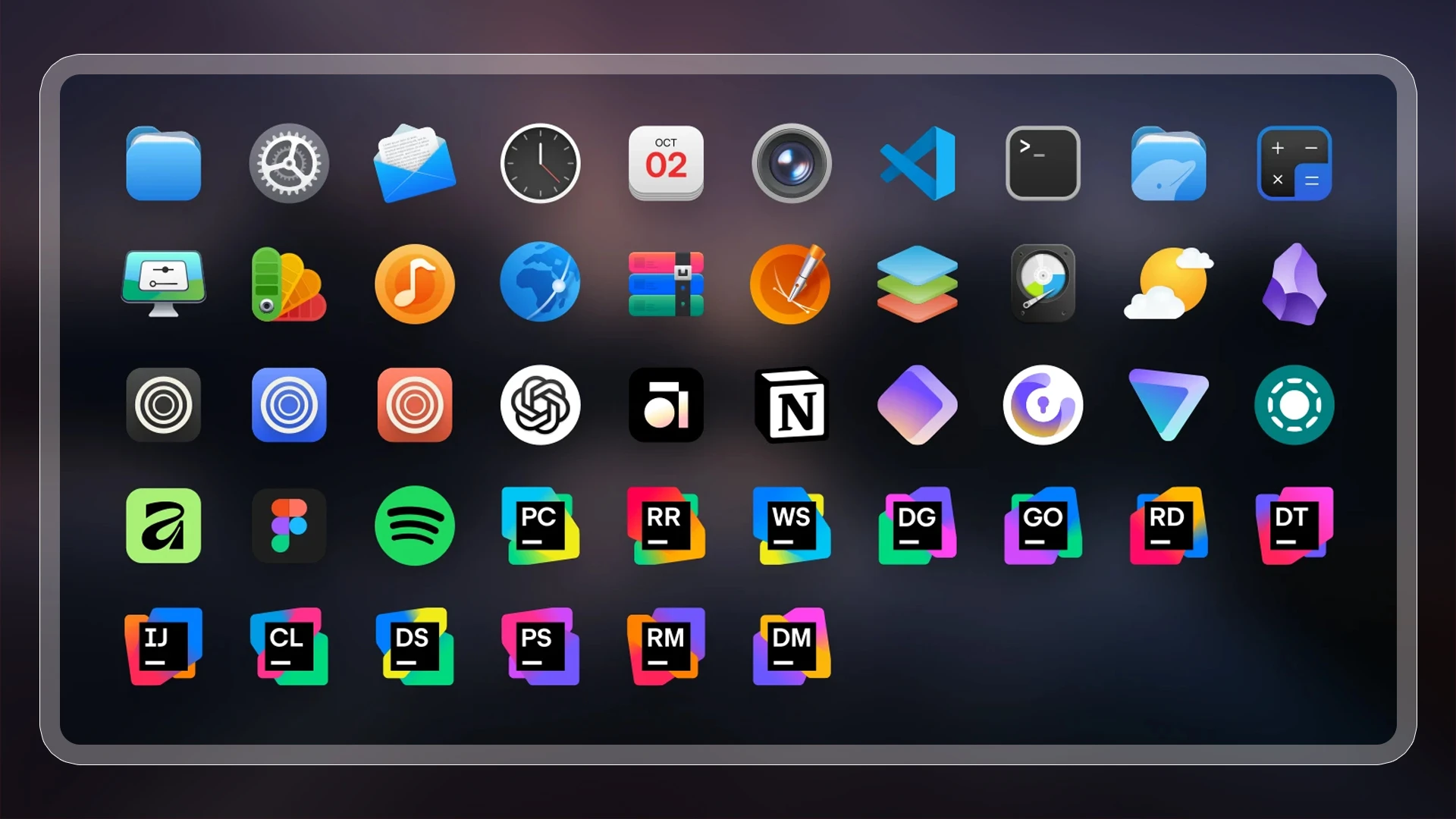
Conflux is a new Linux icon set that aims to be both beautiful but neutral – I think it succeeds at both.
The author of Conflux said they struggled to find a “modern-looking” icon pack for their desktop, deigning many as overly stylistic, outdated or, in some cases, poorly designed. Another impetus to solve was the way un-themed icons look.
“Conflux should blend seamlessly into your system”, reads the Github page, “so that you don’t even notice you’re using an icon theme.”
It’s not flat, block colours and simplistic – which is refreshing. It won’t be for everyone, though.
Few of us use the same set of apps, and few icons sets cover every thing (not least because new apps appear). Distinctive designs tend to be spoiled more easily when apps aren’t covered. Constant updates help – Papirus continually expands its coverage.
Some icon sets, like GNOME’s Adwaita icons and Ubuntu’s Yaru, intentionally don’t cover everything and don’t change the look of third-party or branded icons (Yaru does a couple, like LibreOffice, but often with the blessing of the upstream project).
Conflux, by point of difference, aims to balance looking good with not looking half-finished. It doesn’t enforce a fixed shape or a specific type, so any apps the pack doesn’t replace, don’t stick out as much.
It’s also something of a “greatest hits” pack. Many icons are drawn from or inspired by those in other popular Linux icon sets, including WhiteSur, Kora, MoreWaita and, of course, Papirus.
The maintainer also doesn’t bundle icons for a slate of well-known software as they consider them to be well designed in the first instance, or widely recognisable – Firefox, for example – in the second.
But as a ‘varied shape’ icon set, un-themed icons stay visually compatible with ones which are.
A comment I read recently made a point that despite us using high-resolution displays that can display billions of colours, modern icon and app design gives us interesting to look at: flat uniform shapes, block colours and simplistic designs1.
Conflux is certainly out to buck that trend.
Install Conflux icons on Ubuntu
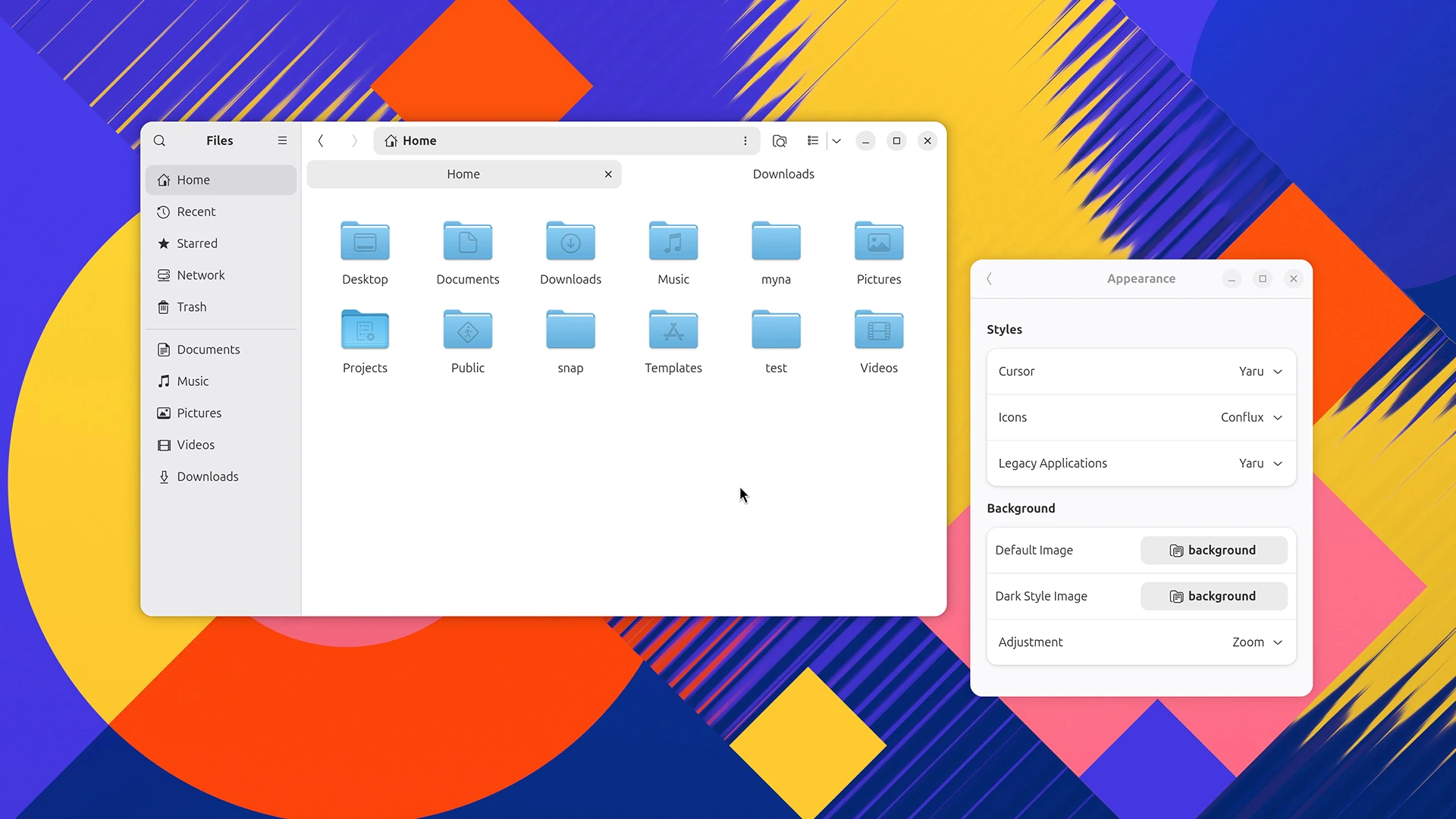
You can install Conflux on Ubuntu the same way you’d install most icons: i.e., put the extract theme folder in your hidden ~/.local/share/icons directory.
If you have git installed, you can do it all via the command-line:
mkdir -p ~/.local/share/icons
cd ~/.local/share/icons
git clone --depth=1 https://github.com/MoshiurRahmanAdib/Conflux-Icon-Theme.git Conflux
On Ubuntu you need to edit the index.theme file to inherit Yaru, assuming you don’t want unthemed icons to rely on Adwaita.
Open the index.theme file in your system text editor (or use nano in the terminal) and edit line 4 to read: Inherits=Yaru,Adwaita,breeze,hicolor, then hit save.
Finally, to change icon theme on Ubuntu (assuming you’re using GNOME Shell), install the GNOME Tweaks tool, go to Appearance > Icons and select Conflux.
- For all the criticism Apple’s Liquid Design receives, the revised icon language is pivoting back to gradients and detail after years of ever flatter, facsimile motifs. ↩︎