

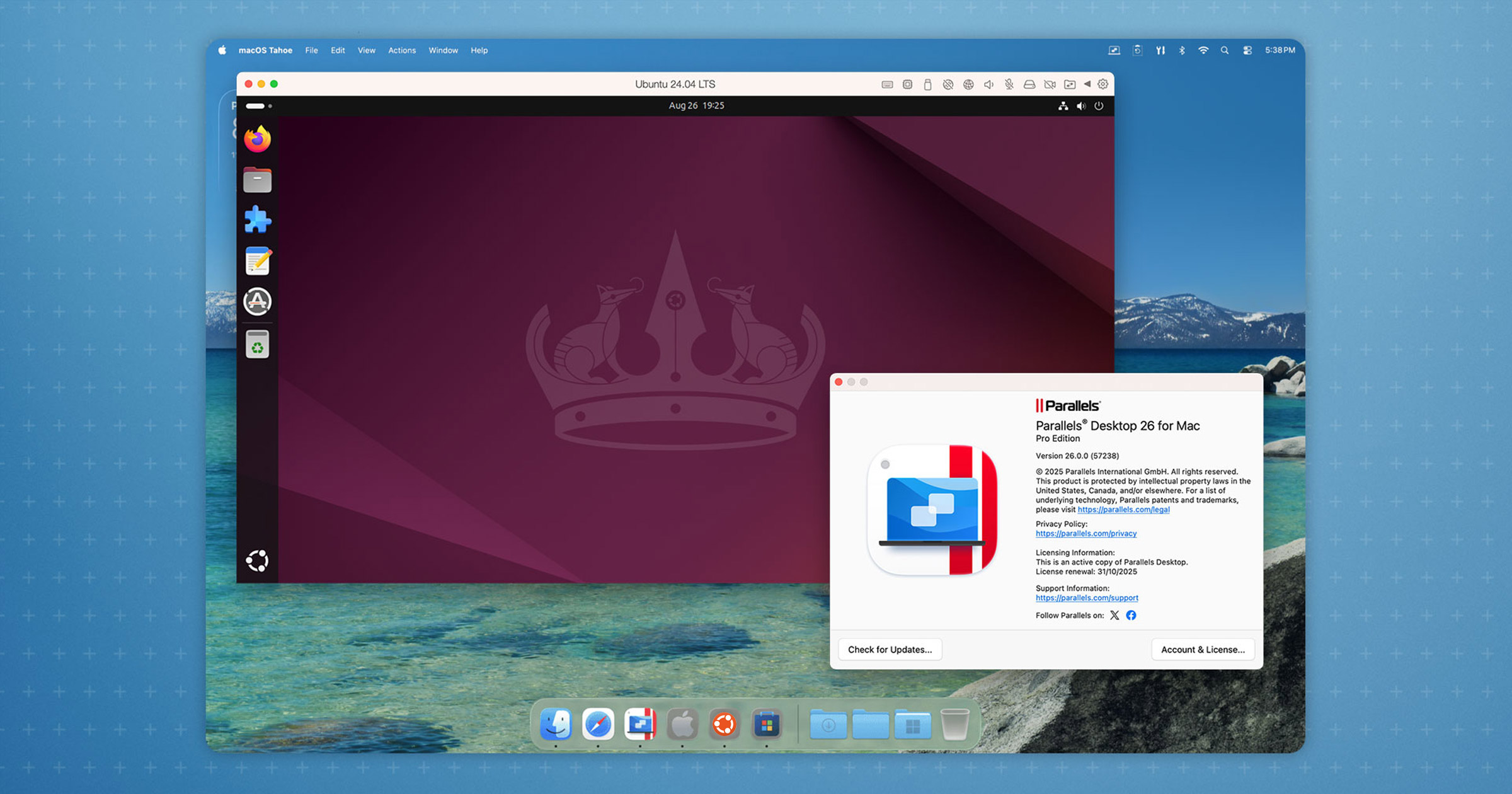
Parallels Desktop 26 has been released for macOS, a sizeable update expanding the versatility of the paid-for, proprietary virtualisation software.
As you’d expect (since the release is being covered on an Ubuntu blog), the latest update features a variety of Linux-related improvements, all aimed at making it easier to run Linux VMs on the latest versions of macOS, both Apple silicon and Intel devices.
Parallels Desktop 26 adds support for macOS Tahoe 26, as both host and guest. Adding support now means users who upgrade to Tahoe later this year won’t find their VM-needs interrupted by changes and restrictions on how background processes run.
This update also ships with updated icons “across the board”, all in hock to the latest designs Apple introduce in macOS Tahoe. Similarly, Apple switched to a new year-based versioning scheme for its operating systems and Parallels follows suit.
Parallels Desktop 26 succeeds the Parallels Desktop 20.x release that launched in 2024.
Functionality is what most people will be interested in.
For those virtualising Windows, Parallels Desktop is the only solution “authorized by Microsoft to run Windows 11 on Apple M-Series Macs”. This update adds support for Windows 11 25H2, along with a handful of fixes and modifications:
- Windows VMs can “accurately assess” disk space on host Mac
- Mac sleep no longer affected by full-screen apps in Coherence mode
- Fix for Persona 5 Royal crashing on launch in Windows 11 VMs
For those virtualising Linux distros, Parallels Desktop 26 adds out-of-the-box support for a fleet of new(er) Linux distributions across Intel and Apple silicon Macs:
- Apple silicon Macs: Ubuntu 24.04.2, Fedora 42, Debian 12.6, Kali 2024.2
- Intel Macs: Ubuntu 24.04, Fedora 40, Debian 12.6, Mint 21.3
I know; those are not the very latest versions. Many use cases for running Linux VMs on Macs don’t tend to need the absolute latest OS, merely a supported one. New versions of most distros run happily in Parallels, including newer Linux kernels with OS integration tools.
Finally, this update delivers a fix for an issue that prevented Parallels Tools for Linux from being installed correctly on CentOS 10 VMs running on Intel Mac hosts.
For IT and system managers, this update offers:
- Renewed SOC 2 Type II compliance
- Jamf functionality for monitoring and managing updates
- New guide for single-app mode in Windows
Parallels will deliver further new features, timely fixes, and improved OS support throughout 2026 as point-release updates to the new 26.x series.
Get Parallels Desktop 26
More details in the (synthetic-sounding) official blog post, with a full(er) changelog for this update on the Parallels website support page.
To learn more about Parallels, including its features and pricing (including differences with the Pro and Enterprise/Business editions), or to download a free trial to try out, head to the Parallels website.
Note: the Parallels Desktop for Mac App Store Edition updates on a separate cadence to the main version downloaded direct from the Parallels website.