


Two years in the making, but today Debian 13 “Trixie” arrives, bringing a deluge of improvements to one of Linux’s most established distributions, including official RISC-V support, Linux kernel 6.12 LTS, and APT 3.0.
For those wondering why a Debian release is appearing on an Ubuntu blog: Ubuntu is based on Debian.
Debian 13.0 runs on Linux 6.12 LTS kernel with the GNOME 48 desktop (the default experience, depending on how you install it). Debian releases usually get ongoing support for 3 years, followed by LTS support for 2 years – meaning Trixie is supported until 2030.
The distro’s developers note that Trixie — releases are codenamed after characters in the Toy Story movie series, in case you were wondering — contains over 14,000 more packages in its repo than the Debian 12 “Bookworm” release.
Debian 13: What’s New?
RISC-V Support Added
Debian 13 adds official support for RISC-V for the first time.
As a supported architecture by Debian, RISC-V gets, well, supported officially in Debian, across the bulk of the software set. Users can install Debian on RISC-V SBCs and expect a solid experience.
As Ubuntu 25.10 won’t run on older RISC-V devices (though Ubuntu 24.04 still will) due to an increase in RISC-V hardware requirements, the arrival of an official Debian build is sure to be welcomed for those with boards looking for dependable support.
i386 Support Reduced
However, as one nascent processor architecture gains support, another sees its support reduced, as Debian 13 sees support for 32-bit (i386) PCs and laptops is significantly pared back.
While the Trixie repos continue to offer a range of 32-bit packages these packages now expect a 64-bit processor with SSE2. Or to put it another way, if your computer is old enough to remember Windows XP, it’s probably out of luck.
Neither kernel nor installer are provided for 32-bit systems, and a dist-upgrade from a 32-bit Bookworm to Trixie is not supported.
MIPS support is also retired, but ARM64 users see security coverage increased thanks to the addition of Pointer Authentication (PAC) and Branch Target Identification (BTI) to prevent certain kinds of code injection attacks.
Desktop & Software Updates
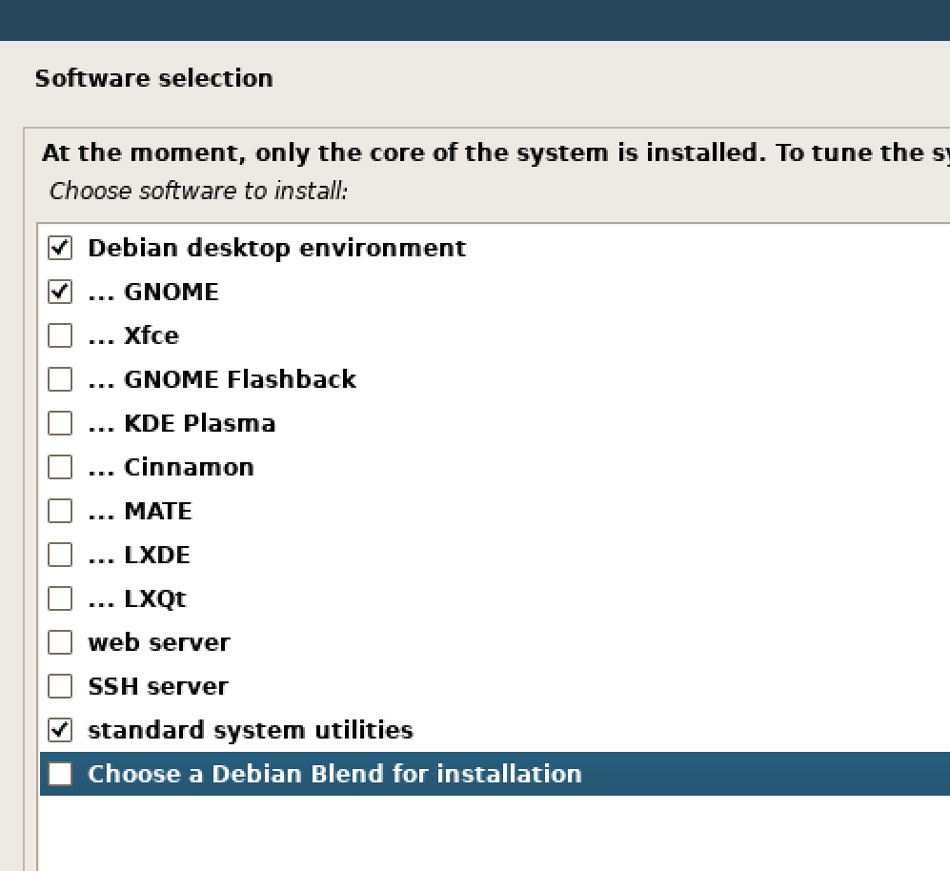
Debian Blends (specialised software sets for specific use-cases, e.g., education, science, etc) can now be installed directly from the installer.
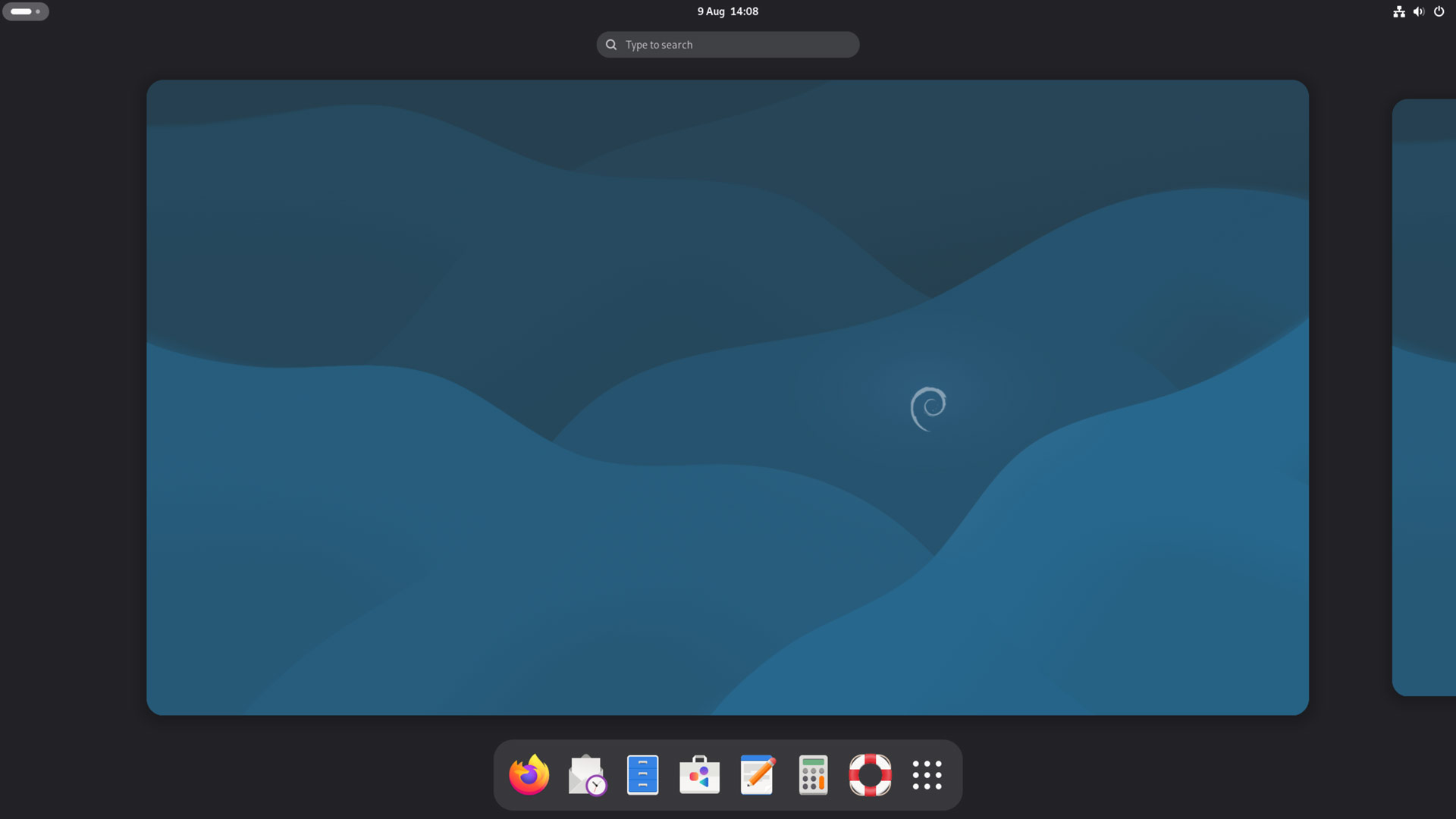
Desktop environments available in Debian include GNOME 48, KDE Plasma 6.3, LXDE 13, LXQt 2.1.0, and Xfce 4.20.
The default desktop (preselected in the installer) is GNOME, which in Debian 13 is GNOME 48.
GNOME 48 features plenty of changes, including digital wellbeing tools, HDR support, dynamic triple buffering, power/energy improvements, centred windows by default and, the big one for me, notification grouping.
Also onboard is an updated set of software, and some new apps: Loupe (replacing Eye of GNOME), Snapshot replacing Cheese), and Music (replacing Rhythmbox). Transmission is dropped, but remains installable from the repos.
Software Updates
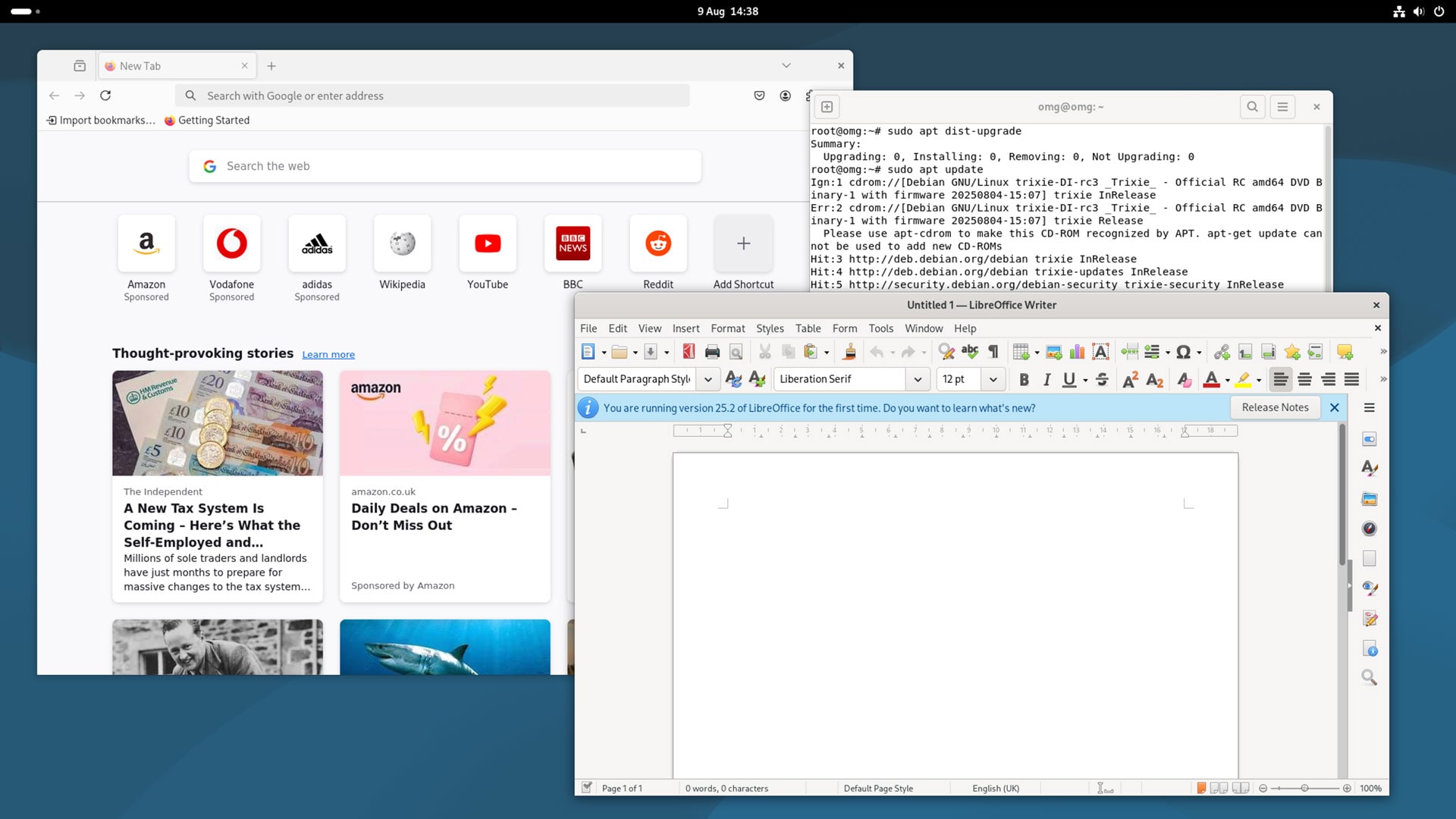
Notable software updates on the desktop side include the LibreOffce 25.x series, Firefox 128 ESR is preinstalled (it will be updated to Firefox 140 ESR later this year), and GIMP 3.0 is in the repos.
There’s also Python 3.13, PostgreSQL 17, MariaDB 11.8, and OpenJDK 21. PHP 8.4, Apache 2.4.64, and Nginx 1.26 for common server use cases.
APT 3.0 brings colour coding to package operations – green for installs and upgrades, yellow for downgrades, red for removals. A splash of colour looks pretty, but it’s functional too – it makes spotting potential system-breaking changes easier before.
There’s also better output organisation using columns, a new dependency solver and other changes.
A new apt modernize-sources command is included. This converts old .list files to the newer .sources format Debian — and now Ubuntu — use, while apt distclean removes cached package lists (more for distro maintainers than end users, but still notable).
Given that APT is the backbone of Debian system management, those changes may catch more attention than some the ‘flashier’ stuff.
Other noteworthy changes at-a-glance:
- 64-bit time keeping (t64) to address Y2038 problem
- HTTP boot support
- wcurl and HTTP/3 support in curl
- Spellcheck support in Qt WebEngine web browsers using hunspell
See the official Trixie release notes for more on what’s new, and if you plan to install or upgrade to Debian 13 be sure to pay particular attention to the official list of ‘things to be aware of’ before you begin.
Download Debian 13
You can download Debian 13 from the official website from 9 August, 2025. The usual variety of download options are provided, with the main download being a small net-based installer through to full-fat 4GB downloads with everything included, ready to go.
If you’re seeking a desktop install, downloading the the DVD-sized ISO image for 64-bit Intel/AMD is recommended. It includes the base system with GNOME 48 and a selection of apps, and you don’t need an internet connection during installation (though you’ll want one afterwards).
If bandwidth is tight, the standard netinst images are tiny downloads that fetch packages during install. If you have good internet speeds and want to get the latest version of packages at install time (helpful if you’re installing after release day), use that.
Do you use Debian already? Do the changes included have to tempted to try it out? Share your thoughts on this release, or simple you love for the distro by leaving a comment below!