

The Blender Foundation has released Blender 4.2 LTS, a new long-term support version of its popular open-source 3D graphics software.
Blender 4.2 LTS delivers a sizeable set of new features, a number of performance improvements, and the sort of general fixes and tune-ups one would expect from a well-maintained open-source project such as this.
This long-term support release promises two years of bug fixes from the Blender team, allowing 3D artists and developers to work on their projects confident that no ‘breaking changes’ will be pushed out to them in that time.
Blender 4.2: Features & Improvements
The overhauled EEVEE render engine in Blender 4.2 LTS was rewritten from scratch to improve performance, stability, and visual quality. It also adds new shadow and global illumination systems, enhanced motion blur, and improved depth of field (DoF).
And a GPU-accelerated compositor is included in Blender 4.2 LTS. When enabled on systems with decent graphics capabilities it will lead to faster composite renders that look roughly similar (though the not identical) to ones generated using CPU alone.
Another exciting addition in version 4.2 is the new Extensions experience. This unifies the old ‘add ons’ and ‘themes’ offerings. Blender extensions can be got on the extensions.blender.org website, installed easily, and new to this version, updated inside the app itself.
Other Blender 4.2 LTS highlights include: –
- Cycles: Ray Portals, Thin Film Interference, blue noise dithered sampling
- Denoise GPU acceleration enabled for AMD GPUs on Windows & Linux
- Intel GPU rendering with Cycles now supports host memory fallback
- Khronos PBR Neutral Tone Mapper
- New sculpt tools
- New Matrix socket type
- More Geometry Nodes + performance boosts
- Video sequencer now hides handles on strips, highlights missing media
- Video sequencer Text strip gains new shadow and outline options
- Sample UV Surface node is 10-20x faster on large meshes
- GLSL syntax highlighting now supported in the Blender text editor
- USD, Alembic, glTF, OBJ, PLY, and STL enhancements
- Portable installation support
- 5x faster undo operation
- Improved UI scaling
- UI font updated to Inter 4.0
The comprehensive set of official release notes for 4.2 (peppered with animated GIFs, short video clips, and screenshots) offers an engaging showcase of the changes listed above.
And since it is often easier to understand things if demonstrated, the Blender team put together a video to walk through many of the headline features in this update: –
Download Blender 4.2 LTS
Ready to explore these ace new features first-hand?
Blender is completely free, open source software available for Windows, macOS and Linux. There are no in-app purchases, no subscriptions, no sign-ups, no up-sells, and no “phoning home” – Blender works totally offline by default.
You can download the latest Blender release from the software’s official website.
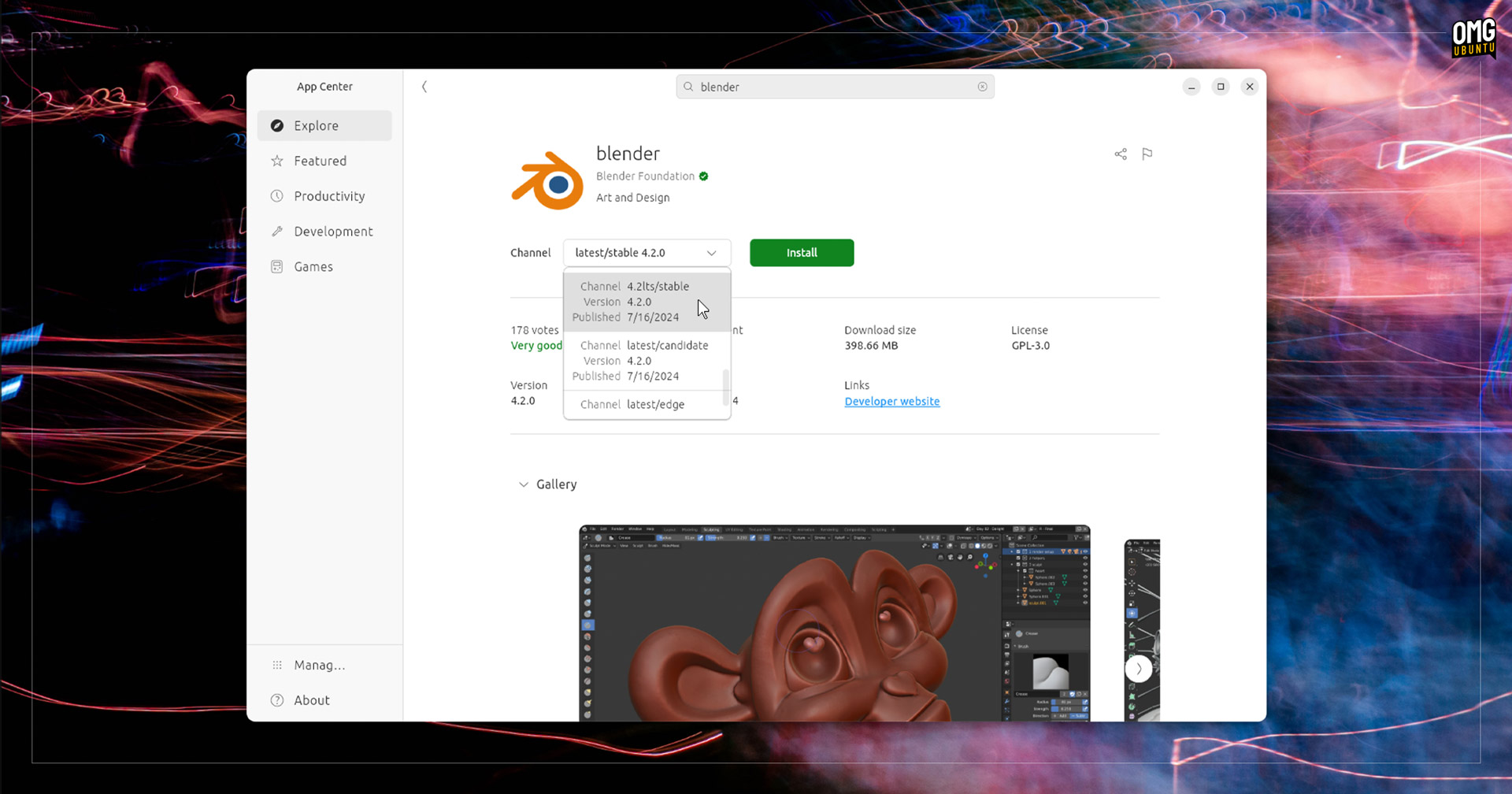
Linux users can also find Blender on Flathub (unverified). Ubuntu users can opt for Blender on the snap Store, which is an official package maintained by Blender, and offers a dedicated 4.2 LTS series channel users can choose when installing the app via App Center.
System requirements for Blender 4.2 LTS on Linux asks for a distribution with glibc 2.28 or newer, plus (at a minimum) a quad-core CPU with SSE4.2 support, 8GB RAM, a GPU with 2GB vRAM and OpenGL 4.3 support, and a screen resolution of 1920×1080.
Systems not meeting the above requirements (barring the glibc requirement) will still run Blender 4.2 but it may not run well, especially tools that are CPU-intensive or GPU-accelerated. Older versions of Blender are available to download and will likely run better.