
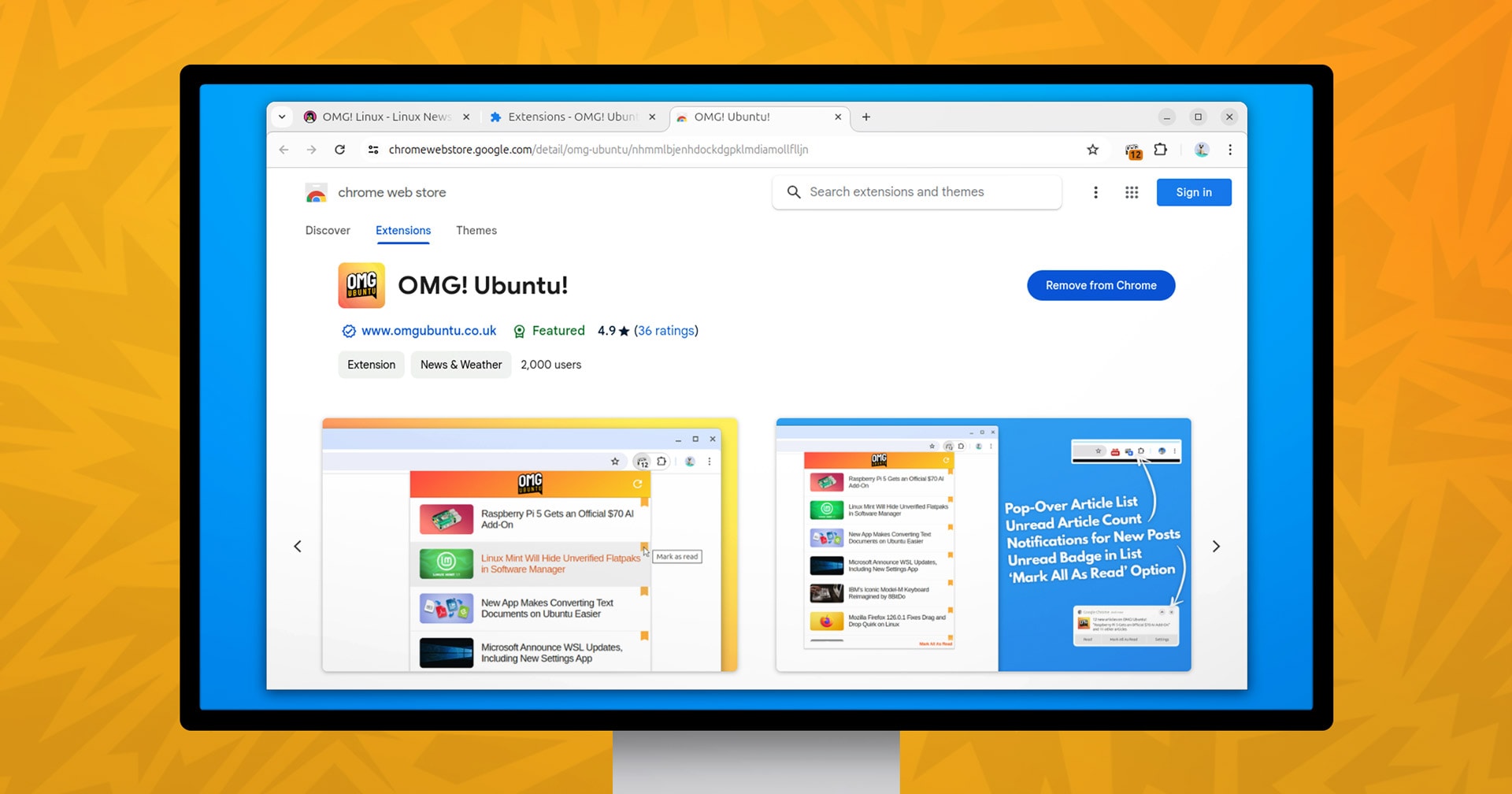

A new version of the OMG! Ubuntu web extension for Google Chrome, Chromium, and other compatible browsers is available on the Chrome Web Store.
—Oh, you didn’t know we had a browser extension? ;)
That’s on me; I suck at self promotion.
In fact, this appears to be the first blog post I’ve ever written about our browser bolt-on since we launched it back in 2013.
Yes. 2013.
Using the OMG! Ubuntu Chrome extension makes it easier to see the latest posts on this site, without needing to visit it. If you don’t use RSS and instead let social media algorithms choose what (if any) content of ours you see, it cuts out the middle man.
Despite my quintessentially British approach to promoting it, my Chrome Web Store dashboard says 2,456 people currently have the OMG! extension installed – which is impressive.
If you are among those already using it, this latest update improves what you know (and love).
Smaller, Smarter, Manifest V3-ier
We had to update the extension for changes required by Manifest V3 (Google is enforcing its Manifest V3 requirement as of June 2024, extensions not complying are disabled).
Thankfully, migrating to V3 was a cinch thanks to Google’s comprehensive documentation.
While we only needed to make a few line changes and adopt a service worker, we ended up rewriting the entire thing.
Not because we needed to, but you know how it goes: one simple edit becomes two, two becomes a snowball, and before you know it it’s 3AM, the coffee’s cold, the cat’s hungry and you’re feeling smug at bettering your old self’s work.
By updating the codebase we have reduced the download size of the extension to <38 KB. We baked in a few preemptive fixes for the rare occasion that an HTML entity in a title causes the extension to stop updating for the day.
State sync for (signed-in) Google Chrome users was added. If you open/read a post or manually mark it as read in the extension, it gets marked as read in other signed-in sessions (if you have extension sync enabled).
If you’re are not signed-in to Google Chrome (or you are but you disable extension syncing) state sync won’t happen. Same if you use a Chromium-based browser that uses its own sync backend and APIs, like Vivaldi or Microsoft Edge.
Since I often (understatement) edit article headlines and revised post thumbnails after publishing, Sam made the extension aware of changes. It now updates the cached version(s) to match the live version(s), which means everyone’s on the same page.
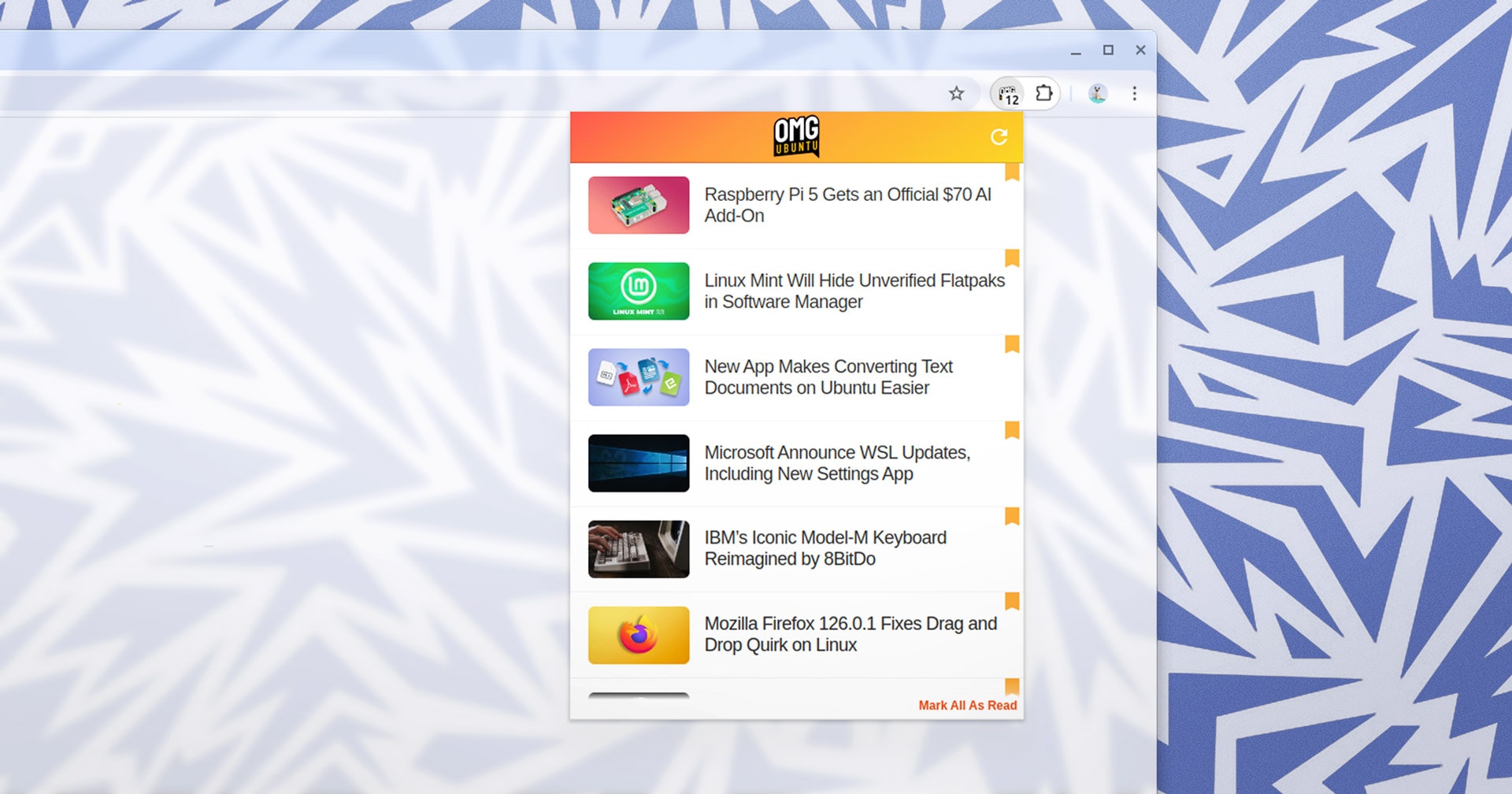
And we finally re-added the refresh button. Hit it to check for new posts any time you like – though apologies in advance if I don’t churn out the posts in the quantities an LLM can ;)
Other than that, the OMG! Ubuntu Chrome Extension is the same: a tool bar icon with unread count; click the toolbar icon to open a pop-over list showing the latest 12 headlines; click a post to read it; click the bookmark icon to mark it as read without reading it.
- Pop over shows 12 most recent posts
- New article notifications
- New posts count on toolbar icon
- Lightweight; loads on-demand
Our open-source extension always loads “on demand”. If the pop-over isn’t open, the extension isn’t loaded into memory. A background check will probe for new posts infrequently, but that takes a fraction of a second every few hours whenever the browser is open.
—Yes, it’s basically a glorified RSS feed you can add to your browser, but it’s cute!
Already have our extension installed? You don’t need to reinstall; Chrome extension updates roll out silently/automatically in the background to Google Chrome and to browsers which let you install extensions from the Chrome Web Store, e.g., Edge, Vivaldi.
Not using it and want to give it a whirl?
You can get the OMG! Ubuntu extension from the Chrome Web Store.