
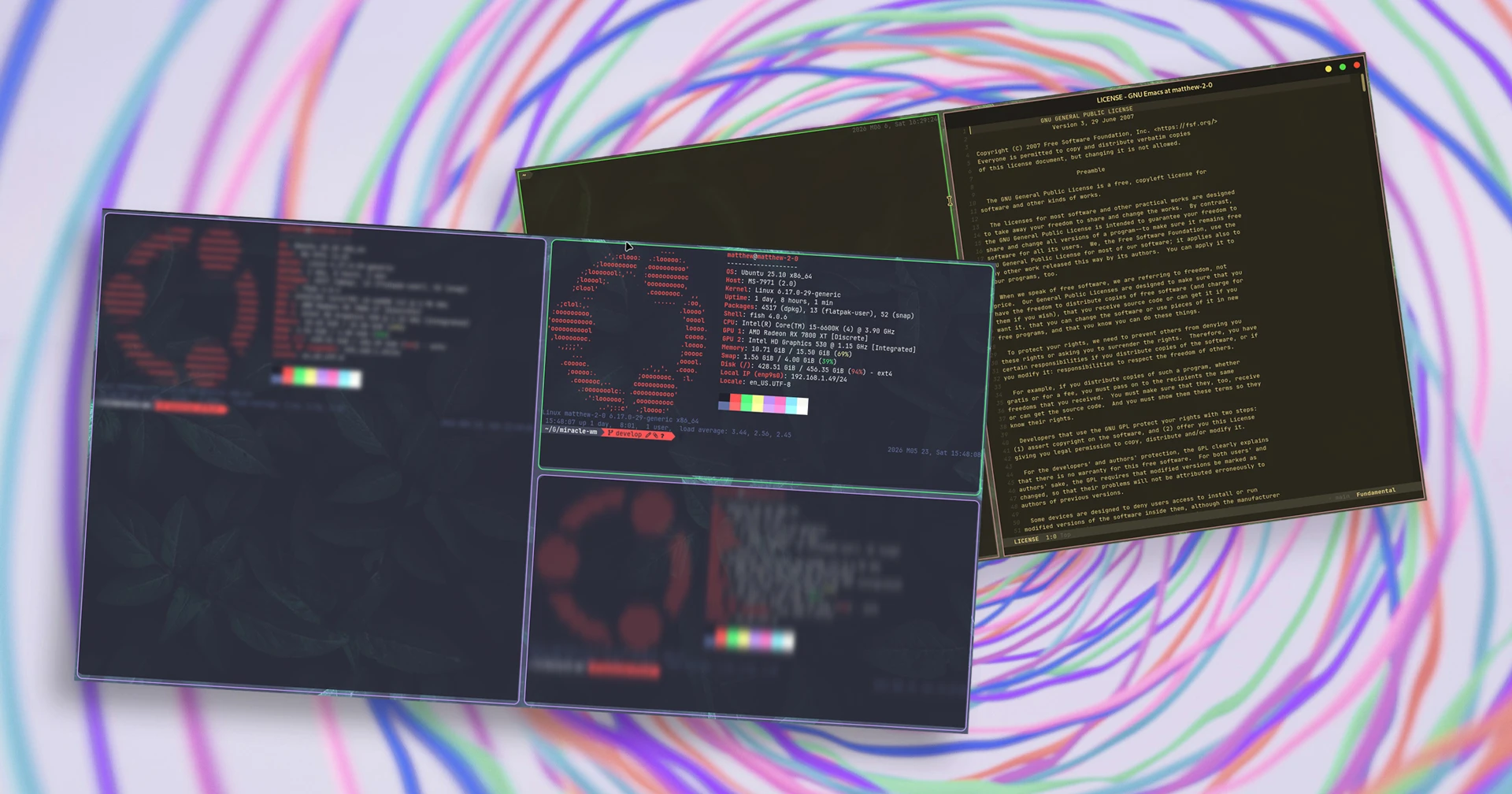

A new version of miracle-wm, the Wayland compositor built on Mir with an i3/Sway style tiling window manager, has been released.
Developer Matthew Kosarek, a Canonical engineer developing this keyboard-driven UX in his free time, says the new v0.10.0 release sees the plugin system introduced in the April 2026 release “getting better and better everyday”.
Plugins can now be used to set a blur effect on individual unfocused windows using a two-pass separable Gaussian blur shader. This helps set a visible cue that might help you focus more.
A new nightlight plugin uses an output shader capability to tint the screen orange, reducing the amount of blue light emitted. It works on a schedule running 6PM to 8AM.
Additional Wayland protocol extensions have been implement. These bring out-of-the-box support for popular utilities like the wl-copy clipboard and grimshot screenshot tool to Miracle-wm, and xdg-desktop-portal-wlr opens up screen-sharing pipelines.
Kosarek demoes many of the new features in this YouTube video:
Other changes and fixes in Miracle-wm 0.10.0:
- GTK4 tool to let you know if your configuration has errors
miraclemsg debug overlaywith info on windows, input regions.wasmplugins automatically load from~/.config/miracle-wm/plugins- WasmEdge’s LLVM no longer conflicts with
llvmpipecausing black screens - Now monitors are now usable even if not in the configuration
Miracle-wm is aiming to issue its all-important v1.0 release at the end of the year.
Want to try it out?
Install miracle-wm on Ubuntu from the from the Snap Store (sudo snap install miracle-wm --classic) or try the miracle-wm PPA for Ubuntu 25.10 or 26.04 LTS – the PPA no longer supports Ubuntu 24.04 LTS.
To use it, log out of your current session and select the ‘Miracle’ session from the cog in the bottom right corner of Ubuntu’s login screen.
However, miracle-wm is not a traditional desktop environment, merely a compositor. You have to manually craft a text configuration file to define your preferences, and install additional packages for panels, launchers and applets.
Full details on how and what to do can be found on the miracle-wm wiki.