

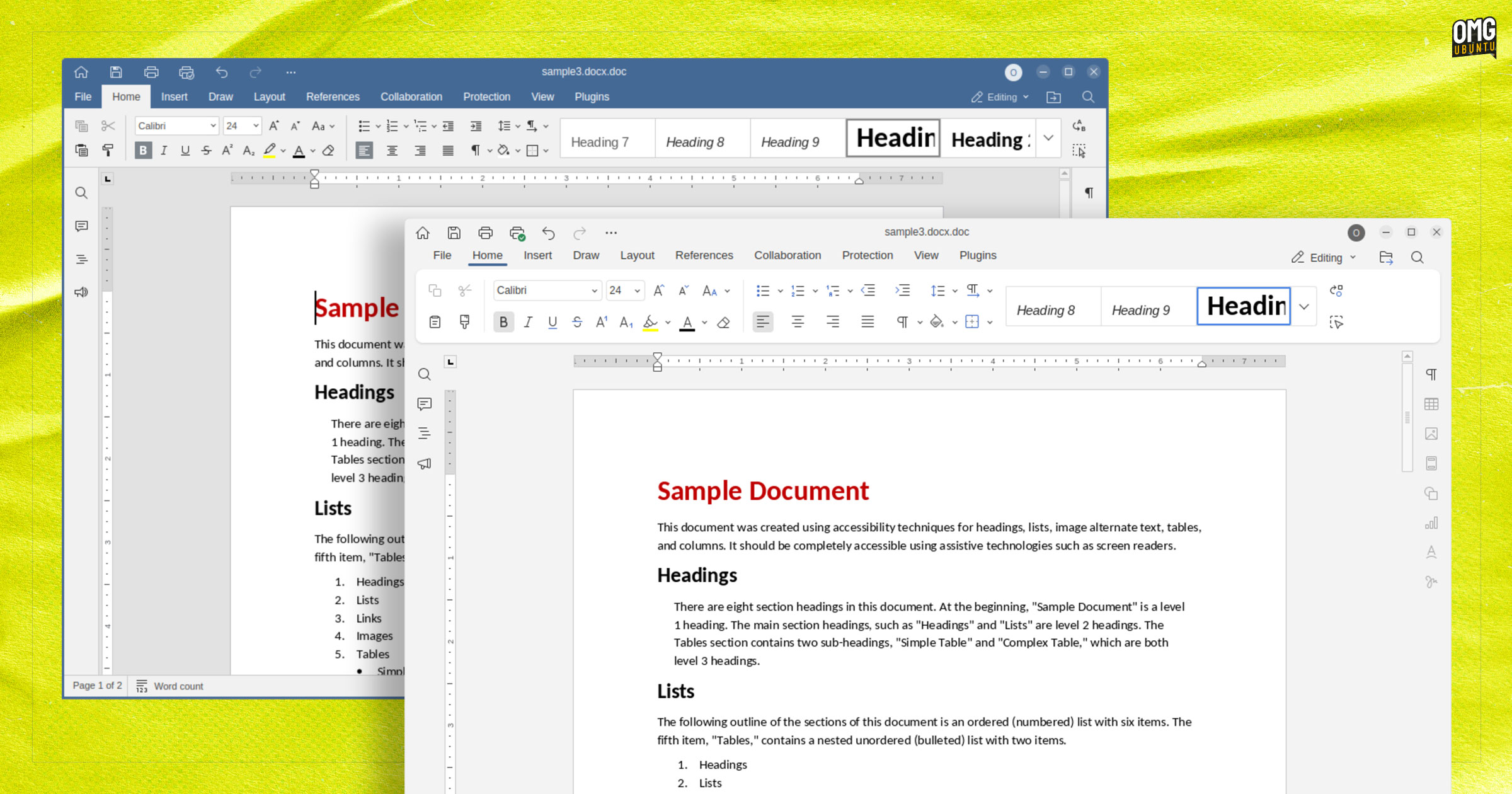
A bug fix update that tackles a number of glaring issues and compatibility hiccups in the ONLYOFFICE 9.0 release has been made available to download.
ONLYOFFICE 9.0, released in June, brought a revamped user-interface, new AI features, the ability to view VSTX diagrams, and improved support throughout the suite when used in right-to-left (RTL) languages.
Alas, that update also brought a few gremlins with it too.
Which is why ONLYOFFICE 9.0.3 is out, shipping fixes for all sorts of issues – an annoying freeze on first launch if template preview generation was taking place; a non-functional Open document shortcut on the Home page; and an inability to paste code in Macros windows.
Other fix-ups across all editors include:
- Cursor and text selection is now limited by the size of the object/shape
- Icon scaling improvements (when scaling is set to 200%)
- Revamped autoshape Merge/Flip icons in the Modern theme
- Fixed the position of the editor version line in the About window
- Assorted conversion crash fixes
Dialling down into editor-specific fixes, Document Editor resolves errors using combine and compare text operations in the Document Editor if files contained images, and remedies quirks caused by editing footers in certain DOCX files.
The Spreadsheet Editor is, once again, able to save custom functions to a file, the app will no longer freeze if you go to export a spreadsheet to PDF files, and trying to reference a cell with a formula no longer crashes the app.
Presentation Editor can handle adding animations from the Emphasis Effects section to images without issues, and won’t crash when deleting slides sequentially from the preview panel. Copying all content on a slide in PPTX files works again too.
The Forms component won’t bug out when adding TextArt settings to text in the Signature field (though, morally, it should – who’d that?!); PDF Editor copes with cut and paste operations on the thumbnail panel; and Diagrams fixes a slide display issue.
More details can be found on the ONLYOFFICE website, with the links to download this update for Linux, Windows or macOS. If you installed ONLYOFFICE 9.0.x from the Snap Store or Flathub, you’ll receive this update from there.