

You may have noticed (or not) that if an app is pinned to the Ubuntu Dock you don’t see a shortcut for it in the applications grid.
This approach is by design to avoid duplication since the dock is always visible (by default) so those app shortcuts are always in reach – each app shortcut only shows once.
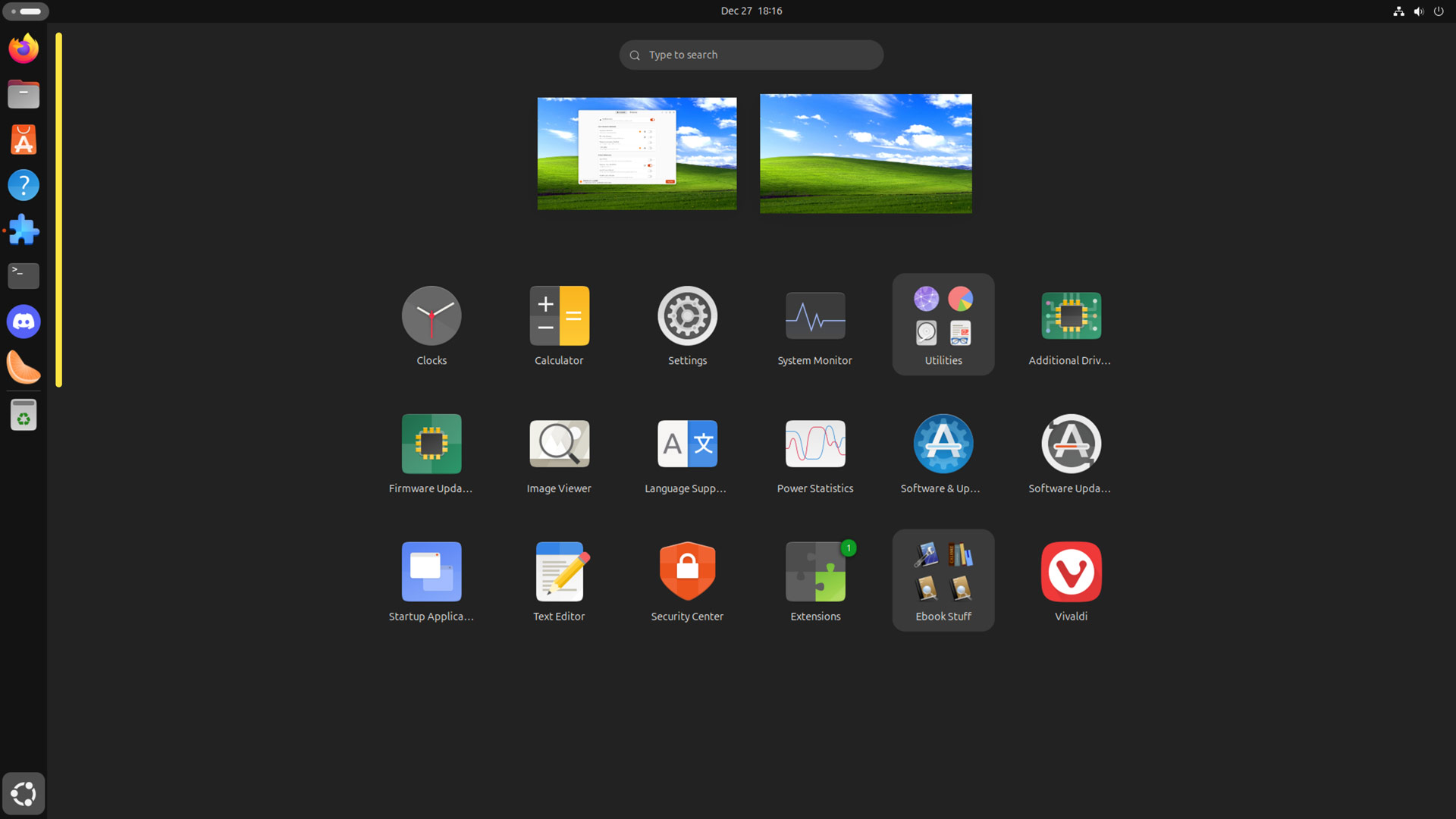
Not everyone likes this behaviour, especially if Ubuntu Dock auto-hide is enabled.
Naturally, there are 3rd-party GNOME Shell extensions one can install to make sure all apps show in the main applications grid irrespective of whether they’re pinned to Ubuntu Dock (or Dash to Panel, etc).
The best known of these is Favourites in AppGrid, but there are two big issues with it.
First, Favourites in AppGrid has yet to be updated to work with GNOME 46 or 47 (though with manual config file editing it can); second, installing that extension breaks the ability to rearrange icons in Dash to Dock (which Ubuntu Dock is a fork of).
So someone has forked, renamed, and released a new version of this GNOME Shell extension (‘Keep Pinned Apps in AppGrid’). It supports the latest versions of GNOME Shell and resolves the underlying issue causing issues with dock ordering.
Or to quote the GitHub page for it (clearly aided by a GPT1): “[t]his repository aims to provide a simple yet effective fix to this issue, preserving the GNOME Dock layout while ensuring pinned apps remain visible in the grid.”
And sure enough it does what it sets out to:
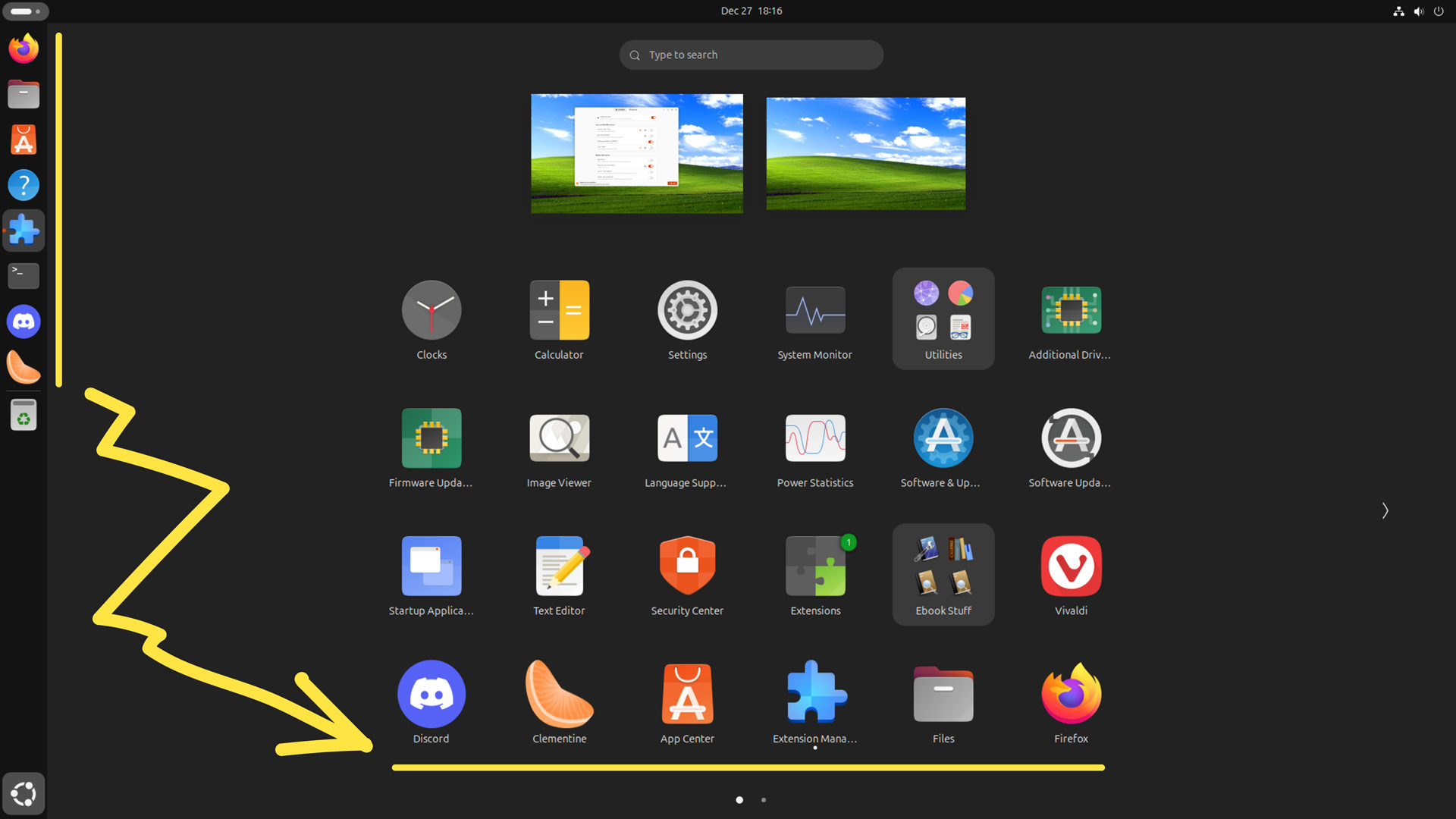
If you fancy giving this fork a try you can install it easily now that it’s live on the GNOME Extensions website. I (as always) recommend installing the GNOME Extensions Manager app to search, install, and manage GNOME Shell extensions in Ubuntu.
• Get Keep Pinned Apps in AppGrid on GNOME Extensions
- Clearly as the repository does not ‘aim’ to provide a ‘simple yet effective fix’ to the issue it contains code for a fork which has fixed it. The text interchangeably references ‘Dash to Dock’ and ‘GNOME Dock’ – the latter is called Dash, and the issue in question only affects Dash to Dock-based extensions, not the Dash. ↩︎