


If KeePassXC is your password-management app of choice on Linux, the new 2.8.0 update is going to please.
KeePassXC 2.8.0 sees some “long-awaited new features” arrive, including a Qt6 port of the main app interface, auto-type support on Wayland via XDG Desktop Portals, fingerprint unlock and a new experimental Aarch64 AppImage.
The Qt6 port has been a long-gestating effort. There’s no dramatic change to the way that KeePassXC looks and behaves (maybe a bit sharper on HiDPI), but it also benefits from being able to access improvements in platform capabilities, security and so on.
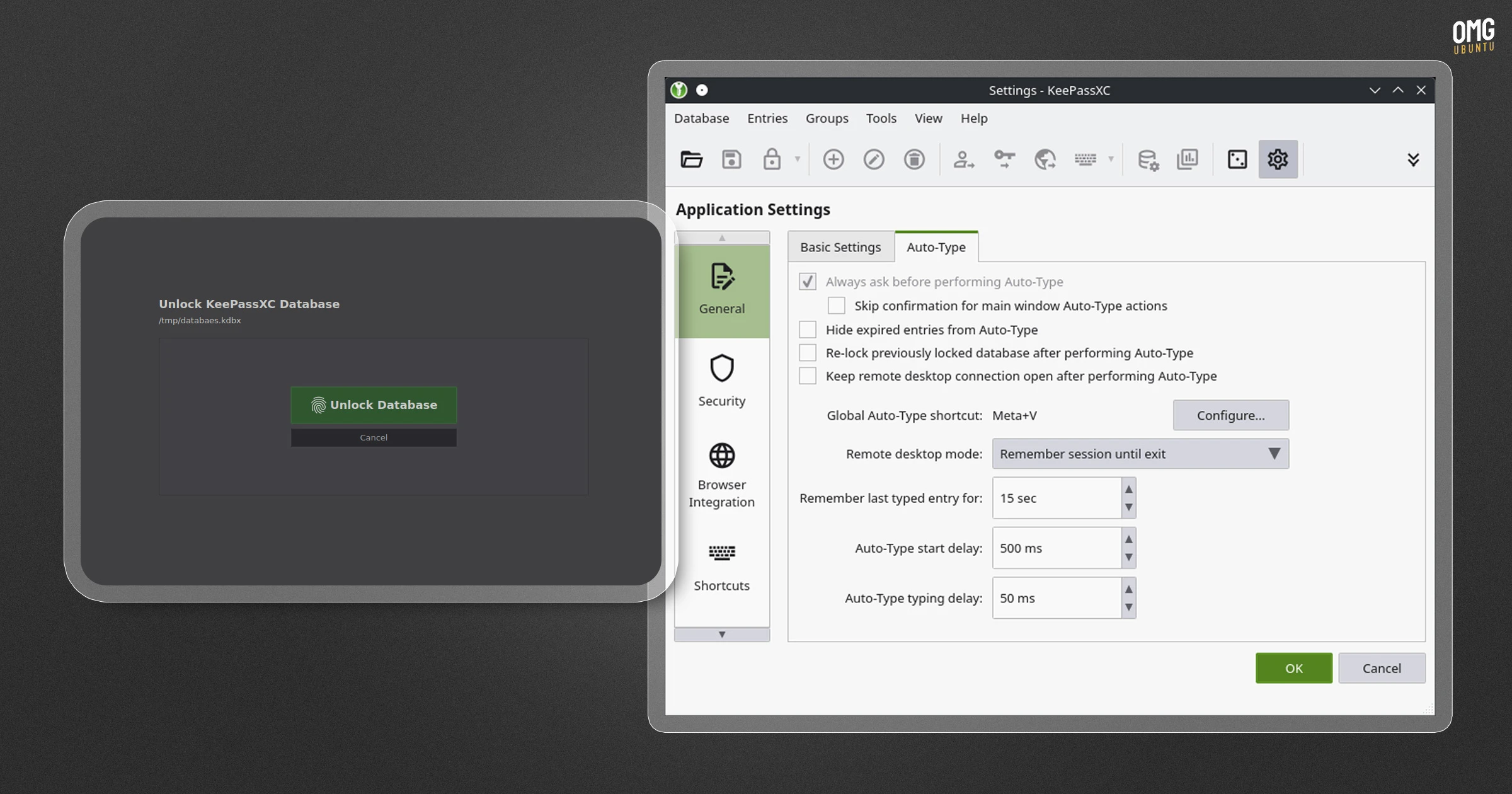
Auto-type is what allows your saved login details to be entered into another app’s username, password, etc fields without copying and pasting. Wayland security protocols meant this wasn’t an easy-add, but it’s now present.
KeePassXC 2.8.0 adds Quick Unlock for fingerprint unlocking (via PolKit) on Linux, which saves the need to type in a master password each session. It also adds remote database support from locations such as WebDAV or SFT.
Users of the Linux AppImage benefit from various buffs, among which come TLS tweaks to reduce errors when site/provider favicons are downloaded, as well as when checking for updates.
The AppImage creates and refreshes its desktop menu entry, and uses systemd-run when available to make Wayland Auto-Type work on GNOME and KDE if using the AppImage.
Other changes of note:
- Keyboard shortcuts are now configurable
- App lockups on systems with <2 CPU cores solved
keyutilsis included in the KeePassXC snap- Generate RSA, ECDSA, and Ed25519 keys
- Proton Pass import now supports Wi-Fi & SSH keys
Plus, further work, fixes and security patches. The official changelog on GitHub provides a detailed list of everything that’s changed in this update.
Install KeePassXC on Ubuntu
KeePassXC is free, open-source software. It can be downloaded from the official website page for all major OSes. Ubuntu users can also use the KeePassXC PPA or install it from Flathub, both methods being fully supported.
While there is an official KeePassXC snap maintained by the team, it is not fully supported and the team would prefer users looking for a sandboxed format to run the Flatpak instead.