


A major new release of Ghostty, the open-source terminal emulator, is out.
Ghostty 1.4.0 brings a varied set of changes after seven months of development. There are welcome performance optimisations on Linux and macOS, a more capable SSH implementation and an easier way to rearrange tab splits – dragging them!
This update to the Zig-based app offers complete Kitty graphics protocol support (including animation and relative placements) – the first terminal besides Kitty to do so. If you use TUI tools or script to render images in the terminal, this is a major feat.
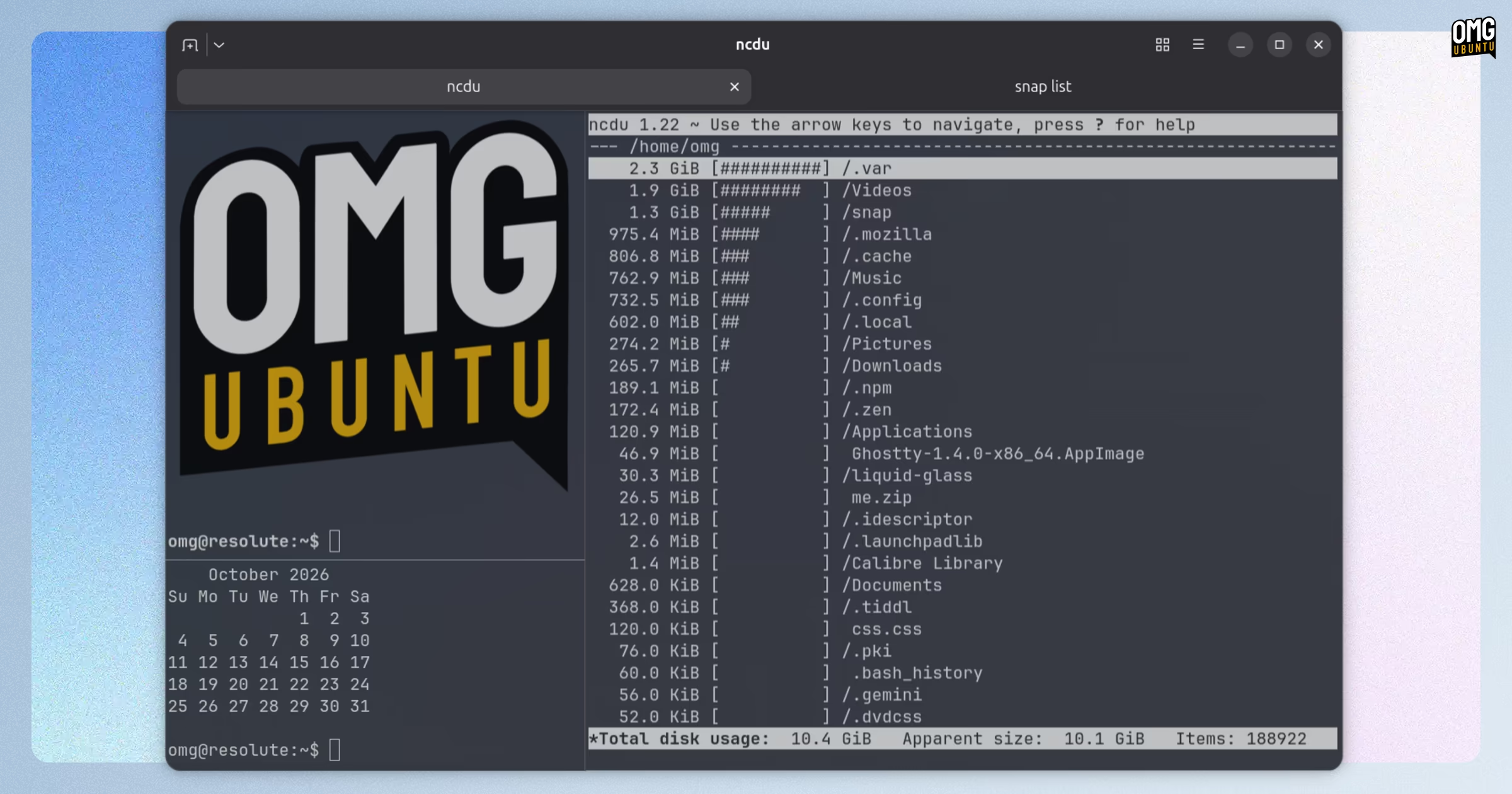
Devs say performance is improved hugely with this update. Notably, Ghostty 1.4.0 now compresses off-screen scrollback when the terminal is idle. This lowers the amount of physical RAM used by text-heavy histories by up to 90%.
Content is decompressed if you scroll back or you make use of the text search feature that was added in the Ghostty 1.3.0 update earlier this year.
On Linux, Ghostty’s GTK app renders text sharply at fractional display scales such as 125% and 150%, which should resolve oft-mentioned issues with blurry text.
The update also replaces GtkGLArea with an EGL rendering pipeline that runs on a separate thread and passes frames to GTK using DMA-BUFs. This requires a system EGL library; if a GPU can’t export DMA-BUFs, slower CPU-based copying is used.
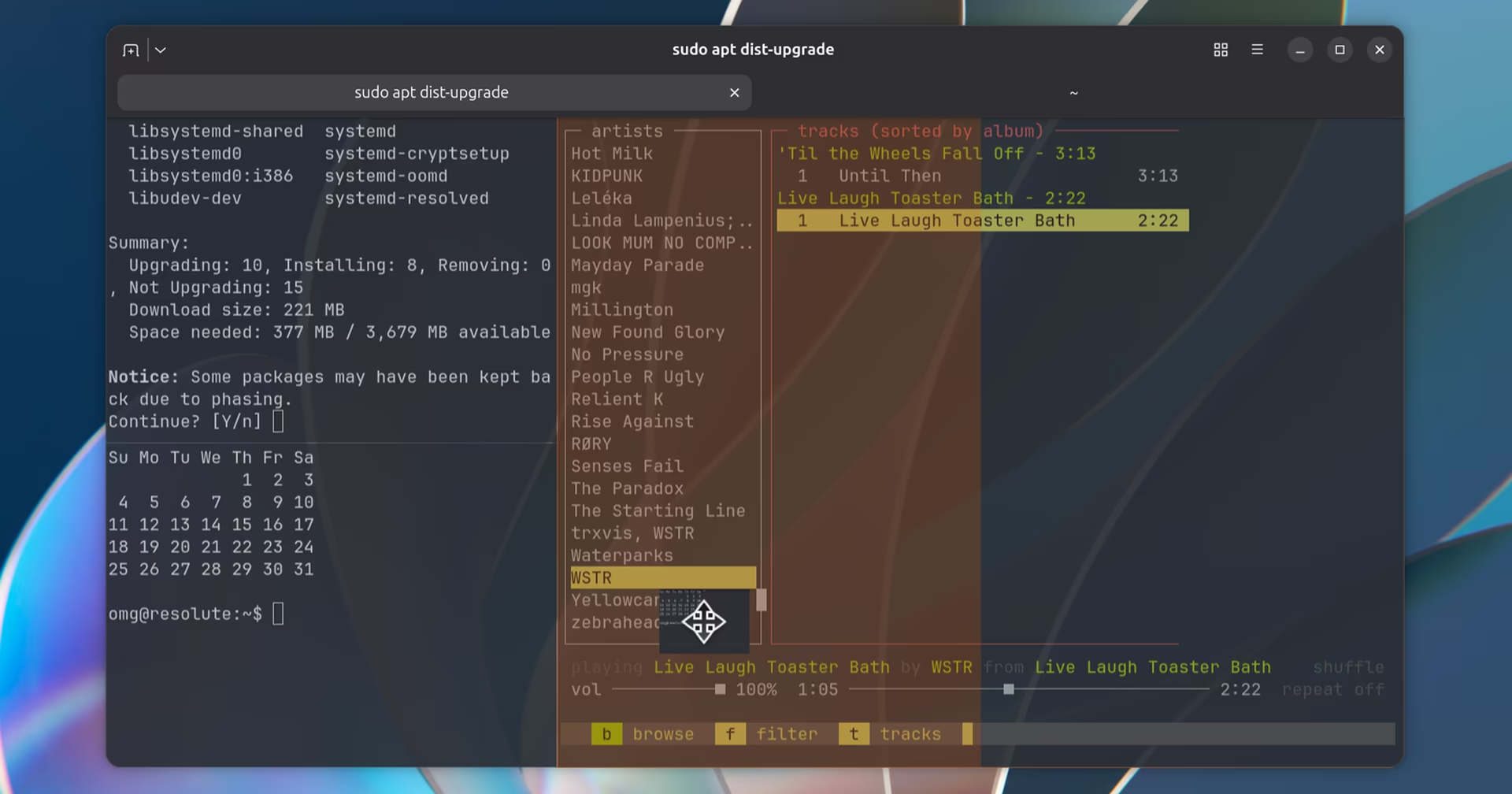
And terminal splits in the GTK build can be rearranged using drag. When a tab has two or more splits, each split has a drag handle that can be grabbed and the split dragged and dropped onto another split.
Other changes include:
- Standalone SSH wrapper
- Better terminal emulation accuracy
- Kitty clipboard protocol implemented
- Misc performance improvements across platforms
Linux changes of note:
- Desktop notifications dismiss if the terminal is focused or closed
- Noto emoji font update so newer ZWJ sequences render as one glyph
- Dolphin’s ‘Open Ghostty Here’ opens new window in running instance
- Split resizing no longer flickers and can no longer be made too small
- Mouse cursor keeps its text shape while selecting text
- Command palette uses terminal colours if
window-theme = ghostty - URLs now open through the XDG desktop portal
And configuration options on GTK builds include gtk-horizontal-tab-scroll, which can be set to false to disable two-finger scrolling from changing tabs, and gtk-tabs-inverted, to move the close button to the start of each tab.
Install Ghostty 1.4.0
Ubuntu 26.10 includes Ghostty in the repos, putting it an apt install ghostty away. But, that won’t get you the newest version. For the changes mentioned above, you’ll need to use an alternative method.
Plenty are available.
You can install Ghostty on Ubuntu using an unofficial community-maintained Ghostty DEB (and that has its own Ghostty PPA for easy updates). There’s also a Ghostty AppImage, and an unofficial Snap.
On macOS, Ghostty provides official binaries (recommended; supports in-app updating), and it’s also available via Homebrew and other CLI package managers.
Ghostty drops support for Ubuntu 24.04 LTS
As Ghostty 1.4.0 requires GTK 4.18 and libadwaita 1.7, per the terminal’s GTK/Adwaita version policy, Ubuntu 24.04 LTS no longer meets the requirements. This means a DEB version of Ghostty (e.g. from the PPA above) can no longer be installed.
As an aside, the underlying libghostty terminal emulation library will be powering terminals in future versions of JetBrains’ IDEs. Linux Mint’s new terminal app, Velocitty, doesn’t use that, but its design is said to have been inspired by Ghostty.