


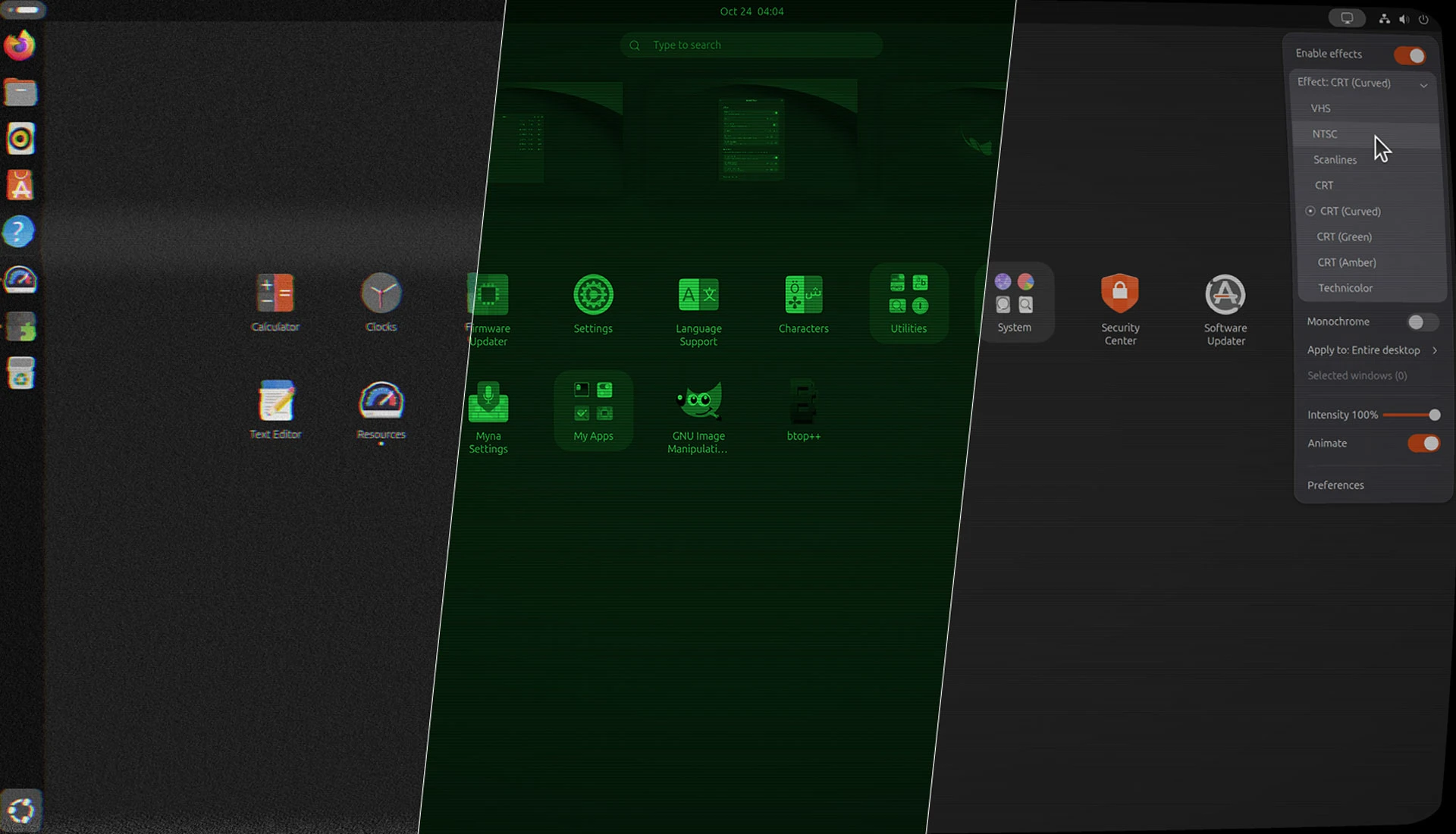


Ever wondered what your Ubuntu desktop would look like if you were watching it on a chewed up VHS tape or an old monochrome CRT monitor?
You probably haven’t, but a new GNOME Shell extension lets you find out anyway.
The Shader Effects extension applies GPU-accelerated filters, things like scan lines, NTSC RGB bloom and flickery green CRT glow, to your entire desktop or, if you’d rather, just a specific window(s).
You can see three of the effects demoed in this video clip:

The extension’s preference panel lets you fine-tune how intense the chosen effect is, and you can dial in (or even disable) animation speed and frame rate. The higher the values, the more GPU grunt required (so keep that in mind if using this on a portable device).
The shaders currently provided:
- VHS
- NTSC
- Scanlines
- Technicolor
- CRT
- CRT (Curved)
- CRT (Green)
- CRT (Amber)
Plus, an independent monochrome toggle that can apply to all of the included effects.
If you’re wondering whether you can mix different shaders to create stacked filters, you can’t.
Pairing CRT (curved) with CRT (green) and a bit of the tracking distortion and screen rippling from VHS would’ve whisked me back to the hours I spent sat in front of my green monochrome Amstrad CPC 464 as a kid.

But you can quickly turn the whole effect on and off from the panel, as well as switch shader, and choose to apply the effect to specific app windows rather than the whole desktop. The latter option being great to apply to a terminal emulator running TUI apps.
What is the point of this?
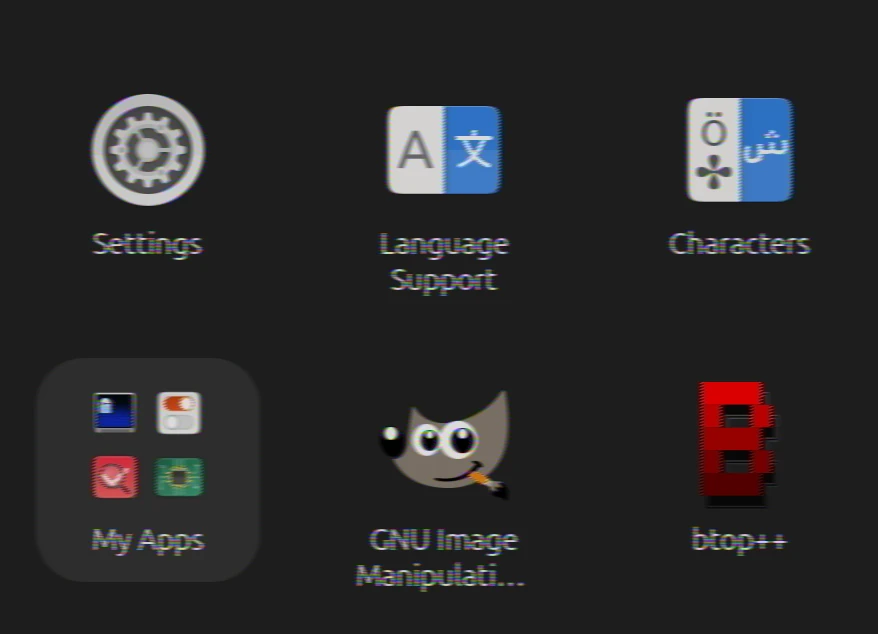
Is this extension largely useless?
Well, it doesn’t speed up your workflow or tile your windows or anything else that is directly practical.
So, in that, sense, yes (though I’m sure retro gamers and tech enthusiasts will have a use for adjustable scanlines or NTSC RGB blooming).
It’s not the sort of thing you’re meant to leave running 24/7 (typing this post out with the VHS shader on has left me feeling motion sick).
But in short bursts, this offers a sure-fire way to make any desktop screenshots or screen recordings look far more visually interesting.
Which, for me, is as good a reason to try it.
Shader Effects is available from the GNOME Extensions website (link below). It supports GNOME 48-51, so if you run Ubuntu 26.04 LTS or newer you’re golden. Let me know what you think of it in the comments.
Get Shader Effects on GNOME Extensions
Thanks, Murat!