


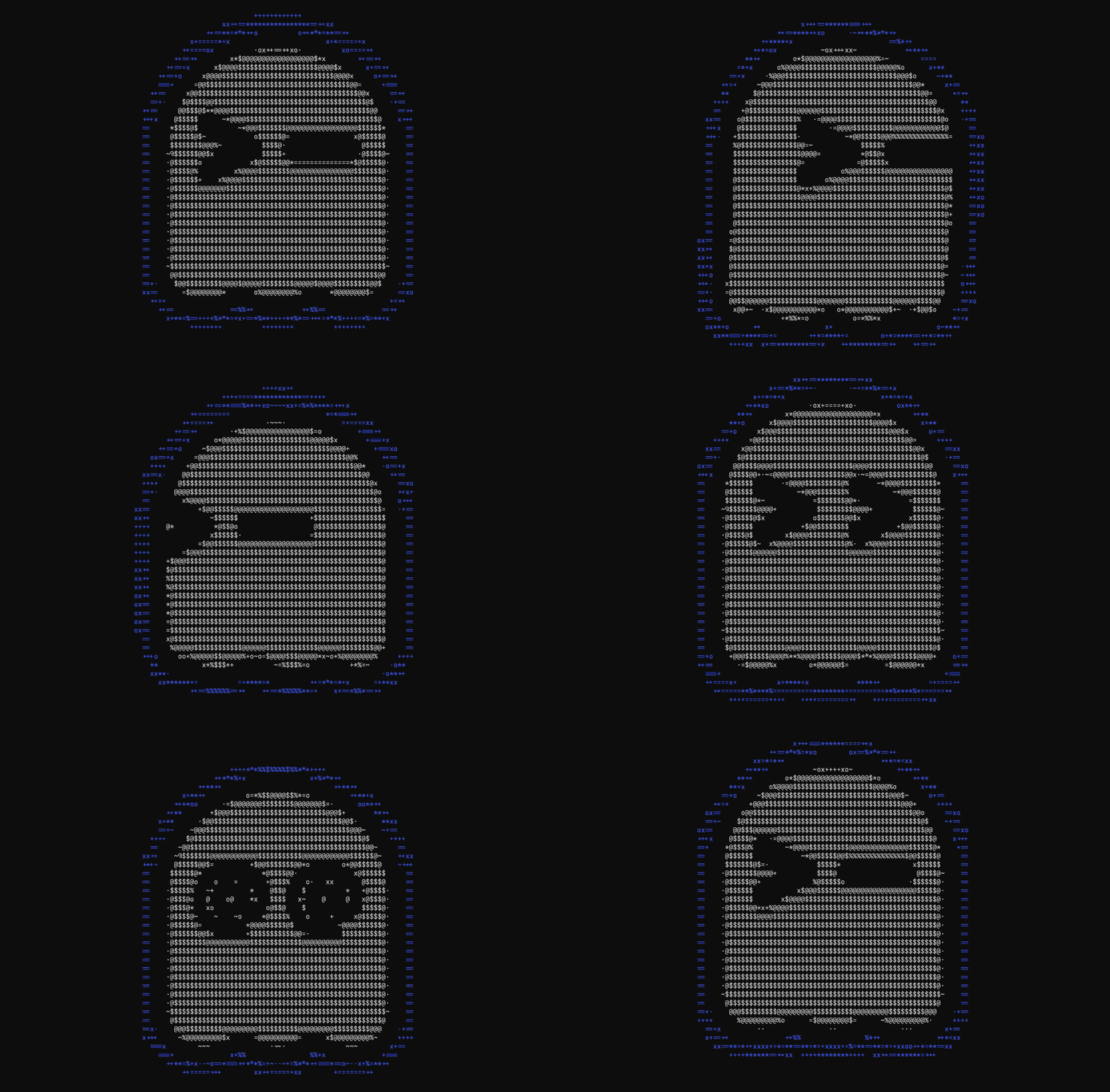


The Ghostty terminal is now packaged in the Ubuntu 26.04 LTS repositories – meaning for those on the new long-term support release, it’s only an apt install away.
Ghostty is a fast, open-source terminal emulator for macOS and Linux (Windows support is seemingly trapped between planes), made by Mitchell Hashimoto.
It’s picked up millions of users since its launch in December 2024, and has been available on Ubuntu via a community-maintained PPA, DEB and Snap packages for a while. This is its first appearance in the Ubuntu repos proper.
What makes Ghostty different?
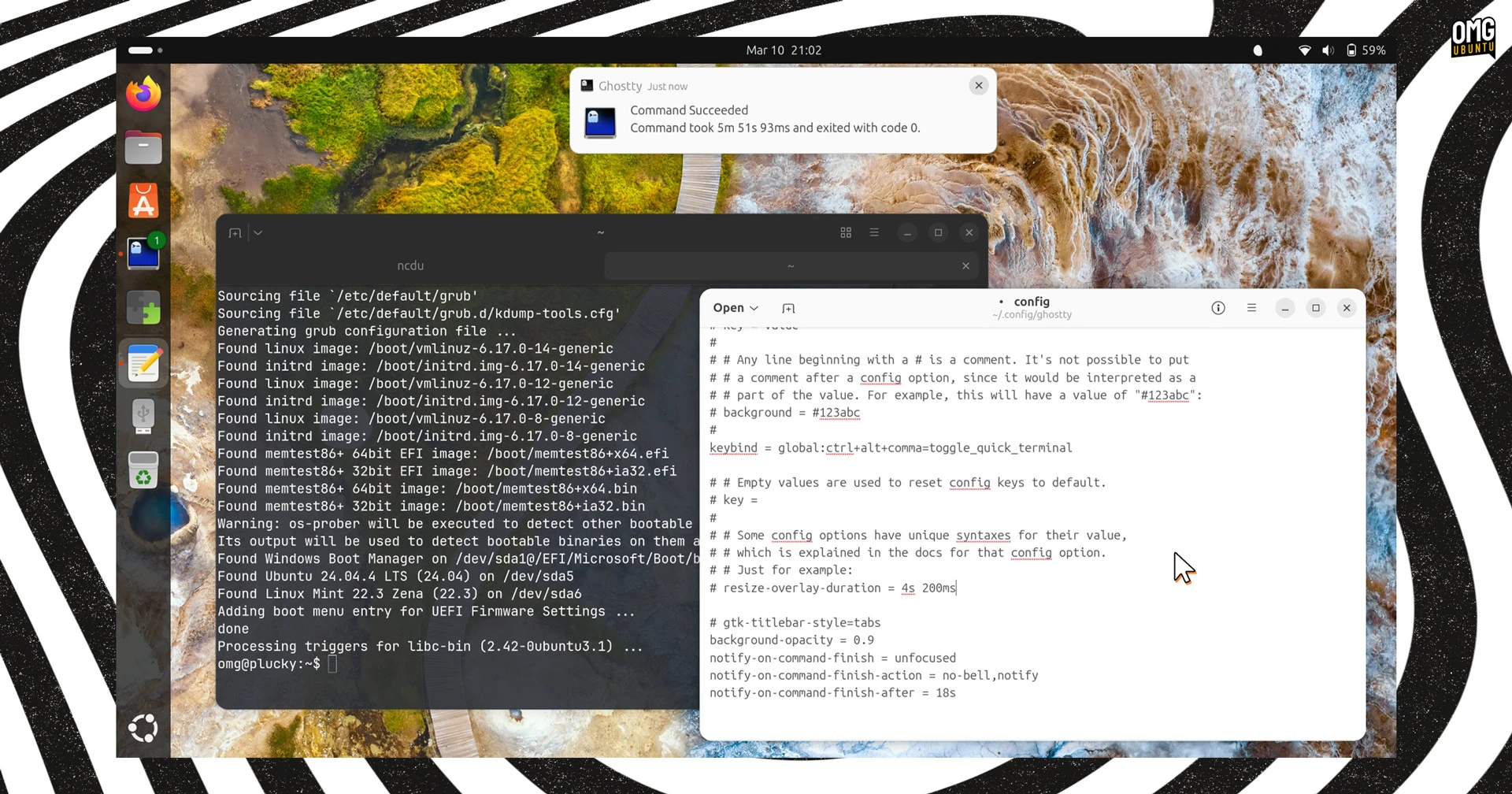
“Ghostty is a fast, feature-rich, and cross-platform terminal emulator that uses platform-native UI and GPU acceleration”, reads the website blurb.
The key USP, besides its speed and its features – more on those in a second – is that that it is open-source software that runs on macOS and Linux and, crucially, is native to both platforms.
On macOS it uses Swift, hooks into system-level APIs and respects default keyboard shortcuts. On Linux it’s GTK4/libadwaita, Wayland-compatible, and it won’t ride roughshod over your DE or distro-level keybindings.
No bloated cross-platform toolkits and no looking alien amongst native apps. Ghostty’s corporeal form is perfectly in keeping with its surroundings.
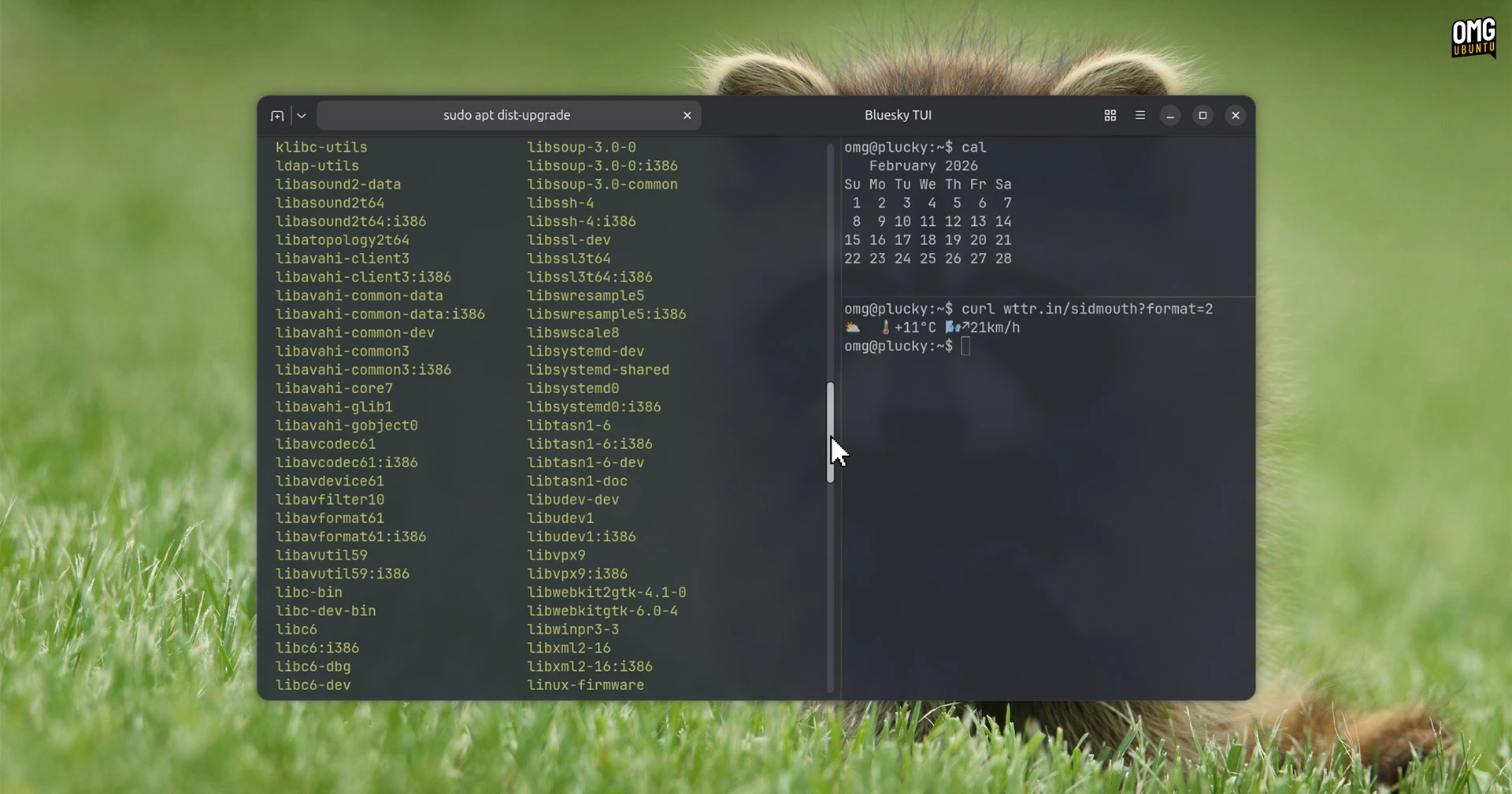
Beyond that, it offer the usual features like windows, tabs, splits, profiles and colour themes. It also offers ligature support, grapheme clustering for emoji and the Kitty graphics protocol, which is able to render images directly in the terminal. Always cool.
Configuration is done through a text file, but there’s online documentation to help those more used to clicking options in a preferences panel. One setting I always enable: the GTK header bar, which merges terminal tabs inline with the window controls.
Installing Ghostty on Ubuntu 26.04 LTS
Ubuntu 26.04 LTS ships with Ptyxis as its default terminal, which is also hardware-accelerated and perfectly capable. Ghostty is, like all others, simply an alternative – one well suited for those move regularly between macOS and Linux and want a consistent experience.
Ghostty 1.3.0, which not the latest release, is now available in the universe section of the resolute repos. Since it’s not in main, it’s not officially supported by Canonical with ongoing updates, but will get security coverage via Ubuntu Pro.
Installing Ghostty it easy – pop open App Center and search for it, or run this command:
sudo apt install ghostty
You don’t need to be an OS-hopping developer to use it as it’s a solid terminal on its own – though if you use a low-spec machine or a virtual machine the GPU-accelerated rendering can be a limiting factor.
For everyone else, it’s worth a look. I cover Ghostty updates regularly, so dig into the archives if you want more background on the app and how it’s developed.