


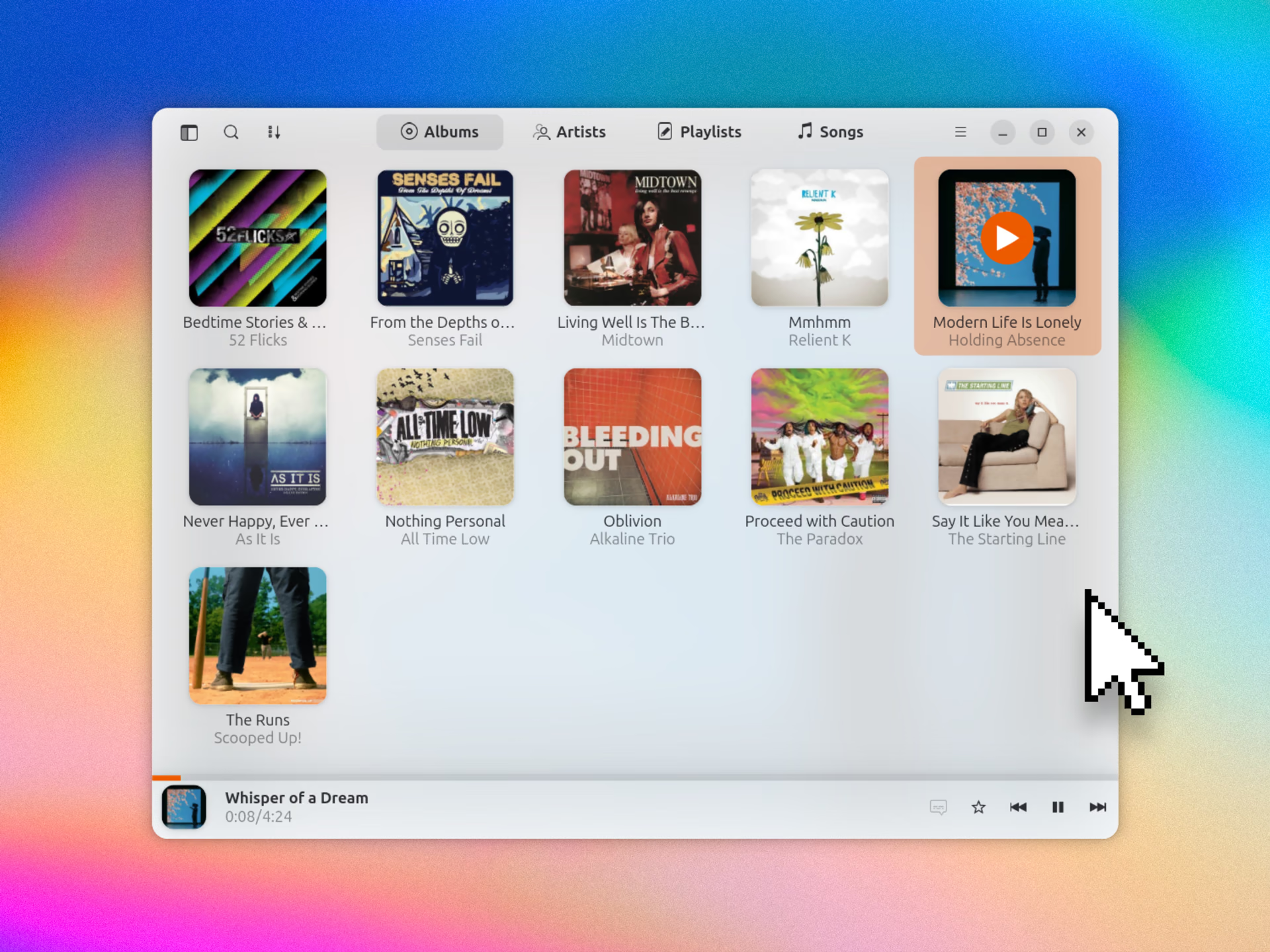
If you run your own music streaming server using Jellyfin or Navidrome/Subsonic, and you want a solid desktop player to browse and stream your library in, Gelly is worth a look.
It bills itself as a “native, lightweight music player” for the aforementioned streaming servers (along with compatible ones). It’s written in Rust and GTK4/libadwaita and, as any good player should, it lets you browse, play and control music playback.
And it does all of that with a modern design and layout.
Having recently set up Jellyfin on my Raspberry Pi 4 (to replace its ageing installation of dust and lint), seeing Gelly on Flathub’s front page this week felt like awfully good timing.
Having recent set up Jellyfin1 on my Raspberry Pi 4 (to replace its ageing installation of dust and lint), seeing Gelly surface on Flathub’s front page felt like awfully good timing.
A modern Jellyfin desktop player
Gelly is not a standalone desktop music player, so it won’t do anything until you point it at your Jellyfin or Navidrome server. Thankfully, the app has a straightforward setup wizard that takes care of that.
You enter http://your-server-ip:8096 and your server credentials and, after a short loading screen, your music filters in. Options let you trigger a rescan on the server (for new files, updated metadata, etc) and refresh the data in Gelly itself.
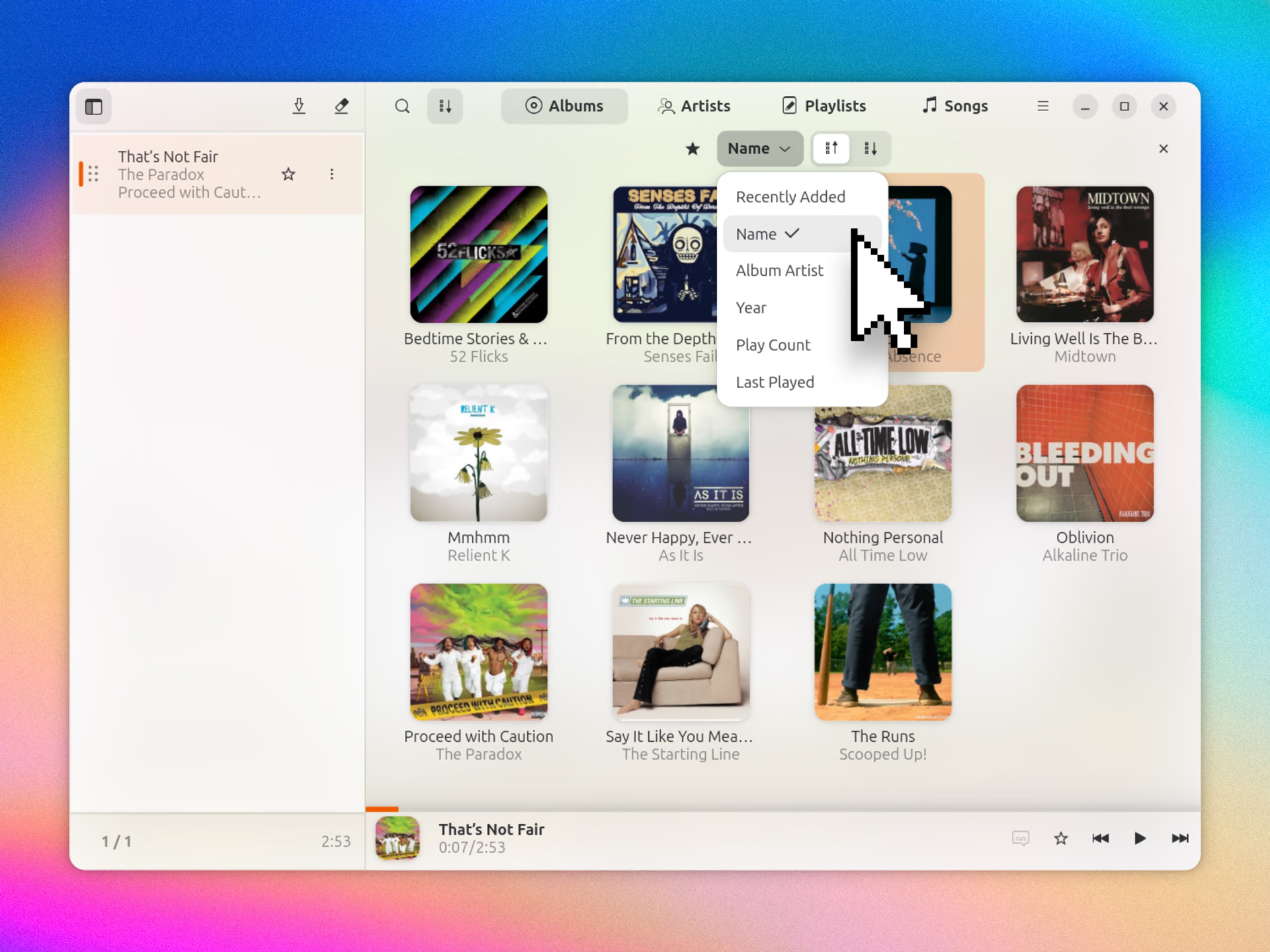
The default view is albums, with large art displays in a grid (I enabled compact mode in the player’s Preferences, which is what you see in my screenshots). There are also artist, playlist and track views. Sorting options are available in most views.
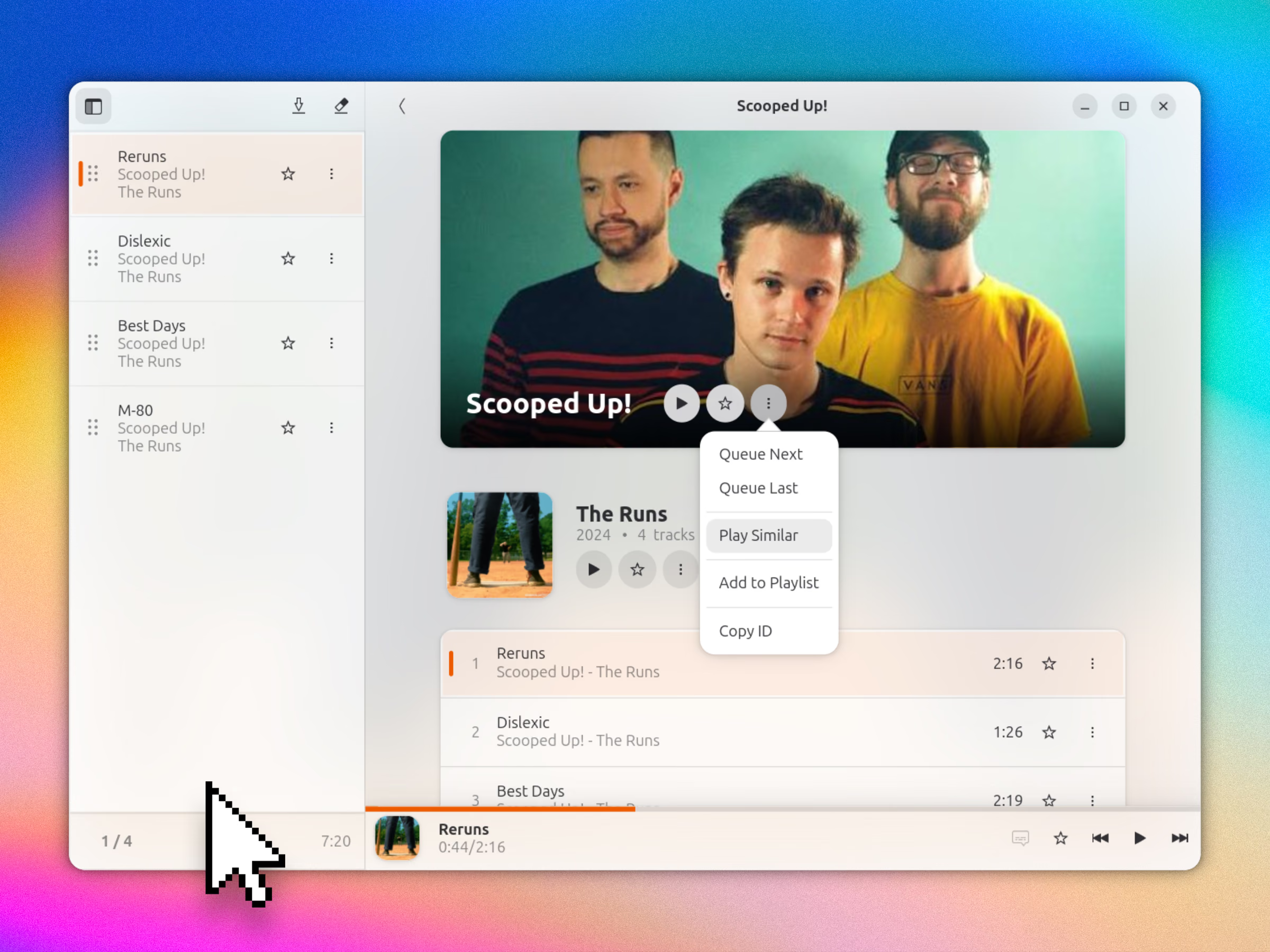
One feature I liked is the “play similar” action, which you can apply to a selected song, album or artist. If you’re migrating back from streaming music services like Spotify, these may be a nice creature comfort.
As this is a frontend, you won’t find many advanced settings (no metadata editing, Jellyfin dashboard, plugins etc). All of that is done via your Jellyfin or Navidrome setup.
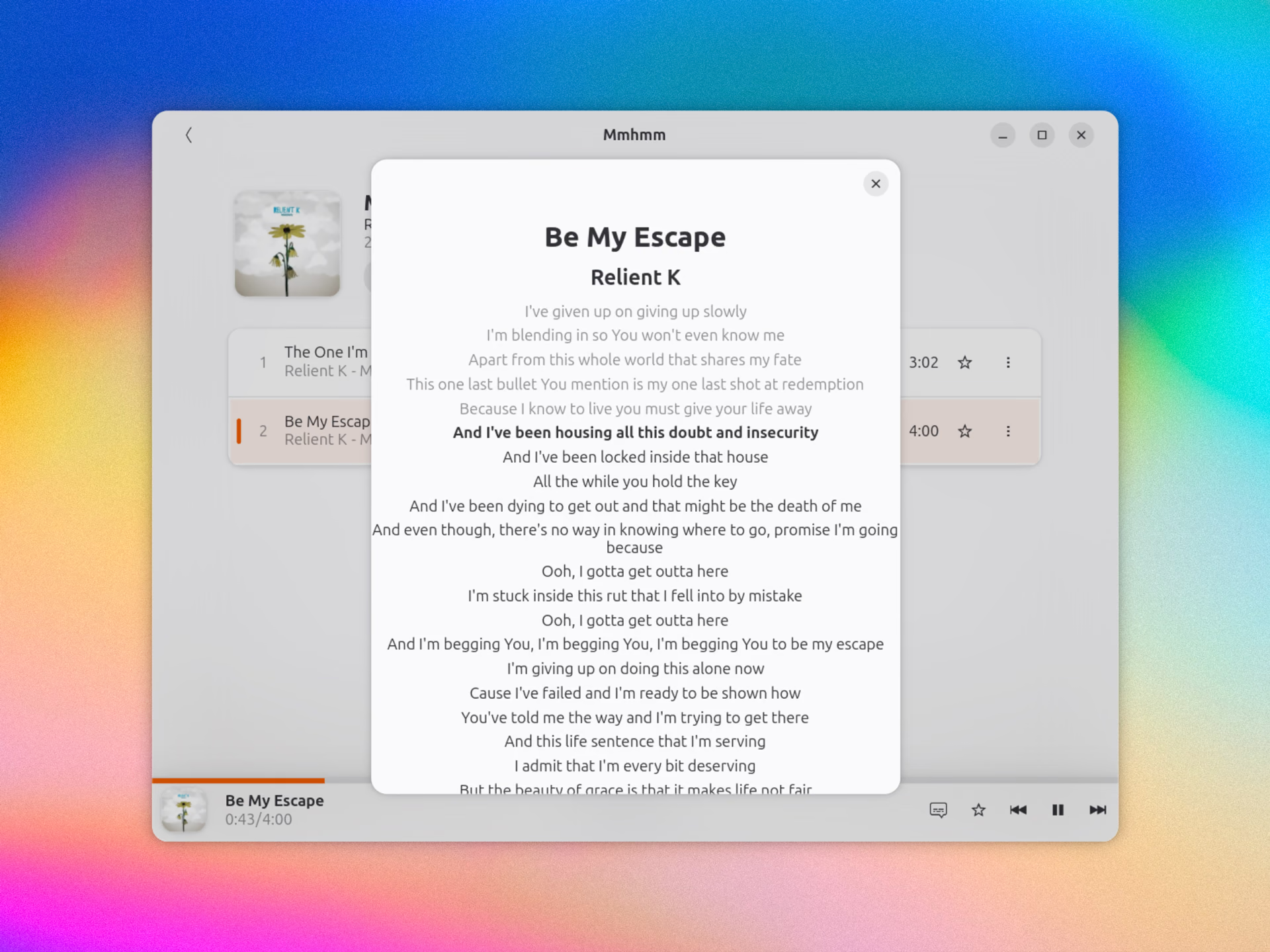
Gelly supports MPRIS, so any media controllers you use (including extensions like Dynamic Music Pill) can relay and report playback info from it. Gelly can also display lyrics (with line sync, if available2) if you fancy a sing-along.
Other features include ReplayGain, gapless playback and track favouriting.
Options let you disable the ‘extra eye candy’, nixing fancier flourishes like blurred background effects, and enable a compact mode. You can also prevent the system from suspending during active playback and set specific transcoding settings (if needed).
I’ve only started using Jellyfin recently, so my needs are simple. I had been using MPD locally, and while I could run and access my music remotely through that, a dedicated setup seemed more sensible.
I rather gelled (don’t groan) with Gelly. If you want to see if you do too, it’s available to install on Ubuntu from Flathub (Arch users will find it in the AUR).
Get Gelly on Flathub
- Installing Navidrome on Ubuntu is moderately easy too, just a few commands and careful reading. I didn’t pick Jellyfin for any specific reason compared to other clients; it was the first one I remembered. ↩︎
- The lyrics plugin for Jellyfin supports downloading timed lyrics. ↩︎