


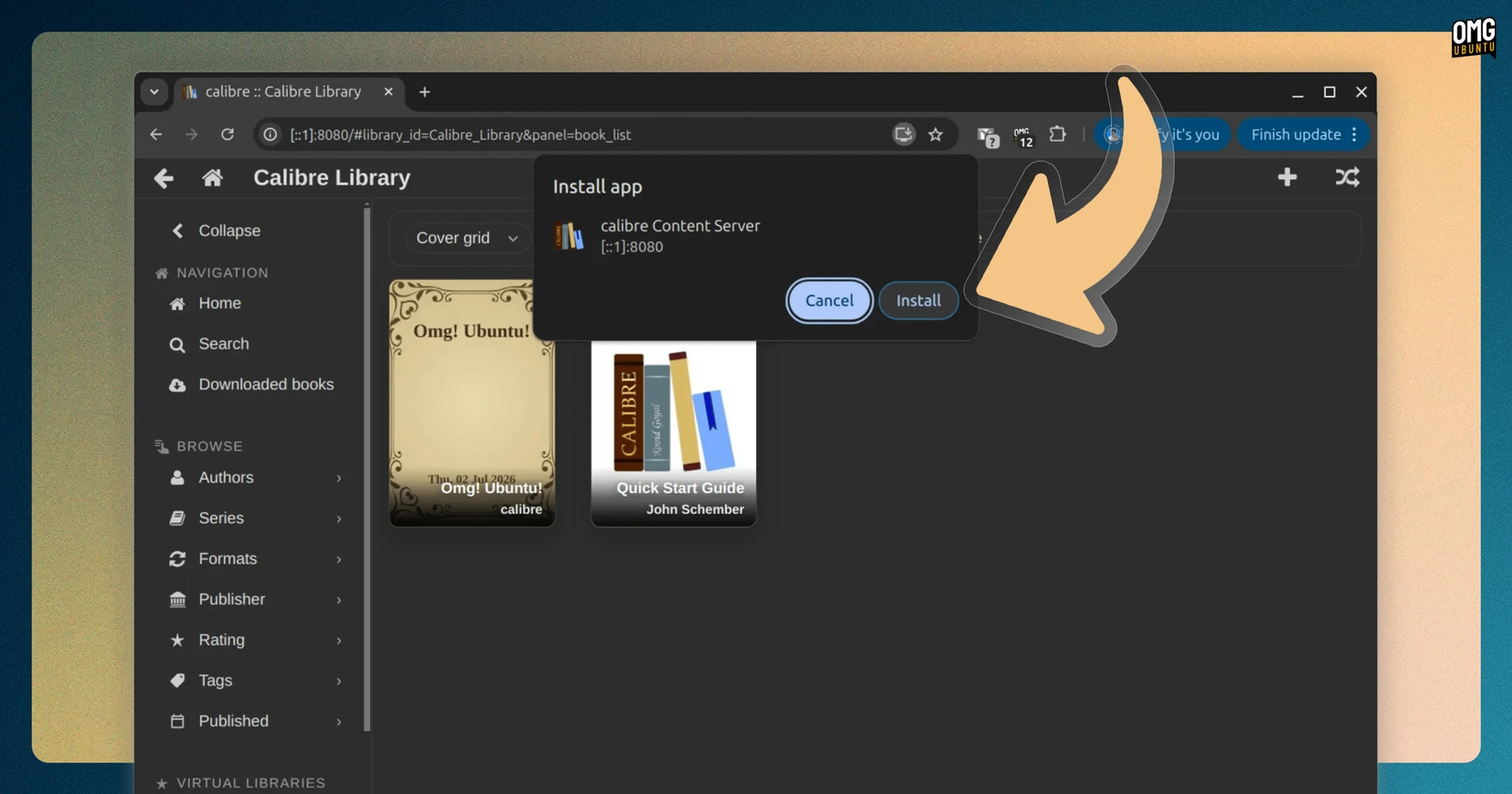


Calibre 9.17 has been released with faster ebook conversion speeds and JPEG XL image support.
The open-source ebook editor improves output compression speeds for MOBI, AZW3 and PDB files, which makes conversions to those formats quicker. Converting EPUB to MOBI is what I use Calibre for to read on my ancient Kindle.
Calibre 9.17 can read JPEG XL images in eBooks and other supported documents during conversions. The format offers high image quality at smaller file sizes and supports features like HDR. JPEG XL is not new, but its popularity (and browser support) is on the up.
Accessibility improvements see the app respects the system prefers-reduced-motion setting, while the editing Check Book tool now checks accessibility labels (ARIA references) and update them if auto-fix changed an ID.
Rounding out the improvements are small tweaks to the character selection for Calibre’s AI-powered ‘create your own adventure’ game; during catalog creation ‘calibre’ is set as the creator and the generation date is set as the publication date.
Bug fixes aplenty are packed in, including:
- Regression fixes for broken PDF, and EPUB 3 conversions in v9.16
- Amazon and Google Images metadata sources now use camoufox
- Setting a custom series with the same series index saves reliably now
- Full text search (once again) searches libraries without book files
- Kobo cover handling issues resolved on older Tolino firmware
- Dark mode colours made more readable
Fixes for Calibre’s content server (lets you browse your Calibre library via a web browser on another device) include:
- Full text search actions now affect only the library being viewed
- Correct books now appear when switching between libraries
- Calibre desktop app notifies of conversions done via the server
- Minor changes to dark mode and keyboard focus styling
Finally, there are the usual tweaks to handling/scraping of news sources. This update bolsters support for The Economist, Associated Press and Scientific American, among others.
How to get the latest Calibre release

Download Calibre from the official website. It’s free, open-source software that runs on Windows, macOS and Linux. Source code is on GitHub.
On Linux, Calibre is installed and updated using a command-line script. This downloads the binary, moves it to a system location and generates a .desktop shortcut so you can find it in the app launcher.
If that sounds like hassle, you can find Calibre on Flathub and there is a Calibre snap – but not are unverified/unofficial builds that may have quirks compared to the software’s officially supported binary.