



A sled load of bug fixes are heading to Unity desktop in Ubuntu 16.04 LTS.
Ubuntu may have ditched Unity as its default desktop of choice but Canonical is committed to maintaining the desktop (and its related technology stack) for the duration of Ubuntu 16.04 LTS.
And as proof of that commitment they are currently preparing to a sizeable stable release update (SRU) for Xenial desktops, which should roll out before Christmas.
The SRU is largely composed of bug fixes for Compiz, Nux, Unity 7 and the Ubuntu light themes.
Among 30 or so changes landing in the Unity desktop alone are fixes to lock screen handling; HiDPI improvements, including proper placing of the ‘force quit’ dialog; and windowing fixes for the copy/move dialog.
Plus, plenty more lower-level stuff.
Security-conscious users will be pleased that here that as part of this updated stack the Unity lock screen now persists between reboots.
That means the screen stays locked, even if even auto-login enabled, once your machine reboots from the lock screen. This had been something that a canny attacker with access to your device when locked could take advantage of.
Improved Low Graphics Mode


Remember all that work to improve the Unity 7 low graphics mode? Well, it’s not going to waste.
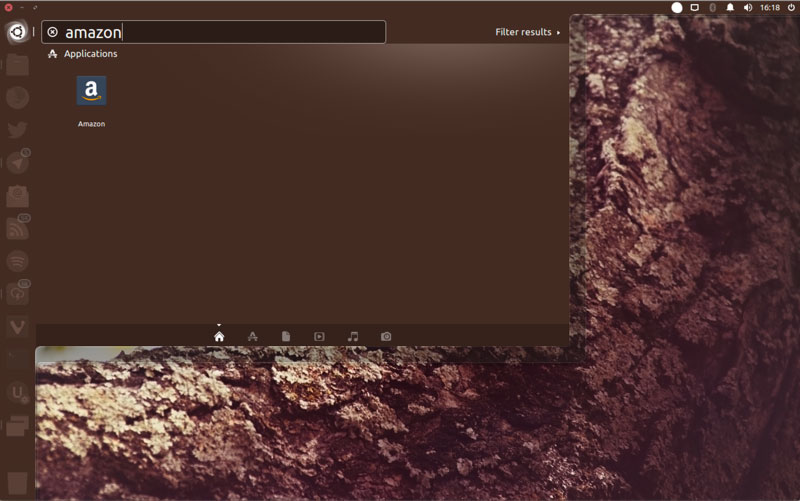
The SRU bundle don’t add a low graphics toggle to the Unity control centre (pictured above, teased earlier this year), but it will ensure that the correct low graphics settings are maintained when you change other parts of the desktop, like the Unity launcher size.
New way to enable low graphics mode in Unity 7
We’ve shown you how to enable low graphics mode for Unity 7 on Ubuntu a few times before using the Compiz Config Settings Manager. But with this set of updates that GUI toggle box option is going away.
Once the updates mentioned in this post have been released and installed on your system you will need to use the following command to enable low graphic mode in Unity 7:
gsettings set com.canonical.Unity lowgfx true
Similarly, to disable low graphics mode in Unity 7 run this command:
gsettings set com.canonical.Unity lowgfx false
Now, these commands will only work after the Unity stack updates have been installed.
At the time of writing those updates are sitting in the 16.04 proposed repository. It may be a week or so before the updates are released to all Ubuntu 16.04 LTS users — so bookmark this page and return later!
Heading to Ubuntu 16.04 LTS Only

This SRU is only being released for Ubuntu 16.04 LTS, so if you’re using Ubuntu 17.04 you’re not missing out.
These fixes and improvements were cherry picked from later releases for back-porting to the version of Unity available in Ubuntu 16.04 LTS. An LTS being an LTS it does means any fixes, no matter how trivial, undergo more thorough testing than in a regular release.
The tl;dr is:
- Large set of bug fixes
- Security fix for lock screen
- Better low graphics mode
Nice, eh?