



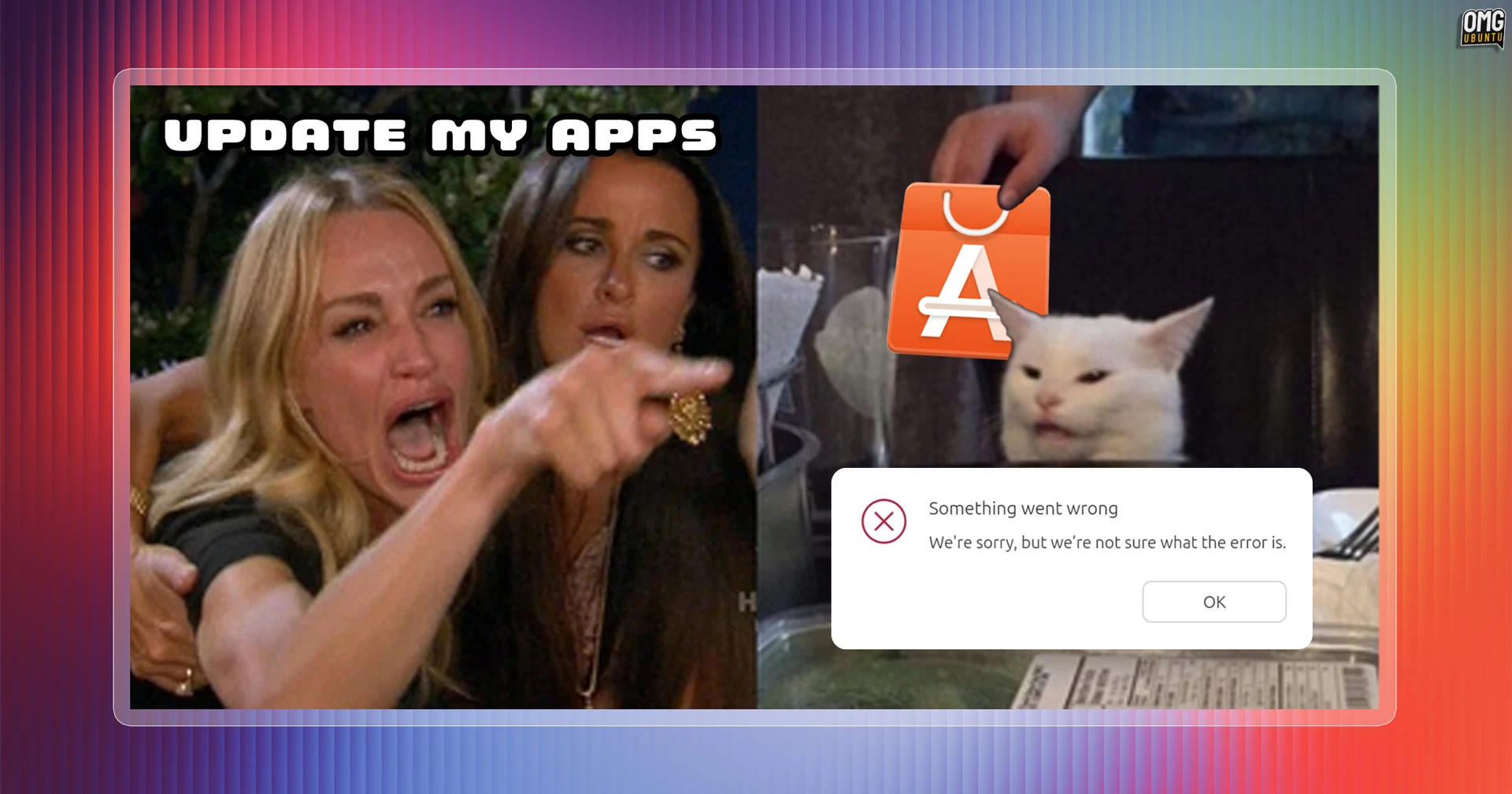
I recently re-encountered my favourite ‘error’ dialog in Ubuntu, which is thrown by the distro’s App Center (snap-store), which is the default GUI software management tool.
Now, I don’t see it often, but when I do it (un)helpfully informs me: “Something went wrong. We’re sorry, but we’re not sure what the error is.”
I appreciate its honesty and sympathise with the general sense of unease it imparts – I say something similar myself, looking at the state of the world – but surely it’s the software’s job to know what’s wrong – or at least pretend it does!
Here’s the dialog in question, in situ (an older screenshot, if anyone’s paying close attention – I didn’t take a screen snap the most recent time):

App Center‘s (or App Centre; I’ve forgotten which is the British spelling) has had a general air of off-ness since it arrived in 2023 as it’s written in Flutter, but styled to look like a GTK app. It looks like it should behave the way other apps that look like it do, but it doesn’t.
Buttons are a little too far from their labels, resize the window and content doesn’t reflows as well as it could, there’s wasted space, odd font sizes, unorthodox spinners, non-standard sidebars and the many glitches, upside down windows, wrong colours, etc., related to GPU rendering.
And, from an end-user perspective, it’s not a destination in the way Flathub and desktop Flatpak managers like the brilliant Bazaar are. App Center’s homepage is rote, with all the curated enthusiasm of a forwarded chain e-mail.
I could hand-wave the (many) quirks away if this was a rarely-touched utility lurking in the bowels of the System folder. It’s not. It’s the GUI Canonical wants us all to install and manage our Snap and Debian packages – and, soon, drivers – with.
It ought to be better.
To compound the pointlessness of this “unknown error” error – was has been a thing for over 2 years (thanks Philip) – nothing seemed to break or go stop working after the dialog appeared, not that I could tell.
If App Center/Centre is unable to identify what went wrong, okay, but could it at least check if something critical has.
Otherwise, it’s giving me a shoulder shrug of nothing. What am I supposed to do with no information? Its job?!
I will retain perspective in this pithy paper-cut opine. This error doesn’t appear often and snaps update automatically in the background anyway. It’s not like this is impacting my day-to-day usage.
Nor am I suggesting App Center ought to be firing a stack trace to Canonical each time it is “not sure” of something. Package management involves many moving pieces and some of what goes wrong may be hard to summarise1.
My point is simply that this is not a thoughtful error, not for the main GUI package manager2 on a major desktop operating system, developed by a company that is staffed by a lot of very talented engineers, to show users. It looks careless and sloppy. Like the people who make it, don’t use it.
With App Center adding a drivers page in Ubuntu 26.10, so users can install, view and manage GPU and other free and non-free drivers graphically, opening up the possibility of more errors, we could at start getting useful information rather than apropos of nothing.