



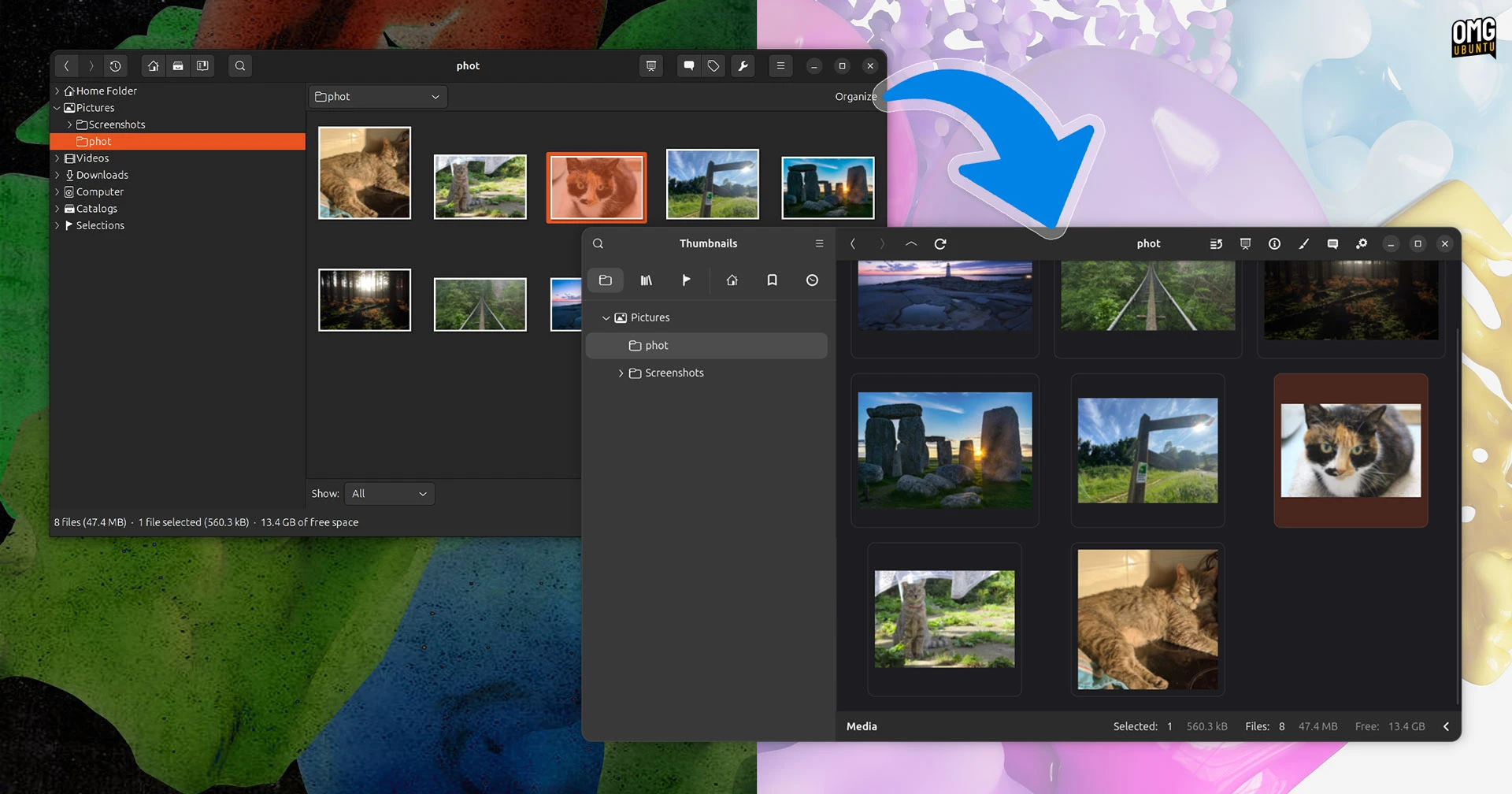
gThumb’s big GTK4 and Vala rewrite is officially stable and available for download.
I previewed the gThumb 4.0 alpha back in May, remarking on how much of a difference the UI refresh makes to the app – the long-serving photo manager looks like an entirely new app.
Every part of gThumb’s interface benefits from the port to GTK4/libadwaita, backend performance is improved by using newer versions of libraries and desktop integration catches up – on GNOME, the modern file chooser with icon thumbnails is used.
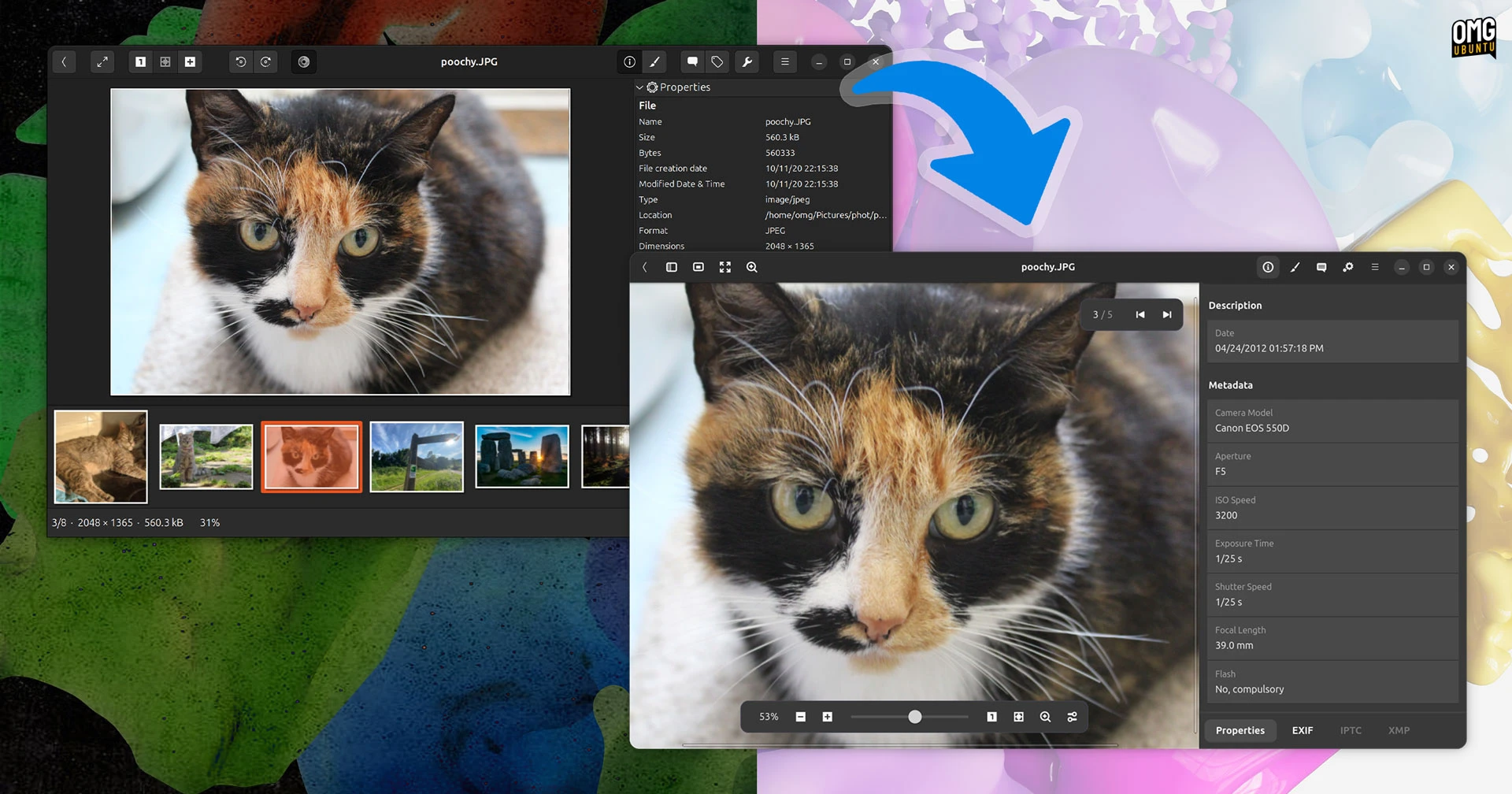
Greater use of padding and spacing gives everything – editing tools, file properties, settings, etc – more room to breathe. Buttons, toolbars and and labels are easier to parse, while overlay controls for some actions, like zoom, show over the top of images.
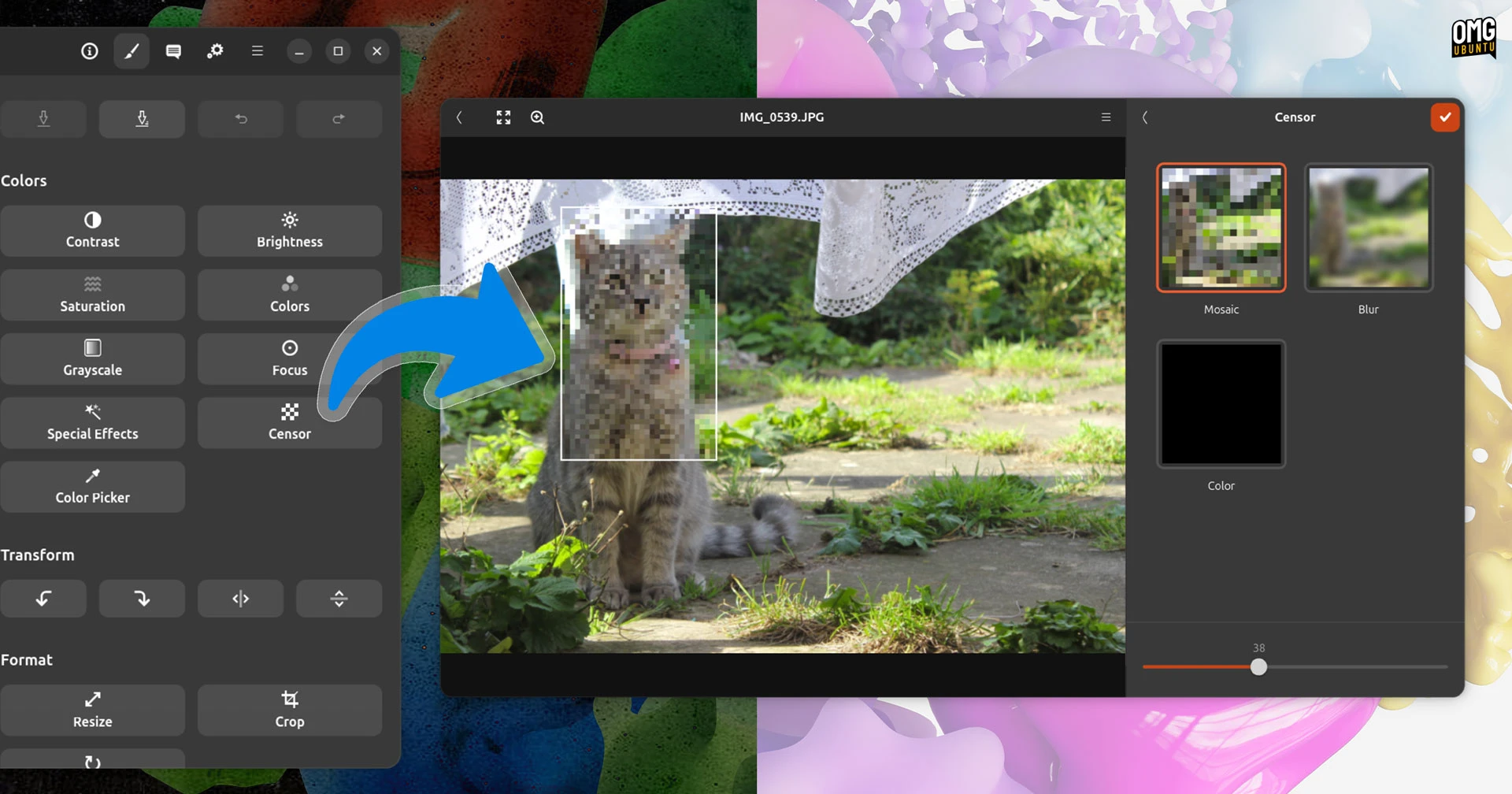
gThumb 4.0 adds gains a new censor tool in its editing suite (which, like the rest of the app, benefits hugely from the GTK4 bump). Animated WebP and PNG images are now supported, while images can be saved in the JPEG XL (.jxl) format.
The image viewer now responds to touchpad gestures. A horizontal swipe moves left/right between files, while pinch-to-zoom lets you, well, pinch to zoom. Got a mouse with side buttons? You can use them to navigate between images as well.
Other changes in gThumb 4.0.0:
- Slideshows use a subtle fade-in animation
- Metadata attributes are cached
- Video metadata now shows frame-rate and sample rate
- Tags are now sorted by name
- Fast resize algorithm used for large images
- Video seeking using up/down arrow keys
Some of gThumb’s older features have been removed from this version. Web albums aren’t included, you won’t find the contact sheet and the (nifty) ‘find duplicates’ tool was dropped.
Installing gThumb 4.0 on Ubuntu
gThumb 4.0 is available to download as source from the project’s Gitlab.
The unofficial gThumb listing on Flathub has not been updated yet, nor have the unofficial gThumb Snap. Other third-party packaging includes a PPA with packages for Ubuntu 26.04 LTS.
Ubuntu 26.10 doesn’t include gThumb 4.0 in the stonking repos, so running sudo apt install gthumb continues to pull in the GTK3 based version.
Not a fan of gThumb? Shotwell’s GTK4 port also arrived recently, albeit not using libadwaita and so looking similar to how it always has – but it’s an important first step to modernising itself. Meanwhile KDE has a new Photos app set to rival Gwenview.