



gThumb, the open-source image viewer and organiser, has been rewritten in Vala and ported to GTK4/libadwaita – and compared to the old UI, it’s barely recognisable.
An alpha build of gThumb 4.0 is available for testing. Alongside the visual revamp, this brings support for WEBP and PNG animations, lets you export images in the JXL format and includes a censor filter to pixelate or blur out parts of an image.
But it’s the visual changes that mark this update out. Sure, any port from GTK3 to GTK4 will add a visage of modernity, but it’s not a “automatically looks amazing” situation (case in point: the GTK4 gtk-software-properties app in 26.04).
Making use of the libadwaita widget set and thoughtfully applying it it (i.e., taking note of the GNOME HIG for pointers) is what makes modern apps designed for GNOME look so consistent.
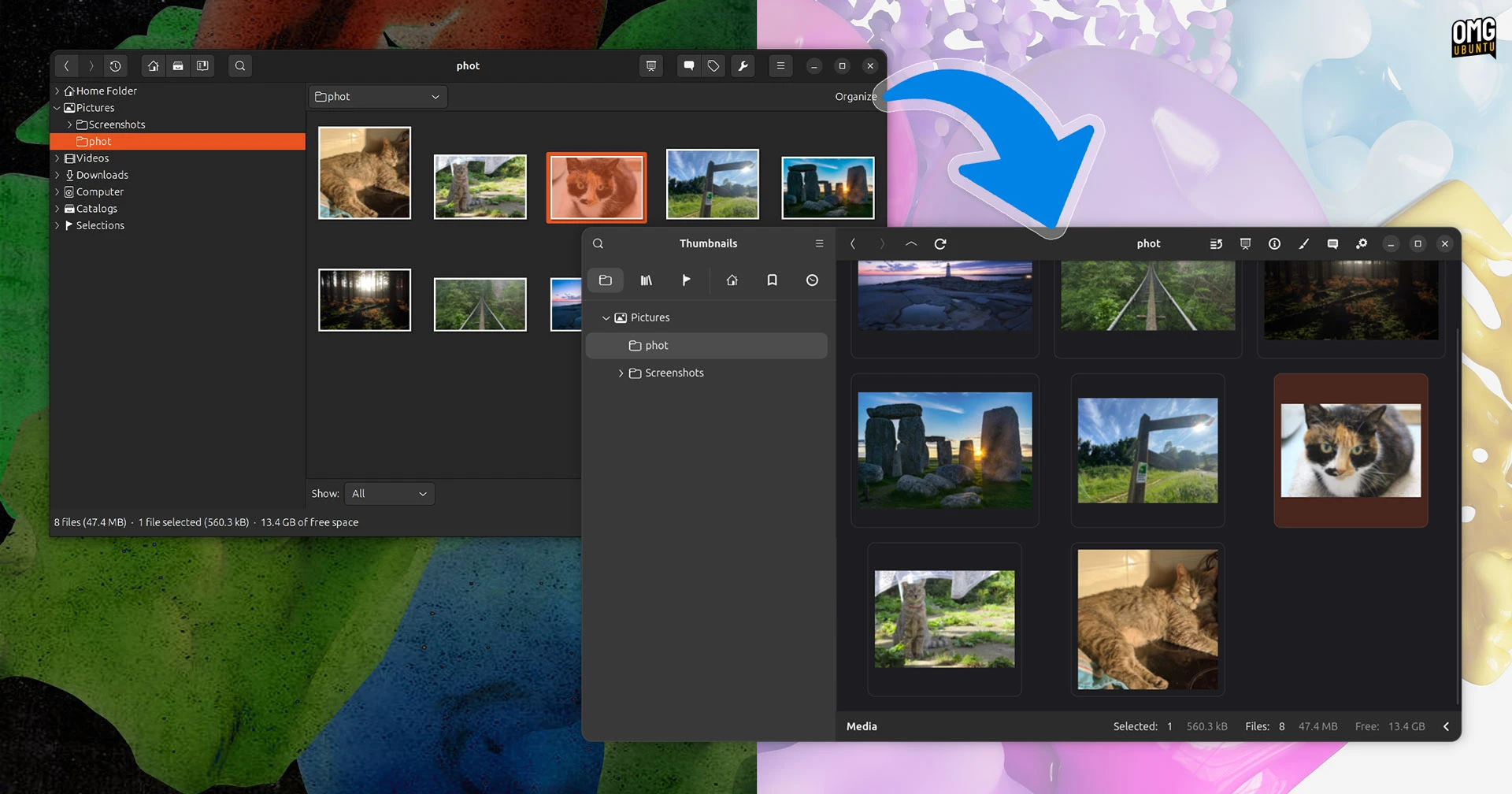
Better spacing and clearer hierarchy make more of the UI understandable at a glance, no more squint-and-scan (a la ‘grandma finds the internet’ meme) to locate an option or glean some information.
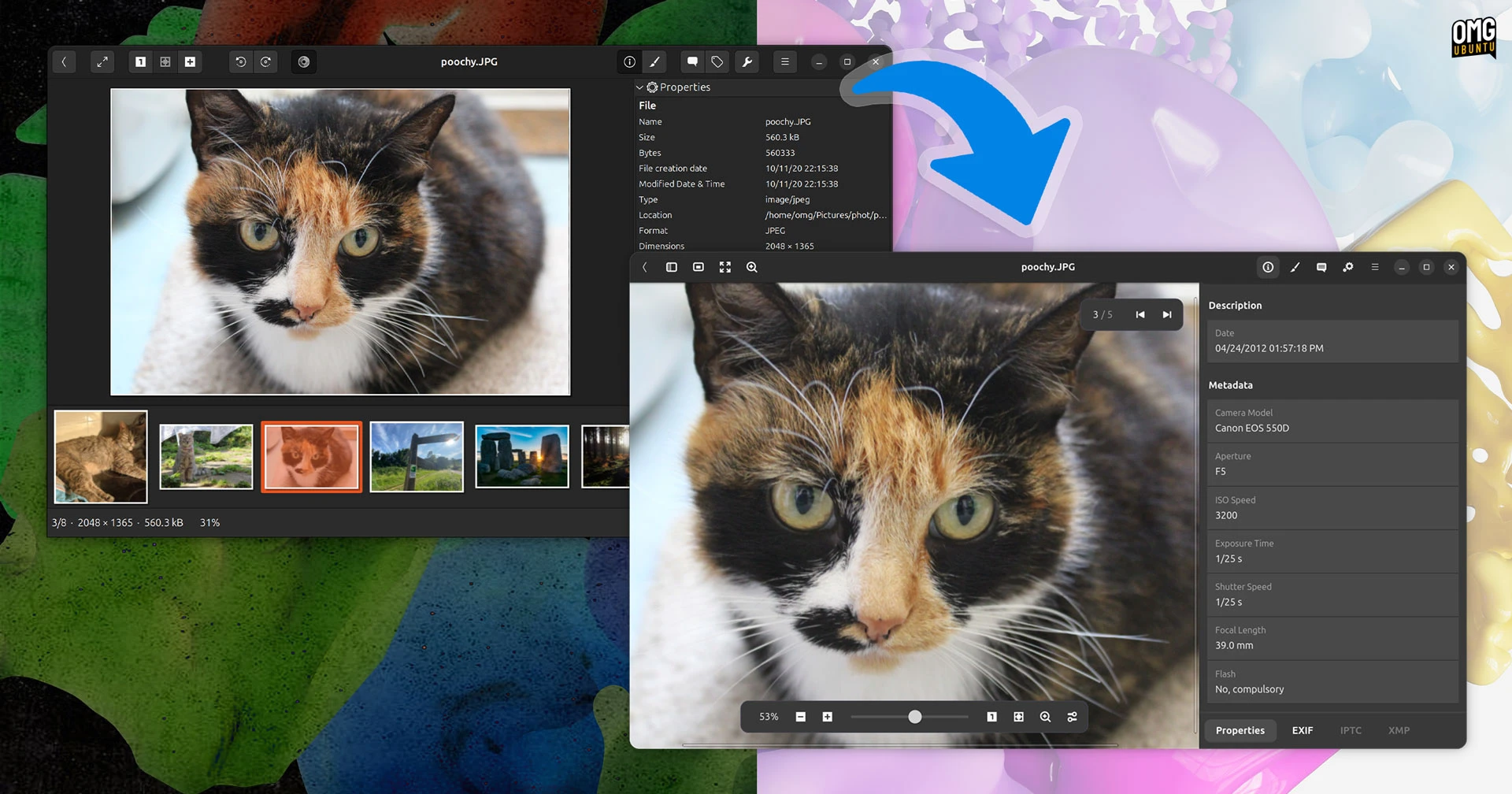
Case in point, the image properties sidebar. Information has more room to breathe in the new UI, lowering the intensity in the data-dump density (the thumbnail strip when viewing an image is now toggle-able, showing on the left – not pictured below):
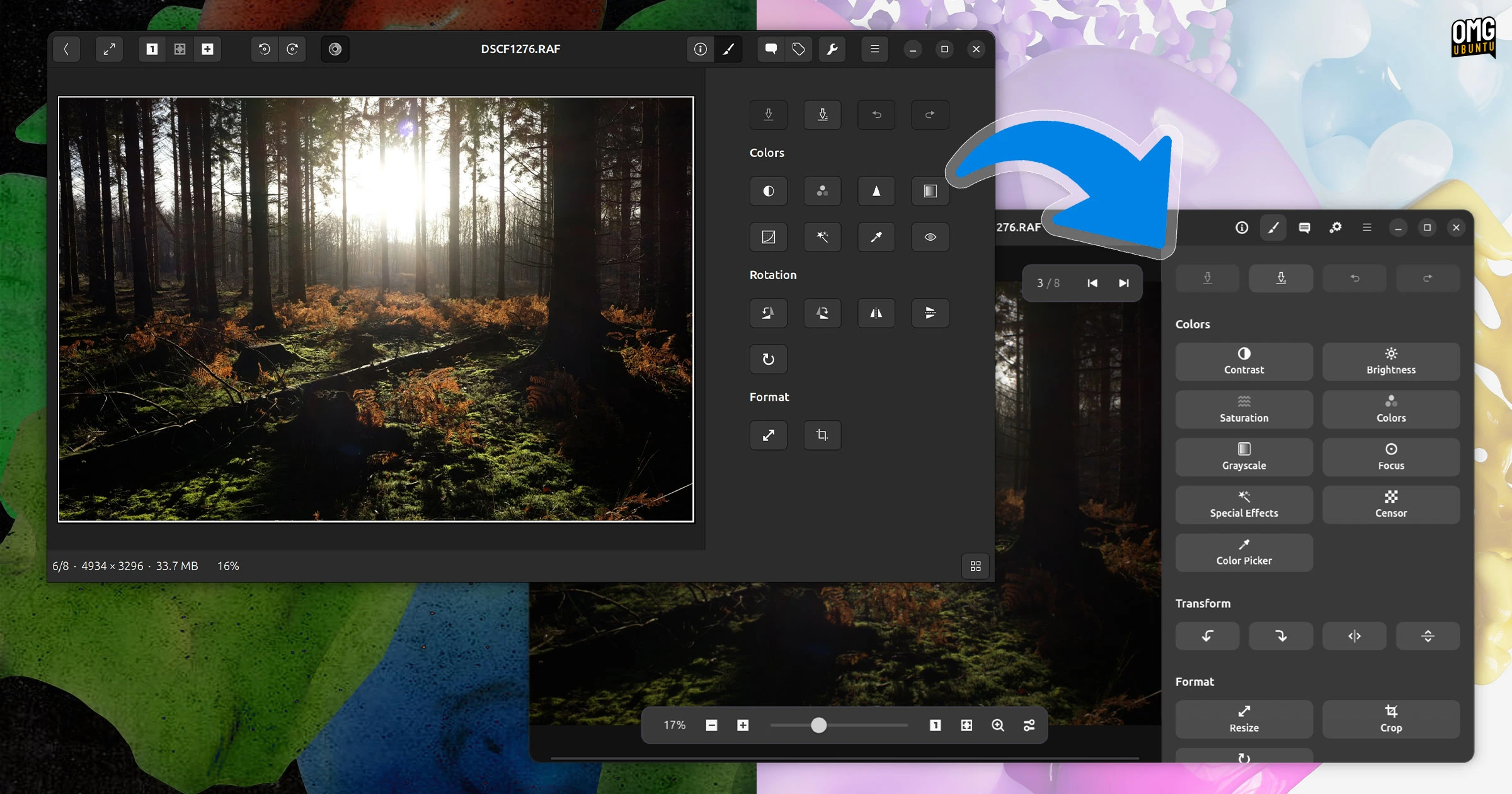
Editing images in gThumb is improved too, as each tool/filter now shows a text label to relay it function, meaning you no longer need to hover over a button or guess. Plus, each is signposted by a revised icon:
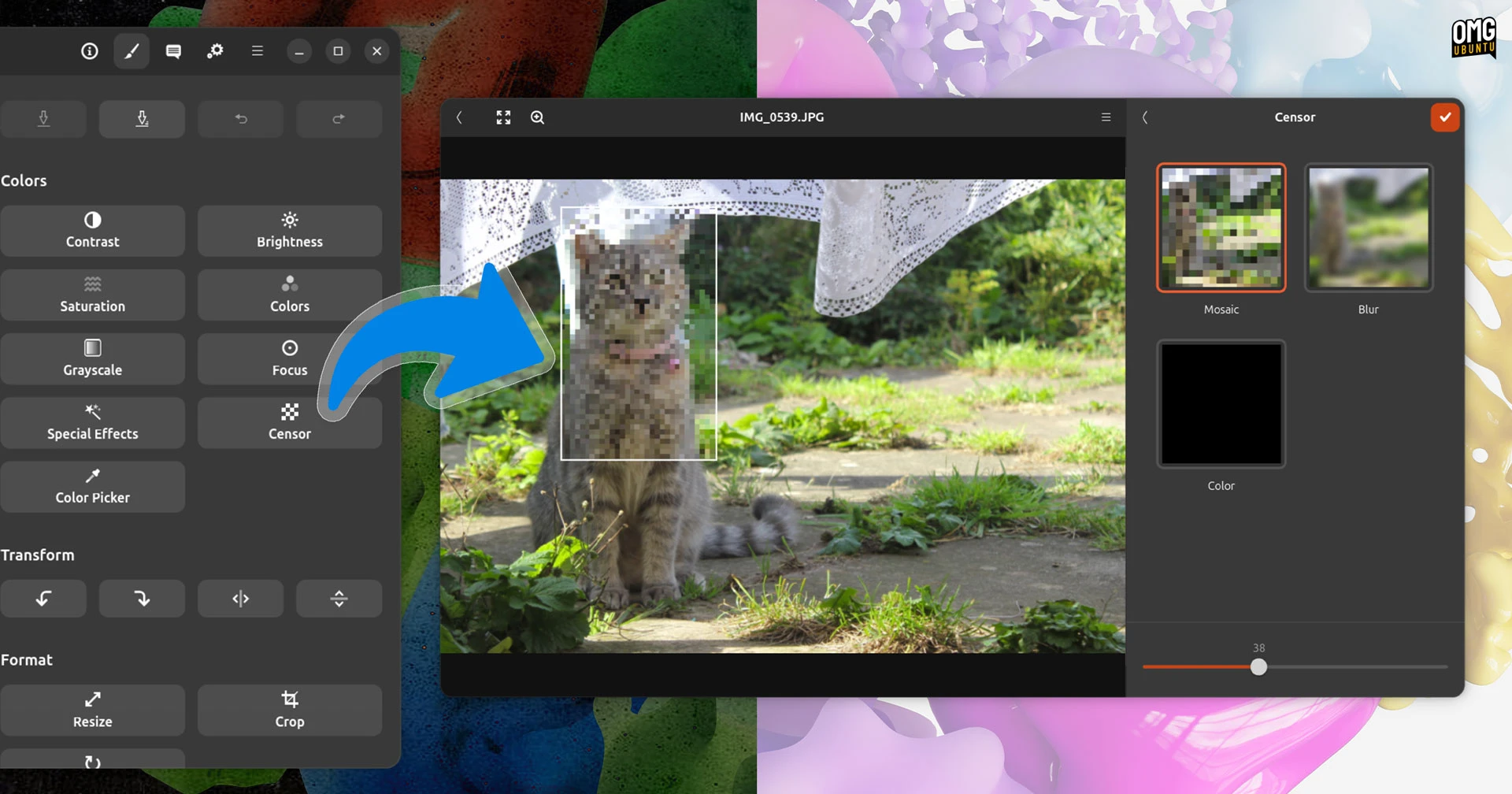
The new censor filter is certainly a handy inclusion, mirroring features increasingly common in other native image viewers/editors.
Preferences is suitably nicer to look at too:

Not all gThumb’s existing features make the transition to GTK4/libadwaita. Among things dropped in the gThumb 4.0 alpha are web albums, the contact sheet, the windowed dialog to adjust time values for images individually and the (nifty) ‘find duplicates’ tool.
Those features could return in future versions/updates, but aren’t present in this first alpha.
Still a place for gThumb
If the the idea of using a desktop photo manager seems a sepia-tinged indulgence in 2026, it’s because cloud-based photo backup services like Google Photos have largely taken over the job of manually importing, tagging and organising a local photo collection.
But that doesn’t mean there isn’t merit to the idea of doing it.
If you shoot with a DSLR, prefer your privacy or you want to opt-out of allowing big tech and their algorithms to decide which of your memories count (and how they should look – AI suggested edits, ahoy), then tools like gThumb earn their place.
Ubuntu still ships GTK3 photography app Shotwell in its extended install, and gThumb’s a genial alternative for it.
The alpha is available to build from source (Meson makes that trivial) or you can go hunt out an unofficial PPA on Launchpad – now that it’s back online.
If you’re a long-time gThumb users I’d love to hear what you think of this update, and if you’re not someone currently using it, I’d love to know if this might tempt you to check it out – so leave a comment below to let me know!