



A new look Firefox 157 has arrived with what Mozilla describe as the browser’s “biggest visual refresh in years”.
The latest stable update uses the new Nova theme by default. The ‘modernised’ look makes core UI elements rounder and more colourful as subtle pastel gradients tint the window chrome on Windows, macOS and – albeit opt-in there – Linux.
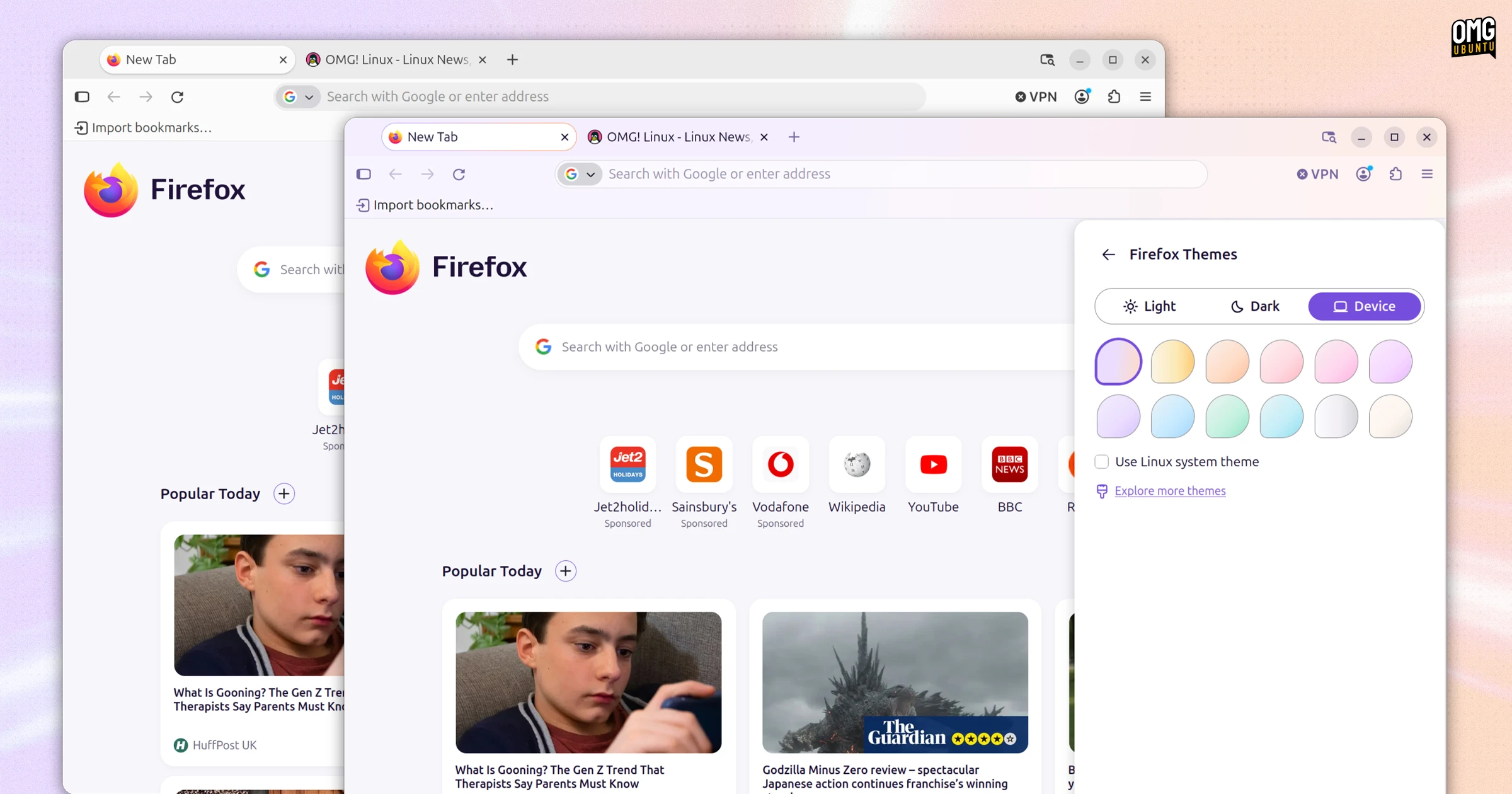
We got our first look at Nova back in March when tech blogger Söeren Hentzschel shared internal Mozilla mockups of the planned changes. Things moved fast; Nova went from idea to implementation rapidly, though the amount of changes planned has been toned down.
In Firefox 157 you’ll see rounder tabs, menus, address bars, pop-overs, sidebar, search boxes and info bars:
Unlike earlier versions, there are no gaps; the ‘floating island’ toolbar and the frame around web content didn’t make the cut for launch.
Firefox also reintroduces a compact mode option (officially) with Nova:
As you’d expect, compact mode reduces spacing within toolbar, tabs and menu entries to more room over to web content. Mozilla says it will be “useful on smaller screens and in split-screen layouts”. An ‘auto’ setting turns it on when/if it considers it appropriate.
If you don’t like the look of Nova it can be disabled – for now – by going to about:config in a new tab, searching for the Nova theme switch and toggling it to false‘ with a double-click.
Firefox 157’s other changes
Nova theme work aside, Firefox 157 brings a modest crop of other changes.
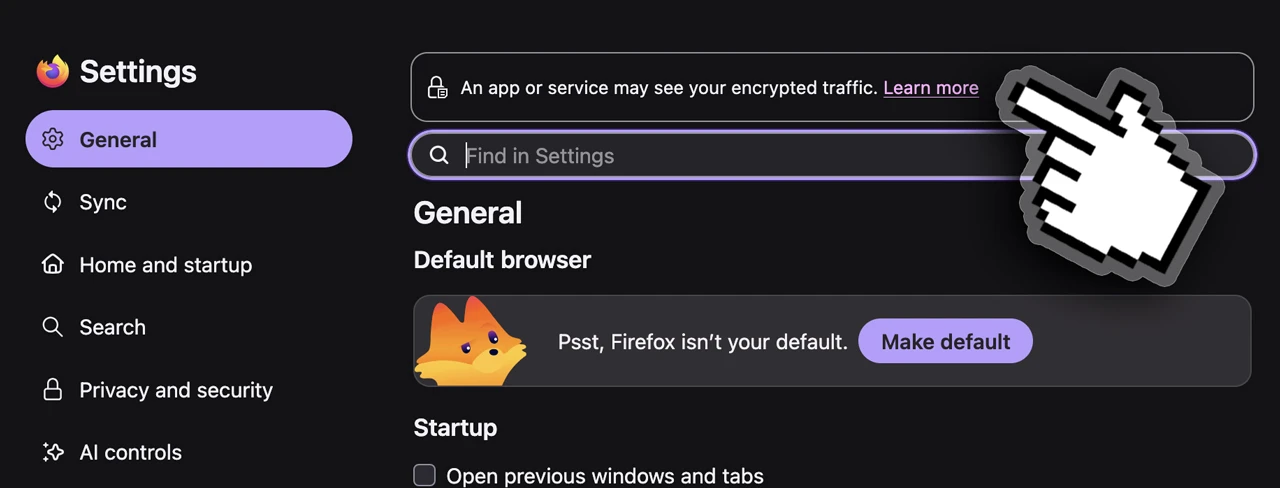
If set to record encryption keys via an SSLKEYLOGFILE, Firefox 157 shows a warning in Settings and the site info panel (shield icon pop-over). Important; keys in that log file could be queried by other apps on the device to read any encrypted web traffic.
Firefox users across a slew of European countries, including Austria, Belgium, Czech Republic, Denmark, Finland, Hungary, Ireland, Netherlands, Norway, Poland, Portugal, Slovakia, Spain and Sweden can see Firefox Suggests in the address bar.
Mmmhmm. If the idea of sponsored content – innocuous as sports results or as obnoxious as paid sites appearing above the one you’re looking for in the address bar drop down – clutter doesn’t appeal, you turn it off via Settings > Search > Firefox Suggests.
Beyond that:
- Amazon is no longer included as a built-in search engine
- WebRTC video calls can use hardware AV1 decoding (where supported)
- Tab now moves focus to the text field of the address bar and search bar
- Page
alert(),confirm(),prompt(), pickers & autocomplete theme matching - Supports
chainfor CSSoverscroll-behavior
A slate of security vulnerability fixes also ship in this update.
Getting Firefox 157
Firefox 157 is available to download from today (Monday, 28 September) from the Mozilla FTP, which has binary builds and installers for all major OSes (the same ones the official website will link to).
Existing users on Windows and macOS and Linux (binary builds) can update in-app from tomorrow (Tuesday, 25 September), which is when Linux distribution repositories, software stores (Flathub, Snap) and other formats will begin packaging it too.
If you’re on Ubuntu, just wait; this update will arrive as an automatic update from the Snap Store – if the browser is running, a desktop notification will tell you when it’s ready to install.
What do you think of Nova – is it an improvement over previous major changes: Australis theme (2014), Photon theme (2017) and Proton refresh (2021)?