



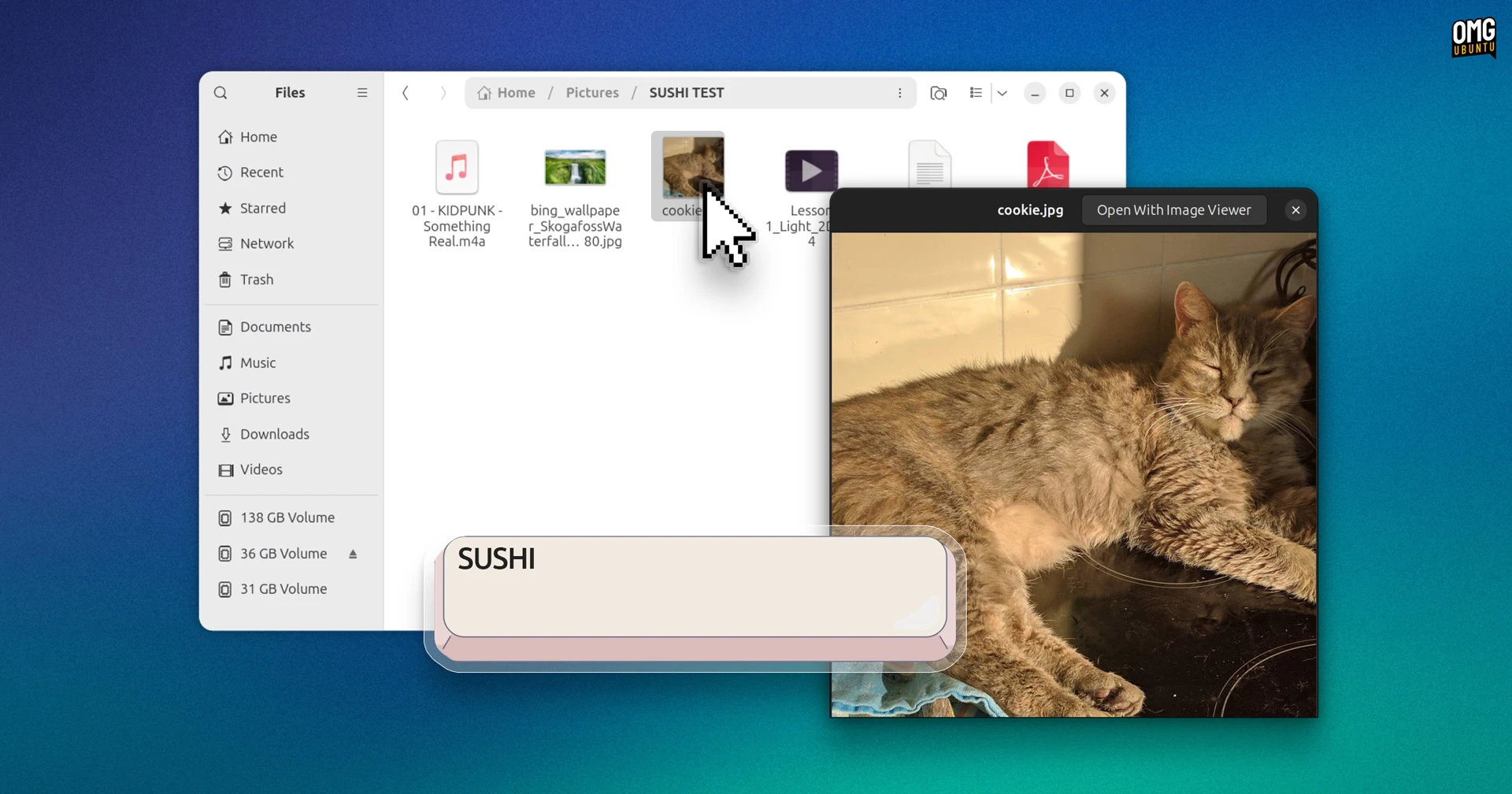
GNOME Sushi fans, rejoice: the spacebar preview feature is being fixed in Ubuntu 26.04.
If you’re not familiar with it, GNOME Sushi is a file preview tool similar to Quick Look on macOS. Select a file in Nautilus, press space and a floating preview window appears. It works with images, video and audio files, PDFs, plain text files and more.
GNOME’s Sushi isn’t preinstalled in Ubuntu but many users install it themselves1 as it makes it easier to find specific files when rooting through folders filled with samey-seeming documents, audio files and video clip.
—Well, except it doesn’t (or rather, it didn’t) if you use Ubuntu 26.04 LTS.
Sushi fans who upgraded from 25.10 or did a clean install found themselves getting a raw deal, as gnome-sushi doesn’t work with the newer version of Nautilus the Ubuntu 26.04 includes.
Why? Well, the extension Sushi uses to do its preview magic was missing, so no amount of spacebar thwacking was going to create a pop-up preview.
As one bug reporter laments on the broken spacebar preview: “that’s the whole functionality of gnome-sushi”.
Thankfully, a fix is en-route, rebuilt to work with Nautilus 50. No fishy business; here’s a clip of the previewer tool working on my Ubuntu 26.04 install:

The patched version is currently being tested in Ubuntu’s proposed channel but will land in the update channel in the coming days.
Once it does, you can install it with:
sudo apt install gnome-sushi
If you already have Sushi installed in 26.04 the fix will be rolled up as as a standard system update, no extra steps needed other than running Software Updater to get it.
- I was recommending it as far back as 2011! ↩︎