


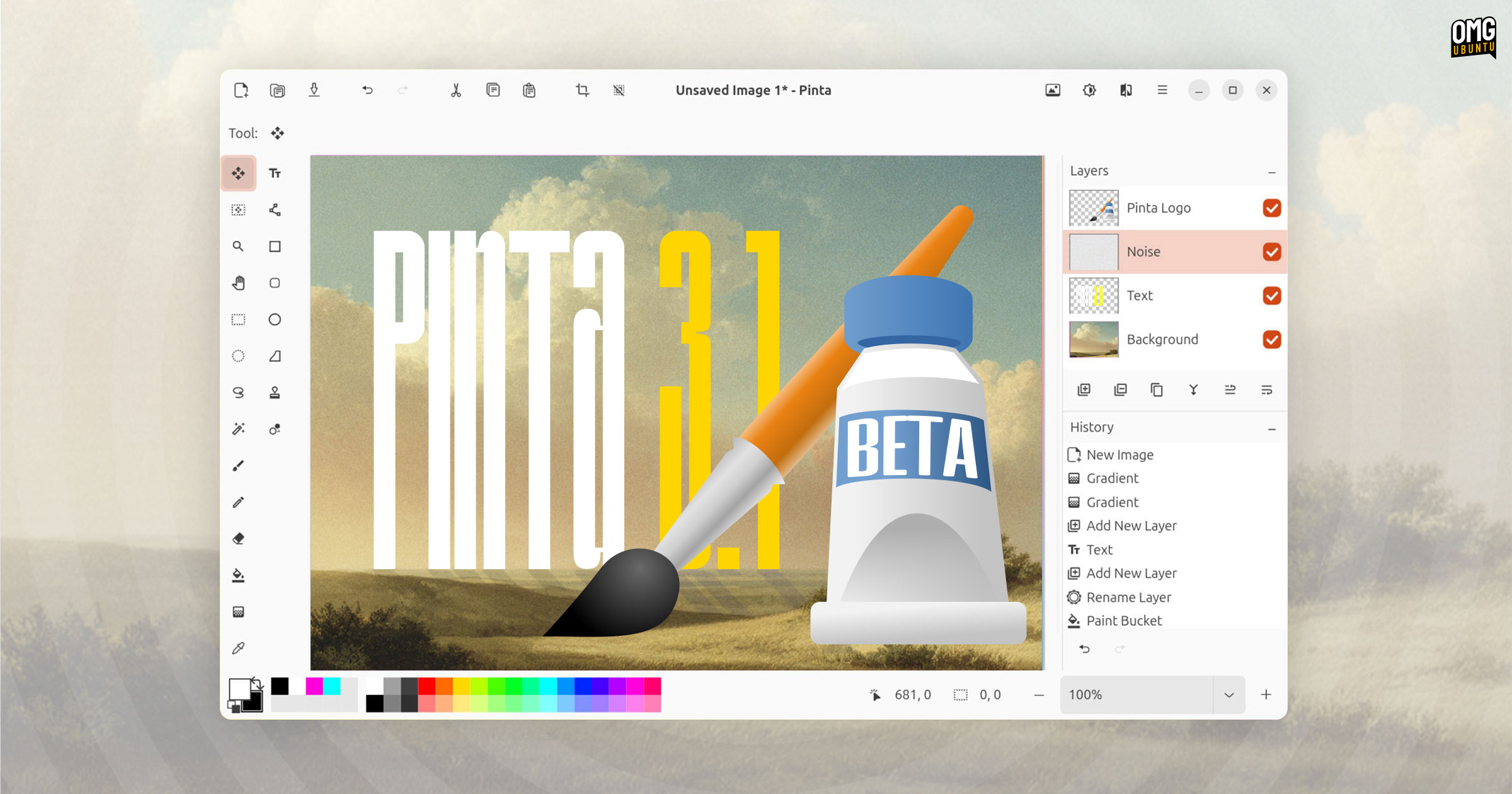


For fuss-free image editing on the Linux desktop, the Paint.NET-inspired Pinta remains a capable choice — and a beta of the upcoming release is now available for testing.
Pinta 3.1 adds to its (already well-stocked) set of features with new effects, tools and options to broaden the app’s audience. Performance tweaks help to reduce memory usage when working with zoomed-in images, which is also welcome.
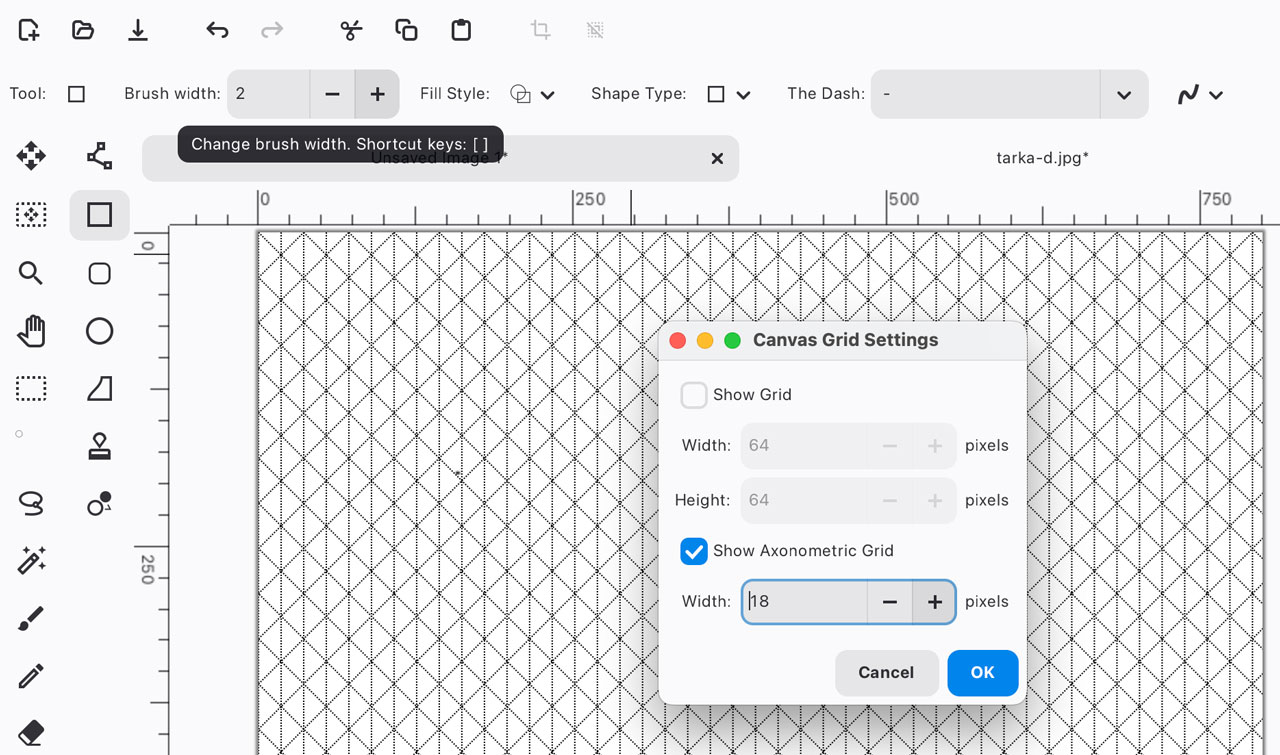
A new axonometric grid option is available in the View > Canvas Grid… dialog, along with a stepper to set a grid size. Axonometric grids are commonly used for creating isometric art as they help ensure correct perspective is maintained.
The Lasso Select tool gains a new Polygon Selection mode (with the old behaviour rebadged ‘Freefrom’ mode). In polygon mode, you clicking to add a point to the selection with the selection being added in a straight line between points. Tap enter to complete the selection.
When using any selection tool on the canvas with rulers enabled, the respective bounds of the selection area is highlighted on the rulers with a distinct colour. This gives visual confirmation of exact position and size so you can be sure you’re selecting what you need.

When right-clicking on a layer there’s a context menu showing available actions for that layer (based on its type), e.g, delete layer, duplicate layer, merge layer down, flip, and so on. A handy time saver for those bored of clicking buttons or learning shortcuts…
Talking of keyboard shortcuts, the tooltip shown when you hover over toolbar, layer and history buttons now lists the keyboard shortcut you can press to activate it (as done the tool palette). This will help you learn (or remind you about) Pinta’s shortcuts.
Other notable changes in Pinta 3.1 Beta:
- New Cells effect
- “About” dialog includes links to issue tracker and forum
- Dithering effect can use current palette in addition to the preset color palettes
- Random seed values for effects can be controlled
- The text tool now supports using Ctrl + Backspace to delete words
- Radius Percentage parameter added to Twist effect
Additionally, a native Windows on ARM installer of Pinta is available for the first time.
More details in the change-log.
Download Pinta 3.1 Beta
Windows and macOS builds of Pinta 3.1 Beta are available to download from the project’s GitHub releases page. On Ubuntu, the Pinta Snap package gives access to the new beta in the beta channel, which is an easy way to test the development release.
From a terminal, run:
sudo snap install pinta --beta
Once installed, launch from the Applications Grid.