



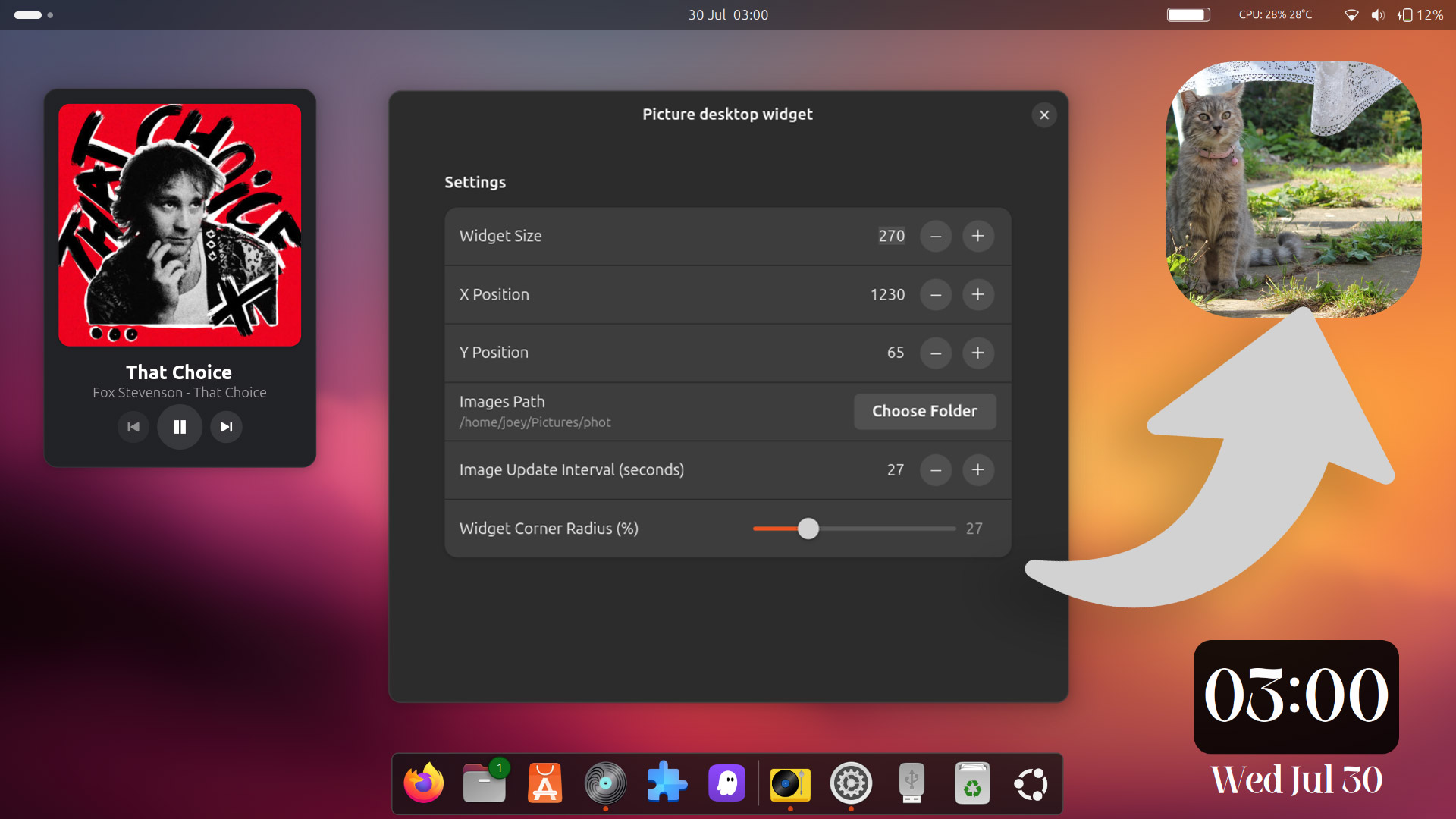
Remember digital photo frames? Well, a new GNOME Shell extension brings one to the Linux desktop, sans chintzy plastic housing, a low-res TFT, and your gran constantly asking you how to make it show something new…
The extension is called Picture Desktop Widget because …That is what it is: a widget for your desktop that shows a picture. Using it, you can turn a section of your screen into your own personal art exhibition.
Once installed, point the widget at the location of a folder containing images you’d like to see displayed, and dial in an interval at which the pictures should change. You can set a size, position, and a corner radius (from sharp corners 0 to totally round 100).
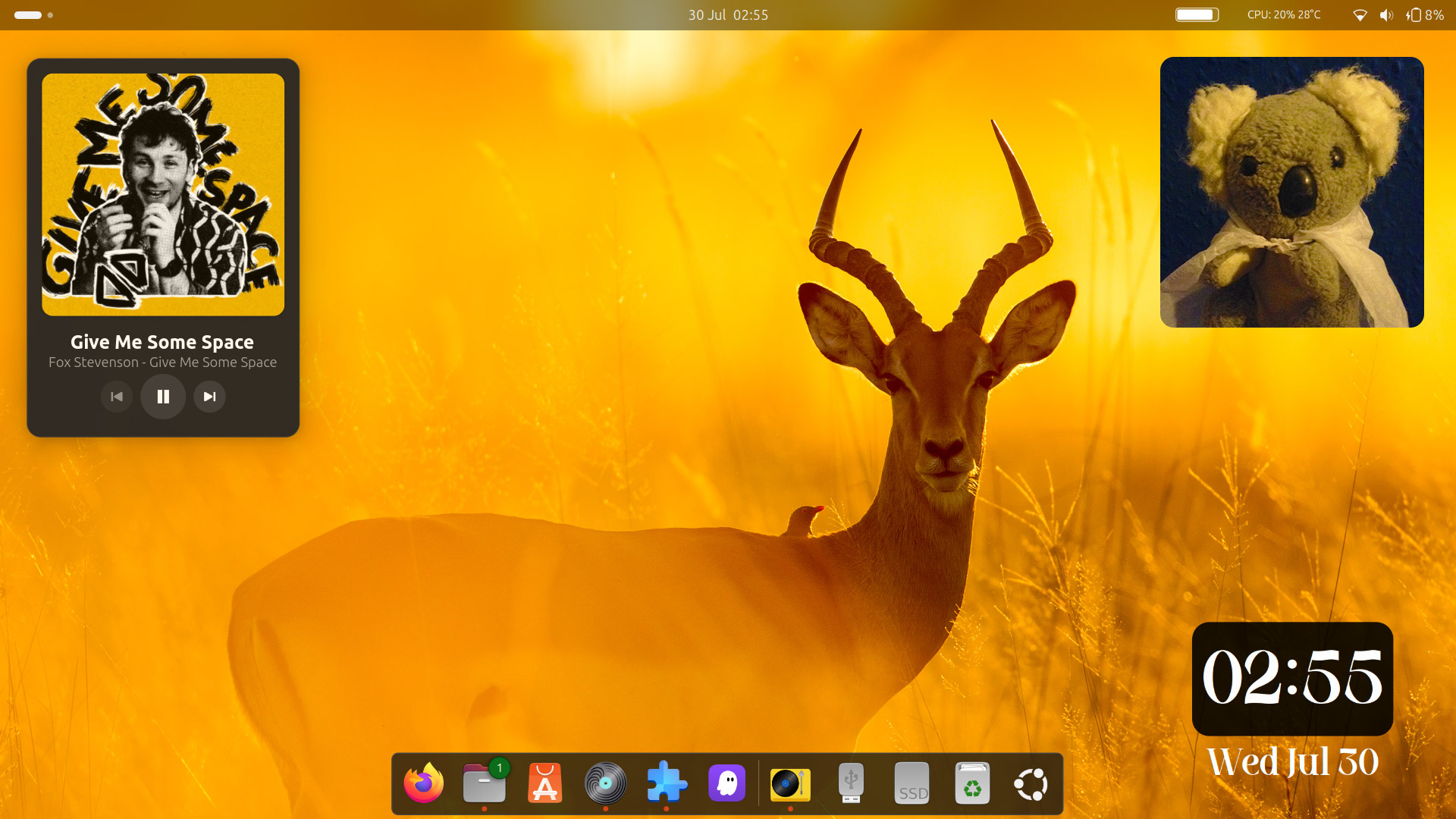

One frustration: you can’t drag the widget to reposition it.
This is an annoying flaw (not that Ubuntu users will notice if DING is enabled as it prevents dragging any thing other than files/folders on the desktop space). It could be addressed in a subsequent update since other desktop ephemera, like Desktop Clock, can be moved with a mouse.
Beyond that, isn’t much else to this. No frames or shapes (like Android’s Material You); no drop-shadows or filters; no transition effects. Arguably, it doesn’t need any of that: photos are the main focal point, not the schlock around ’em.
Superfluous is sometimes the point
The idea of desktop ornamentation to show pretty pictures on your desktop is nothing new. Windows Vista had it, the old Mac OS X Dashboard has it, and heck: your phone can do it.
Indeed, this widget may be of interest to those who want to make GNOME Shell look like macOS, since Sonoma (onwards) supports widget on the desktop, and its photo widget is popular (and routinely showcased in Apple’s OS promotional images).
Desktop Linux widgets are a topic I covered a (heck of a) lot in the early days of this blog. Back then we had Screenlets, gDesklets, Google Gadgets, and cluster headaches caused by Conky configs to satisfy our appetites for eye candy embellishments.
Such things have largely fallen out of favour with the masses, but if you like ’em, you like ’em.
And as our monitors get ever bigger (well, yours do – I’m still clinging to a 21.5″ 4K) there is arguably more chance to sight a cute desktop embellishment you add, be it an ace music controller like Turntable or a customisable date doohickey like Desktop Clock.
You could use this picture widget to show holiday snaps to reminisce about sun-soaked days as you work inside; set a directory of memes to add levity to daily drudgery; or pick a folder populated with—[UK Online Safety act requires age verification to read this line].
Interested in trying it out?
The Picture Desktop Widget is available to install from the GNOME Shell Extensions website (directly, or using the Extensions Manager desktop app). It is only compatible with GNOME 46 (Ubuntu 24.04 LTS), but should be easy to get running on newer builds.