


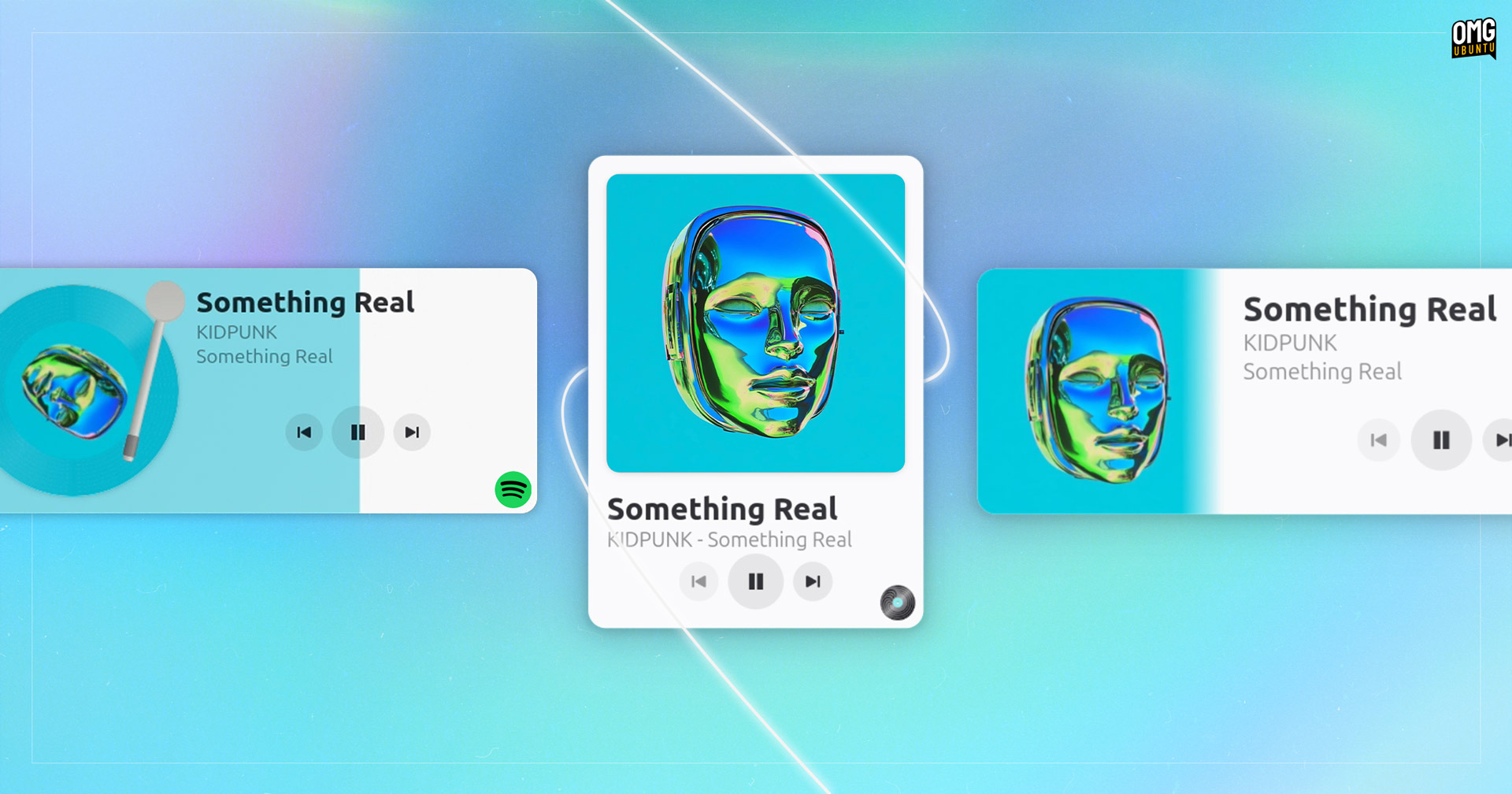


If you’re looking for an easy way to “scrobble” music on Linux, no matter which music player you use, check out a new app called Turntable — and even if you don’t scrobble you should!
Before I go any further, let me remind you what a “scrobble” is (because no, it’s not just one of those old fashioned British words I’m fond of using).
Scrobbling is the term for tracking the music you listen to, as you listen to it, on services like Last.fm and Libre.fm.
You play a track in a media player that’s connected to a service, and the track data (song title, artist, album and date and time played) is logged to your profile (usually after you listen to >50% of the track continuously; pausing won’t count).
This builds up personal record of your listening habits1 over time. Service(s) parse this to present you with various charts, graphs and insights: your most-played tracks, albums and artists. Some can suggest other artists/songs it thinks match your tastes.
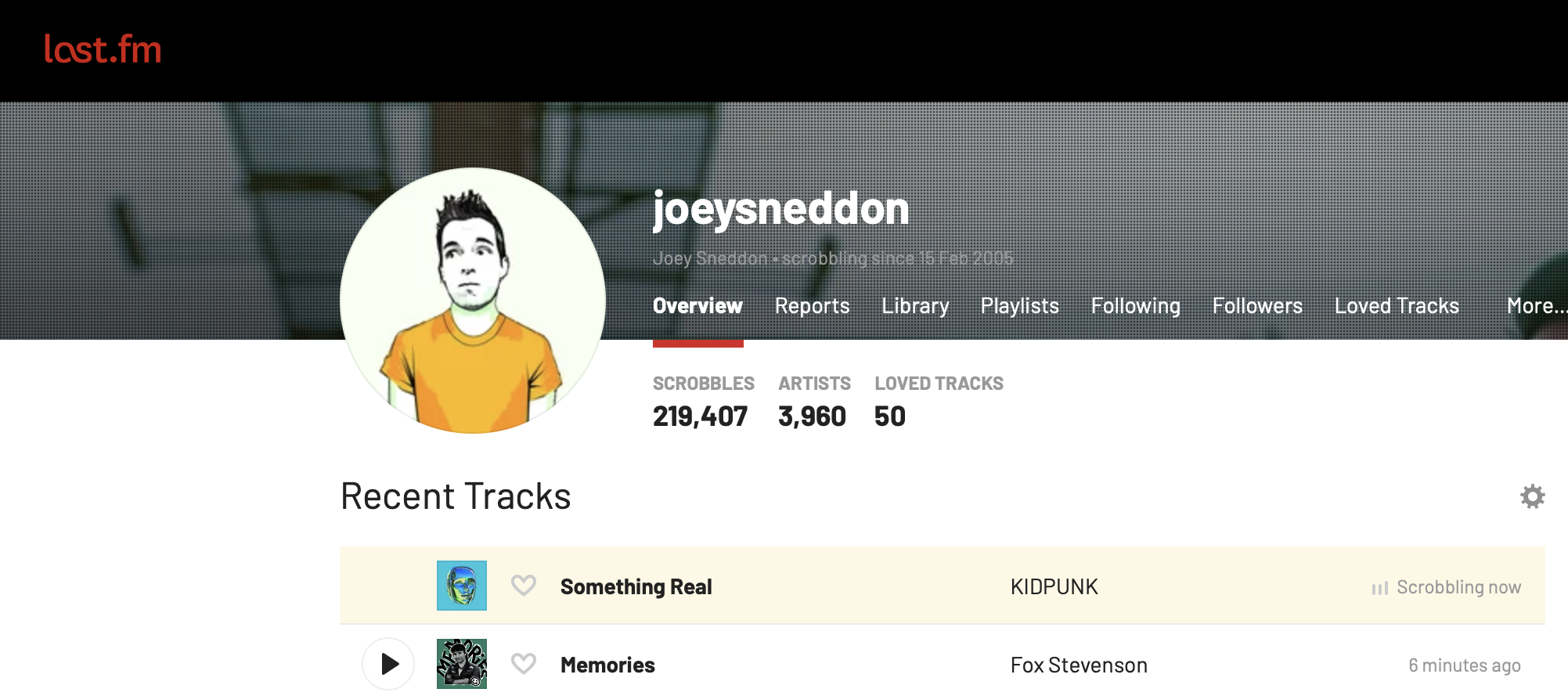
I’ve been scrobbling on Last.fm since 2006, amassing decades worth of futile-if-fun-to-gawp-at stats on my own listening habits. Turns out making typos isn’t the only consistent tic I have: my taste in music hasn’t changed much either!
That’s what scrobbling is, and why a lot of people do it.
On to what Turntable brings to, er, the table… Poor segue, but segue we must!
Scrobble Music from Any App on Linux
A bunch of the best Linux music players let you scrobble plays to Last.fm, including Rhythmbox, Clementine, Musikcube and Tauon. These use the official APIs, so all you have to do is link your account to the player and let the rest happen behind the scenes.
So, you may be asking, why use a middle-man like Turntable to submit those scrobbles for you?
For one, not every music player includes a native way to scrobble. It’s gutting to come across a music player that suits your tastes perfectly, but lacks scrobbling support.
But it may be that you use multiple music players, say Rhythmbox for your local MP3s, an MPD client for connecting to a shared library and a music streaming service like Spotify. You have to setup your Last.fm, Libre.fm or ListenBrainz account in each, separately.
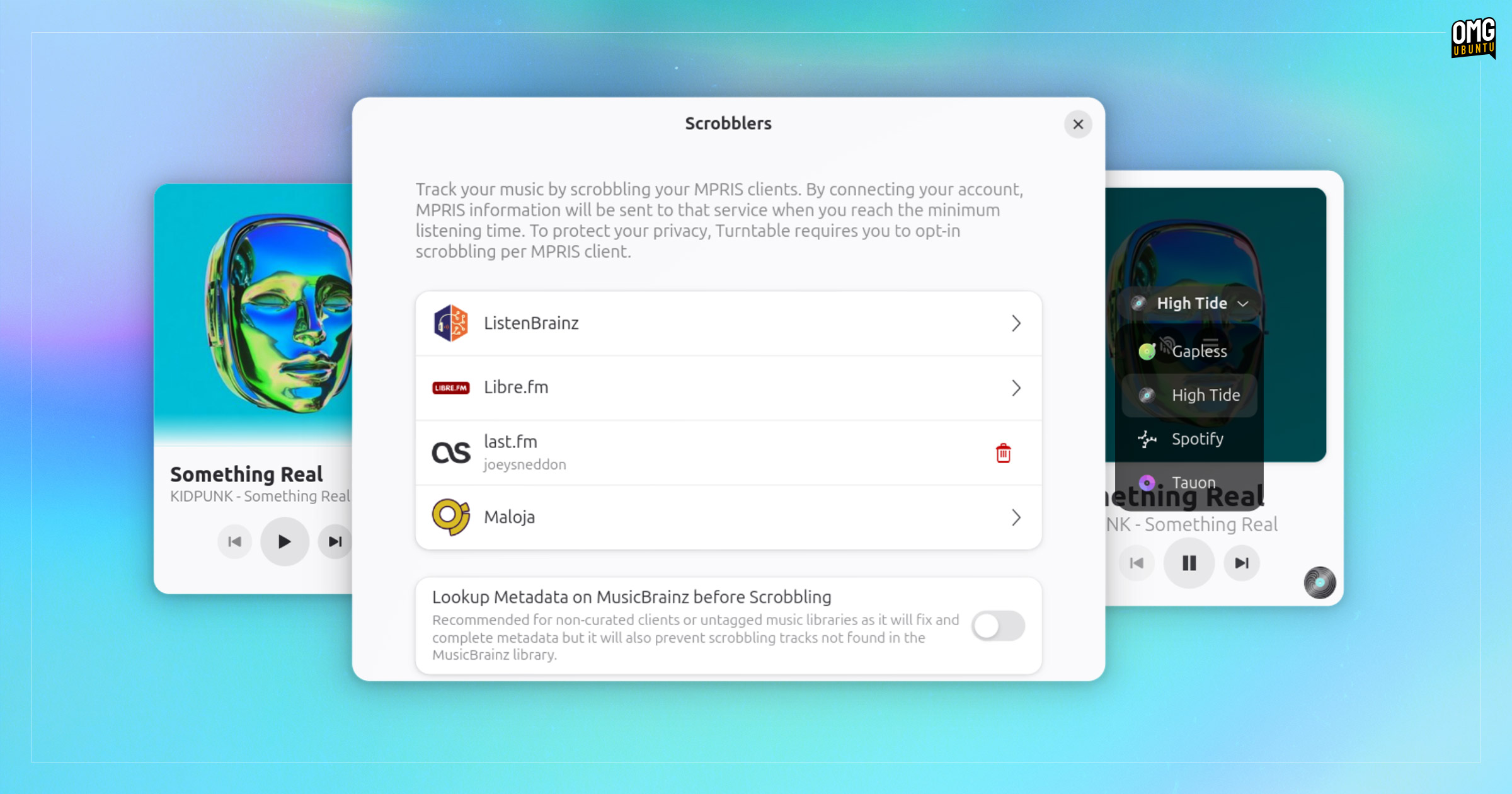
Turntable proves its worth: you login once and it will scrobble tracks from any media player that use MPRIS on Linux. Thus, you’re not limited by player choice, or even limited to scrobbling to just one service.
MPRIS (or Media Player Remote Interfacing Specification to get fancy about it) is the D-Bus interface most Linux apps use to make ‘now playing’ information available to other apps, desktop environment sound menus, extension, applets, Conky scripts, and so on.
Any audio piped through MPRIS can (in theory) be scrobbled using Turntable.
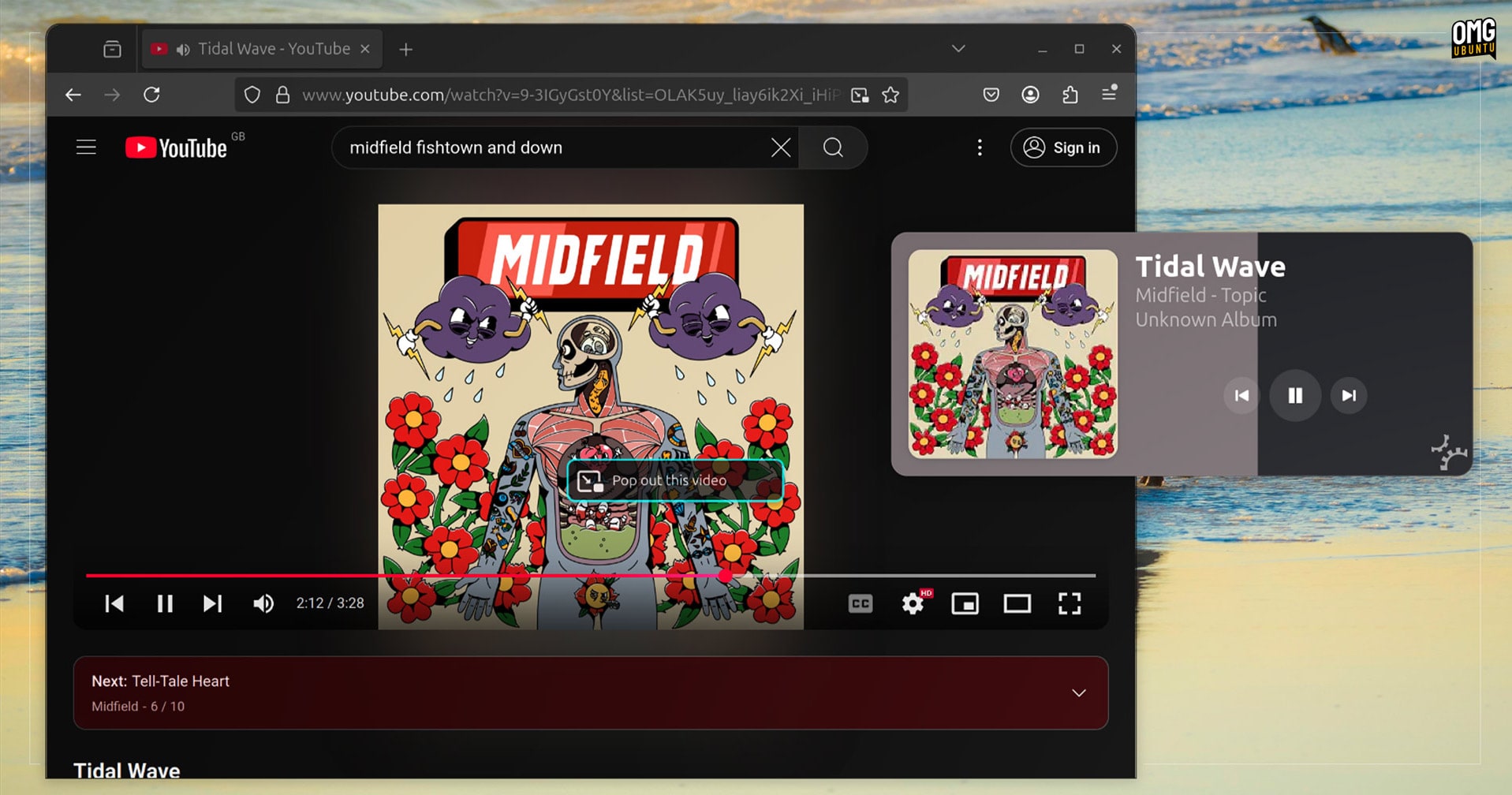
If you listen to music on, say, YouTube and you want to log those plays, you can (in theory) do just that2 without having to do anything special. Open Turntable, set the browser as the source, and focus on listening – no need to rely on data-harvesting web-browser add-ons.
Turntable features:
- Scrobble to Last.fm, ListenBrainz, Libre.fm and Maloja – at the same time!
- Select an open player and enable/disable scrobbling – hover over album art!
- Enable MusicBrainz parsing to correct track titles/artists – great for YouTube!
- Tracks scrobble when 50% or 4 mins has been listened to – just like Last.fm!
- Slick desktop “now playing” controller – make it look how you want!
- Don’t want a GUI? There’s a CLI option – run it in the background3!
Turntable’s developer, Evangelos “GeopJr” Paterakis, creator of Linux Fediverse client Tuba, pitches it as “your favourite music app’s, favourite music app”. For scrobble-heads it’s certainly that, and well worth taking for a spin!
But as I said at the start: if you don’t scrobble, you may still be interested in using this.
Turnable is a slick ‘Now Playing’ desktop widget

As well as being a universal Scrobbler, Turntable is also a ‘now playing’ desktop widget. If you have no interest in services like Last.fm, you can use it to see and control the music you’re listening to in a slick way.
Think old Conky setups or CoverGloobus (if you used Linux years ago), Spotify’s mini-mode or even macOS apps like Silicio and Sleeve. Eye candy; desktop decoration; prettification for screenshots – whatever you want to call it.
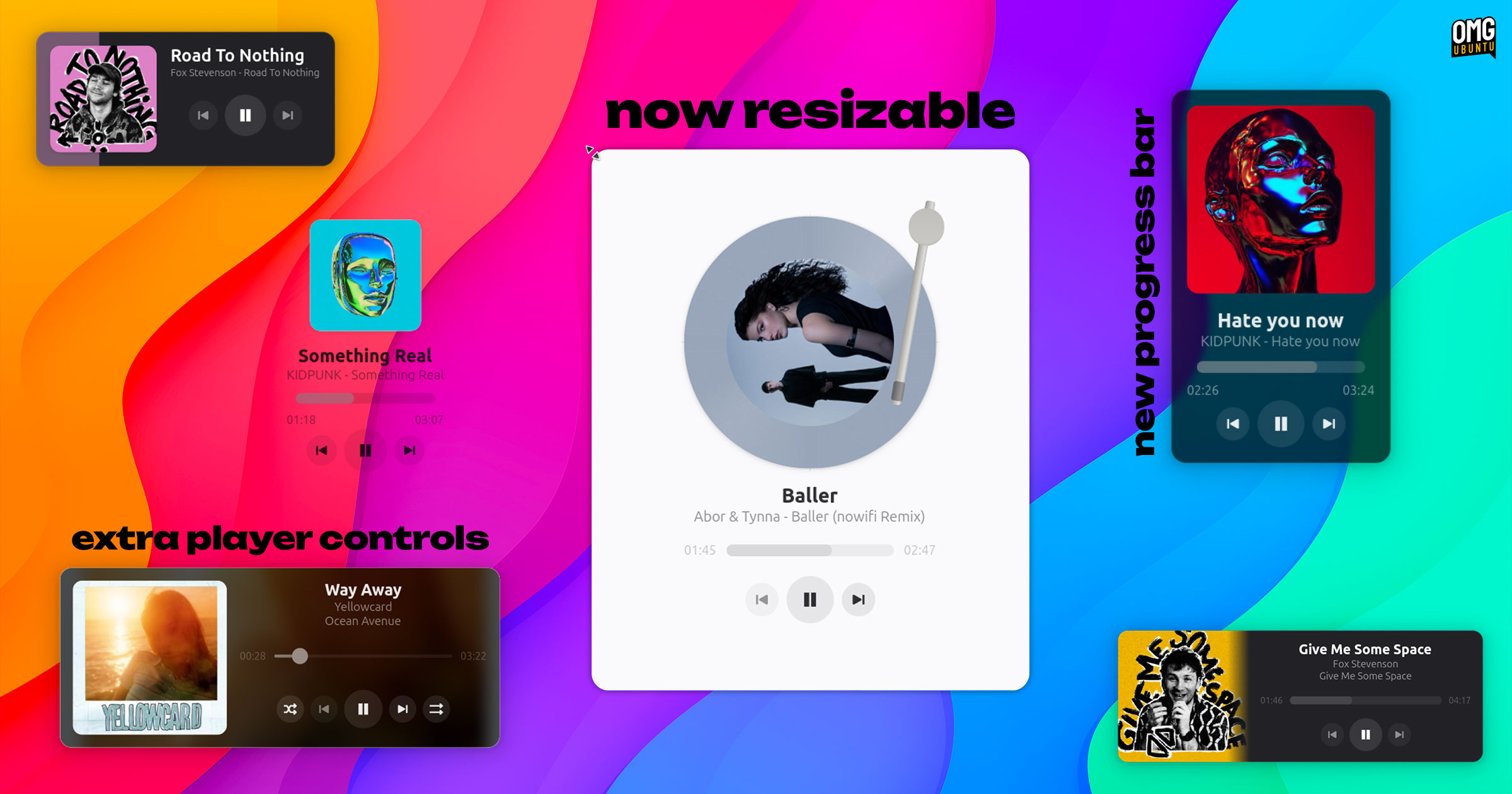
Turntable‘s desktop widget is highly customisable, letting you:
- Show/hide components – progress bar, player icon, tonearm + more
- Change size of album art and metadata – small, regular or large
- Music player icon – symbolic or full-colour
- Orientation – use it in portrait or landscape modes
- Now playing text – left-aligned or centred
- Art style – carded, shadow or turntable (rotates, tonearm tracks progress)
- Window style – window, OSD or transparent
- Light & dark mode styles – matches your system preference
And a lot more – and future updates will add to and expand the range of configuration options available.
If you want to create a really slick controller like this one:
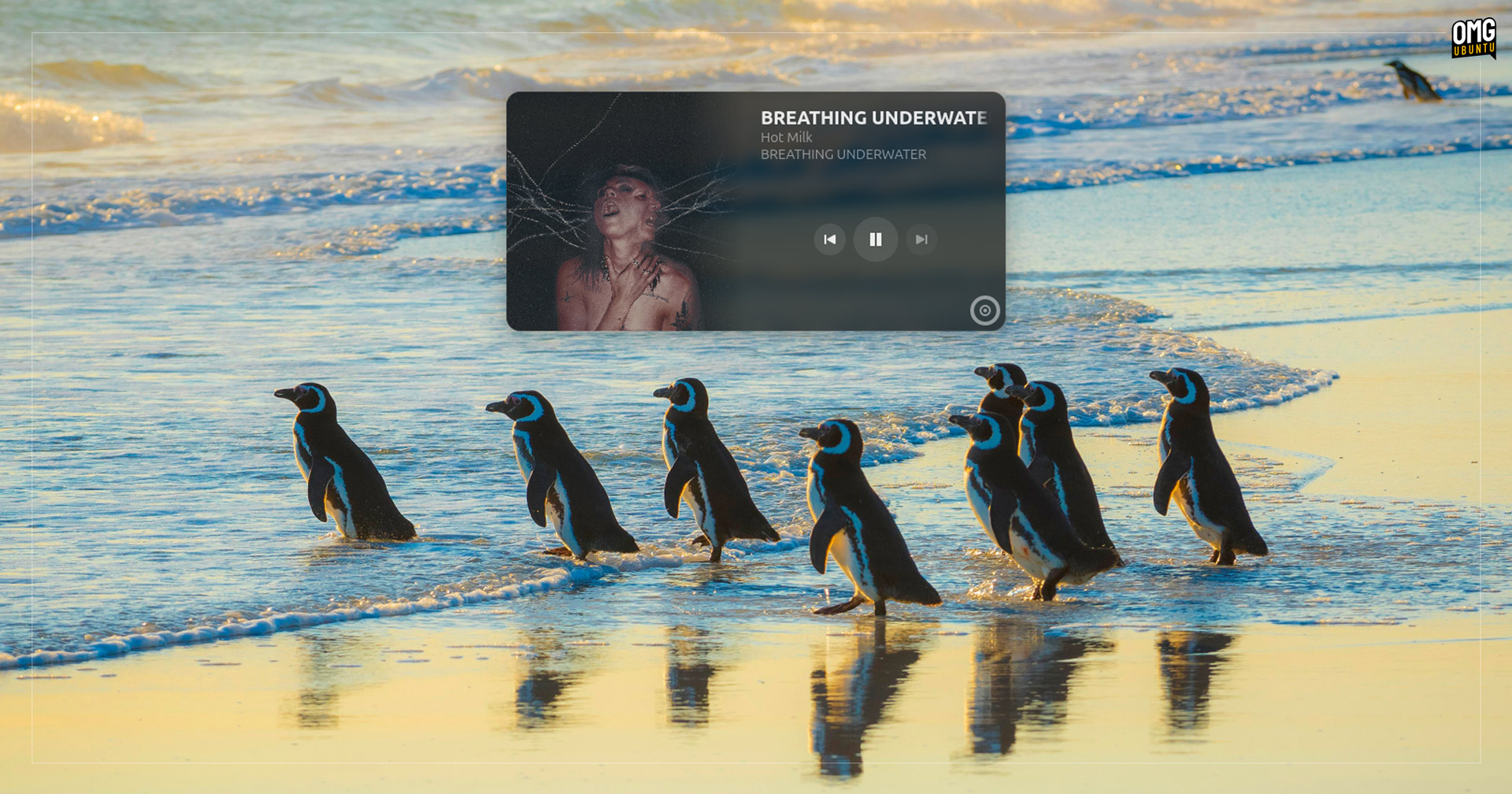
Install the Blur My Shell extension on GNOME Shell and enable application blur in Blur My Shell’s preferences. Then, add the Turnable window to the extension’s allowlist, enable Turntable’s OSD mode and et voila: frosted blur effect.
Get Turntable for Linux

For those who want to track their listening habits easily, even when bouncing between different music players, Turntable is essential – if only because it cuts down on the hassle of setup/login in each app.
The fact it doubles up as a blingy desktop music controller?
Seals the deal for me.
- Sure, streaming music sites sort of do the same thing, but it’s with the aim of learning as much about your habits so they can force music—often monetarily beneficial for the company to promote—through algorithmic recommendations. Scrobbling is a different beast – it’s stats, on your terms, for your benefit (you can export your data and take it with you). ↩︎
- I found nothing played on YouTube in Firefox scrobbled, despite MPRIS and Turntable working/seeing the track. Enabling Musicbrainz didn’t help. Maybe I’m missing Something Real obvious… ↩︎
- Want to use Turntable CLI mode? Run
flatpak run dev.geopjr.Turntable --helpto find out how. ↩︎