


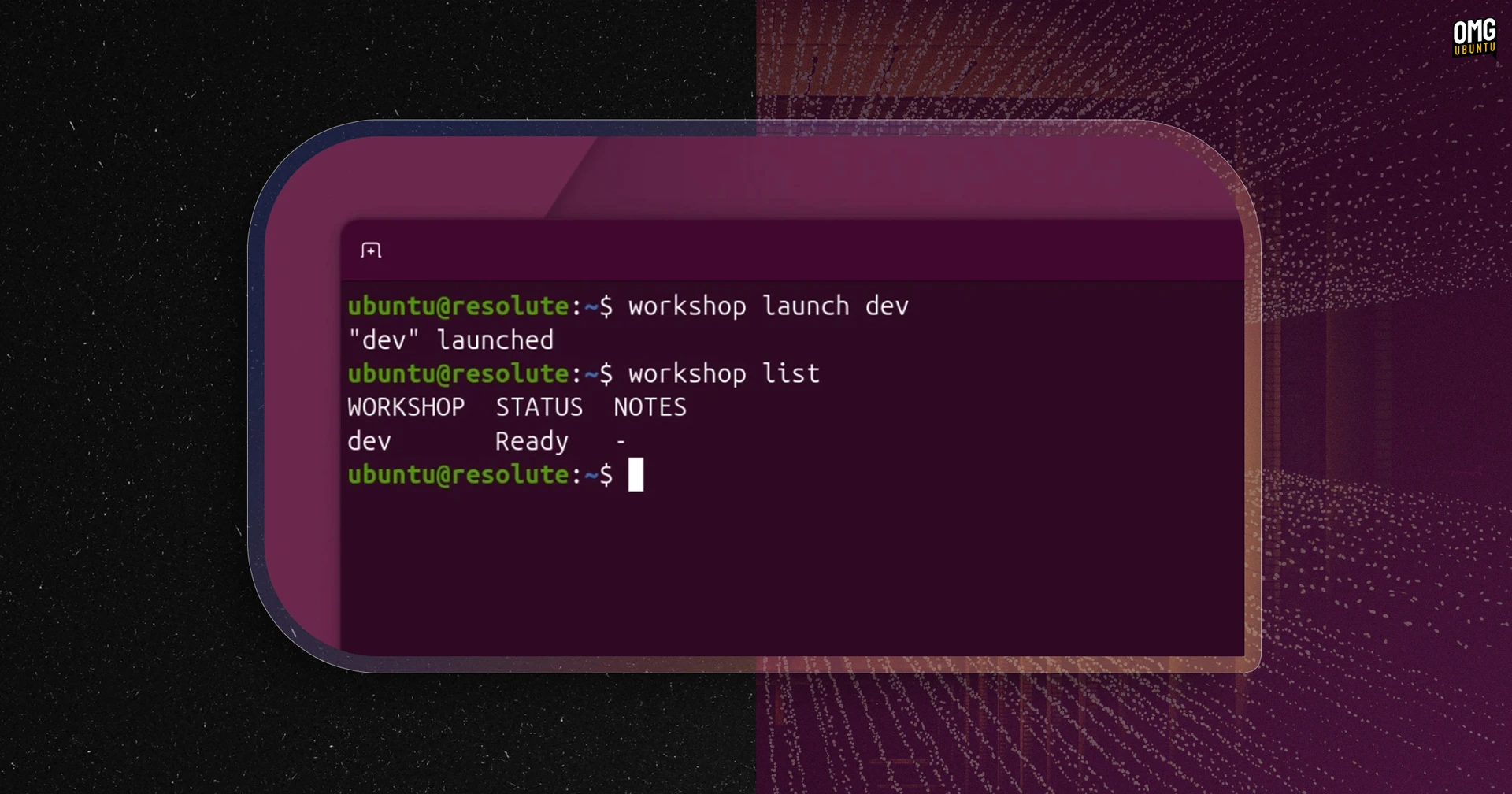


Canonical has released Workshop, a new open-source tool to create reproducible development environments with a single command.
Using YAML files, the same development setup can be reproduced across different hardware and devices, reducing dependency headaches and configuration drift.
Environments in Workshop are built from SDKs (packages that install languages, frameworks and tools). Most of these come from the SDK Store, which supports versioned channels similar to the Snap Store so that projects can define specific SDK versions to use.
Canonical offers SDKs for Ollama, OpenCode, NVIDIA CUDA and AMD ROCm at launch, but users can create and define project-specific SDKs of their own, adding them to the SDK Store for others to use or shipping them internally, placed in a project .workshop/ folder.
The definition file that pulls it all together is a standard plain-text YAML, which could be version-controlled alongside the code and any custom SDKs.
“With Workshop, you can launch a setup that previously took hours to configure in a few commands, and be sure that it stays operational”, reads the GitHub blurb.
There is a degree of overlap with existing development environment tools available on Linux, like Dev Containers, Nix shells and Docker Compose, but Workshop is strict on environment isolation.
It uses unprivileged LXD system containers, isolated from the host at the process, filesystem and network level, but sharing the host kernel.
An interface system modelled after snapd controls what host resources a contain can access. If a container needs GPU, SSH agent etc, it must be explicitly granted.
It’s this sandbox control model that is central to Workshop pitch for anyone looking to run AI agents.
“Ease of use for developers shouldn’t mean ease of access for AI agents”, Dmitry Lyfar, Engineering Manager at Canonical said, adding that: “Non-privileged defaults effectively constrain workload capabilities”.
Workshop requires LXD 6.8 or later. The tool itself is installed as a snap from the Snap store. For more details on Workshop can do, how to use and configure it, see the official docs or check the code on GitHub.