



Got time for a final blast through smaller Linux app updates to round out 2025?
There will be plenty of big new releases to look forward to in 2026, no doubt. Before we race head first in to a new year, I felt it right to give one last glance back at updates that landed during December which I didn’t dedicate a full article to…
But which I didn’t want to leave out, either.
Darktable 5.4.0

A new version of open source RAW photo editor darktable (sic) is out, with a couple of big new features in tow that should please photography professionals and enthusiasts alike.
There’s a new tone mapper based on Blender’s AgX bolsters editing with explicit white and black point controls, adjustable pivot for the tone curve and independent sliders for shadow and highlight contrast.
Workspace support makes its long-awaited appearance. This lets you create and switch between separate databases and configurations. Useful if you’re juggling professional work alongside touching up personal pics, or if you just want to experiment.
Capture sharpening is now built into the demosaic module to help recover detail lost to in-camera blurring; app performance is improved across the board (but especially for those working off NAS’ or spinning HDDs; and ICC colour profiles are now handled under Wayland.
The darktable 5.4 update also adds support for a slew of new(er) cameras, including the Canon EOS R1 and R5 Mark II, Fujifilm X-E5, Nikon Z fc, Sony ZV-1M2, and the Leica Q3 Monochrome. Plus, updated colour matrices and new noise profiles for some models too.
As darktable is open source software for Linux, Windows and macOS, you can download the latest release from the official website for all major OSes. An AppImage is available for Linux, but if you prefer Flatpak then darktable is on Flathub, but it is not yet verified.
The usual reminder applies: back up before upgrading, as there’s no going back to 5.2 once you’ve converted your library!
Clapper 0.10.0
Clapper media player hit 0.10.0 this month, continuing to expand its “enhancer plugin system”. MPRIS, Server, and Discoverer features are now enhancer plugins. A reminder that Clapper is both an end-user app, and a library which other apps can use to provide media experiences.
Configuration of enhancer plugins can be done via the preferences window; you can write new plugins in Lua (if that’s your thing); and a new audio-only widget is available for those building audio players (and a few Python examples available in the project repo).
User-facing additions include frame stepping with the E key, the ability to preview GStreamer pipelines from the info dialog; new speed icons; support for drag-and-drop between lists in different windows; and the ability to ‘load and parse’ playlists.
Crash fixes are included, such as one that readies issues with auto-resize for some video resolutions.
Clapper is free, open-source software for Linux and Windows. Linux users can install the latest version of the desktop app can be installed from Flathub (also carried in some distro repos); Windows users can download a package from the GitHub releases page.
QEMU 10.2.0
FOSS Virtualisation and emulation tool QEMU hit version 10.2, composed of over 2,300 commits from 188 contributors.
Among the “big” changes ferried within the commits is live update support through a new migration mode to let you update running VMs with reduced resource usage, and potentially better performance due to switching to io_uring for QEMU’s main loop.
ARM emulation has gained support for a stack of new CPU features, whilst HPPA users can emulate an HP 715/64 workstation. PowerPC gets PowerNV11 and PPE42 CPU support, and FreeBSD hosts can finally use 9pfs shared filesystems.
If you work with QEMU regularly, beside to read over the full list of changes, and pay particular attention to what’s been deprecated (in case someone you rely on no longer boots).
QEMU is free, open-source software available for Linux, Windows, macOS, and BSD systems. You can download the latest release from… A variety of sources, in a variety of formats, but the best place to start is by visiting the official QEMU website.
Raspberry Pi Imager 2.0.3
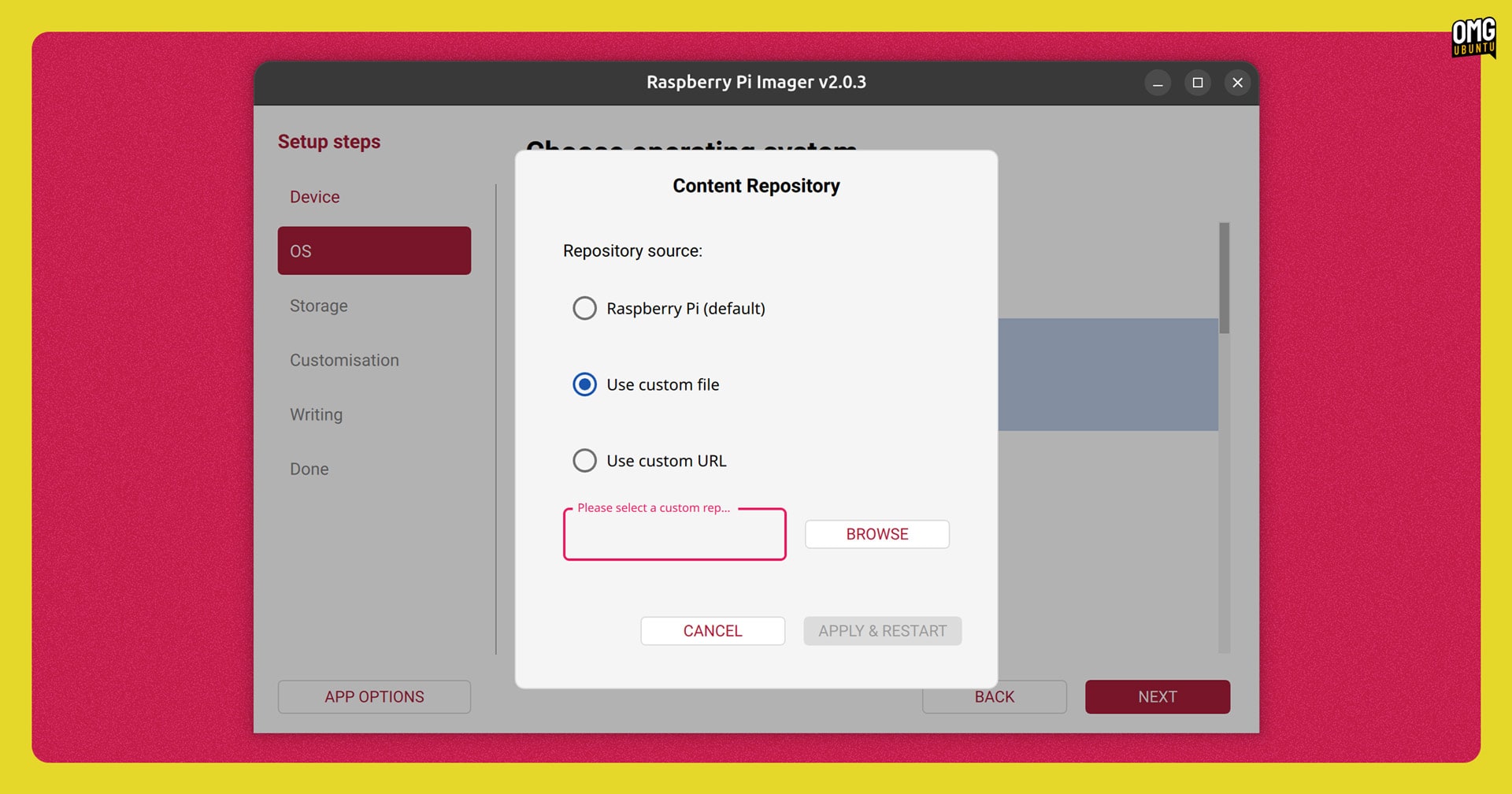
The Raspberry Pi team issued two updates to their recently revamped image writing tool. Changes focus on boosting performance, and resolving a few underlying bugs. A couple of new features were added, like support for adding custom repos to pull ISO/IMGs from.
Writing images is faster due to various I/O tweaks; there’s bottleneck detection and real-time progress update have been implemented, and a “detailed write timing breakdown” added for those who want to analyse performance during writes.
For the latter, press Ctrl + Shift + P during a write session to save details to a JSON.
Usability buffs include password field component with show/hide toggle button, the reintroduction of multiple SSH key support, better accessibility coverage for screen readers, and a new icon for macOS 26 Tahoe and .SVG icon asset for Linux.
Raspberry Pi Imager is free, open-source software available for Windows, macOS and Linux. Download it from the official website or grab it from the GitHub repo.
MPV 0.41.0
A new version of command-line video player MPV landed, and it uses libplacebo’s gpu-next renderer by default. This should deliver improved performance and better HDR support. Vulkan hardware decoding is also now preferred over other APIs (where available).
Linux users on Wayland get better colour support thanks to color-management-v1 and wp-color-representation-v1 protocols, tablet input support, and clipboard writing (a clipboard backend is included for those using MPV on X11).
A buffering indicator in the on-screen controller, frame-stepping support, and an assortment of new command line options also feature.
MPV is free, open-source software available for pretty much every operating system out there. More details on the MPV Github.
ONLYOFFICE 9.2.1
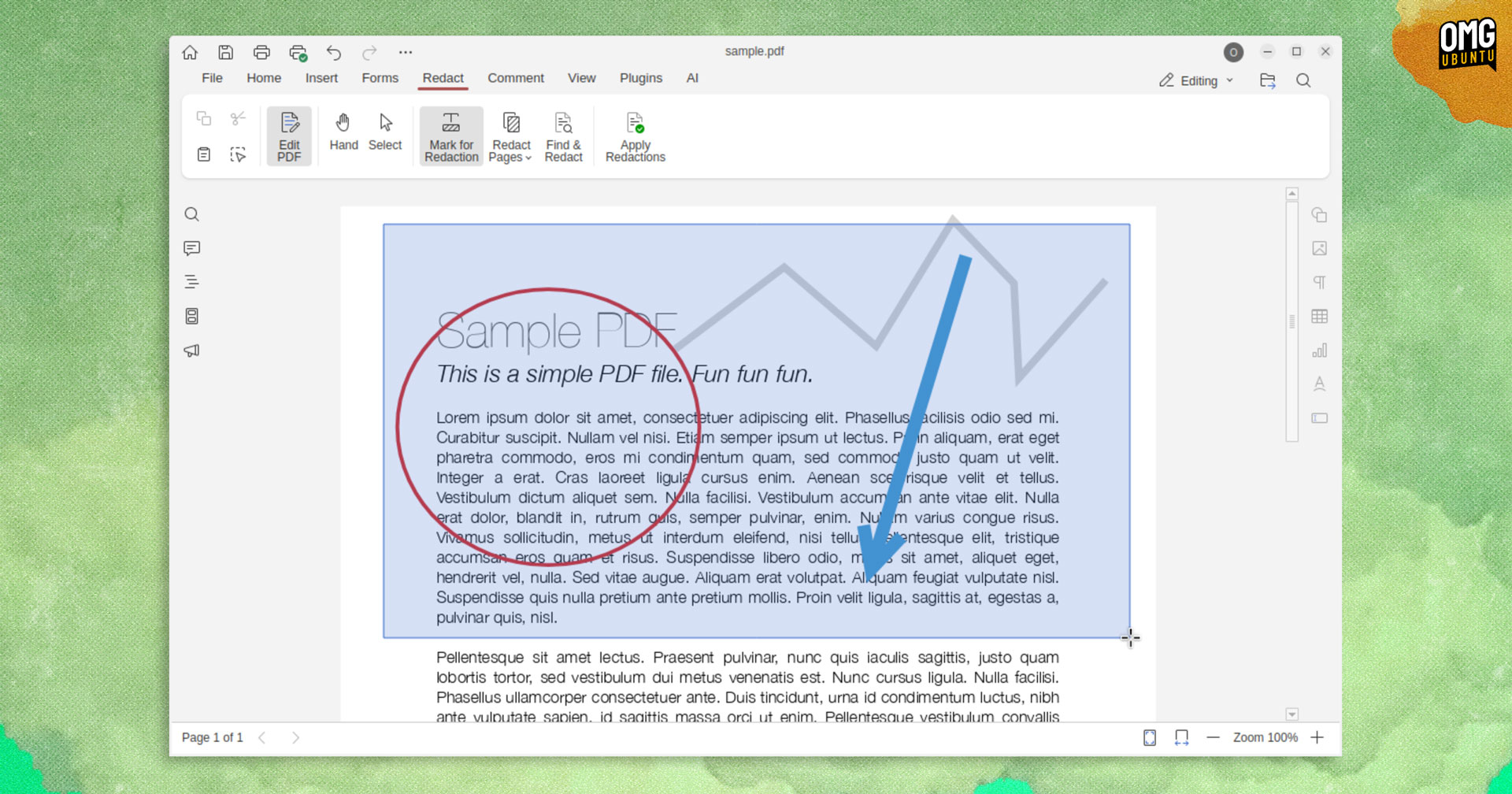
Early December delivered the ONLYOFFICE 9.2 release with its AI agents, macro recording and PDF redaction features. This was quickly followed by a point update to resolve a number of issues users were experiencing.
ONLYOFFICE 9.2.1 patches a word break breakage when using Korean text in the Document Editor. In the Spreadsheet Editor, transferring sheets between documents using cope/paste longer causes a data overlap.
PDF Editor picks up a plethora of patches, including errors caused when opening (!) or scrolling (!) a PDF file; errors when copying, pasting and undoing actions using the ‘Find’ panel in editing mode, or trying to delete a page.
Security is bolstered with hot fixes for exploits involving XSS injection of JS code in the font field, vulnerability in the text area of the comment editing form, and memory manipulation during XLS to XLSKX conversion that could lead to info leaking.
Of note, ONLYOFFICE 9.2.1 supports Linux ARM64 devices – something many users had been asking for for a long while!
ONLYOFFICE’s desktop apps are free, open-source software available to download for Windows, macOS and Linux. AI integrations will require API keys from third-party services, or access to a large-language model running locally, fyi.
Downloads are available on the official website or direct from the GitHub releases page (under ‘assets’ – expand to show all available builds), with official Snap package and Flatpak build also available.
Scribus 1.6.5 (Stable) & 7.1 (Dev)
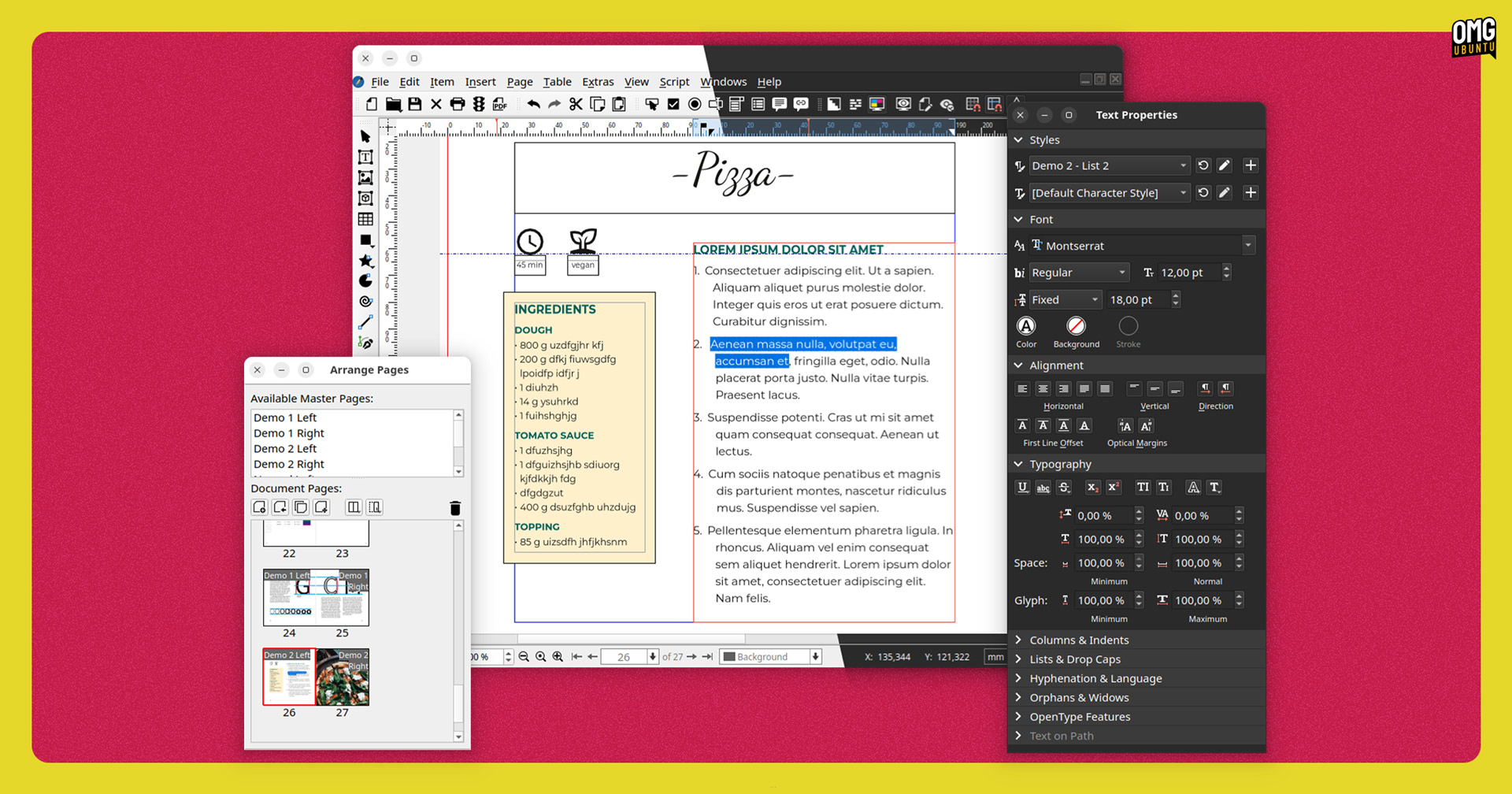
Scribus, the free and open source desktop publishing app, released v1.6.5 in December as a minor refinement to its existing stable branch. It resolves issues with light and dark mode handling, the colour eyedropper, and PDF export font rendering.
There’s also a security fix that removes the ability to load remote SVG image data.
Scribus 1.7.1 is the latest development release, building on what 1.7.0 brought (Qt Advanced Docking System, SVG icons, revamped palettes, white-space review mode, optical margins, etc) with search in preferences windows, document log interface, and security fixes.
Scribus is free, open source software available for Linux, Windows and macOS. You can download the latest versions (stable or development) by following the relevant links on the Scribus install page.
Finally…
I also want to say thank you — yes, as in you, you.
Thank you for reading this site, commenting, and connecting with me; for the news tips and suggestions you send in, the coffee you (generously) buy me, and for each article of mine you take the time to read and share.
With so many websites, streaming services, and social media grifters unrelentingly demanding attention, that you choose to visit this site and support what I do leaves me humbled, happy, and beyond grateful.
So truly: I wish you all a happy, healthy, secure and fulfilling 2026 — with a lot more Linux in it, too!