



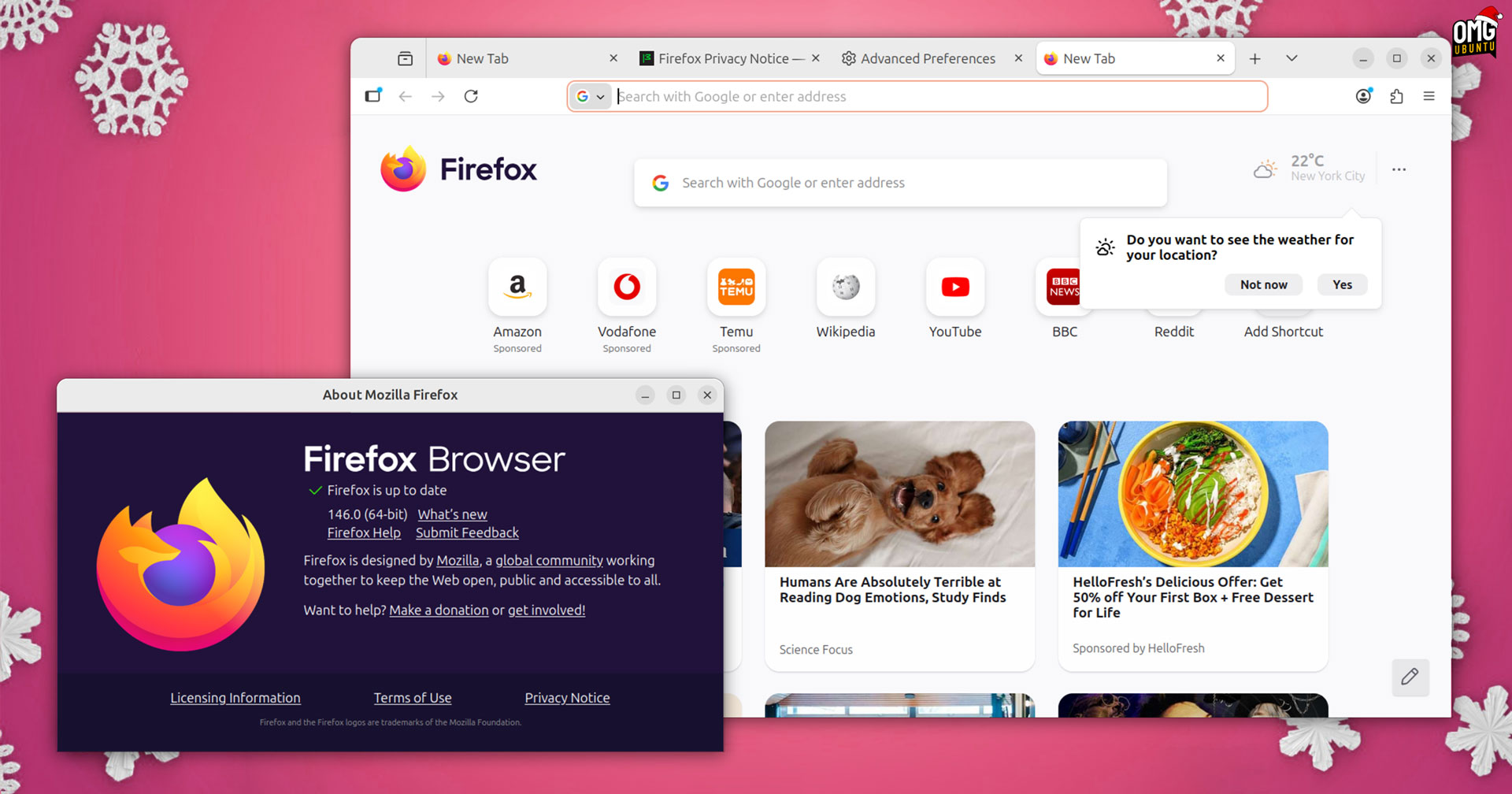
Mozilla Firefox 146 is out, adding a final flurry of finesse to finish off what’s been an interesting year for the famed FOSS browser – but is there anything especially good in the update?
Arguably, the ‘headline’ change for Linux users is that Firefox now fully supports fractional-scaling under Wayland, by default. No need to tinker with about:config flags, brave beta builds or (more likely) tut under your breath at oversized web elements.
The change, say Mozilla, makes “rendering more effective” (i.e., text, icons, menus and cursors appear non-blurry, position correctly and render at the right size).
To be clear: “fully” is the qualifier here. Firefox has scaled well for a few years, but a few parts haven’t (e.g., AI link previews appeared oversized on my laptop @ 150% when I had to test them).
But now that Firefox reads GNOME/GTK screen metrics properly, most issues that previously made it render at integer scales and downscale have been resolved.
Will it be pixel-perfect? Probably not. If you spot any edge cases, like giant cursors, misplaced pop-overs or blurry icons, be sure to report a bug someplace in hopes someone who can fix it, does!
Other changes in Firefox 146
Linux isn’t the only OS on the ‘nice’ as Firefox 146 brings presents for its Windows and macOS users.
Per the release notes, “Windows 10 users can now automatically protect their passwords, bookmarks, and more by turning on backup in Firefox”. The new Firefox backups are done daily, are stored locally and can be (optionally) encrypted with a password for security.
Yes, the release notes do say Windows 10 – Microsoft may have ended/not ended ended support (depending on whether one pays or enrols in some… scheme), but Mozilla plans to support Windows 10 for the “foreseeable future”.
No, Linux users needn’t feel salty that Windows is getting this feature: Mozilla says it is bringing local Firefox backups to other operating systems “soon”.
Elsewhere, Firefox gains a dedicated GPU process on macOS to reduce issues where graphics code (WebGPU, WebGL, or Firefox’s own WebRender) could cause issues. Now in case of emergency, Firefox’s GPU process will restart rather than, as before, crash the browser.
Firefox’s New Tab Weather widget is available for users in the EU and a few other countries. This is a progressive rollout feature so keep an eye out for an on-page nag asking you to enable location detection (you can opt to manually set a location instead).
A reminder that Firefox’s weather widget is a “sponsored” integration from Accuweather. If you click the widget it will open the Accuweather website.
Other changes in Firefox 146:
- Firefox Labs is available to all – you can opt-out of telemetry and still access it
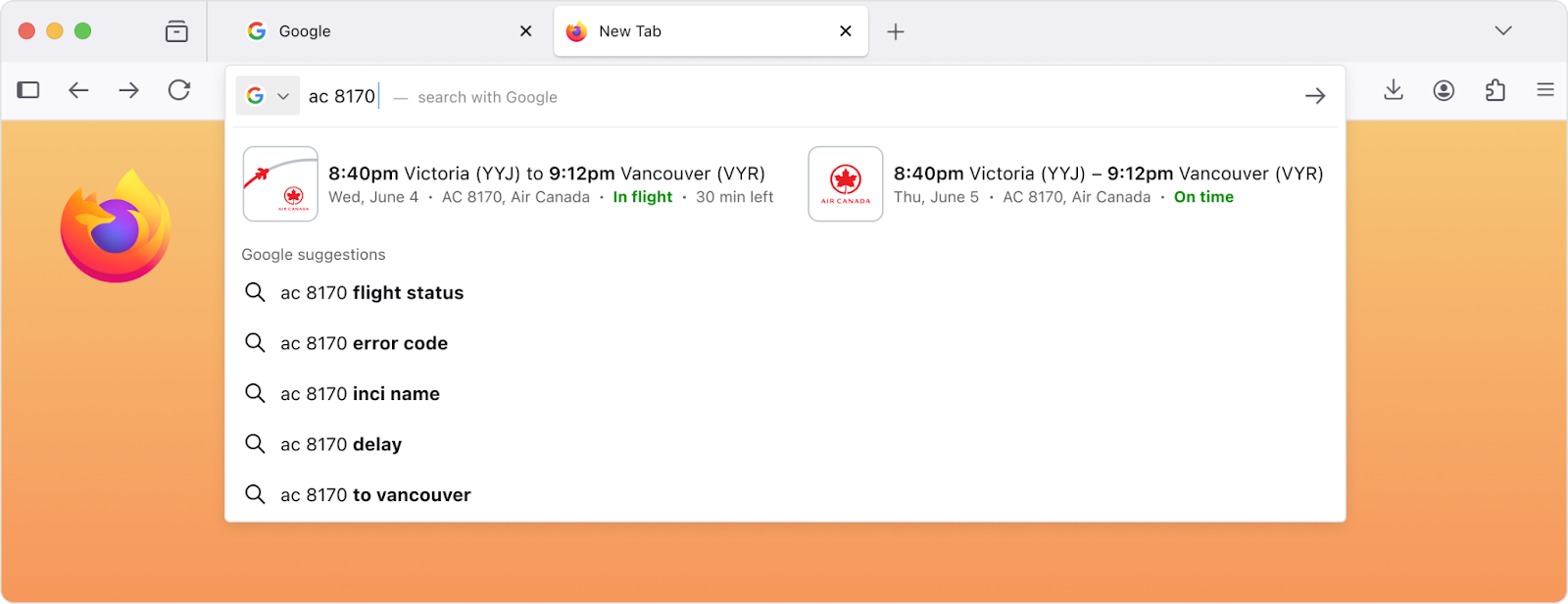
- More queries show answers in the search bar so you ‘skip’ the results page
- Settings > Colours dialog improves picker controls to improve accessibility
- English builds in France, Germany & Italy see English holiday suggestions
- Post-quantum key support during DTLS 1.3 handshake for WebRTC connections
On the web-dev site:
- Inspector hides unused CSS custom properties by default
- CSS
@scoperule support - CSS
contrast-color()function support (black/white only) text-decoration-insetproperty added- Compressed elliptic curve points in WebCrypto
Rounding things out are a fresh set of security patches.
In all, Firefox 146 seems like a modest update. But with big new features on the way (including split tabs and a prompt-based ‘AI Window’ mode), and further design changes (more Kit, more new tab widgets), a bit of calm isn’t to be sniffed at…
Getting Firefox 146
Ubuntu user? Firefox updates are downloaded and installed in the background, automatically. You don’t need to do anything (other than restart the browser to apply the update if it’s already running) – though, this assume you use default Snap package.
If you are on Ubuntu but you don’t have Firefox installed, and you want it you can use the official Snap or Flatpak build; add the Mozilla APT repo to install the Firefox DEB; or download a distro-agnostic Linux binary from the Mozilla website directly.
Linux Mint user? You can update to Firefox 146 via the Mint Update tool from December 9, 2025, as Linux Mint continue to provide a .deb package updated using an APT repo.