



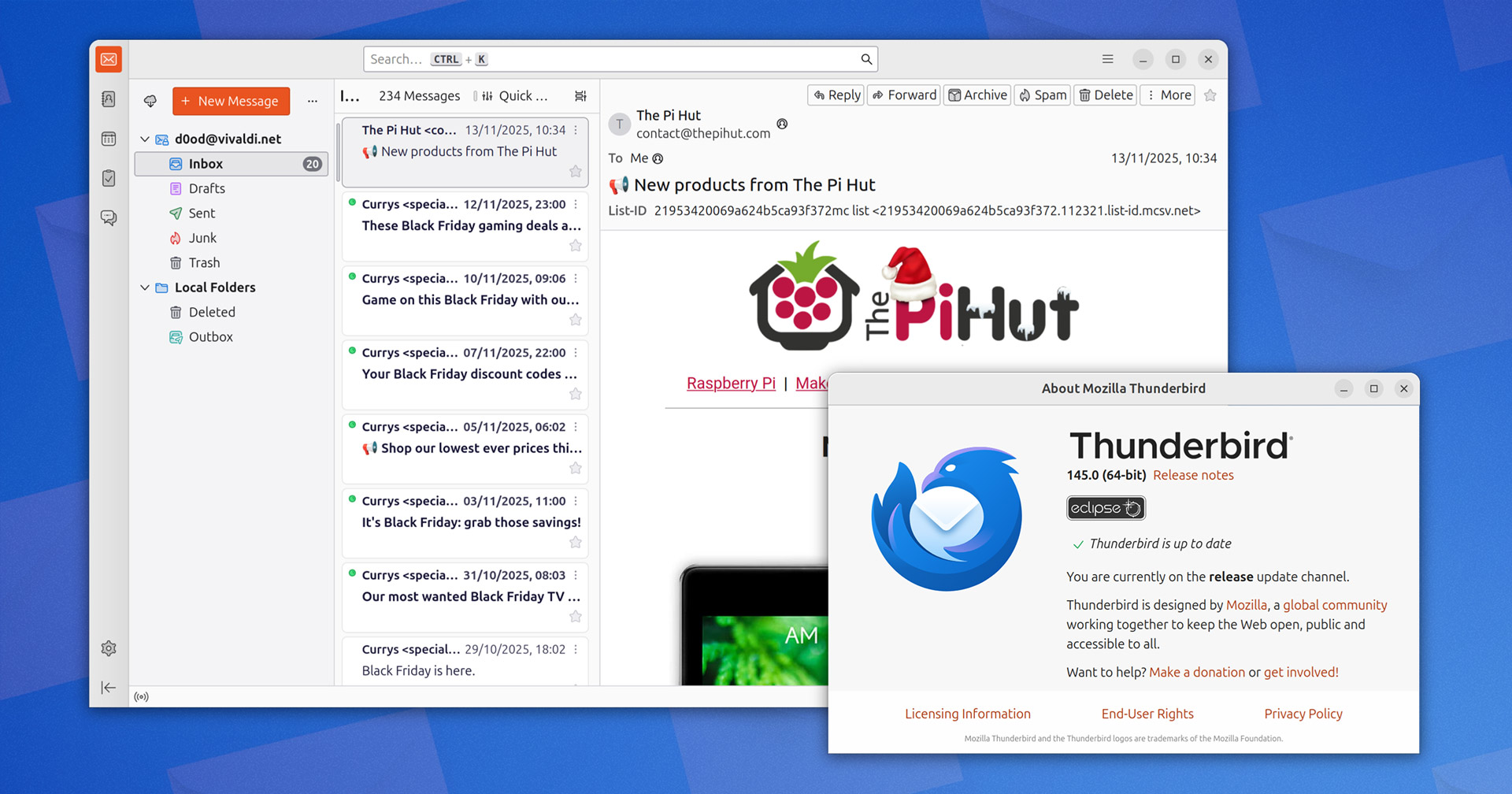
The latest update to open-source desktop email client Thunderbird has a tranche of improvements in tow.
Thunderbird 145 now supports Microsoft Exchange via the Exchange Web Services API (EWS). Though it is currently limited to email only, support for accessing calendars and address book is expected to arrive in a subsequent update.
This is just the beginning too. Thunderbird is working on Exchange support via Microsoft Graph, a newer, richer API that supports email, calendar, contacts, files and other Microsoft 365 services. This is required as EWS is legacy and Graph is now the recommended API.
The effort to add native Exchange support has been a long one, and various implementation approaches (add-ons, bridges etc) made available. Thunderbird 141 added Exchange support with on-premise authentication; 145 expands this hugely.
There’s active mail sync, notifications, basic search support, folder and flag handling/managing, attachment support, better account auto-configuration via the Account Hub, better performance and reliability, and groundwork for Microsoft Graph.
Thereafter (early next year) the final missing bits arrive, including address book and calendar, filters, folder controls, message retention policies, downloading messages for offline use, NTLM auth, OAuth for on-premise instances, shared mailboxes and starred messages.
That work aside, other notable changes in Thunderbird 145 include:
- Support for DNS over HTTPS
- Manual e-mail configuration in the new Account Hub
- Manual configuration available for EWS account creation
- Skype options dropped from Address book IM selection
- “Junk” renamed to “Spam”
- 32-bit Linux x86 binaries no longer provided
This update also resolves various issues with Account Hub:
- Add‑on account creation now works
- Owl install shows website link
- Username field appears after Exchange auth failures
- Address‑book inputs correctly disabled
- Manual setup defaults to safe connection security
- Close button is announced for screen readers
- Spinning overlay can be disabled
- Third‑party hosted accounts can be created
- Keyboard shortcuts triggering Account Hub when in background
Tweaking things further are a number of bug fixes, some notable ones:
- Message headers no longer re‑download at startup
- Drag and drop ICS files to the Today pane now works
- Emoji sequences now show correctly in subject lines
- Unified toolbar Spam button changes to “Not Spam” for spam
- External GnuPG setup prompts to import the public key
- ‘Sent’ and ‘Spam’ folders are created reliably for new IMAP accounts
Take a look through the Thunderbird 145 release notes if you desire a lick more detail, and skim over the latest set of security patches if you’re so minded.
Download Thunderbird 145
Trying out the changes is easy. You can download Thunderbird for Linux, Windows and macOS head to the the official website. Downloads default to monthly stable releases, so you get Thunderbird 145 (which will updates in-app to 146, 147, and so on).
Those of you using the Thunderbird snap on Ubuntu will be aware that it tracks ESR channel by default, not the stable monthly builds, but monthly builds are available in a separate channel.
To switch to Thunderbird monthly releases in the Snap, open your terminal and run:
sudo snap refresh thunderbird --channel=monthly/stable
Or, if you don’t have Thunderbird installed on Ubuntu, run:
sudo snap install thunderbird --channel=monthly/stable
That’s it; you’ll get future monthly updates as and when they’re released.