



When the Raspberry Pi 500+ was announced I’ll admit that I drooled.
My first “computer” was an 8-bit Amstrad CPC 464, a hulking great clackity-clack keyboard with the computer (and tape deck, the primary means of loading and saving files) built in.
The idea of a owning a premium modern equivalent powered by the Pi 5, Linux, and a mechanical keyboard (with replaceable keys, common layout and programmable backlight) appeals greatly.
Alas, the price. At £200, it’s the most expensive Raspberry Pi device released. Not extortionate, but a lot for a Pi (especially since I own 2 I rarely use).
A few readers asked under my launch article if the device can be used independently of the Pi, i.e., as a regular mechanical PC keyboard that works with other devices.
Well, good news (via CNX): it can — albeit with limitations.
Raspberry Pi 500+ as an Input Device
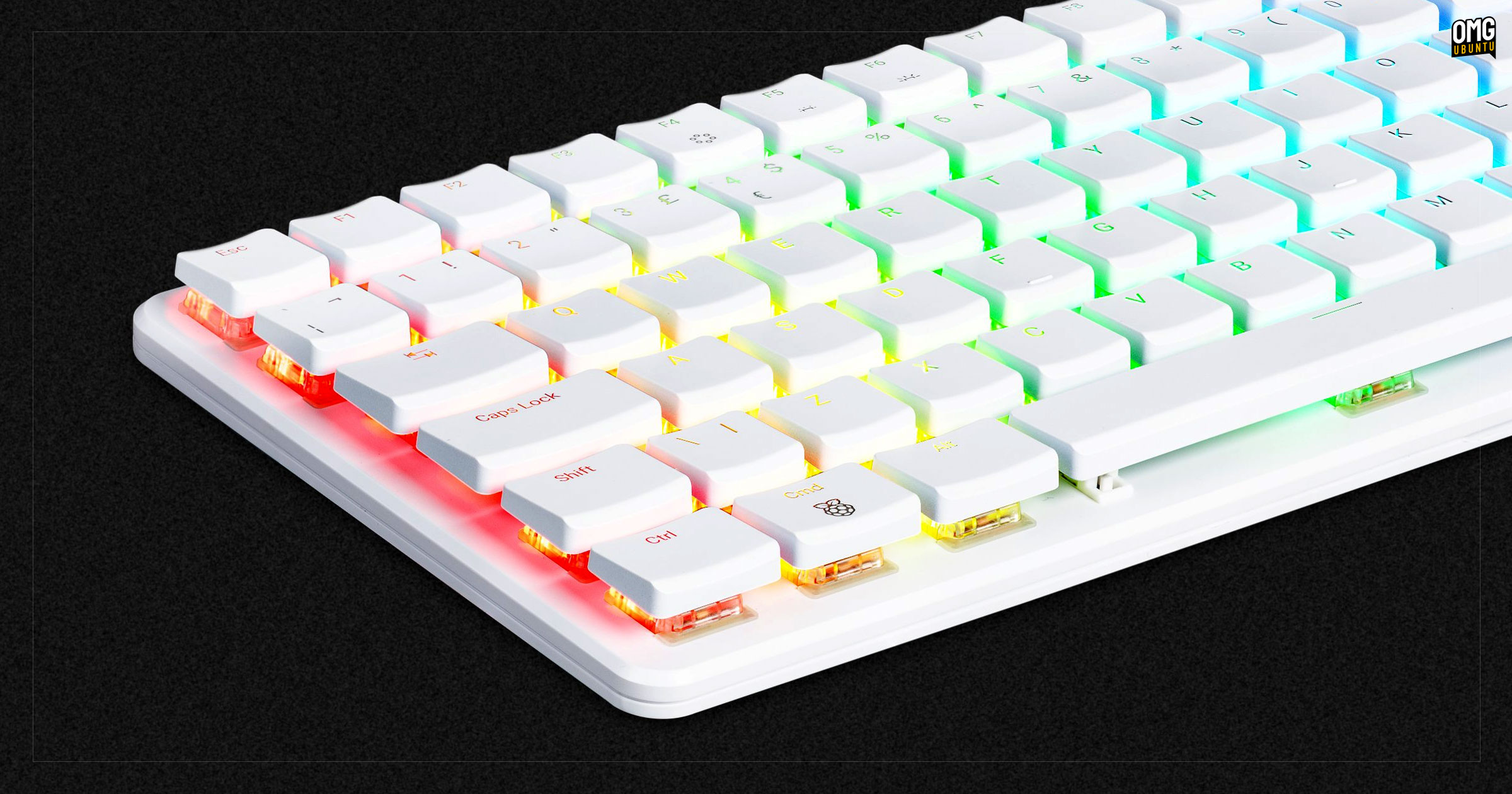
The open source btferret project is how the Raspberry Pi 500+ can be used as a regular Bluetooth keyboard, with input sent directly to other devices and operating systems, like a laptop, tablet, or a monster gaming rig.
The downside is that it isn’t “plug and play”. It works with the Pi inside booted and running the btferret stack on it. This will ‘transmit’ key presses to the target OS/device when connected as a regualar Bluetooth HID device.
The Pi 500+ must boot Linux before it can connect as a keyboard (~20 seconds); it won’t work on target OS’ BIOS or GRUB screens (since it requires an OS-level Bluetooth stack); and though latency is said to be good enough for typing, gaming? Nah.
Using it regulars getting fingers dirty with scripts and manually editing config files to customise keys. As of writing, there are issues with critical modifier keys like alt and super not registering.
Switching between ‘Pi mode’ and ‘Keyboard mode’ isn’t elegant: SSH in or configure a hotkey to kill the script to get the Pi back to being a Pi.
Which is to say, no-one should rush out to buy a Raspberry Pi 500+ because it can be used as a regular Bluetooth keyboard with a normal PC.
A slice of ingenuity
Making the keyboard made for the computer inside function as a keyboard for devices outside is the crafty, creative engineering the wider open source community, and the Pi community in particular is famed for.
Knowing that the premium mechanical keyboard on this device can double-up as a standard keyboard in a pinch is useful to know – and may just sway ardent Pi enthusiasts who want to splash out on the 500+, but had struggled to justify it to themselves before now…
Are you one of them? Let me know in the comments, along with yours thoughts on whether Raspberry Pi is missing a trick by not supporting external compatibility by default.