





It’s always been easy to install GIMP on Ubuntu (it’s in the repos), but installing the latest stable release? Well, that just got easier too as the GIMP Snap is now officially maintained by GIMP itself.
—Oh, you thought it already was?
GIMP (as many well-known apps on the Snap Store still are) was packaged by ‘snapcrafters’, a community-based team affiliated with Canonical, who maintain unofficial packages (denoted by a yellow star in store listing).
Now the snap is officially maintained by GIMP (denoted by a grey tick in store listing), the format is integrated in its CI (Continuous Integration) infrastructure. This means future updates to the app will be automatically generated and published on the Snap Store, on the day of release.
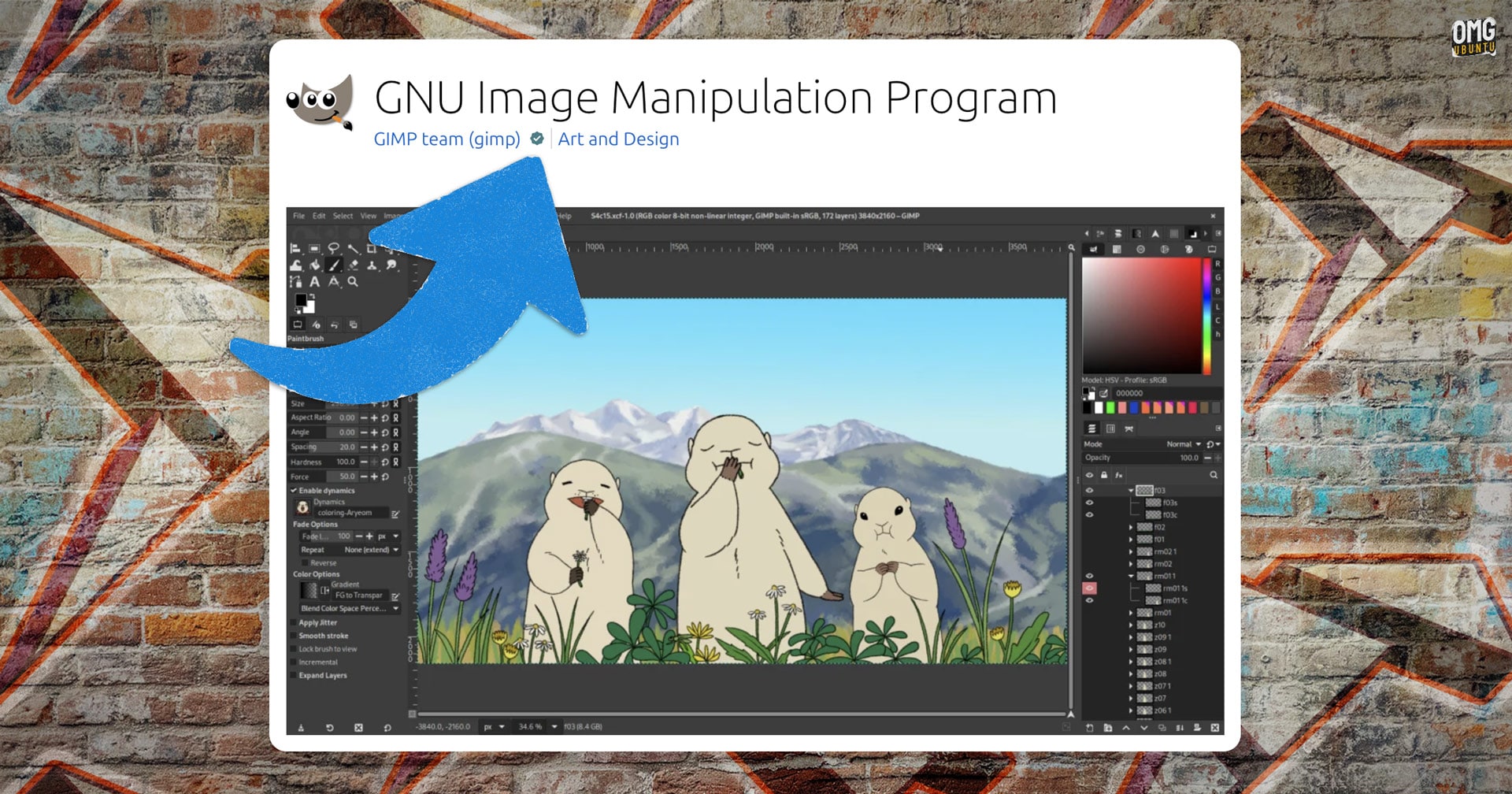
Anyone worried that the announcement of an official Snap package will mean the end of other formats, needn’t. The official GIMP AppImage and Flatpak are not being retired or replaced with this snap — its devs are simply making the software available in distro-agnostic formats.
Not everything is staying the same.
The Snapcrafter’s team often make modifications or add extras to their packages — things which the original, upstream version of the software does not offer.
Both the Audacity and OBS Studio snaps maintained by Snapcrafters bundle Intel OpenVINO AI plugins (a doff to Canonical’s partnership with Intel), while its GIMP snap included OpenVINO and GMIC plugins – neither made by or included with GIMP ordinarily.
Users who install the GIMP Snap now get an out-of-the-box experience that works the way GIMP intend and expect it to. The extra plugins the unofficial builds included remain available as snap plugins, but they are no longer preinstalled.
Why remove them?
Because those plugins are not made by GIMP, and are not part of the default GIMP experience. If they’re included from the get-go it sort of tells users: “if you have issues with these, you can complain to us” (which users had been doing with the extras in the unofficial snap).
Install the Official GIMP Snap
If you want to try out the new sanctified snap for this oft-described free Photoshop alternative, GIMP 3.0.6 is available to install from the Snap Store now. Open App Center and seek it out, or open a new Terminal window and run:
sudo snap install gimp
If you already have the GIMP Snap installed, you don’t need to do anything to “switch” to the official version; it now is the official version and updates will land in the background.