



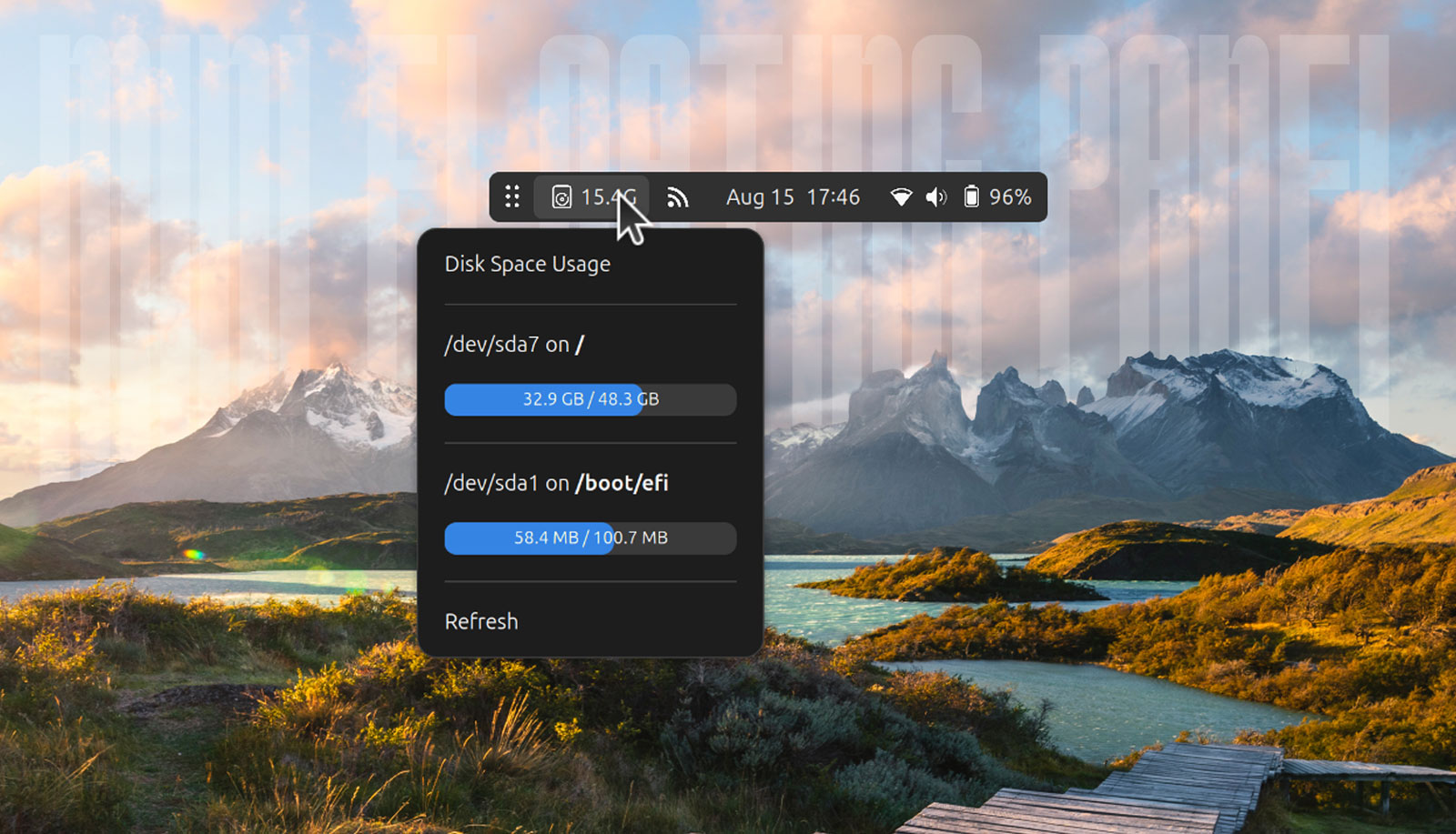
A new version of the nifty Floating Mini Panel GNOME Shell extension is available, and adds the sought-after ability to show/hide indicator and applet icons.
To recap this add-on for those unfamiliar, Floating Mini Panel turns the GNOME Top Bar (the panel at the top of the screen) into a compact widget you can move around your screen. It can be triggered automatically or manually, and floats on top of others windows.
The latest update, v4, adds support for showing app indicators and other tray icons, giving you access to other GNOME Shell extensions without de-minifying. Earlier versions only showed Quick Settings and the date applet, since mini-mode is designed to take up less space.
With the new version, any available indicators and icons are hidden from view in a Drawer. The drawer can be expanded by middle-clicking (or a 3-finger trackpad tap) on the mini-panel’s handle button, and closed again with the same gesture:

Extension icons (and other indicator icons) you want to stay visible can be added to an ‘always show’ area with a middle-click (or a triple-finger tap on a touchpad) on the indicator icon(s) you want to add tot he ‘always show’ area. To remove then, repeat the gesture.
Beyond that, this update also adds support for scrolling actions in mini-mode.
Scrolling on the volume icon will adjust sound levels, as it would in the standard, full-width panel. Scrolling on the handle button will move between workspaces.
Nifty updates to a nifty add-on.
Want to try it out? Install from the GNOME Extensions website (direct, or via the Extensions Manager desktop app). It supports GNOME 47 & 48, so if you use Ubuntu you must running Ubuntu 24.10 or 25.04 (reminder: Ubuntu 24.10 is now EOL).
Get Floating Mini Panel on GNOME Extensions
Thanks (as ever) Geri!