



The team behind elementary OS recently detailed a number of improvements to recently roll out to users of the distro.
Gala, the default window manager used by the Pantheon desktop environment, is described as seeing an “absolutely massive release” fixing scores of issues and plumbing in a new Gesture Controller offering tangible improvements to the way gestures work.
Precisely how? Hey: I ain’t the developer!

But reading the pull request which adds the changes it sounds like the new Gesture Controller ought to deliver smoother interactions, hard to convey in words, but things like properly calculated deceleration, handling of gesture cancellation and interruption, etc.
Additionally, apps can now be closed from the Multitasking View by swiping up on them, and window icons and app names are now shown displays (previously only on hover) to make touchscreen interaction possible.
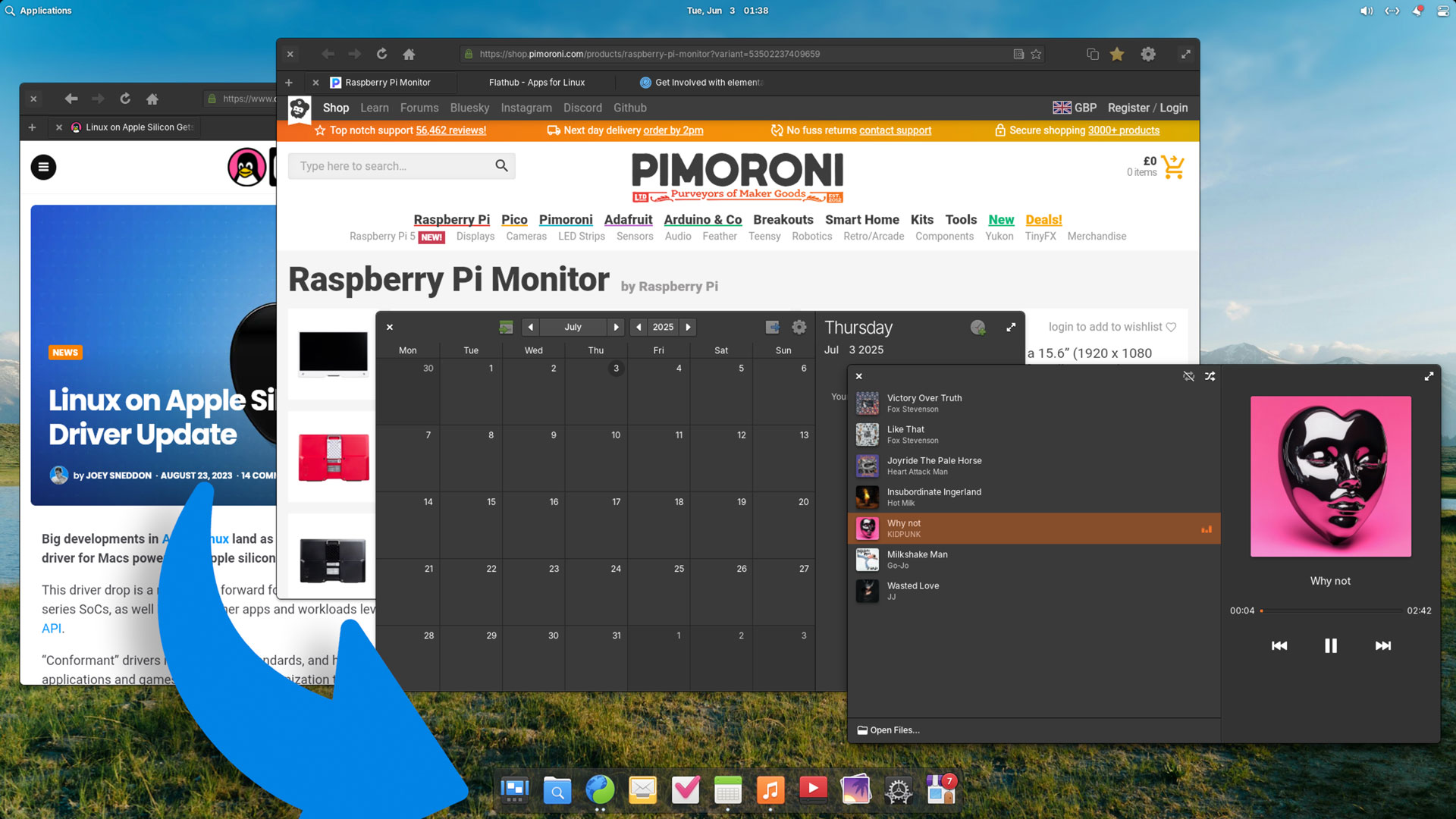
Elementary OS’s Dock regains a few old Plank features, like using multiple dots to denote apps with more than one window open, and auto-cycling app windows when using drag-n-drop on an app that has more than one window open.
And to touch (heh) on touchscreen tweaks, Dock now allows app icon right-click context menus to be opened with a long-press.
Other recent updates to elementary OS 8.0.1 of note:
- Screenshots taken with a shortcut now sends a notification
- Dock memory usage and hiding mode tweaks
- New option to enable hot-corners even when apps are fullscreen
- Reduce Motion setting now tames more animations than before
- Notifications and Shortcut Overlay add screen reader support
- BeaconDB is now used for location services
Plus the usual bug, quirk and crash fixes you’d expect, resolving issues with CalDAV accounts, the Steam Flatpak, Settings noping out of its role if a new monitor was attached whilst open, etc.
You can find a tad more detail on the elementary OS blog.
If you’re reading this and you use elementary OS 8, you should may already have these updates — they aren’t a new “release”, or a major “upgrade”, just regular packages updates.
If you haven’t updated for a while — get to it! These updates are waiting to be installed right now. Pop open System Settings > System and take it from there.