


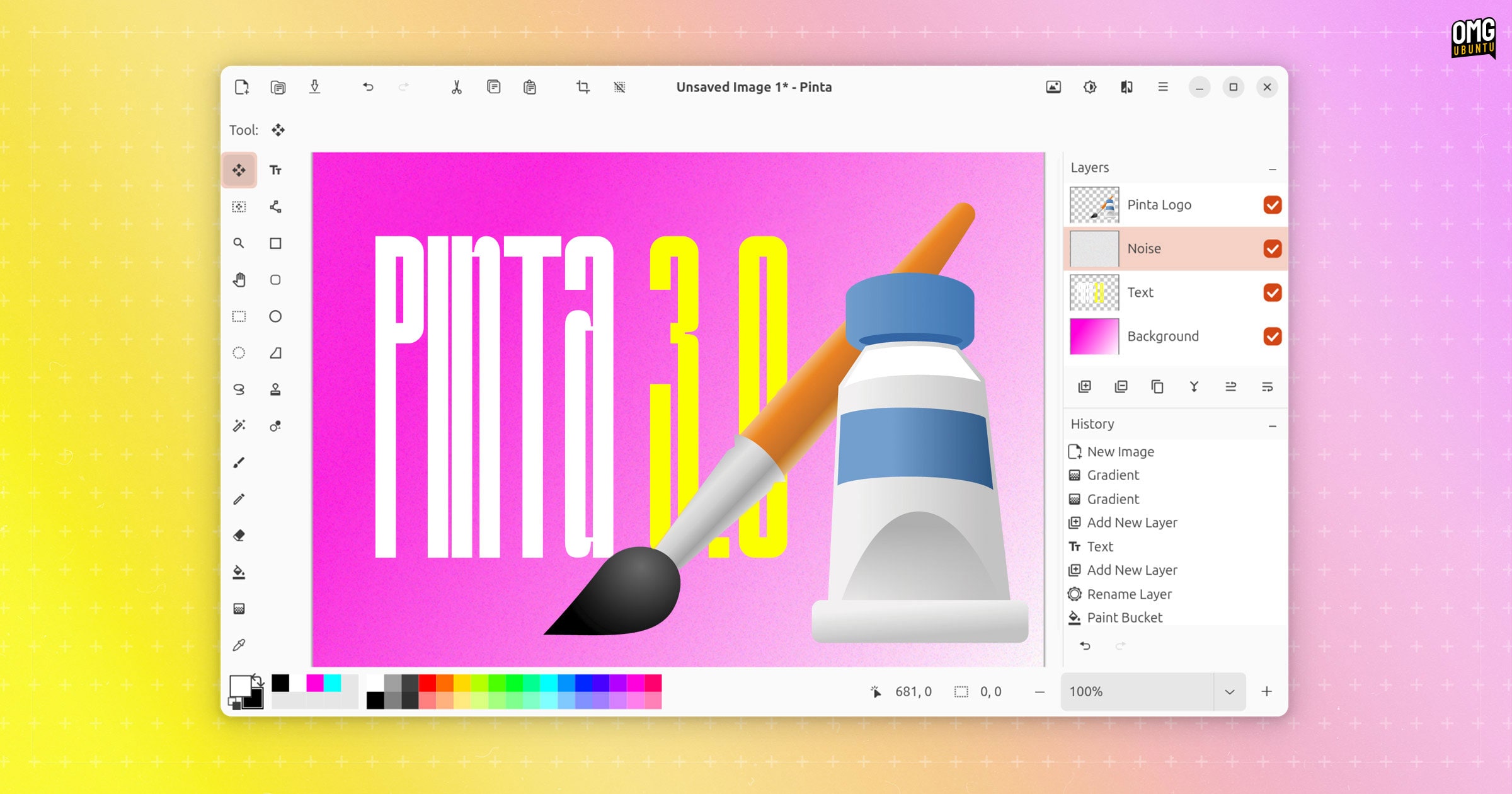


Indulging your casual creativity (read: making memes, defacing selfies, etc) using open-source tools is made easier with the long-awaited release of Pinta 3.0.
Pinta, as long-time Linux users will be aware, is a cross-platform raster graphics tool with a feature set and user-interface partly inspired by popular Windows image editing tool Paint.NET.
I previewed the Pinta 3.0 beta back in January and came away impressed. Pinta port to GTK4/libadwaita lends the UI a much-needed modern look – and is more than superficial: usability, performance and stability is bolstered by the toolkit bump.
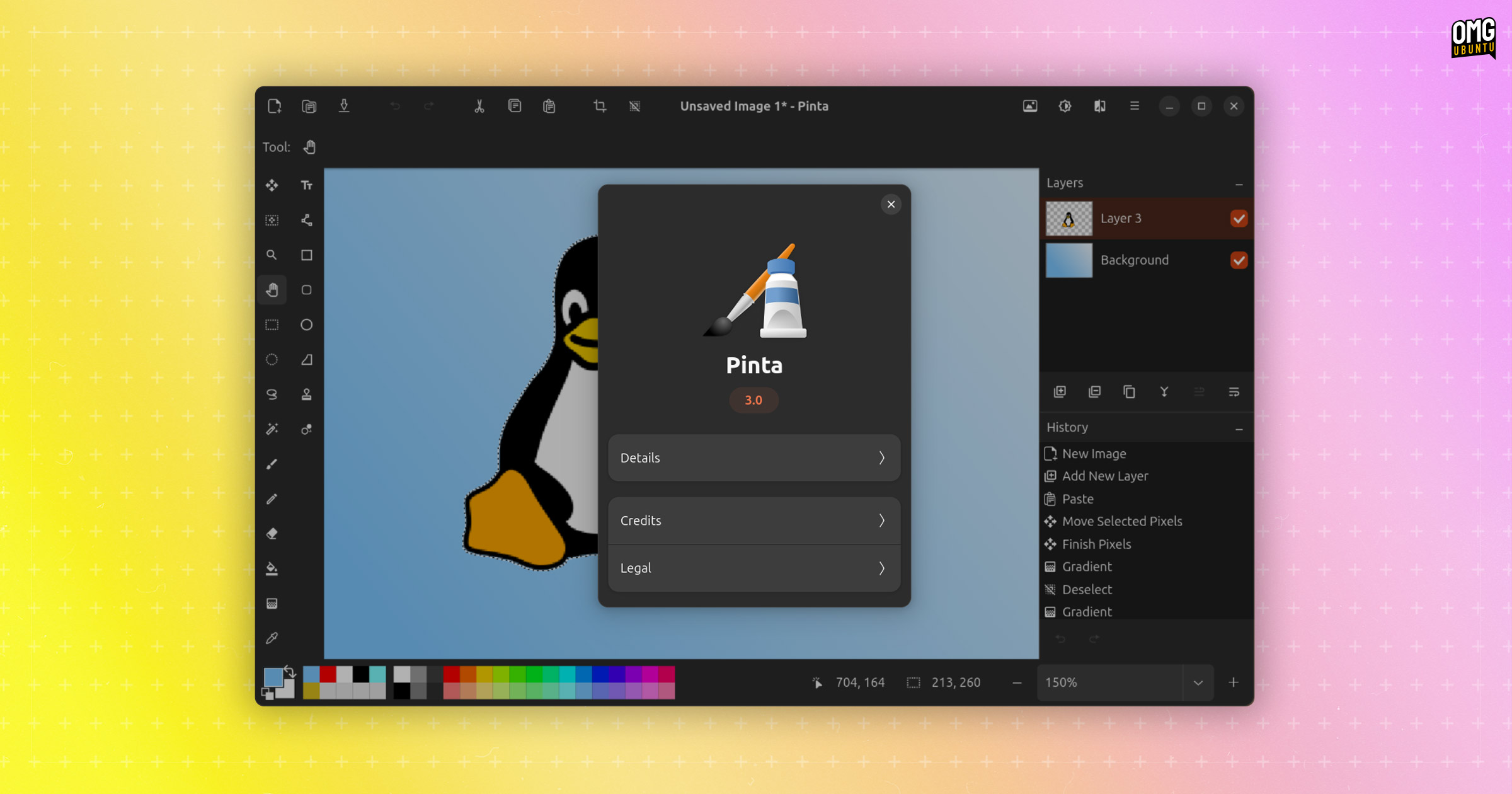
Pinta 3.0 switches to a button-based header bar which won’t be popular with everyone (many folks preferrer traditional window frames and text-based menus) but does mean the app marries in visually with modern Linux desktops, including Ubuntu.
A new preference option lets you manually set dark or light colour modes irrespective of your operating system’s current dark mode setting, which is a nice tough as (especially on GNOME) many media and graphic apps default to dark mode.
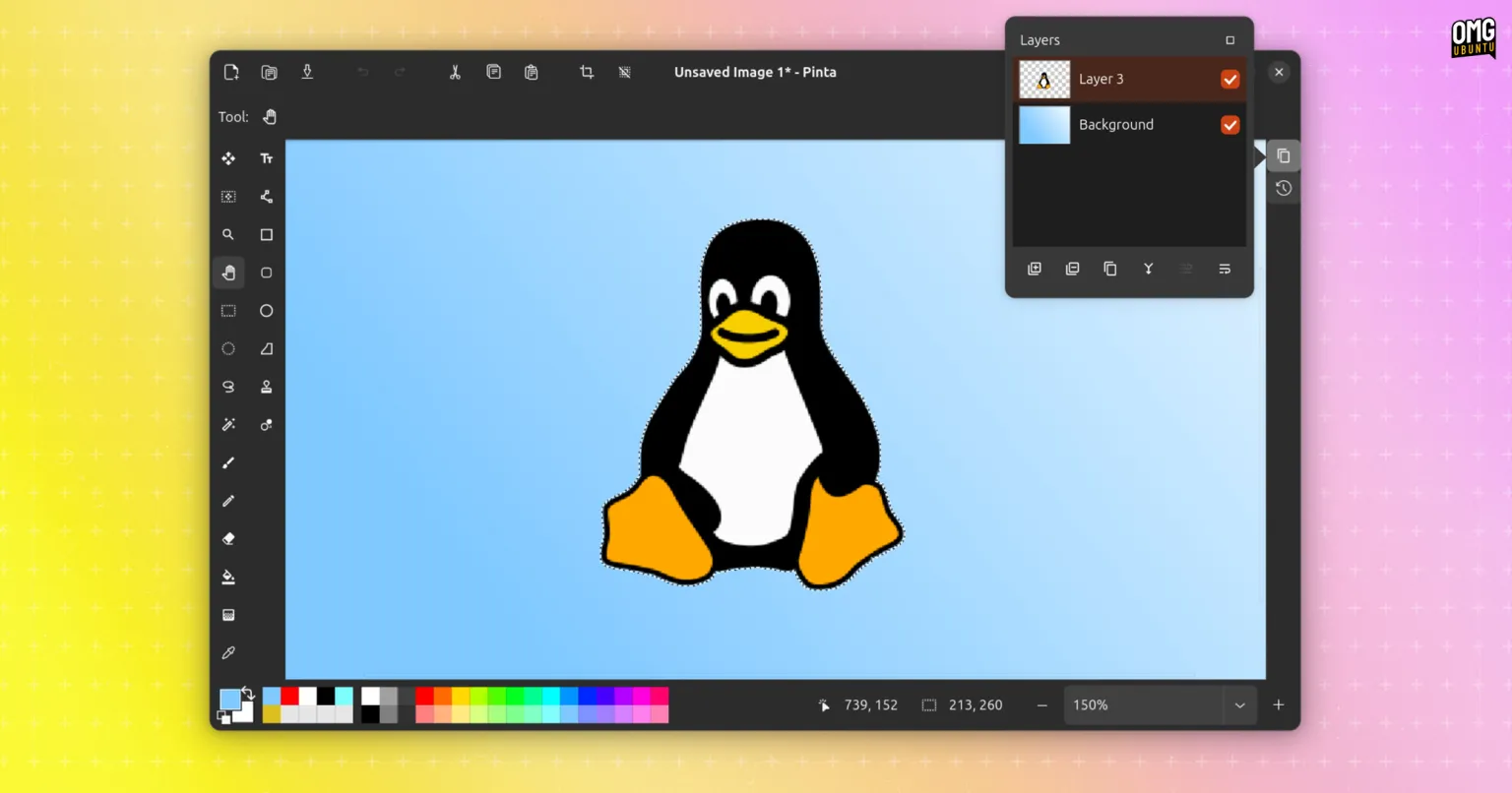
Both Layers and History panels can be collapsed to buttons, with their respective options instead surfaced via a pop-over. Of all the (many) changes Pinta 3.0 brings I find this one welcome since it opens up the canvas area to allow for more focused working.
Beyond those “visual” improvements, there plenty of perfunctory ones too.
If you open an image file in a format which supports layers and then try to save it to an image file format which does not support layers Pinta 3.0 now lets you know it the image will be flattened – previously it gave no such warning, flattening it with you unaware.
A grid can be overlaid on the canvas area. In previous versions of Pinta this was a fixed ‘pixel grid’ but since not everyone needs a grid bound to pixel size this has been replaced with a new Canvas Grid with user-customisable sizing.
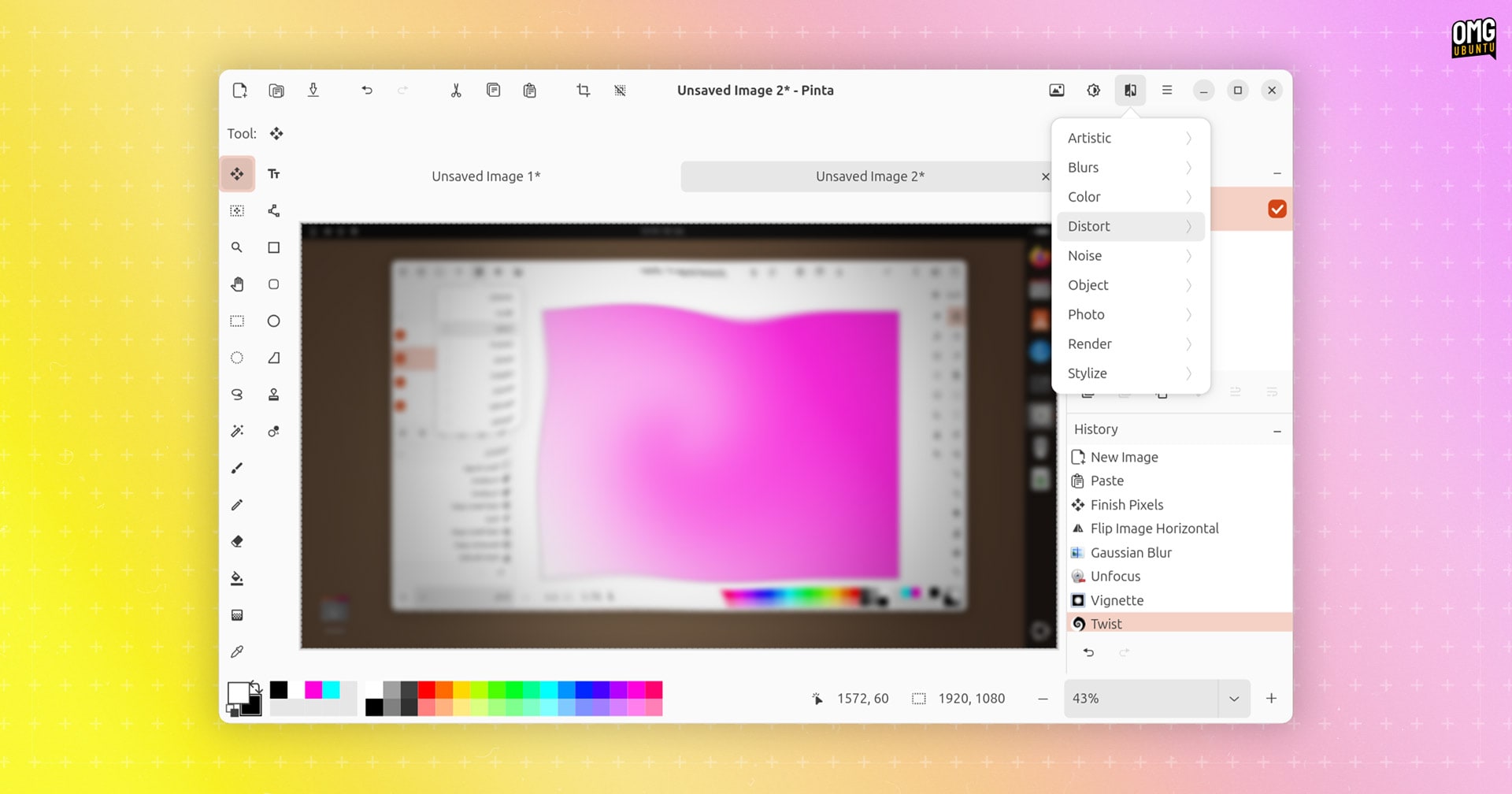
Scores of new and improved effects in Pinta 3.0, including:
- New Dithering effect
- New Voronoi Diagram effect
- Vignette and Dents effects ported from Paint.NET 3.36
- New Feather Object effect
- New Align Object effect
- New Outline Object effect
- Tile Reflection effect makes tile type and edge configurable
- Fractal and clouds effects now support gradient customisation
- Button to randomise noise pattern for some effects (e.g., Add Noise)
- Twist effect now applied to a selection not the entire image
- Zoom blur effect now only zooms within the image bounds
Most of Pinta’s effects can be configured and previewed in real-time through on-canvas previews but, worth noting for those on DEs where modal dialogs are attached to parent windows by default, the config panel often obscures the preview.
Beyond that, other changes in Pinta 3.0:
- Pinta ‘add-ins’ return (wasn’t included in Pinta 2.0 release)
- Change brush size or line width using [ and ] keys
- Tool windows on right side of dock layout can be hidden
- New colour picker dialog (including compact mode toggle)
- ‘Pinch to zoom’ gesture support on trackpads
- Ability to export to portable pixmap (
.ppm) files - Nearest-neighbour resampling mode available for image resizing
- File > New Screenshot option invokes platform-specific tools
- Offset Selection option to expand/contract active selection
- .NET 8.0 now minimum required
- Pinta for Windows now supports
.webpimages - Windows installer is now signed
- macOS ARM64 builds (Apple Silicon)
Plus a variety of bug fixes, performance tweaks and smaller changes. You can refer to the Pinta 3.0 release notes for a lick more details on the makeup of this release.
Download Pinta 3.0

Pinta is free, open-source software. It’s available for Windows, macOS (including Apple Silicon), *BSD and Linux. You can download the latest release from the project website or the Pinta GitHub release page (unfurl the ‘assets’ section), including source code.
Ubuntu users may prefer to install the Pinta Snap app (not yet updated to v3.0 at the time I write this), or if you prefer Flatpaks you can find Pinta on Flathub (which is updated to v3.0).
The Pinta feature set and focus makes it well suited for casual, non-fussy painting and basic image editing. For power users, there are other open-source graphics tools available, including vector art icon Inkscape, digital drawing app Krita, and raster edit Goliath GIMP.