



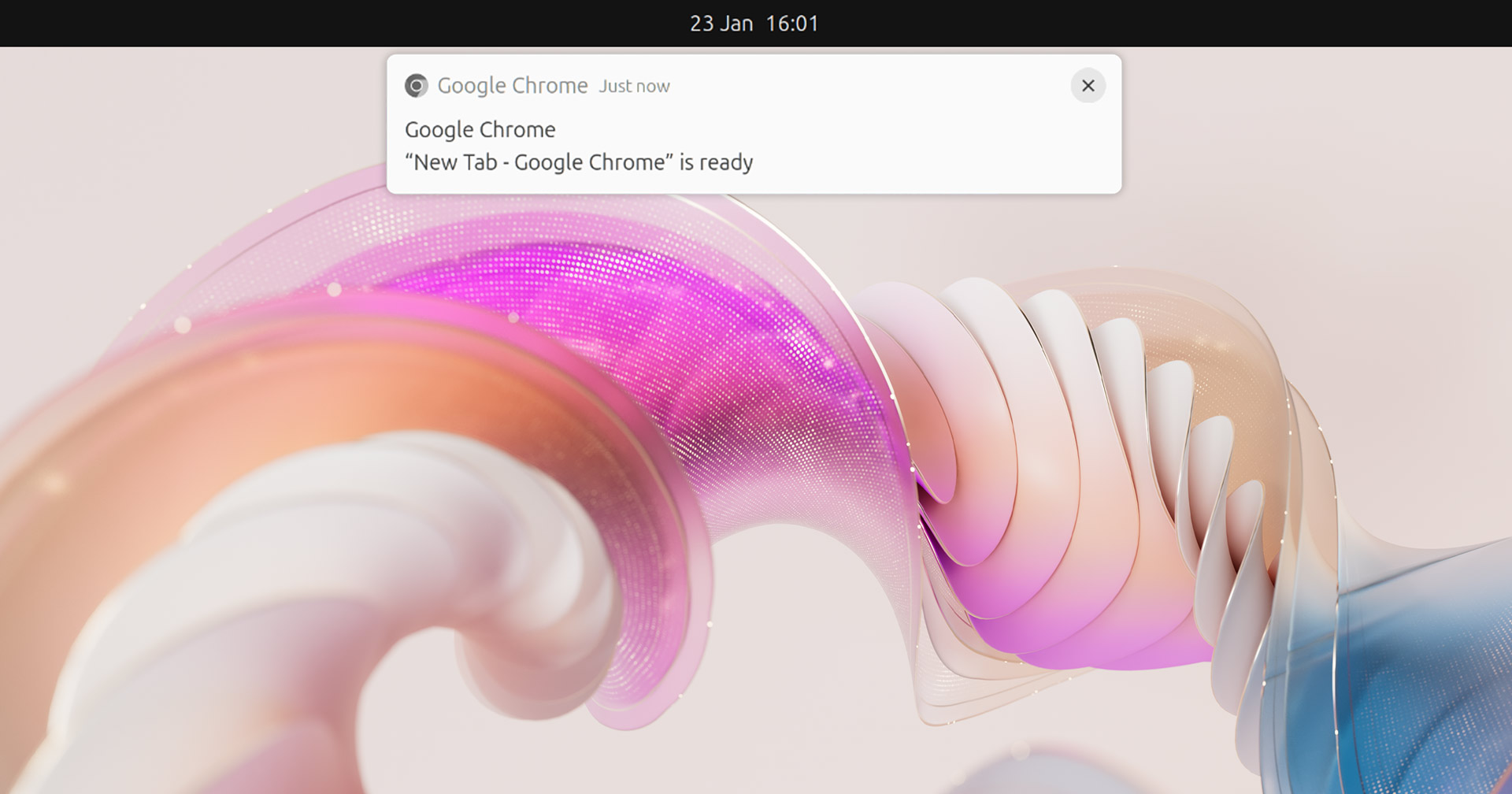
Finding yourself annoyed at those ‘window is ready’ notifications which pop-up when you open some apps in GNOME Shell on Ubuntu?
If so, you can disable them by installing a GNOME Shell extension.
Now, notifications are helpful—heck, vital when they inform, alert, or indicate that something requires our immediate attention or actioning.
But “app is ready” notifications? I don’t find them anything other than obvious. I’m not amnesic; I know the app is ready – I just opened it!
They aren’t predictable either.
Some apps show them, others don’t. It depends on the app’s metadata, how fast app initialisation is (you’ll see them more for apps which take a few seconds to launch, or on a slower machine), or if a different app has focus as initialisation completes.
While these toasts do auto-dismiss after a few seconds (sooner if the app is given focus) even that approach annoys me since the alerts can blink in/out faster than I read them thus I think I’ve missed something useful!
Also, I write about new Linux apps. That requires taking screenshots—a lot of ’em. These ‘app is ready’ notification sometimes get in the way meaning I have to wait for them to auto-dismiss before I hit print screen, or mouse up to dismiss manually.
First world problems, I know.
How to Nix ‘App is Ready’ Nags
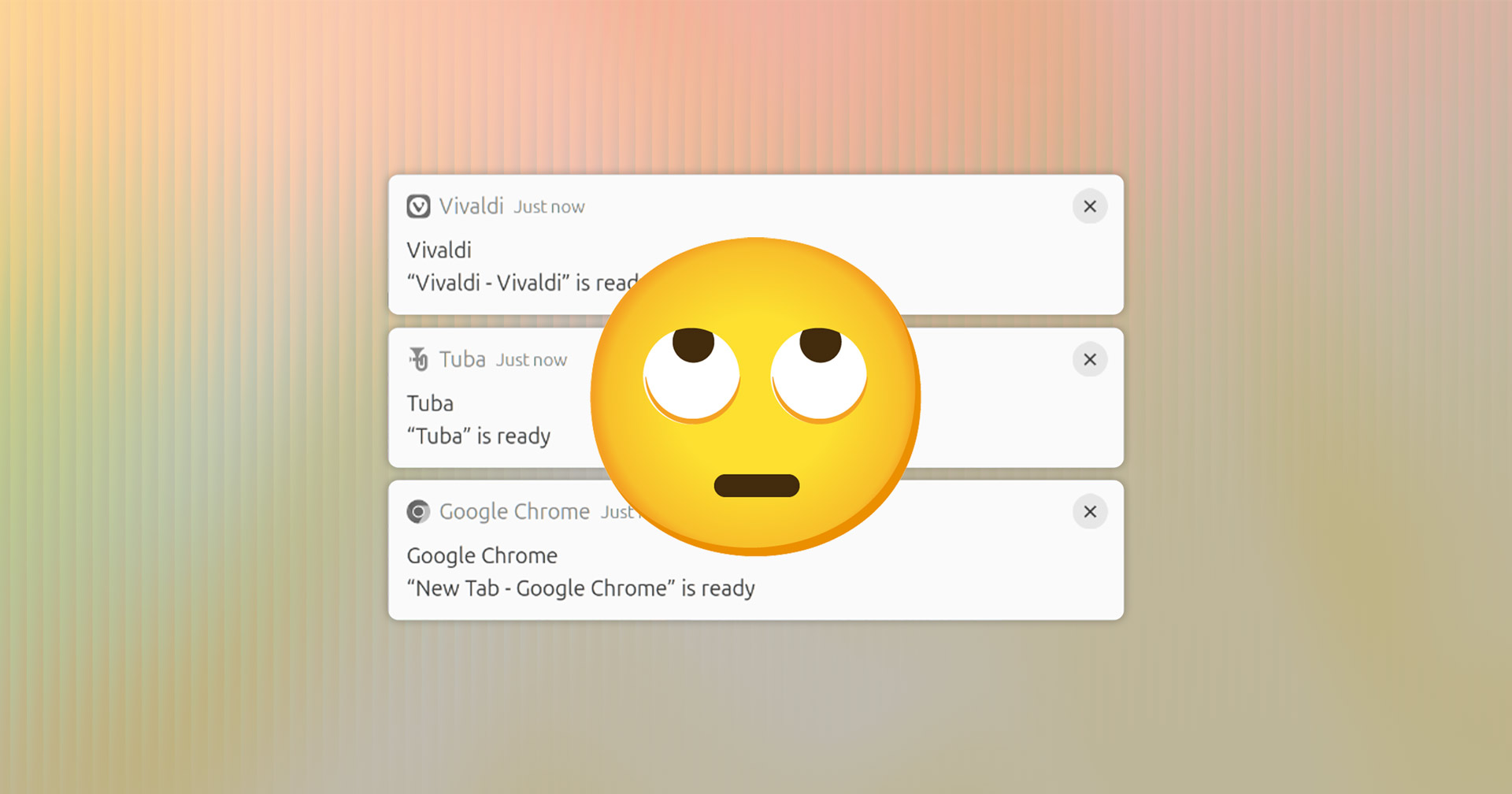
Neither GNOME nor Ubuntu (who often patch extra options in) provide a GUI toggle to turn off ‘app ready’ notifications in Ubuntu.
Disabling all notifications is one approach option, as is activating Do Not Disturb mode.1
A more elegant solution is to install a community-made GNOME Shell extension called ‘Window is Ready Notification Remover’. This does the job without affecting other types of notifications, as the GitHub page makes clear:
“This removes the annoying “Windows is Ready” notification. It disconnect the listener, so you will never get that message” (sic).
That’s it; no bells, no whistles, no extras.
A small, unassuming add-on to nix ‘window is ready’ nags on Ubuntu (and other Linux distributions using GNOME Shell). Better yet, this extensions work with GNOME 3.18 (ye olde) through GNOME 47 (Ubuntu 24.10).
If you never see/notice these alerts, this extension serves no purpose. If you do, and you want to turn them off, it’s by far the simplest solution.
• Get Window is Ready Notification Remover on GNOME Extensions
- Which isn’t ideal for me since DND adds a giant bell icon to the top bar, and means I miss other notifications which may be useful to see (like emails) ↩︎