





Music makers, podcast producers, and amateur audio enthusiasts alike will be pleased to hear a new version of Audacity is out – and it fixes a lot of bugs.
Audacity 3.7.0 marks a new series of maintenance releases which will fix flaws, balm bugs, and nix niggles in the current editions.
Big new features are in the works for Audacity 4.0, but as the Audacity 3.6 series earlier this year wasn’t without issues, some breathing space to focus on getting timely fix ’em up releases out, to benefit users now, feels like a sound approach.
Audacity 3.7.0: Key Changes
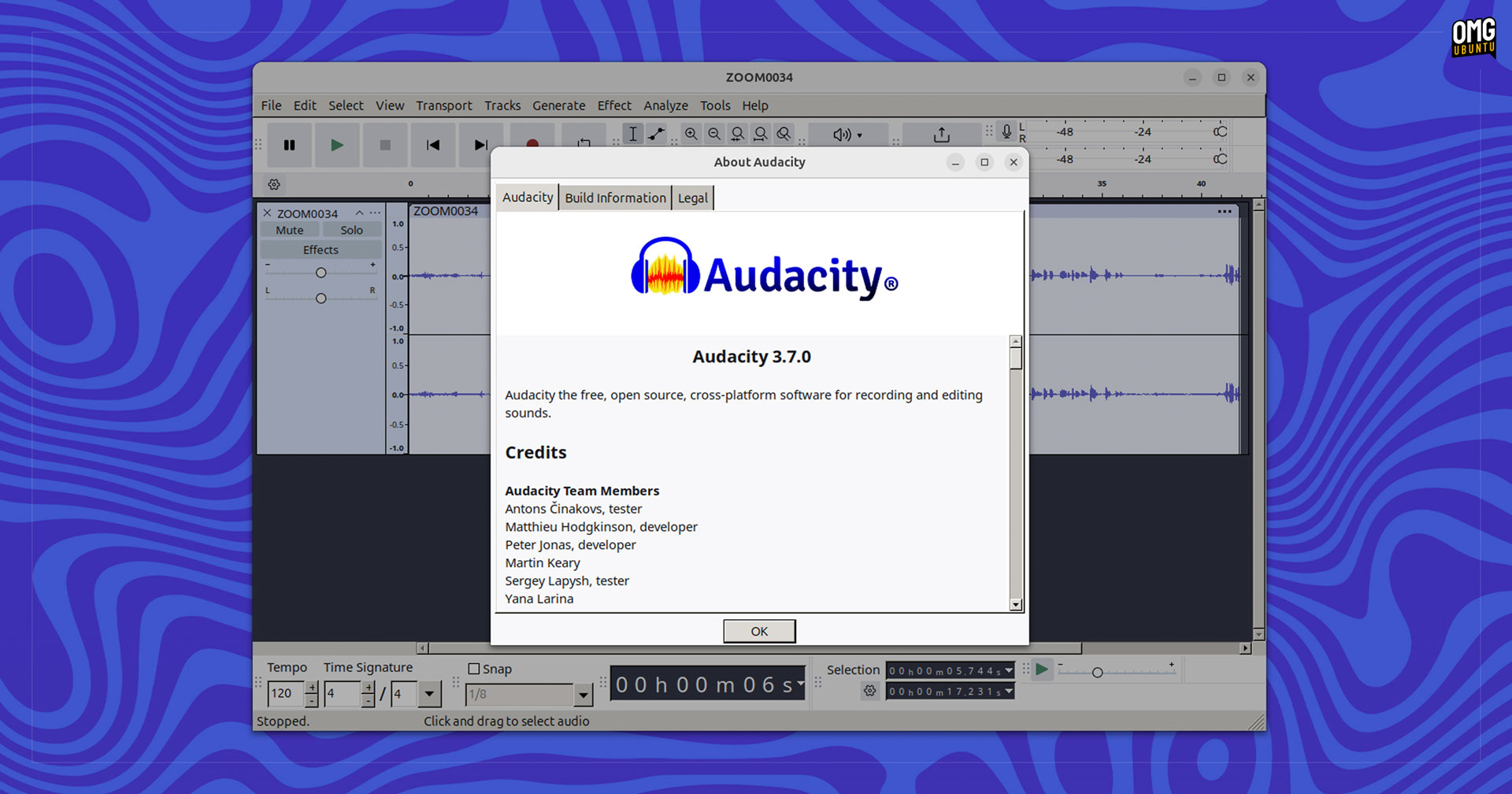
As an Ubuntu blog the mention of improved Linux compatibility in the Audacity 3.7.0 release notes caught my eye.
The changes address quirks in the official Audacity AppImage, such as the 3.6.4 release crashing on quit if Preferences had been used, the AppImage not running on Arch, and there have made been some backend adjustments to ensure the app builds correctly for Linux.
Additionally, this version of Audacity is said to deliver faster start-up times on systems with multiple audio devices, and pasting clips with the “editing clips can move other clips” option enabled no longer shunts clips sat on other tracks.
Less of bug fix and more a minor correction, Audacity 3.7.0 does now let you “undo” adding, removing, replacing, and reordering audio effects, which is handy.
As well as the above, other changes in Audacity 3.7.0 include:
- Improved contrast in the light theme.
- MP3 exports renames ‘Insane’ setting to ‘Excessive’
- ‘Split cut/delete’ renamed ‘Cut/delete and leave gap’
- Better non-standard character handling when saving to cloud
- Importing Opus files using libopus no longer shifts audio data
- Database compacting made more reliable
- Correct VST presets path set for macOS
Crashes addressed include one caused by closing a project after turning a realtime effect stack on and off, and another triggered by cancelling an operating on a stereo track mid-way through.
More details on the fixes, plus links to bug reports are on Audacity GitHub.
Getting Audacity 3.7.0
As always, you can visit the the Audacity website to download the latest version for Windows, macOS, or Linux.
The Linux version is provided as an AppImage, a standalone all-in-one app bundle that works across Linux distributions. To use AppImages on Ubuntu you do need to install a library from the Ubuntu repos first – so be aware of that.
Although the AppImage is official, it does look worse on Ubuntu than the native distro package. This is because the AppImage is built using WxWidgets rather than Qt.

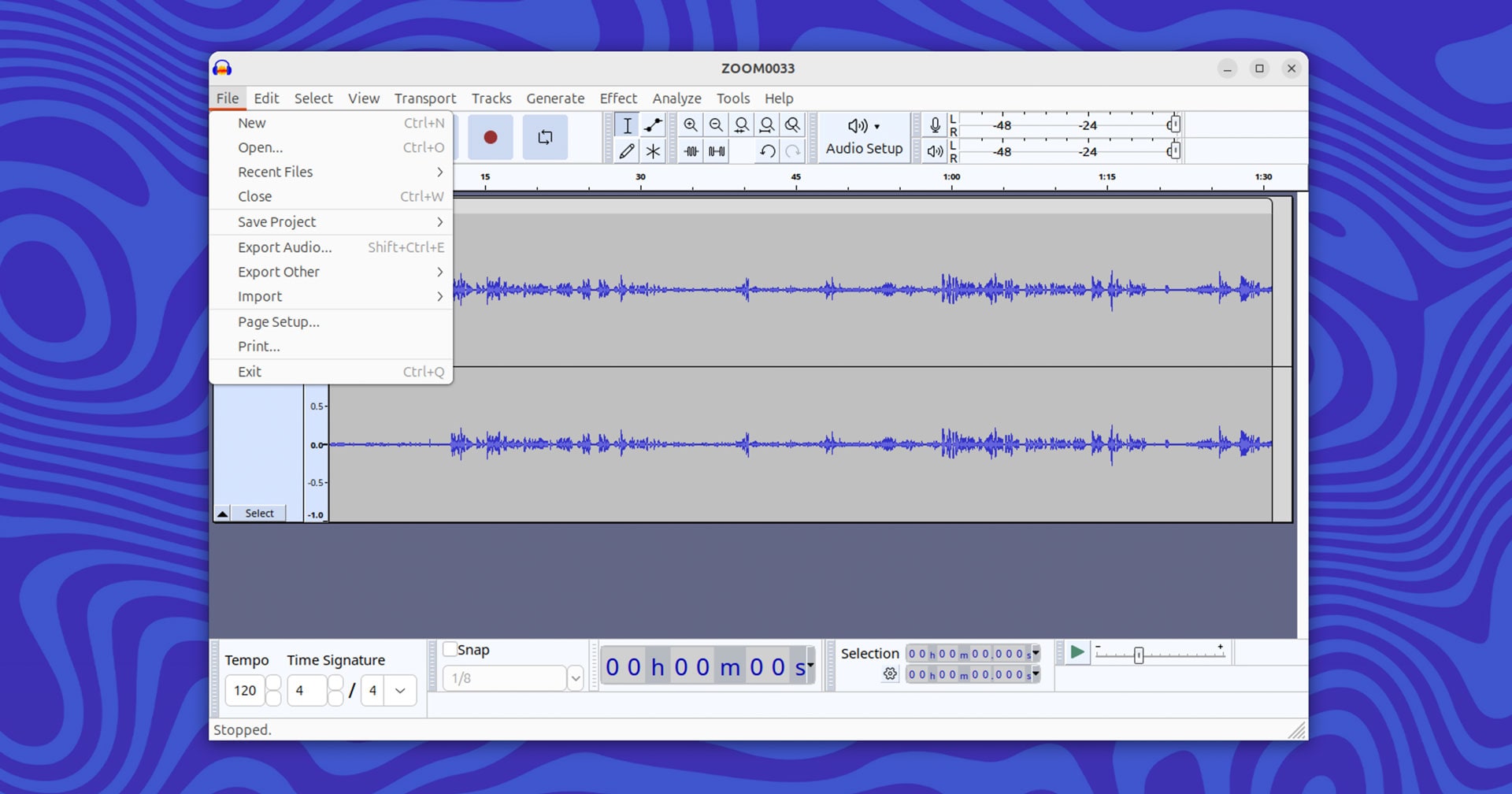
Alternatively, you can find an unofficial upload of Audacity on Flathub, an unofficial Audacity Snap that hasn’t been updated since 2022, and the Ubuntu repo has older builds (so none of the fixes mentioned in this post) a simple sudo apt install audacity away.