



Further to Ubuntu Pro features being added to the desktop Security Center, Ubuntu 26.04 LTS also makes it easier to opt-in to Canonical’s (free for home users) subscription to get extended security updates, right from the wizard shown after installation.
The first slide in the distro’s Welcome tool (package namegnome-initial-setup, with Ubuntu-specific modifications) is Enable Ubuntu Pro. The tool opens the first time a user logs in after installing the OS.
Signposting the feature in the Welcome tool makes it easier to enrol your system in Ubuntu Pro:
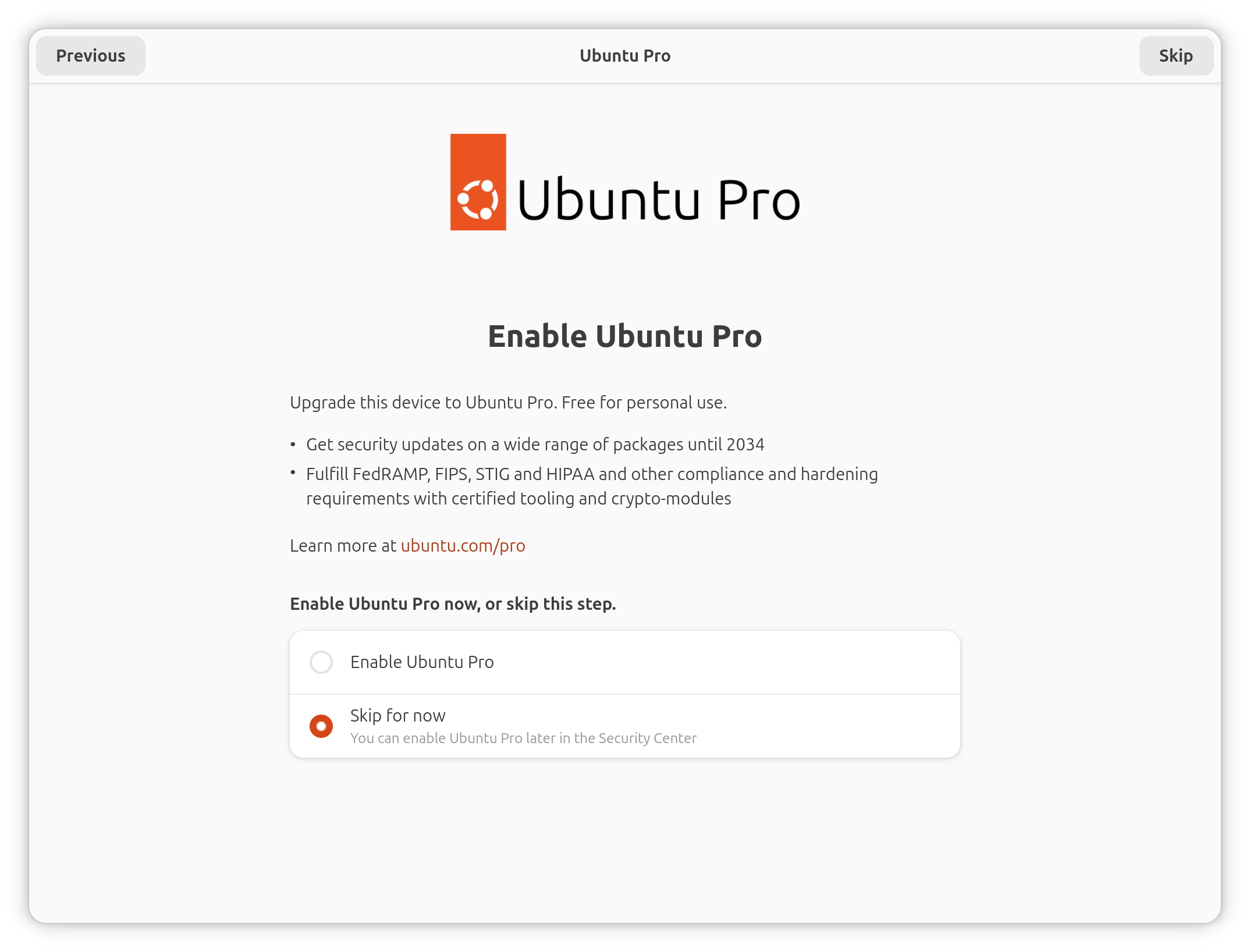
The flow is presented simply: either select ‘Enable Ubuntu Pro’, or choose to ‘Skip for now’ – you can access Ubuntu Pro from the desktop Security Center app in 26.04, should you want to opt-in or manage your entitlements later down the line.
If you decide to enable Ubuntu Pro from the off, the next slide provides a code to ‘attach’ your machine to your entitlements:
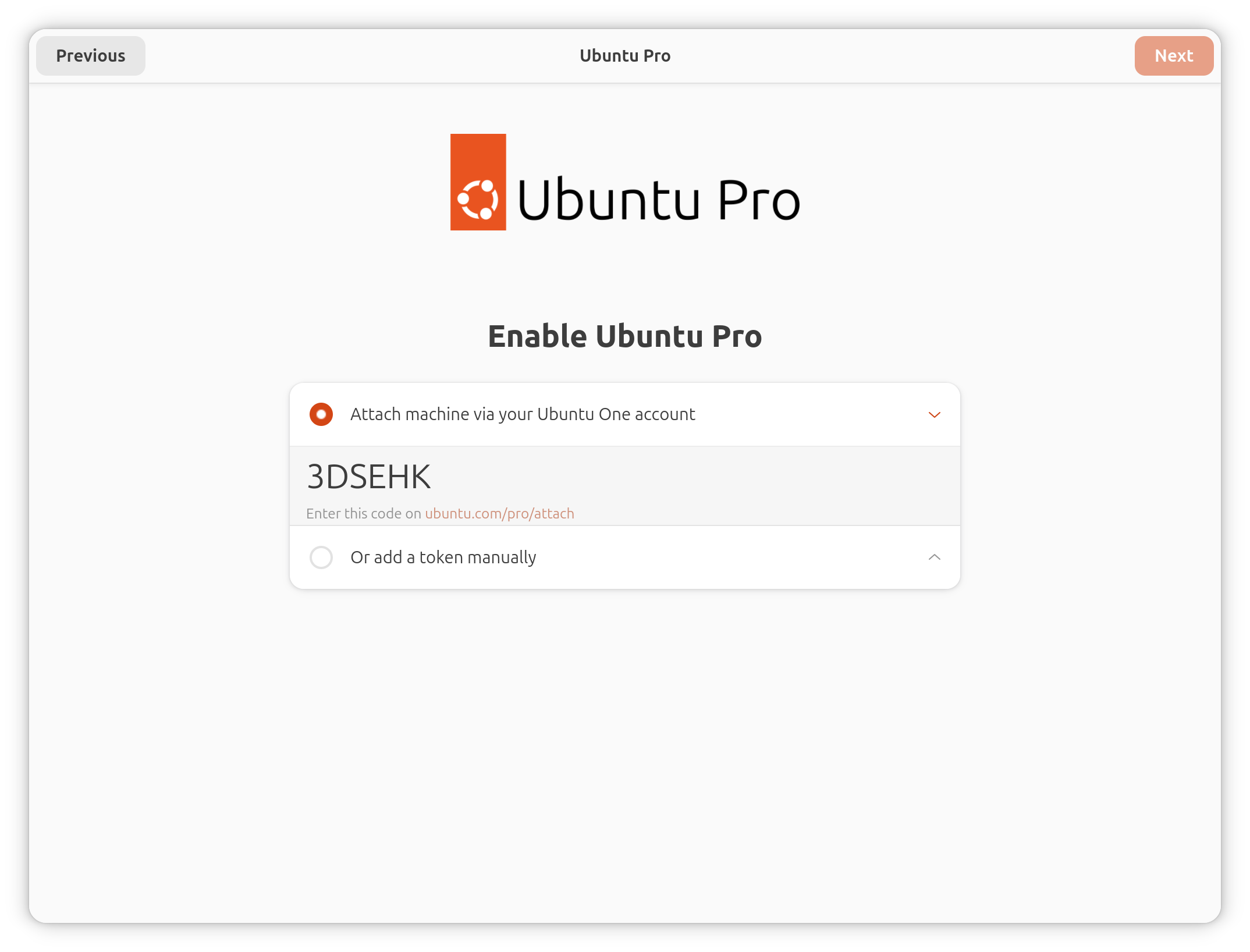
I find this step is less guided that it could be. I don’t imagine everyone who is new to using Ubuntu – most start with long-term support releases – knows what an Ubuntu One account is.
Would some “onboarding” to explain what Ubuntu One1 is, where to signup and what it entitles you to (besides Ubuntu Pro) make sense here? I think so.
Still, for those who do know what it is, and know they have an account, the provided options are all that’s needed. Setting Ubuntu Pro up has always been relatively easy (especially from the command-line), and that carries forward here, in the Welcome tool.
The attach code shown can be selected and copied to your clipboard, then pasted in the relevant field on the ubuntu.com/pro/attach webpage (once you’re logged in). To save you typing the URL out, a clickable link is provided. This opens the right page in your default web browser.
Of more use to non-home users, there is an option to add a token manually. This is primarily so those who receive a token from their team or account manager can do so. For home users, the standard attach code is all that’s needed.
The rest of the steps in Ubuntu Welcome cater to the standard post-install tweaks as before, like turning on location services, choosing to share system report and crash reports with developers (the ‘telemetry’ trigger word) and setting a UI accent colour.
Does having the setup in the initial setup tool make you more likely to enable it?
- The consumer-facing
one.ubuntu.comdomain and cloud storage services were axed in 2014, the Ubuntu One is used for Canonical’s Single Sign-On (SSO) service. The same account covers Ubuntu Pro, Launchpad and the Snap Store. The domain islogin.ubuntu.com, and this still shows the old Ubuntu One logo. ↩︎