



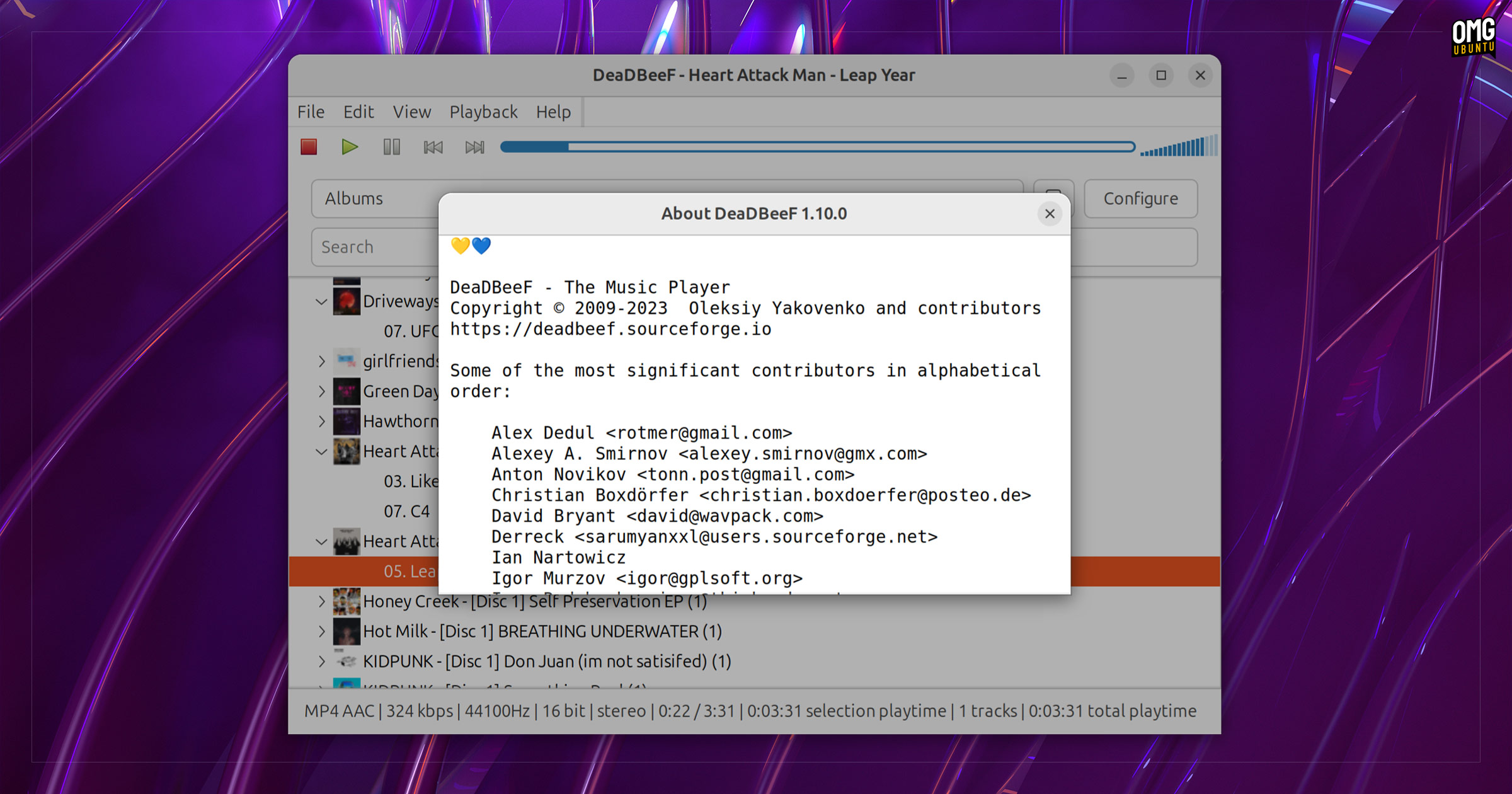
A new version of DeaDBeeF music player is out with some cool features, FFMPEG 7 support, and a flurry of bug fixes sure to appease long-time fans of this tool.
Admittedly, the popularity of traditional desktop music player apps like this one has dipped considerably since the arrival of music streaming services like Spotify. They give on-demand (and often free) access to expansive music catalogues.
Still, many people (myself included) continue to maintain music libraries filled with MP3s etc. I’d wager most such users have (by now) settled on a preferred music client; for many, that choice is DeaDBeeF.
I won’t recap the core DeaDBeeF feature set in this post but for those unaware: it’s been around since 2009, has a highly customisable UI, epic tag editing features, an extensible plugin system, can play a wide range of audio formats in most audio backends, and is lightweight.
What it lacks in über-modern “flashy” music player appeal – plenty of those around anyway – it makes up for in features and raw performance.
DeaDBeeF 1.10: What’s New?
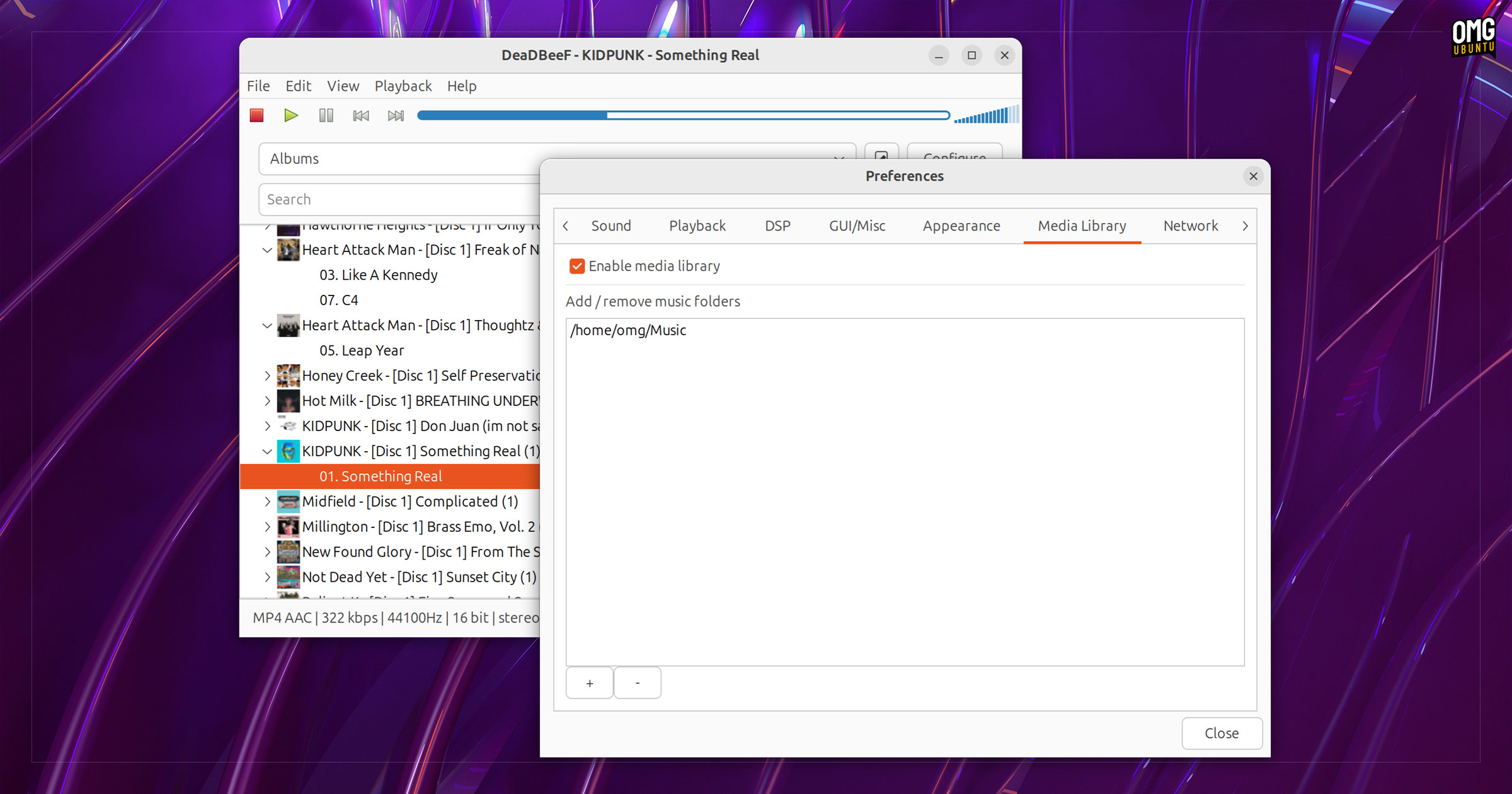
DeaDBeeF 1.10 includes a new media library option, though it is not configured by default. To see the media library view you have to enter design mode and either replace the playlist panel with it or add a new box section and add the media library there.
Setup aside, the feature itself works the same way that similar media library features work in other browsers: you set some folder location(s) of audio files (via Preferences > Media Library) and DeaDBeeF will load them in each time you open the player.
DeaDBeeF’s media library uses a tree-view, and provides a switch to list tracks based on album, artist, genre, or folder. There is a search bar too (to find something with a couple of key strokes) but using this crashed the app for me during testing on Ubuntu 24.10.

On the backend side, this release adds TORY frame support for ID3v2.3 tags, supports FFMPEG 7 (and adds EAC3 support to its FFMPEG plugin) and updates the adplug library to the latest upstream version.
Other ‘new’ additions in DeaDBeeF 1.10.0 include:
- Undo/redo playlist editing operations
- Commands to navigate next/previous/random album in shuffle mode
- Separate config file for storing secrets. e.g., LastFM password
- Relative paths now supported when loading DBPL playlists
- Option to disable log window appearing after a crash
Plus plenty of fixes too, including remedies for a couple of minor memory leaks, snafus in Spectrum analyser and Scope visualisation drawings, missing album art in .ogg files, missing OSD notifications (when enabled), indicating track playback in the playlist browser – and more!
Read through the DeaDBeeF release notes for more detail on everything new in this update.
Download DeaDBeeF 1.10.0
DeaDBeeF is free, open-source software available for Windows, macOS and Linux that you can download from the project SourceForge page—yes, that place is still going!
Linux builds are available as a standalone binary, but if you’re on Ubuntu you can also download an official DEB package. I used the DEB for this article. It works on Ubuntu 24.04 LTS and later, as well as Ubuntu-based distros such as Linux Mint.
In all, a nice update for this stalwart of the Linux audio scene.
Thanks Scott!