


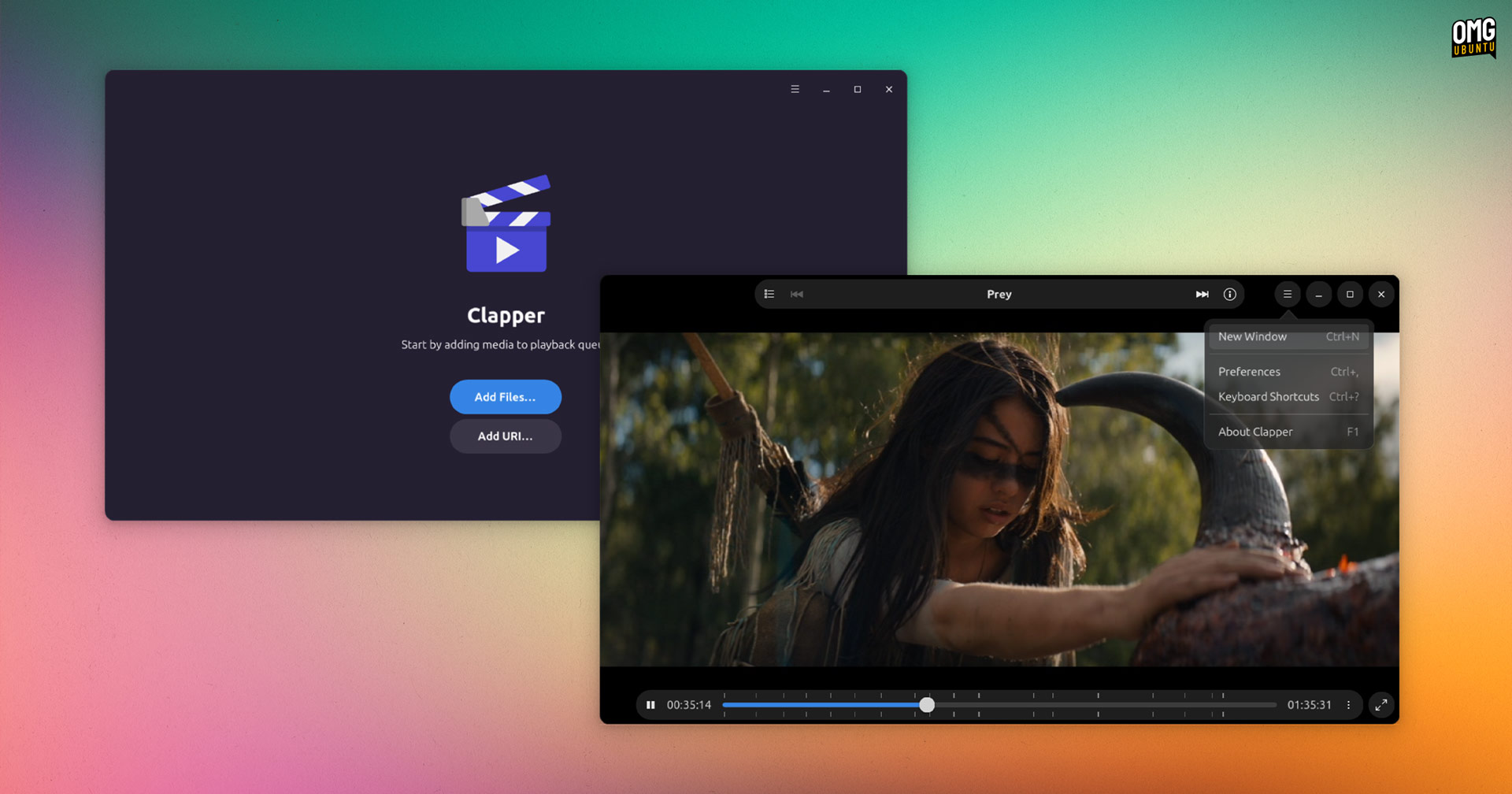


A new version of the slick Clapper media player is out with several neat improvements
Not newly new, I should say. I hadn’t run a flatpak update in Ubuntu I an age so I only jus noticed an update pending for this nifty little media player.
But I figured I’d write about it since it’s been around 10 months since its last major release (save a bug fix release last summer).
So what’s new?
Well, Clapper 0.8.0 intros a new libpeas-based plugin system in its underlying Clapper library (which other apps can make use of to playback media, as Mastodon client Tuba does). The goal is to provide “capabilities that do stuff outside of GStreamer”.
This version of Clapper also defaults to using Playbin3; will remember and restore optimal bitrate (i.e., video quality) during adaptive streaming; adds APIs for media caching; and expands CLI controls with options to set custom GStreamer filters.
So far, so technical – but there are more obvious user-facing changes to benefit those of us who use Clapper to play our local video (and audio, I guess) files directly in the app:
- Exit fullscreen keyboard shortcut added (esc)
- “New Window” menu item added
- Menu option to clear playback queue
- Middle-click app window will resize to media aspect ratio
The ratio resizing feature is a nice one to have:
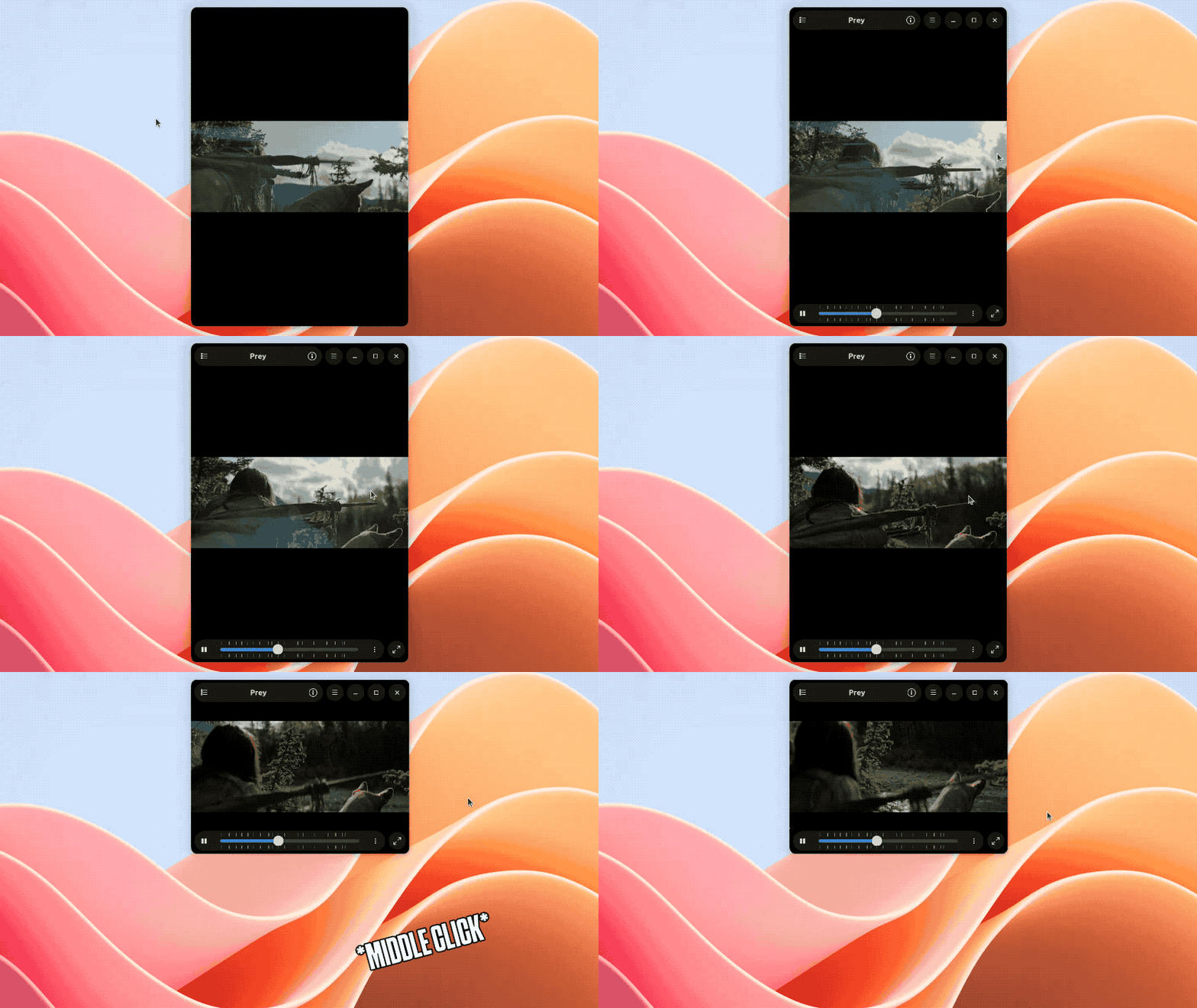
Unlike some media players, Clapper doesn’t ‘lock’ the aspect ratio of videos. If you resize the window enough it add black spacing. Being able to middle-click to ‘snap’ window edges back flush to content – saving the need for manual precision resizing!
This snapback resizing is also hooked up to the super + r keyboard shortcut (with the app in focus, of course) but I couldn’t get it to do anything when testing this update on Ubuntu. Milage will vary on other desktops and distros.
Finally, Clapper 0.8.0 is the first version to officially support Microsoft Windows:
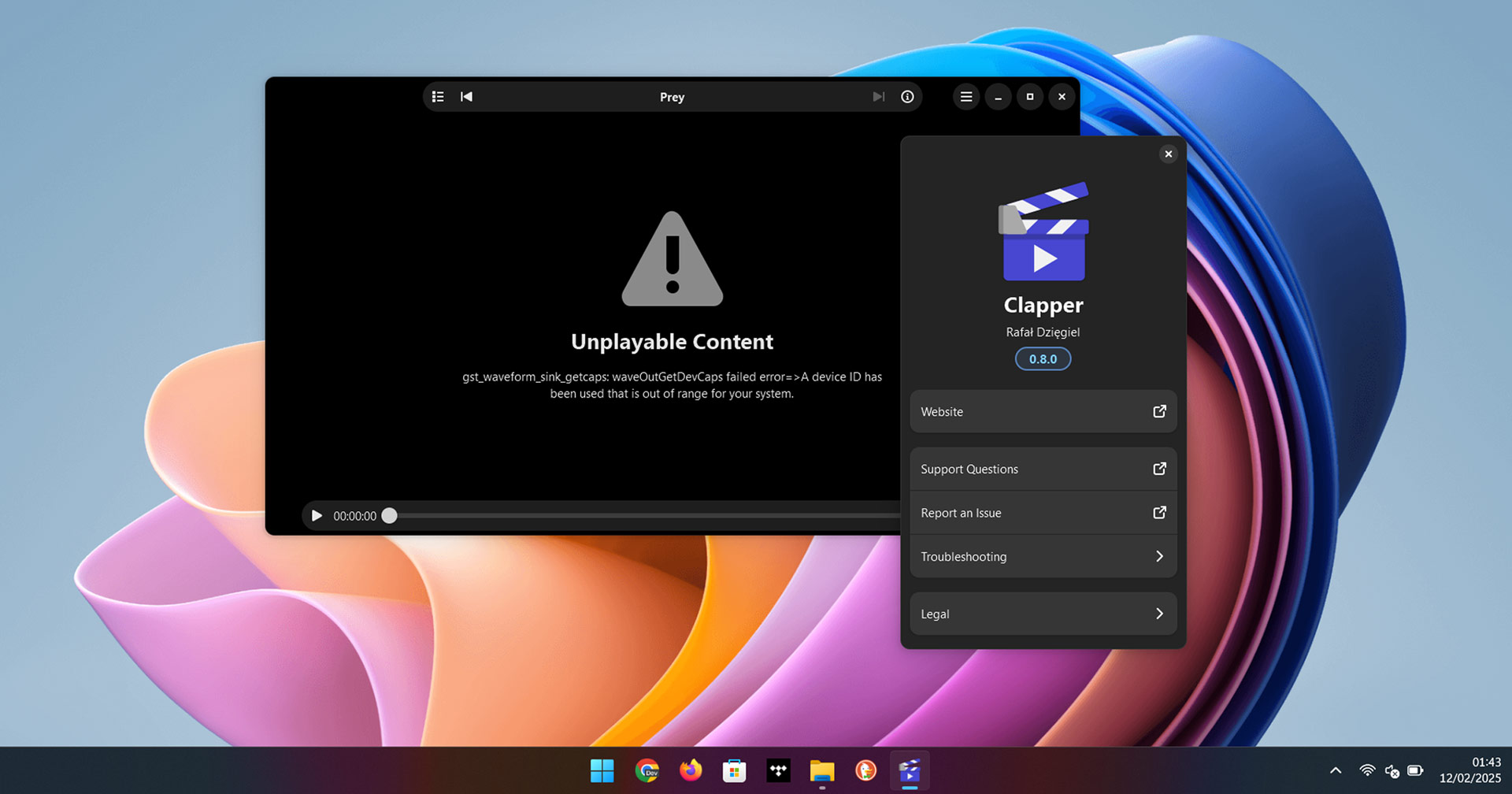
The Windows installer has to be downloaded from the Clapper GitHub releases page, which is the only planned avenue right now. The developer is open to the idea of others getting involved to make Clapper available via winget, which would be neat.
In all, this is a solid update for this GTK-based (but not GNOME-centric) video player. It’s going to peel ardent fans away from their beloved faves, but as an app which is also a library, it’s pretty unique and works well enough for basic needs.
Install Clapper
Ubuntu users can install an older version of Clapper from the archives (as a DEB) or make use of an unofficial Clapper snap (but that hasn’t been updated in over a year).
To benefit from all the neat stuff on offer in the latest update, you can build it from source or fetch it from Flathub (it does depend on the GNOME 47 and media runtimes so if you don’t already have those installed they will be pulled in too).
• Get Clapper on Flathub