



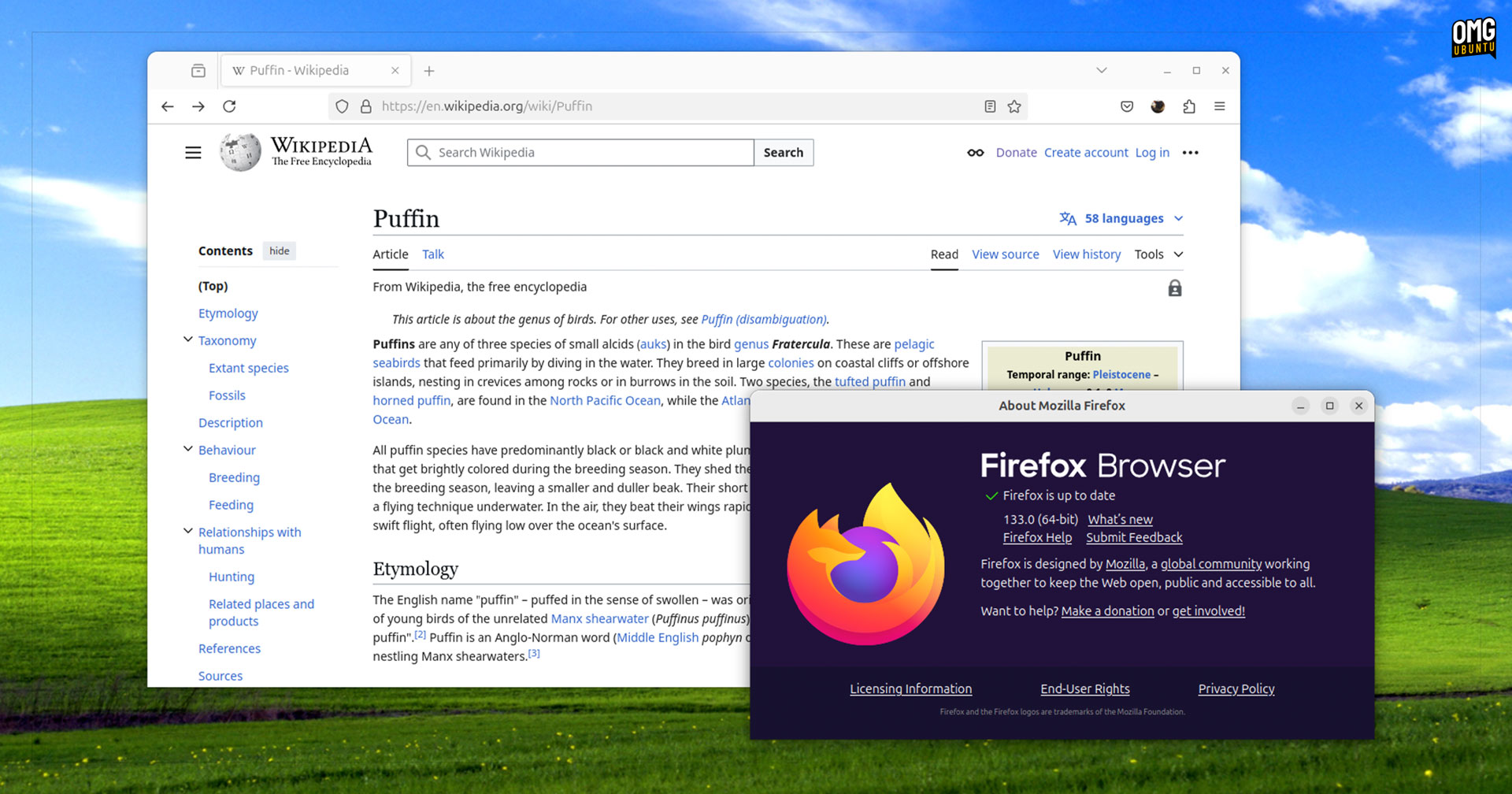
Mozilla Firefox 133 was released today, furnished with some new features and UI refinements long-time users are sure to appreciate.
In the 4 weeks since Firefox 132 brought us certificate compression, tweaked the way the ‘copy link without site tracking’ surfaces, and flicked the switch on hardware acceleration of SVG primitives in WebRender, Mozilla’s developers added the following:
- Tab overview menu has option to view tabs from other devices
- Auto-open for Picture-in-Picture ignores short/muted embedded videos
- GPU-accelerated Canvas2D is enabled by default (Windows only)
Of these, the tab overview menu option is the one most easily spotted (assuming you’re signed into your Mozilla account and you use the browser on other devices).
Elsewhere, Firefox 133.0 also introduces Bounce Tracking Protection to the ‘strict’ mode in Enhanced Tracking Protection (ETP).
What is bounce tracking?
Google offer the most concise explanation. They describe bounce tracking as “a method of circumventing anti-tracking browser settings. This allows third-party vendors to set and read first-party cookies.”
Icky – it’s good to know Firefox’s ETP is now equipped to tackle it, with Mozilla noting that if the feature detects bounce behaviour when visiting a website it “periodically purges their cookies and site data to prevent tracking.”
On the web-dev side, Firefox 133 brings support for keepalive in the Fetch API, support for the Permissions API in Worker Context, and support for image decoding in he WebCodecs API.
Linux Specific changes
Some Linux-specific fixes in Firefox 133 which caught my eye:
- Firefox can (once again) open files in Flatpak apps
- Slow DNS lookup/connection timings on 64-bit Linux resolved
- Page navigation with alt key combo works (again) under Wayland
If you were expecting to see touchpad hold gestures on Linux land in this release, you’re out of luck: quirks found during testing mean devs have chosen to disable it by default – for now. It can be manually enabled using a prefs flag, if you’re feeling brave!
Of course, every Firefox update comes chock-full of bug fixes, performance tune-ups, web compatibility buffs, and those oh-so important security patches.
More details on the makeup of this release can be found in the general release notes, or for more details on underlying changes by reading the release notes for developers.
Download Firefox 133
You almost certainly have Firefox installed if you’re reading this post from Linux as it is the default web browser in most major desktop Linux distributions, including Ubuntu.
But if you don’t have there are plenty of ways to get it.
There’s an official Snap package; an official Flatpak of Firefox on Flathub; the official Mozilla APT repo provides DEB builds; and the cross-distro Linux binary available on the Mozilla website is a simple download, unpack, and double-click to run affair.
Whichever way you install it, the Firefox 133 update begins rolling out from today.