



Proton, the Swiss-based privacy company best known for its VPN and e-mail services, has announced the release of Proton Pass for Linux and macOS.
The new desktop apps mean Proton’s open-source and end-to-end encrypted password manager now supports all major desktop operating systems, as well as Android and iOS. Proton Pass web extensions are available for Mozilla Firefox, Chrome and others.
All Debian and Red Hat-based Linux distributions, including Ubuntu, Linux Mint, and Zorin OS, are supported by the new Proton Pass Linux app.
Proton also say the Proton Pass Linux app will “integrate with the system’s authentication mechanisms and APIs” in an upcoming update. This will allow the app to be unlocked on using a Linux user account, fingerprint reader, or Linux PAM-supported module — neat!
One potential downside for some will be the fact that, as with the Proton Mail Linux app launched in March, the Proton Pass Linux app is built with Electron.
But toolkit choices aside, it works – functionality matters most, right?
What is Proton Pass?
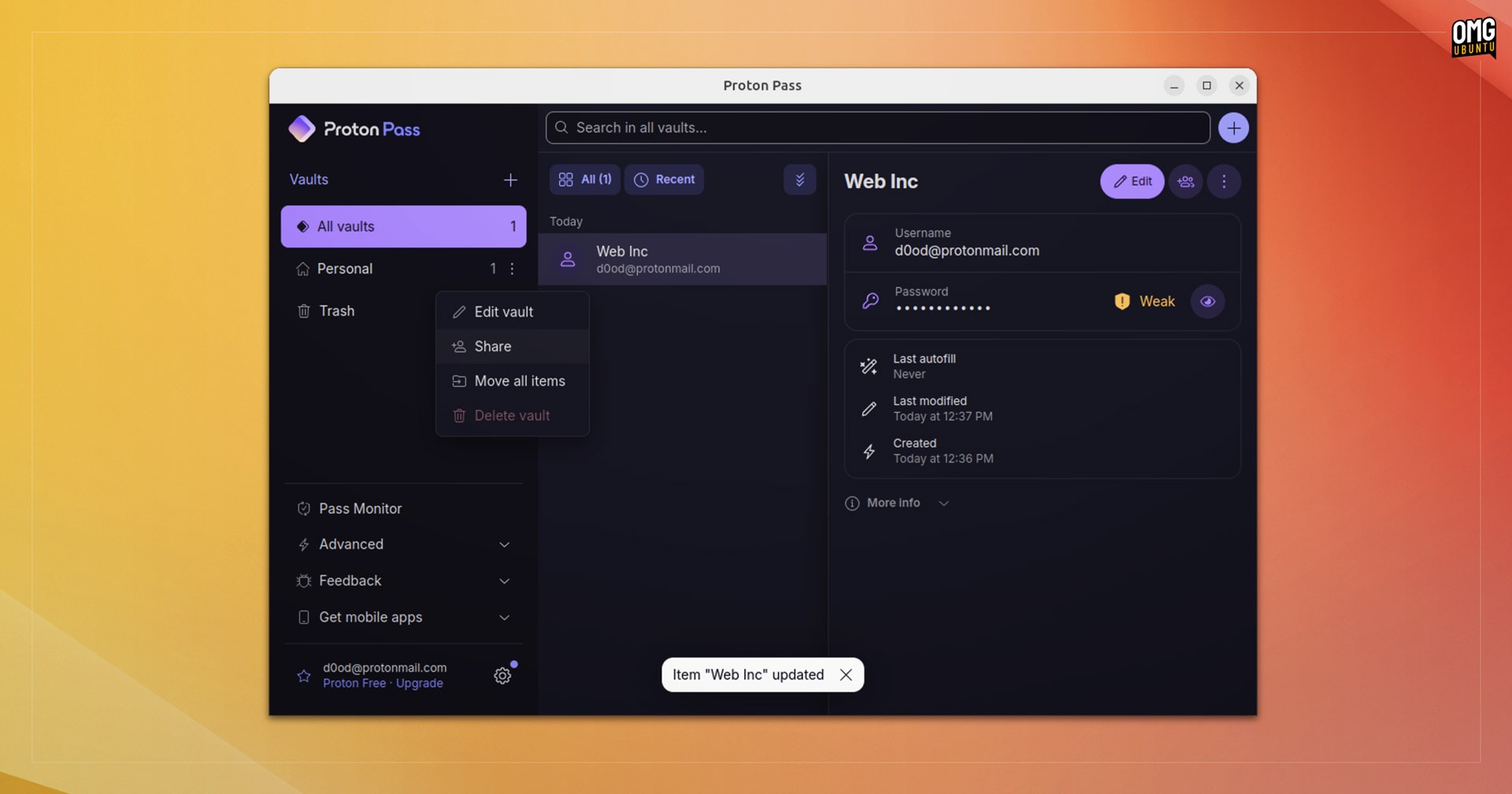
What is is Proton Pass? It’s an encrypted password manager its own built-in 2-factor authentication system, support for passkeys, the ability to share passwords, and a nifty e-mail masking feature to help protect your privacy and shelf you from spam.
It also has the usual kind of features one would expect of a password manager like password generation, password strength assessment, editing stored passwords, etc. You’re able to import passwords from other password managers, including Bitwarden, 1Password, and KeePass.
While you can use the free version of the Proton Pass to sync unlimited passwords across all platforms it runs on (an essential ask in a cross-device, multi-platform age) and create vaults and e-mail alias’ you are limited in how many of the latter.
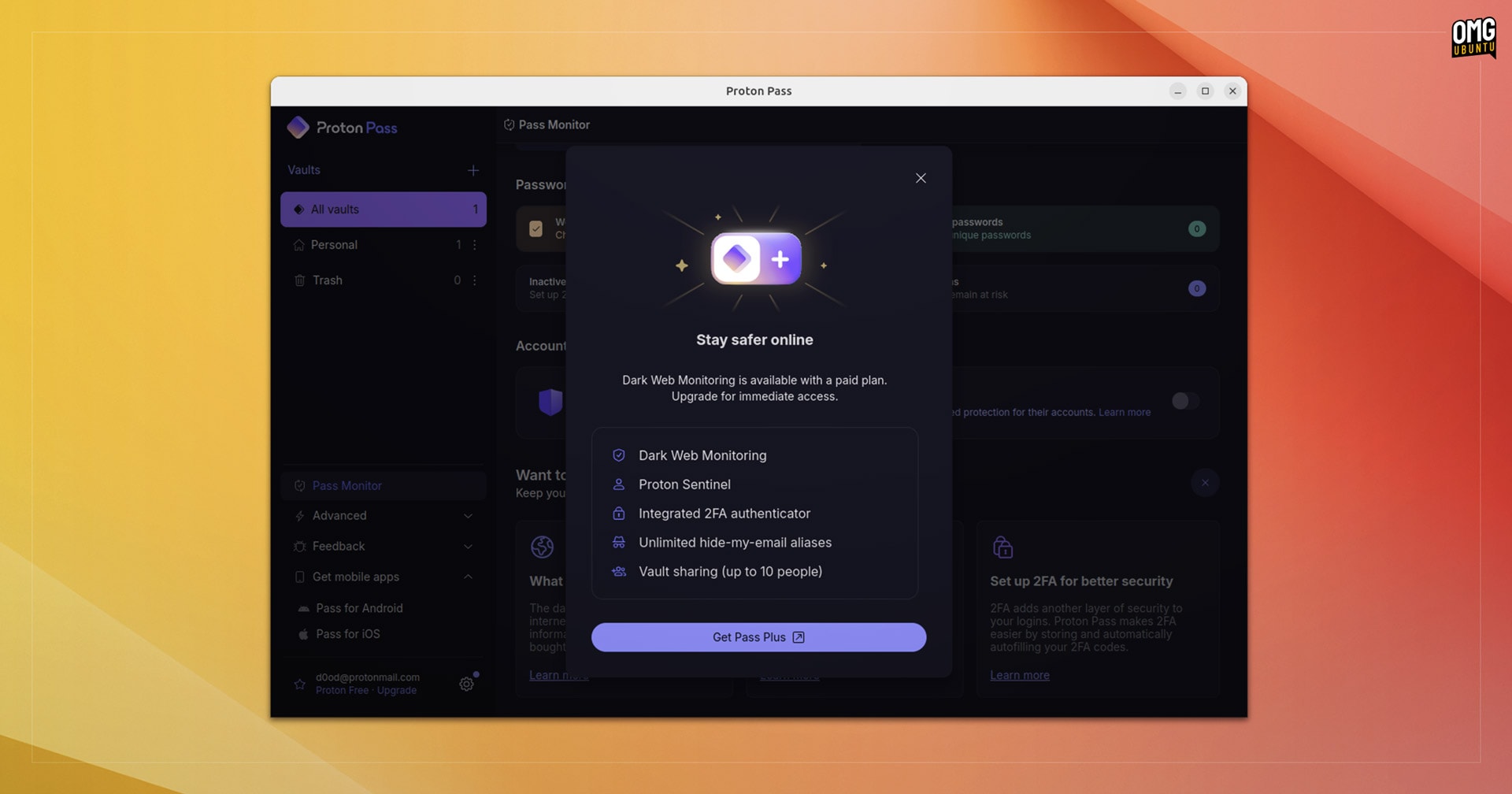
A paid plan (~$24/y) unlocks unlimited vaults and alias’ creation, and nets you access to the aforementioned built-in 2FA feature as well as Proton Monitor, a newly-launched feature that actively scans data leaks on the ‘dark web’ for your credentials.
How well does Proton Pass stacks up against existing popular password managers for Linux? I wouldn’t know since I don’t use them (I use Chrome’s built in password manager). Still, I’m sure some of you will have thoughts and I look forward to reading them in the comments!
Download Proton Pass for Linux
You can download Proton Pass for Ubuntu from the Proton website as a DEB file.
If you’re on Ubuntu 24.04 LTS do remember you can’t install DEBs using App Center. Either use apt from the command-line, or install the Gdebi tool.