


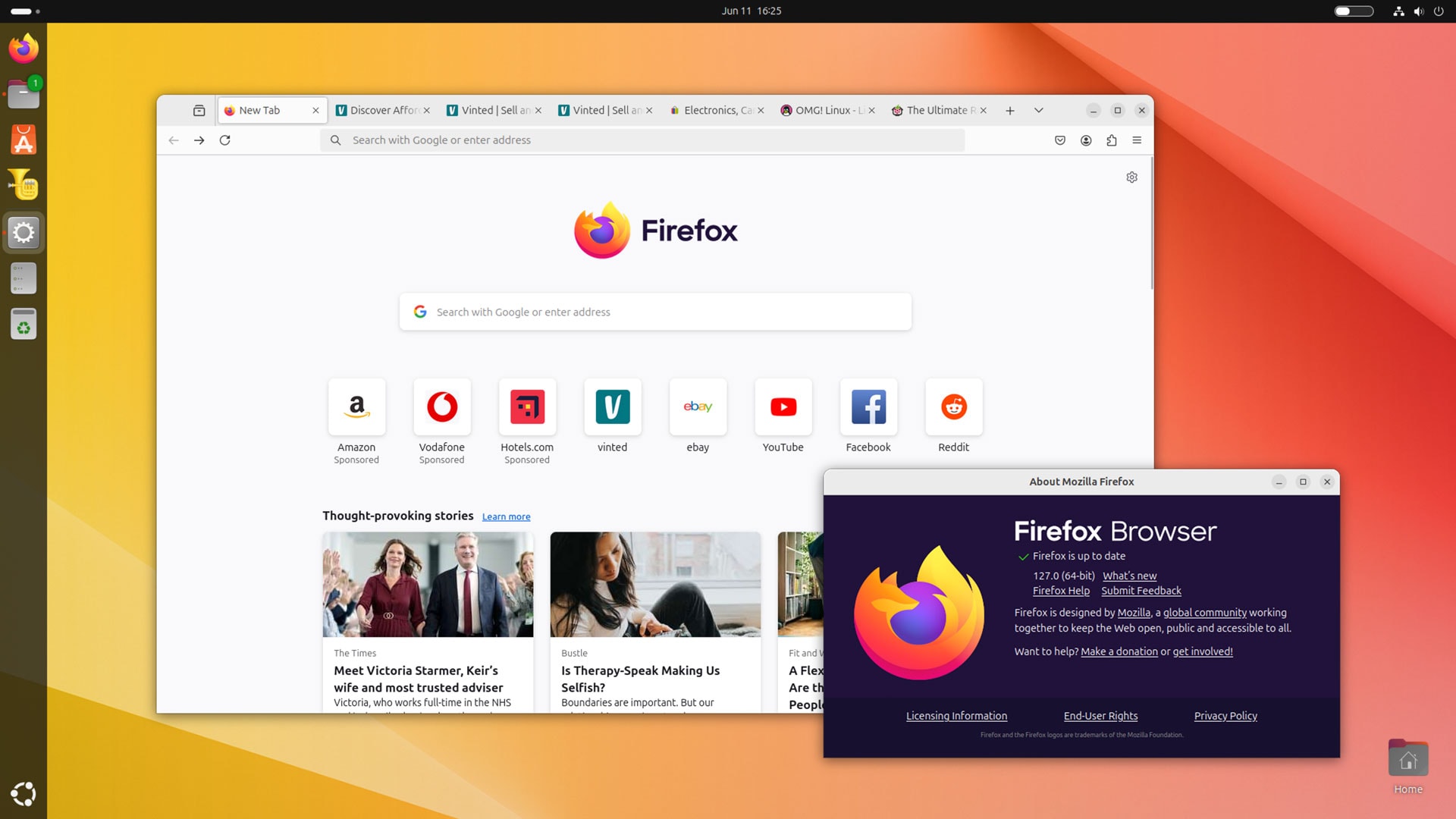


“It’s a new dawn, it’s a new day, it’s a new life for me and I’m feeling…“ like I should stop singing and crack on with writing this post to say Mozilla Firefox 127 has been released — because it has!
Yes, it’s been a month since Firefox 126 made its way out into the wild, and since Mozilla detailed a range of (rather exciting) improvements it’s got planned for the browser over the coming 12 months.
While this latest release doesn’t offer any of those tantalising additions, like vertical tabs, new tab wallpapers, and improved profile management, there is an array of appreciable uplifts which bolster the browser’s prowess, security, and all-round awesomeness.
Read on for a recap!
What’s new in Firefox 127?
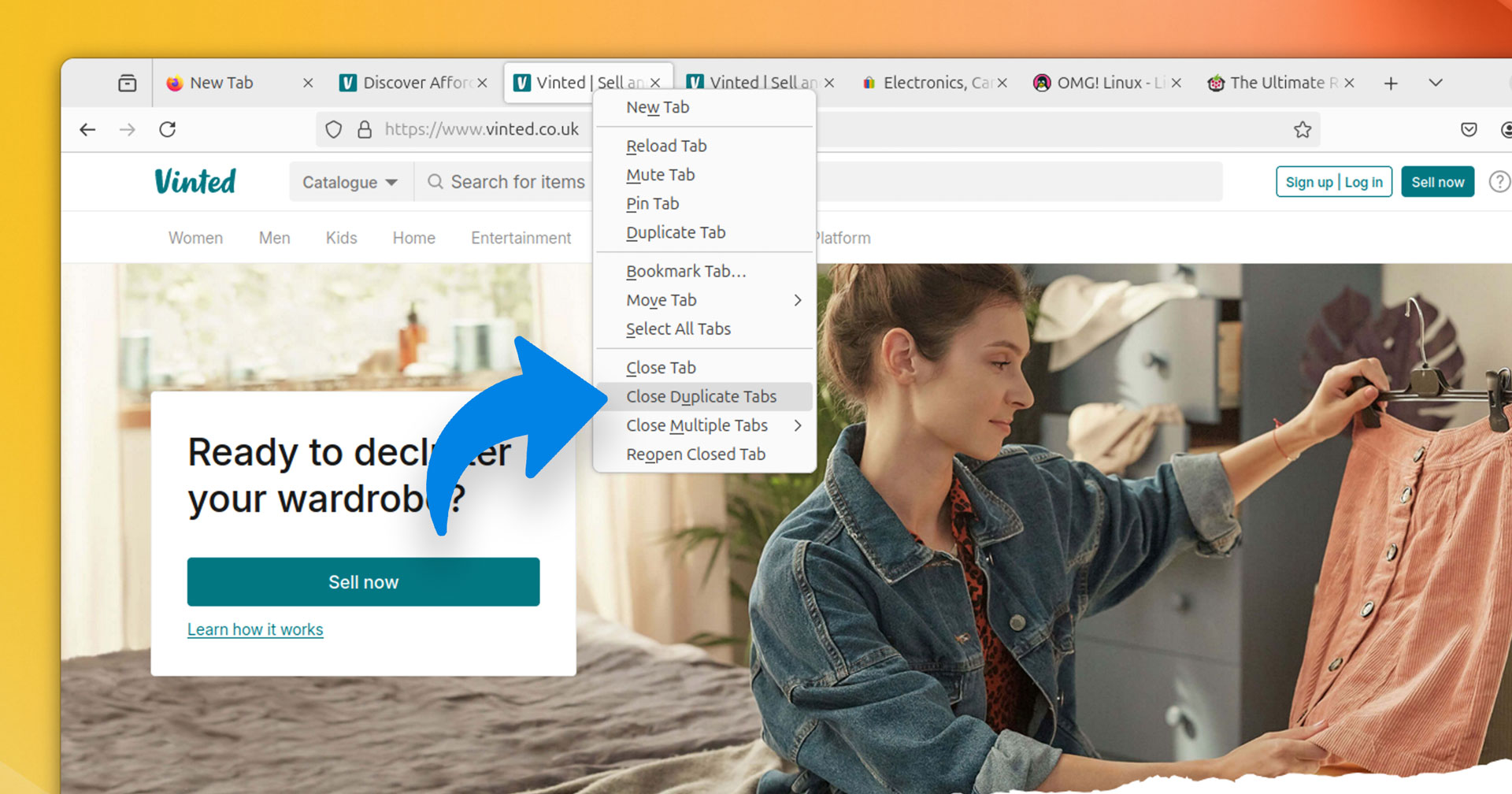
Firefox 127 adds a Close duplicate tabs option to List all tabs widget in the tab bar context menu, enabling you to close all duplicate tabs quickly. As I always seem to have about 5 Vinted homepage tabs open at any one time I’ll be making use of this!
Which reminds me I do need some new board shorts… —No, focus on the post, Joey.
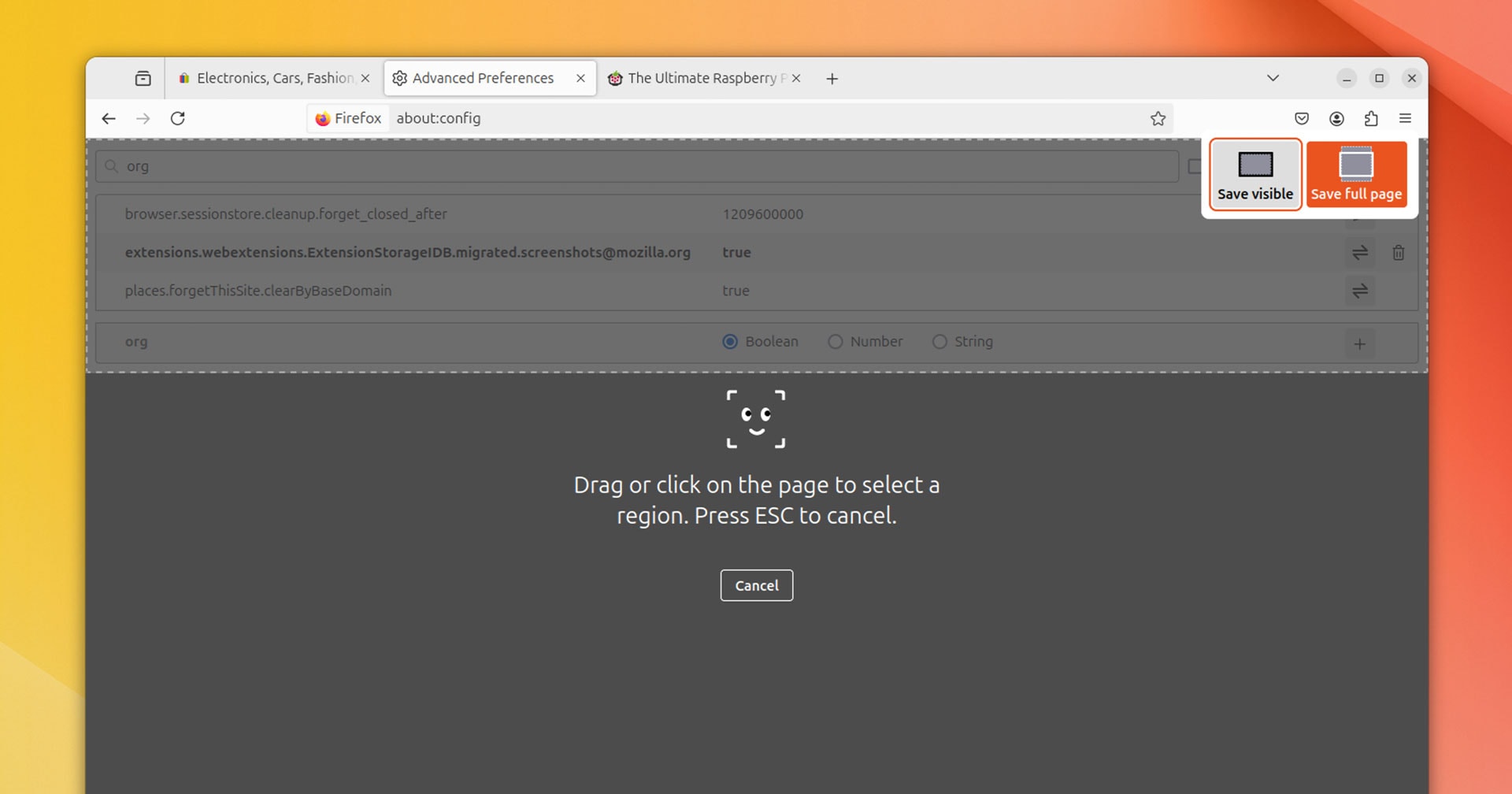
Firefox 127 improves the built-in webpage Screenshot tool. This can now snap files (e.g., SVG, XML, etc.,) loaded in new tabs, as well as some internal about: pages. The element picker overlay also supports keyboard navigation and follows system theme mode.
DNS prefetching for HTTPS documents with the rel="dns-prefetch" variable is baked into Firefox 127 too. Mozilla says this “standard enables web developers to specify domain names for important assets that should be resolved preemptively”.
In a big security boost, Firefox 127 attempts to upgrade mixed content elements like <img>, <audio>, and <video> from HTTP to HTTPS if present on an HTTPS page. If said assets can’t be loaded over HTTPS they will no longer load at all, improving security.

Since many OMG! Ubuntu posts (which few, if anyone, will ever read) from the Blogspot years have images which directly link to HTTP assets I was able to test this out. Sure enough, they now load as HTTPS – mixed content padlock in URL bar, be gone!
There’s also a change to clipboard pasting now that the web clipboard API has been (finally) enabled. A paste context menu appears when a page attempts to read clipboard content which has not originated from a same-origin page.
Linux-specific fixes include ensuring ‘Quit Firefox’ and ‘Restart Firefox’ buttons in Crash Reporter are navigable with the tab key; making the 32-bit Linux user-string report 64-bit; and enabling Orca to read warning messages on hovering saved values.
There’s also a fix for the position of the ‘close’ titlebar button, which some eagle-eyed folks had noticed was incorrectly positioned and spaced in GTK environments in certain situations. The alignment of the ‘x’ was lower than in other GTK/Adwaita headerbars.
It blows my mind that people spot pixel-imperfect bugs like that since I fail to notice large coffee drips on my t-shirt — hooray for their beady eyes!
Finally, Windows users can set to Firefox automatically open on login/restart. Mozilla (or ChatGPT from how it reads) extols the benefits: “auto-launch optimizes efficiency in our browser-centric digital routines, eliminating manual startup delays and facilitating immediate web access.”
Get Firefox 127


Firefox 127 is free, open-source software available for Windows, macOS, and Linux.
It’s available to download from the Mozilla website, but existing users can upgrade in-app, through a software store, Linux distribution repo, or the Mozilla APT repo.
For more details on the makeup of this release hit up the official release notes, and for developer-specific changes check out the developer release notes for Firefox 127.
That out of the way, I’m off — need to re-open those duplicate Vinted tabs I closed earlier and find me some sick boardies…