

Nyan Cat should need no introduction – but what it does need is a home on your desktop.
Okay, ‘need‘ is over stating it, but for some of us (i.e. the easily nyaned) the thought of having an adorable pop-tarting kitten nyaning away on our desktops is just too cute to resist.
Of the many ways to bring the rainbow-riding feline to your desktop, the most nerdtastic (albeit silent) of these is running Nyan Cat via the Terminal.
Pointless? Maybe. Cute? Definitely.
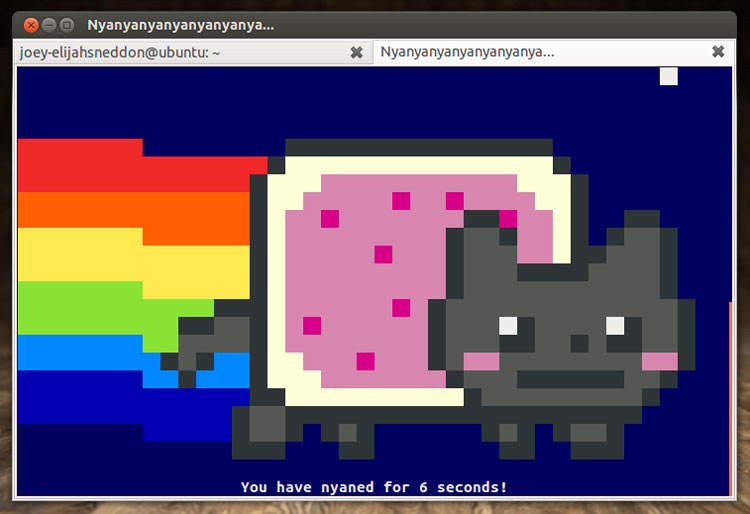
Play NyanCat in GNOME Terminal
Open a new Terminal window (or tab) and enter the following code:
Updated 2018: the command no longer works.
telnet miku.acm.uiuc.edu